Hosting

Website Maintenance: 7 Essential, Safe Monthly Checks
In this guide: Website maintenance: review backups, updates, access, performance, key workflows and content with a documented monthly checklist.
Websites aren’t “set and forget.” Plugins need updates, backups need verifying, links break, and content gets outdated. A regular review helps you identify problems earlier, but urgent updates, monitoring and backups need attention between monthly reviews too.
Save this checklist and run it on the first working day of every month.
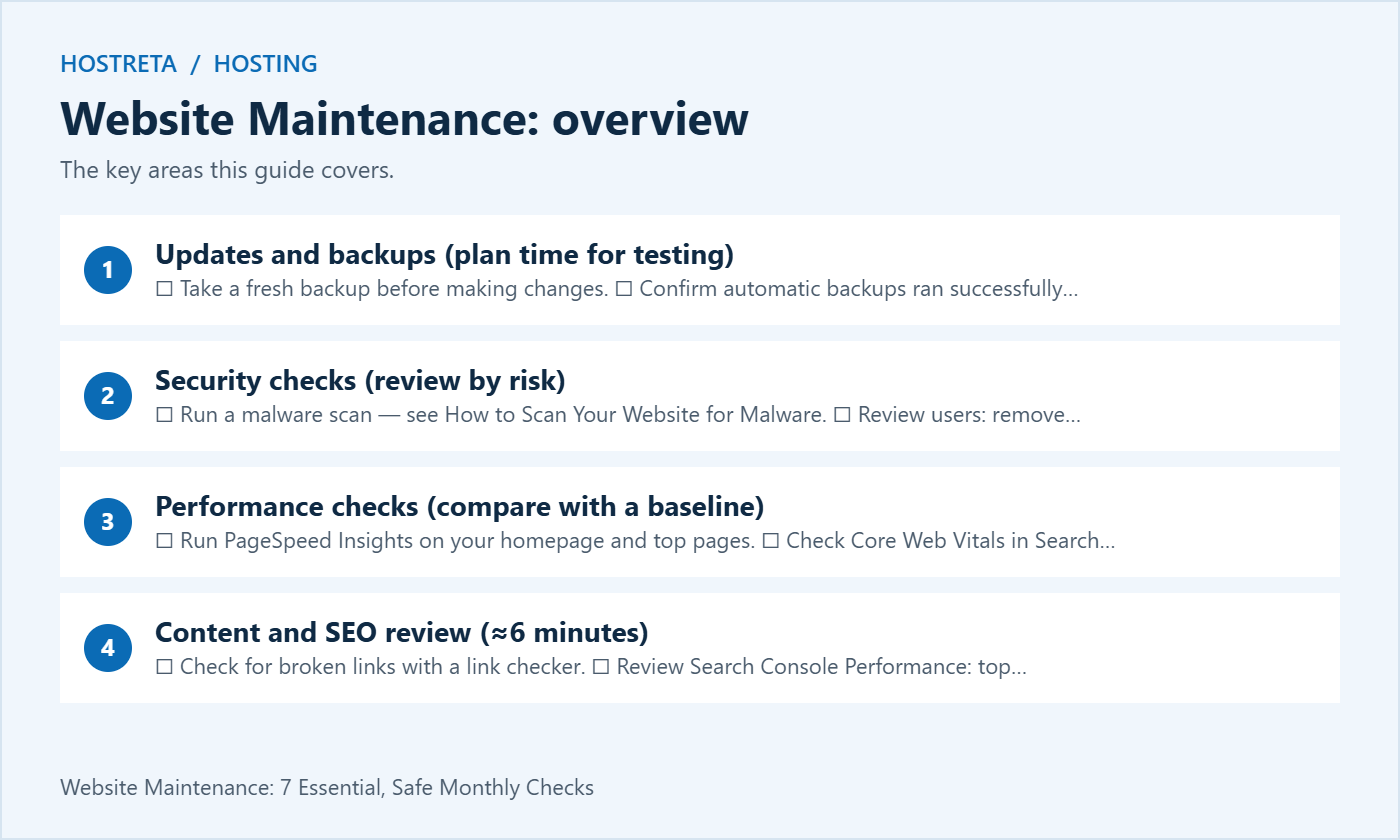
Full list: WordPress Security Checklist.
Keep a simple log (spreadsheet or document):
| Date | Updates done | Issues found | Actions taken | Notes |
|---|---|---|---|---|
A log helps you spot patterns, diagnose problems faster, and — if you manage client sites — create maintenance reports that show your value. See WordPress Maintenance Plans.
Further reading: WordPress Advanced Administration Handbook
The right plan makes these checks far easier. For WordPress sites, Kawedma WordPress hosting and managed WordPress hosting powered by Rocket.net include caching, staging, and backups. Growing sites that need guaranteed resources can choose a Kawedma VPS server, cloud hosting, a managed VPS from Hosting.com, or an unmanaged VPS if you prefer full control.
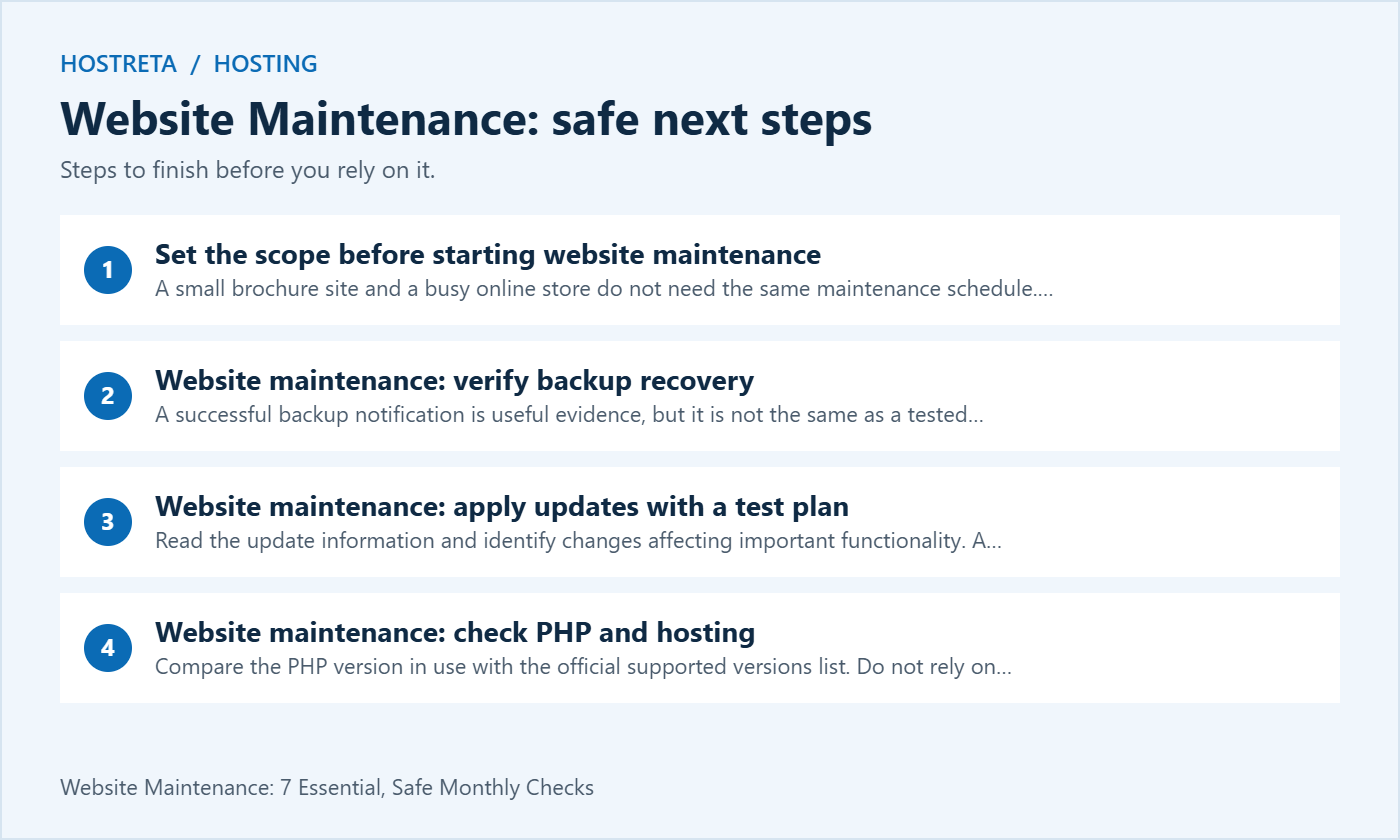
A small brochure site and a busy online store do not need the same maintenance schedule. List the business functions the website supports: enquiries, purchases, account access, downloads or appointments. Decide which failures would need immediate attention. That list determines what you test after a change and how quickly an alert should be investigated.
A monthly checklist is a planning tool, not a reason to delay an urgent security fix until next month. Backups, uptime monitoring and renewal alerts should operate on a schedule appropriate to the site. Review their results regularly. Treat the monthly session as a broader health review that complements those ongoing controls.
Assign an owner to website maintenance even if a host or freelancer performs some tasks. The owner should understand the service scope, know where reports are stored and be able to escalate a problem. Without that responsibility, a backup warning or renewal failure can remain unnoticed because everyone assumes someone else is handling it.
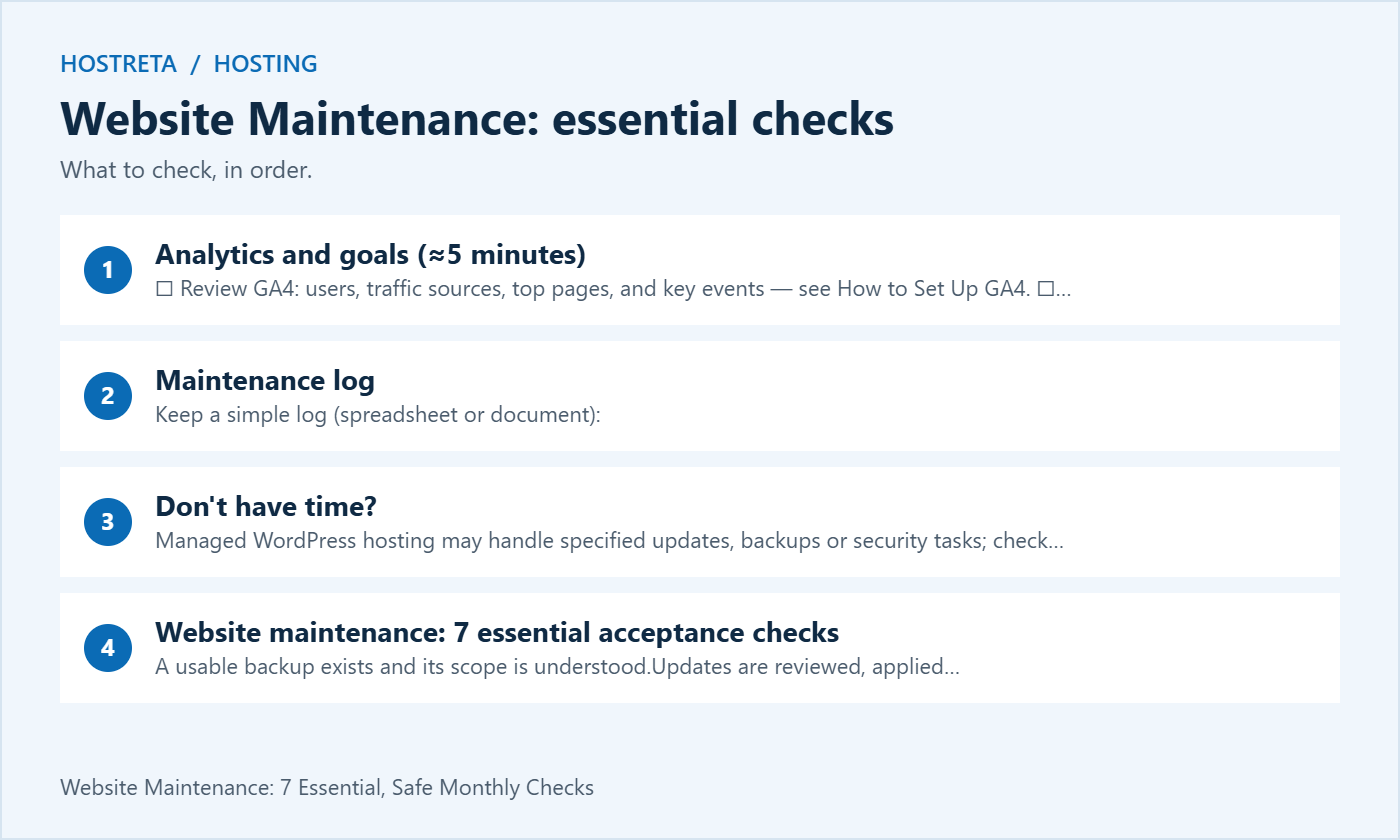
A successful backup notification is useful evidence, but it is not the same as a tested restoration. Check that the backup contains the required database and files, that it is accessible and that retention covers a suitable period. A tiny archive or an unexpectedly old date is a reason to investigate before applying updates.
Use a separate test environment when practising restoration. Verify representative pages, media and an appropriate login after the restore. For a store, understand how restoring an older database could affect orders and customer records created since that backup. Do not restore over a live transactional site simply to prove that a backup exists.
The WordPress backup handbook discusses files and database backups. Use it to check the scope of your chosen method. Keep recovery instructions available independently of the website, since an outage can make dashboard-only instructions inaccessible. Record who can access the backup securely when needed.
Read the update information and identify changes affecting important functionality. A payment gateway update deserves different testing from a minor visual adjustment on a low-risk page. Use staging where practical for substantial changes, and choose a time when someone can inspect the result. Avoid starting a major update just before leaving the site unattended.
WordPress update guidance recommends backing up before beginning. Follow the supported procedure for your installation and hosting environment. Do not mix several unrelated changes if you will be unable to identify which one caused a problem. Keep the previous working configuration and recovery route documented.
After updating, test the tasks visitors actually perform. Open important pages on mobile and desktop, submit a controlled form and check the resulting notification. For stores, use the approved test method for checkout and payment integrations. A dashboard showing no pending updates does not prove that customers can still complete their journey.
Compare the PHP version in use with the official supported versions list. Do not rely on an old screenshot or assume that a version supported when the site launched remains supported indefinitely. Also check the compatibility requirements of WordPress, the active theme and important plugins.
A PHP upgrade should have its own controlled test and rollback plan. Check the website, administrative tasks and scheduled jobs after switching. If an integration fails, inspect the actual error and consult its documentation. Keeping an obsolete runtime forever is not a maintenance strategy, but an untested switch can also interrupt business functions.
Review hosting resource trends rather than reacting to one isolated peak. Storage growth, repeated resource-limit events or rising error rates can justify investigation. Identify whether the cause is expected traffic, a malfunctioning task or unnecessary files. Website maintenance should produce evidence for a hosting decision instead of an automatic upgrade recommendation.
Compare user accounts with the people who currently need access. Confirm that administrators have an appropriate role and that former contractors no longer retain unnecessary access. Before removing an account, understand content ownership and any workflow that depends on it. Follow a documented handover rather than deleting users casually.
Check the recovery email and supported multi-factor methods for important accounts. Include hosting, registrar, DNS, mail and analytics access where they are part of the website operation. Website maintenance is broader than the WordPress user list. A secure dashboard is not enough if an abandoned hosting account can still change the site.
Do not include passwords, recovery codes or API secrets in the ordinary maintenance report. Record the responsible owner and secure storage location instead. If a secret needs rotation, use the supported process and test dependent applications. Review access with the business owner so legitimate work continues while obsolete permissions are removed.
Choose a small set of repeatable tests based on the site’s goals. An enquiry site needs a working contact form and a team that receives its messages. A download site needs usable files and access controls. A membership site needs a functioning login and recovery process. Test these directly instead of relying on the homepage appearing normal.
Use test information that is clearly identifiable and does not create confusion for staff. Check both the success screen and the downstream result. A form can display a thank-you message even when a notification is rejected. Record whether the message arrived, which address received it and whether the reply path works.
Remove or label test records through the site’s normal process after verification. Do not trigger repeated password resets for real customers or create paid orders as an informal test. Website maintenance should verify the system while respecting the business’s normal transaction and privacy procedures.
Use the same representative pages and test conditions where possible. A product page, article and contact form can behave differently. Record the device context and date alongside the result so a later comparison is meaningful. A single speed score does not explain every visitor’s experience or identify the cause of a slow page.
Compare field data and controlled test results with an understanding of what each measures. Investigate a persistent change or a failure affecting a key journey. Avoid installing another optimisation plugin merely because one test fluctuated. Multiple overlapping cache or script tools can make the system harder to understand.
Review new images, third-party embeds and recently added plugins when performance changes. These are concrete candidates to investigate. Test a proposed improvement separately and confirm the customer workflow still works. Website maintenance should preserve useful functionality while addressing measured problems, rather than pursuing a number at the expense of the page.
Choose a small number of pages with a clear reason for review: outdated product information, broken references, a changed service or an important page losing useful traffic. Read the page before rewriting it. Search reports can suggest where to investigate, but they do not justify changing every title or deleting older content indiscriminately.
When a page changes, check its internal links and the accuracy of any claim about price, features or availability. If a URL must change, map an appropriate redirect and test the old address. Keep published URLs stable where possible. A routine website maintenance session should not create an avoidable migration project.
For privacy notices and other legal information, flag changes in actual data processing for the responsible person to review. Do not assume a generic template remains accurate after adding analytics, forms or integrations. The maintenance task is to identify the mismatch and assign it, rather than inventing legal wording without understanding the site’s operation.
For each session, record the date, site, operator, backup reference, updates and tests performed. Add issues with a priority, owner and next action. A list of completed clicks is less useful than evidence that important functions worked afterward. Keep the report short enough that the business owner will actually read it.
Separate resolved items from open work. If a certificate renewal needs provider assistance or a plugin compatibility question remains unanswered, say so clearly. Do not mark the whole session successful merely because most checks passed. Website maintenance reports should make uncertainty visible without overstating ordinary warnings as emergencies.
At the next review, start with the previous unresolved items. Check whether the same issue is recurring and whether the process needs changing. A growing backup, repeated form delivery failure or recurring resource limit may need a permanent correction. The log helps distinguish those patterns from isolated events.
If you are comparing hosting, backups or WordPress development services, KAWEDMA offers relevant options worth reviewing. Confirm the selected plan’s backup retention, restoration process, monitoring and update responsibilities. Do not assume a service name means every task in this website maintenance checklist is included.
Ask who responds to an alert and whether a restoration is self-service or requires support. Confirm what happens outside ordinary support hours and whether application testing is part of the agreement. These details help you decide which tasks remain with your team and which are covered by the provider.
It depends on the site’s risk and activity. Important alerts and urgent updates should be handled when needed, while backups and monitoring follow their own suitable schedules. The monthly review is an opportunity to check the broader system and unresolved work. It is not a guarantee against outages or compromise.
Review what is genuinely unused and whether the site relies on it for recovery or another documented purpose. Remove unnecessary components through the supported process after a backup. Do not delete files simply because their names are unfamiliar. If the dependency is unclear, investigate before making the change.
The agreed checks have results, important workflows have been tested and unresolved items have owners. Completion does not require every optional improvement to be finished that day. It does require an honest report of failures or skipped checks. A useful website maintenance process produces a reliable next step as well as a record of work.
Separate technical checks from business checks while keeping one overall owner. A developer may review updates and errors, while the business confirms that enquiry messages reach the right team and product information remains accurate. Website maintenance works better when the report makes those responsibilities explicit instead of assuming that one person can judge every aspect of the operation.
Record the reason, the affected function and the next action. Missing access, an unavailable staging system or a provider question should remain visible in the website maintenance log. Do not replace an unperformed test with a general statement that the site looks fine. Assign a responsible person and revisit the check after the blocker is resolved. This keeps the report useful and prevents an unchecked dependency from disappearing between monthly reviews.
Keep the next review date visible and schedule follow-up work according to its importance. A minor visual improvement can wait for a planned release, while a failed enquiry route needs prompt investigation. Use the website maintenance log to explain that priority. This gives the business a clear account of what works, what needs attention and who will handle the next step.
We may earn a commission on purchases made through these links, at no extra cost to you.
Don’t miss the chance to participate in the biggest giveaway of this year.