Reviews

Lifetime Deals vs Annual Plans for Software Tools
“Pay once, use forever.” Lifetime deals are everywhere during sale season, and the maths looks irresistible: $59 once instead of $99 a year. But plenty of people have bought lifetime deals only to watch the tool shut down, change owners, or quietly stop improving. Around Black Friday on November 27, 2026, these offers multiply, so it’s worth knowing how to judge them before you click “buy.”

This guide compares lifetime deals with annual plans: how lifetime deals work, their risks, the benefits of subscriptions, how to calculate break-even, the questions to ask, which tools suit each model, and how to manage a growing stack of software subscriptions.

How lifetime deals work

A company sells unlimited future use for one upfront payment, usually through a marketplace such as AppSumo or a seasonal promotion. Why they do it:

  • Immediate cash to fund development.
  • Fast user growth and feedback.
  • Marketing exposure to a large audience.

“Lifetime” nearly always means the lifetime of the product, not yours. Read that definition carefully before buying any lifetime deal.

Common types of lifetime deals

  • Startup SaaS tools launching on deal marketplaces.
  • WordPress plugins and themes with lifetime licences for a set number of sites.
  • Design assets and templates with permanent download access.
  • Courses and memberships sold with “lifetime access.”

The risk varies: a downloaded template keeps working forever, while a cloud tool depends entirely on the company staying in business.
Risks of lifetime deals

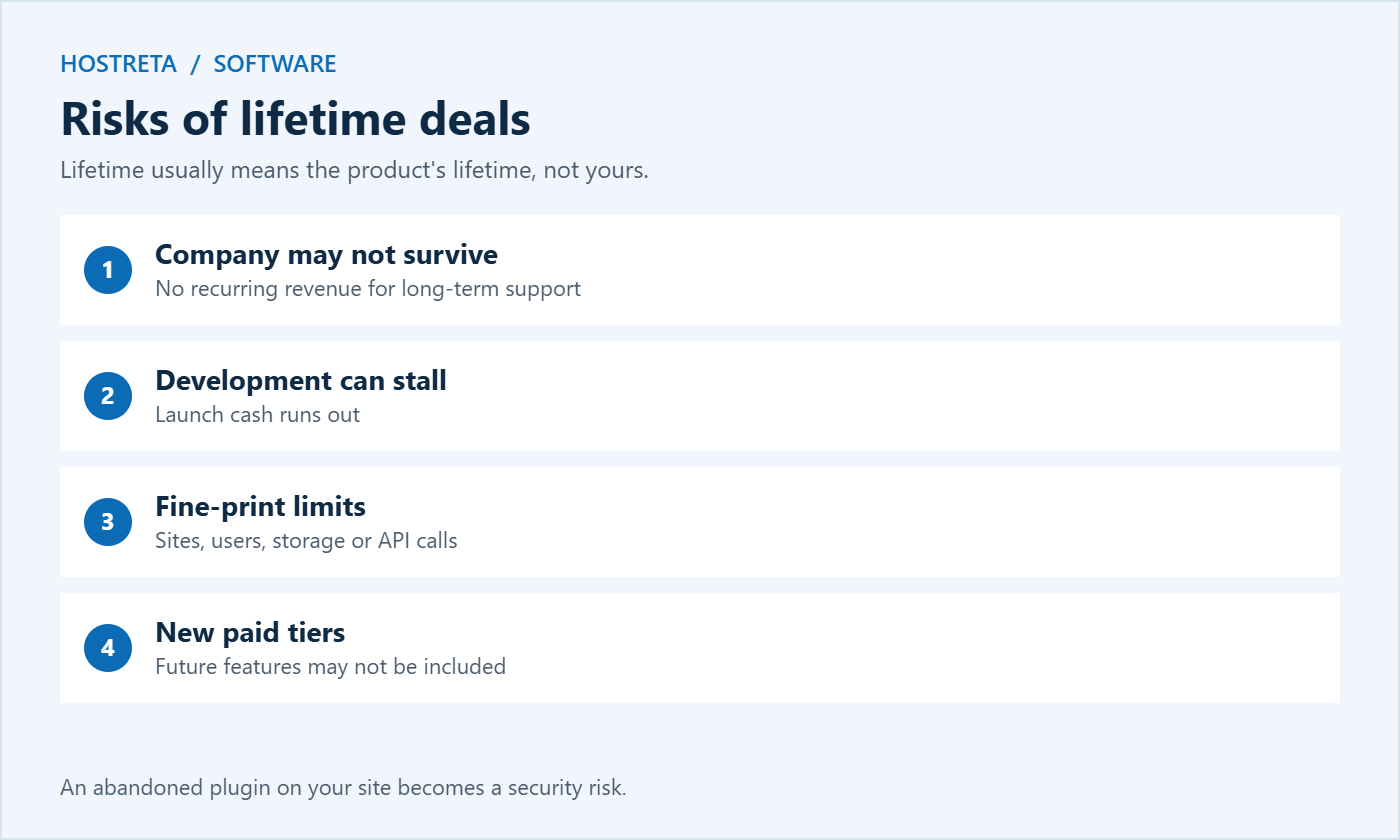
  • The company may not survive. No recurring revenue makes long-term support hard.
  • Development can stall once the launch cash runs out.
  • Limits in the fine print: number of sites, users, or API calls, with upgrades sold separately.
  • Features move to new paid tiers that your deal doesn’t include.
  • Ownership changes can bring new terms or migration to a subscription.
  • Support quality often drops for lifetime customers.
  • Security risk: an abandoned plugin on your site becomes a liability — see WordPress Security: 7 Essential Checks for a Safer Site.
  • AI-era costs: tools that rely on paid AI models face rising usage costs, which can make unlimited lifetime plans hard to sustain.

Risks of buying lifetime deals for software tools

Benefits of annual plans

  • Aligned incentives: the company must keep you happy every year.
  • Predictable updates and support.
  • Easy to leave if something better appears.
  • Lower risk per decision — a bad choice costs one year, not your time rebuilding later.
  • Usually better support and faster security fixes.

The downside is obvious: costs add up, and several subscriptions quickly become a real monthly expense. Review them regularly and cancel what you don’t use — see Premium WordPress Plugins: 7 Essential Checks for a Smart Purchase for how to judge paid tools.

Calculating the break-even point

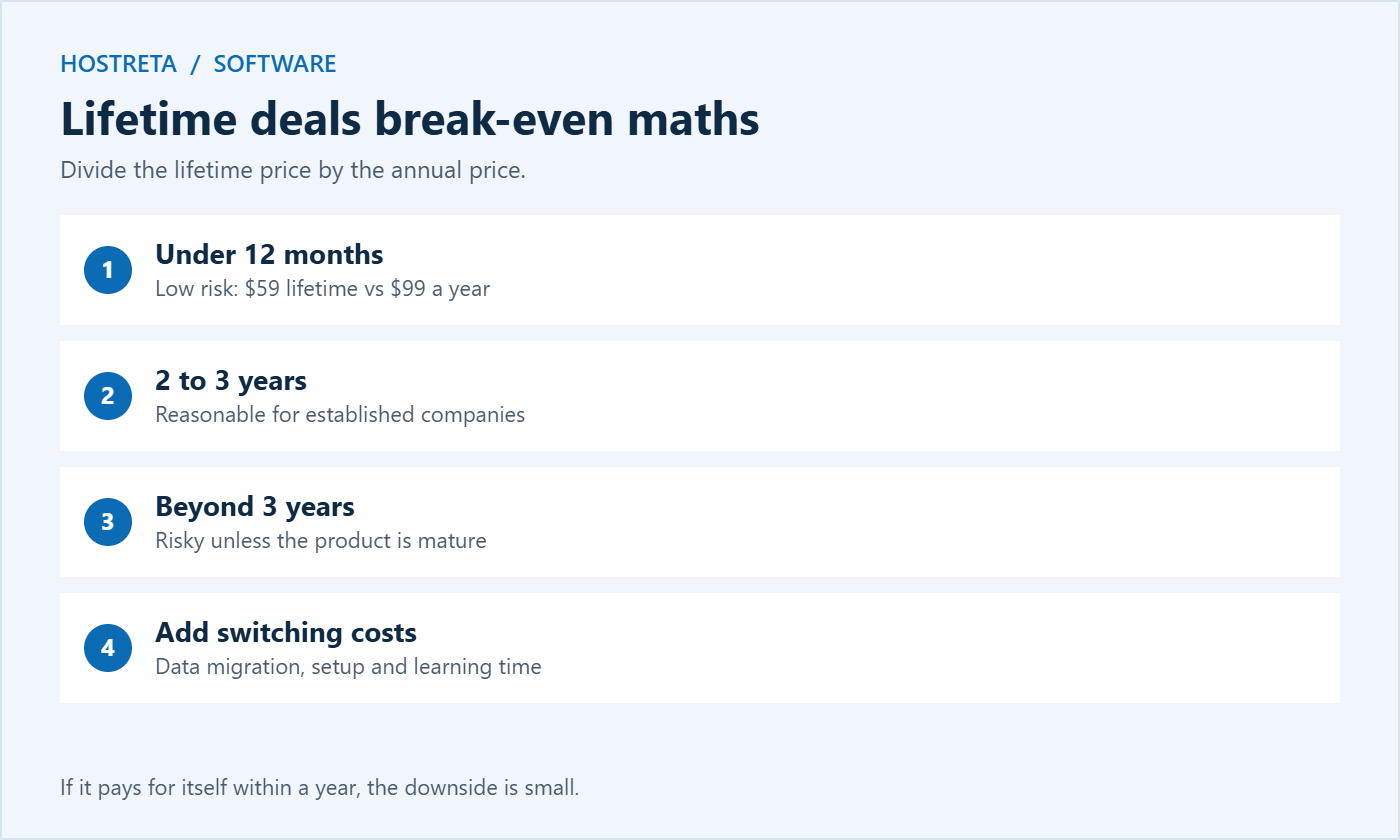
Divide the lifetime price by the annual price to see how many years it takes to pay off. A $59 lifetime deal against a $99 annual plan breaks even in under a year. A $299 lifetime deal against a $49 annual plan takes about six years — a long time for a young product to survive and keep improving.

  • Break-even under 12 months: low risk; even if the tool disappears after a year, you haven’t lost much.
  • Break-even of two to three years: reasonable for established companies with a track record.
  • Break-even beyond three years: risky unless the product is mature and the company is stable.

Include the cost of switching later — migrating data, learning a new tool, and reconfiguring your site — because that’s what you pay if lifetime deals don’t last.
Questions to ask before buying lifetime deals

  1. How long has the company existed, and does it have other products?
  2. What exactly does “lifetime” cover — updates, support, and all future features?
  3. What are the limits: sites, users, storage, or API calls?
  4. What happens if the product is acquired or discontinued?
  5. Can I export my data and move elsewhere?
  6. Is there a refund window, and how long?
  7. Is the tool business-critical? If your store depends on it, reliability beats savings.

How to calculate break-even for lifetime deals vs annual plans

When each option makes sense

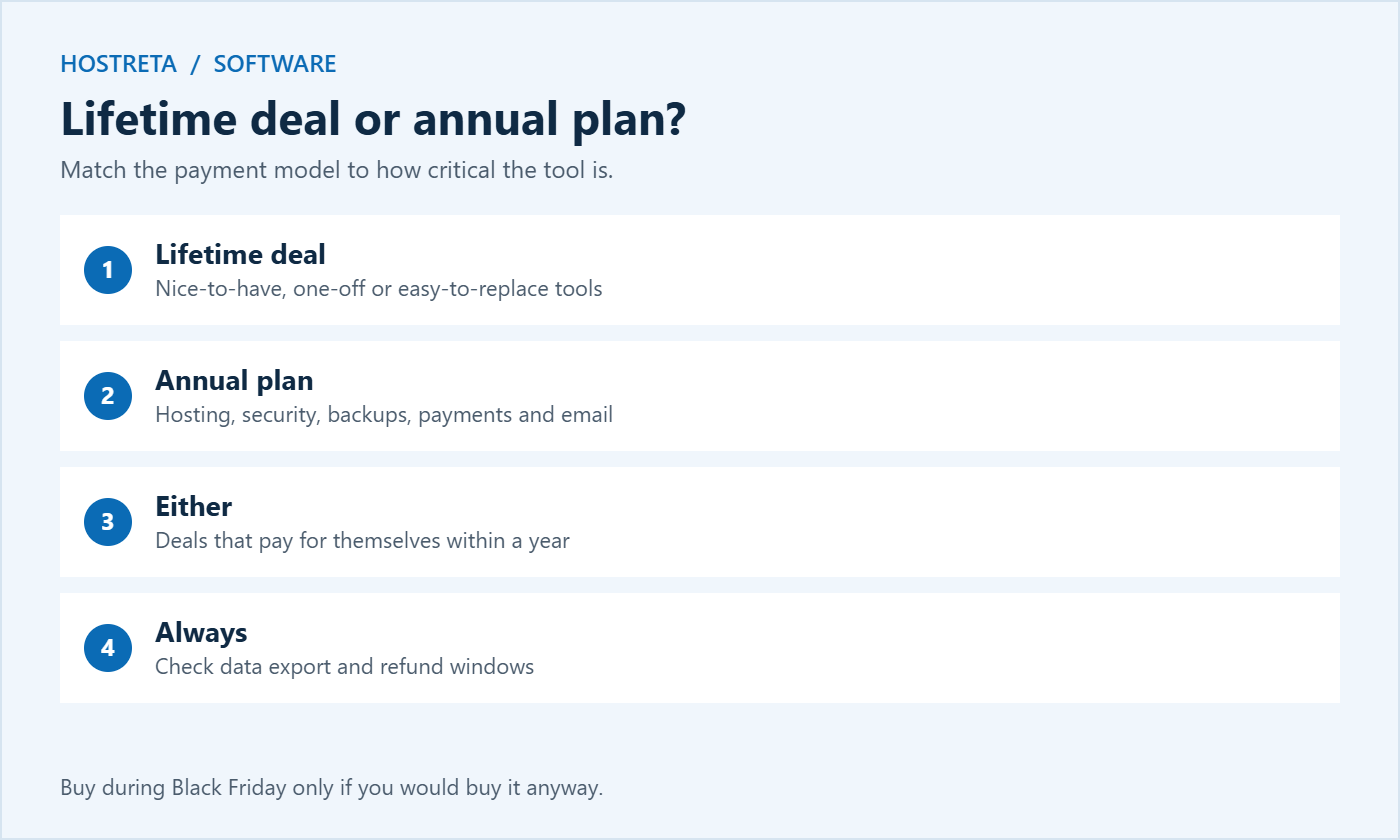
  • Lifetime deal: a nice-to-have tool, a one-off project, a mature product from an established company, or something easy to replace.
  • Annual plan: anything business-critical — hosting, security, backups, payments, email — where support and continuous updates matter most.
  • Either: if the deal pays for itself within a year, the downside is small.

Tools that belong on a subscription

Some services simply can’t be “lifetime” in any meaningful way, because they need servers, people, and constant updates. Hosting such as Kawedma WordPress hosting or managed WordPress hosting powered by Rocket.net; security scanning such as SiteLock; backups such as CodeGuard; monitoring such as 360 Monitoring; and privacy tools such as NordVPN all depend on ongoing infrastructure. Pay for these annually from providers you trust. Marketing tools like SocialBee and Marketgoo also improve continuously, which is part of what you pay for.

Watch renewal pricing on annual plans too, which follows the same pattern as hosting — see Hosting Renewal Prices Explained: What You Pay After Year One.
Managing your software subscriptions

  • Keep one list of every tool, its plan, renewal date, and price.
  • Review it quarterly and cancel tools you no longer use.
  • Consolidate overlapping tools where one can do the job of two.
  • Negotiate before renewals, especially for annual plans.
  • Use Black Friday deals to lock in good annual prices for tools you already rely on.

Choosing between lifetime deals and annual plans

How to evaluate lifetime deals step by step

  1. Define the job: write down exactly what problem the tool will solve for you. If you can’t, skip the deal.
  2. Check the company: founding date, team size, other products, funding, and how long the product has been on the market.
  3. Read the deal terms: what “lifetime” includes, which plan or tier you get, and every limit on sites, users, storage, and credits.
  4. Look at the roadmap and changelog: regular, meaningful updates over the past year are a good sign; long gaps are a warning.
  5. Read recent reviews: especially from people who bought lifetime deals from the same company before.
  6. Test during the refund window: use the tool for real work, not just a quick look, and request a refund if it doesn’t fit.
  7. Plan your exit: confirm you can export data in a standard format and know which alternative you’d use if the tool disappeared.

This process takes an hour, but it filters out most of the impulse purchases that end up unused or abandoned.

Warning signs

  • A brand-new product with no track record and a very low lifetime price.
  • “Unlimited” usage of features that clearly cost the company money, such as AI credits or email sending.
  • Vague answers about what happens after acquisition or shutdown.
  • No data export option.
  • Support that is slow or absent even during the launch period.
  • Pressure tactics such as countdown timers that reset — see How to Add a Countdown Timer in WordPress for what honest urgency looks like.

Lifetime deals for WordPress plugins and themes

WordPress users see lifetime licences more often than most. These can be good value, but the stakes are higher because plugins run on your live site:

  • Check update frequency and compatibility with the latest WordPress and WooCommerce versions.
  • Look for a track record of security fixes released quickly.
  • Confirm the site limit, especially if you build sites for clients.
  • Avoid plugins that store data in unusual ways that would be hard to migrate away from.
  • Keep the plugin updated and remove it if updates stop — see How to Safely Update WordPress, Themes and Plugins.

Fewer, better plugins are usually safer than many cheap ones — see How to Reduce Plugin Bloat in WordPress.

Building a sensible software budget

Instead of reacting to deals, plan your tool spending once a year. List the categories you truly need — hosting, domain, email, security, backups, SEO, email marketing, design, and analytics — and decide which are business-critical. Put those on reliable annual plans from established providers. Then set a small, separate budget for experimental tools, where lifetime deals can make sense. This keeps your core stack stable while still letting you try new ideas. For a starter list, see Our Top Recommended Tools for 2026.

Real-world scenarios

Scenario 1: a social media scheduler

A small business owner sees a lifetime deal for a new social scheduling tool at $69, compared with an established tool at $15 a month. The lifetime deal breaks even in under five months, but the new tool lacks some platform integrations. If social posting is central to the business, paying monthly for a mature, reliable scheduler such as SocialBee may be the better choice. If it’s an experiment, the lifetime deal is a low-risk test.

Scenario 2: a backup service

A lifetime backup service is offered for $99. Backups are business-critical: if the company disappears, you may not notice until you need to restore. Here, an annual plan from an established provider — or backups included with your hosting — is the safer choice. Read How to Back Up a WooCommerce Store Without Losing Orders for what a reliable setup looks like.

Scenario 3: a design asset library

A lifetime licence for a library of templates and icons costs $49. Even if the company stops adding new assets, everything you’ve downloaded keeps working. The risk is low, and the deal likely pays for itself quickly.

Scenario 4: an AI writing tool

A lifetime deal promises unlimited AI writing for $79. AI tools pay for every request they send to language models, so unlimited lifetime usage is expensive to provide. Expect limits to appear later or the service to change. Treat these offers with extra caution, and test whether the output is genuinely useful — see Best AI Tools for Website Owners in 2026.

Lifetime deals and your business finances

Lifetime deals can help cash-strapped businesses get started, but they’re not always the cheapest option over time. Consider:

  • Cash flow: a large upfront payment versus smaller monthly costs.
  • Tax treatment: subscriptions and one-off purchases may be recorded differently; check with your accountant.
  • Opportunity cost: money spent on unused lifetime deals could have funded marketing or better hosting.
  • Time cost: evaluating, setting up, and later replacing tools takes hours you can’t get back.

The best deal is the one that saves you time and money on work you actually do, not the biggest discount.

Getting the best value from annual plans

If you decide an annual plan is the right choice, you can still keep costs under control:

  • Buy during genuine promotions such as Black Friday, when many companies discount the first year or offer extra months.
  • Check renewal prices before you commit, not after the first year.
  • Choose the right tier: start with the plan you need now, and upgrade only when you outgrow it.
  • Ask about nonprofit, student, or agency discounts where they apply.
  • Bundle services from one provider where it makes sense — for example, a domain, hosting, email, and SSL together.
  • Cancel auto-renew on experiments right after purchase, so you decide deliberately whether to keep them.

Keeping subscriptions organised

Use a simple spreadsheet or a subscription tracker. Record the tool, purpose, owner, plan, monthly cost, renewal date, login location (in a password manager), and whether it’s business-critical. Review it every quarter. Most businesses find at least one or two tools they no longer use — cancelling them pays for the time spent reviewing. Password managers make shared logins safer — see Best Password Managers for Teams and Freelancers.

Frequently asked questions

Are lifetime deals worth it?

Sometimes. They work best for low-cost, non-critical tools from established companies, where the deal pays for itself quickly.

What happens if a lifetime deal company shuts down?

You usually lose access to cloud tools and any future updates. Downloaded software may keep working but becomes a security risk without updates.

Are lifetime plugin licences safe?

They can be, if the developer is established and keeps releasing updates. Check update history and support quality before buying.

Should I buy lifetime deals during Black Friday?

Only for tools you would buy anyway. A discount on something you don’t need isn’t a saving.

Where can I find lifetime deals?

Deal marketplaces, newsletters, and seasonal promotions around Black Friday are the most common sources. Wherever you find lifetime deals, apply the same checks before buying.

Can lifetime deals be refunded?

Many marketplaces offer a refund window, often around 30 to 60 days. Use it to test the tool properly and request a refund if it doesn’t meet your needs.

Do lifetime deals include future features?

Sometimes, but often not. Many lifetime deals cover the plan as it exists at purchase, with new features added to higher paid tiers. Read the terms carefully.

Is it safe to rely on lifetime deals for client work?

Be cautious. If a tool disappears, you may have to rebuild client projects at your own expense. Use well-established, supported tools for anything you deliver to clients.

Lifetime deals and annual plans both have a place in a smart software stack. The key is matching the payment model to the role the tool plays in your business. Low-cost, easily replaceable tools from established companies can be great value as lifetime purchases. Business-critical services that depend on servers, people, and constant updates belong on reliable subscriptions from providers you trust.

Before buying any deal, define the job, check the company, read the limits, calculate break-even, test during the refund window, and plan your exit. Review your subscriptions every quarter, cancel what you no longer use, and use seasonal promotions to lock in good prices on tools you already depend on. That way, every purchase supports your business instead of cluttering it, and the money you save can go toward the tools and services that genuinely help you grow.

How many lifetime deals are too many?

If you have more lifetime deals than tools you use each week, it is time to stop. Unused purchases clutter your accounts, create security risks when they involve plugins, and make it harder to see which tools really matter. Set a simple rule: buy a new deal only when it replaces something you already pay for or solves a problem you face right now. Review your collection every few months and remove anything you no longer use from your sites.

This Black Friday, make a list of the tools you genuinely need before browsing any deals. Buy only what fits that list, check the terms carefully, and put renewal dates in your calendar. A short, deliberate shopping list protects you from the excitement of sale season and leaves you with a stack you will actually use.

The right tools, paid for in the right way, save you time every week. The wrong ones, however cheap, cost you attention and risk. Choose carefully, review regularly, and keep your stack lean.

A good deal is one you would still be glad you bought a year from now, not just today.

Key takeaways

  • “Lifetime” means the product’s lifetime, not yours.
  • Check what future updates and limits lifetime deals include.
  • Calculate break-even and include the cost of switching later.
  • Annual plans are easier to leave and usually better supported.
  • Use subscriptions for business-critical tools like hosting, security, and backups.
Z
zasma171

Writes for Hostreta about the topics covered in this article.

Comments (0)

Your email address will not be published. Required fields are marked *

Ad
Affiliate links
Tools we recommend
Protect Your Website with Automated Daily Backups
$2.09
Get it
the easiest way to manage all of your social media accounts
$29
Get it
Starter Website Get online, properly
$249
Get it
google workspace Business Starter
$3.75
Get it
Nord Vpn Cybersecurity. Built for Everyday Use
$8.99
Get it
More hosting options · affiliate
AI SiteBuilder
View plans
AI Application Hosting
View plans
Shared Hosting
View plans
Reseller Hosting
View plans
Managed WordPress · Rocket.net
View plans
Unmanaged VPS Hosting
View plans
Managed VPS Hosting
View plans
Virtual Dedicated Servers
View plans

We may earn a commission on purchases made through these links, at no extra cost to you.

Ad
Ad

$ top hosting picks

affiliate
★★★★★

KAWEDMA Website Services

See optionsCheck current plans and terms
  • Explore website setup services
  • Choose a scope that fits your project
  • Confirm features with KAWEDMA
Explore KAWEDMA →
affiliate link · we may earn a commission
★★★★★

Managed WordPress Hosting

See plansCurrent terms on provider website
  • Managed hosting for WordPress
  • Powered by Rocket.net
  • Compare current plan specifications
View WordPress plans →
affiliate link · we may earn a commission
★★★★★

AI SiteBuilder

See plansCheck current offer and renewal terms
  • Explore AI-assisted website creation
  • Review included tools and features
  • Choose a plan for your project
Explore SiteBuilder →
affiliate link · we may earn a commission

Never miss a new article

Join thousands of developers and builders getting a weekly digest of the best tech articles.