HowTo

How to Add a Countdown Timer in WordPress for Your Sale
A countdown timer is one of the simplest ways to turn “I’ll think about it” into “I’ll buy it now.” It gives a deadline a shape, and shoppers respond to that. It’s also one of the easiest things to get wrong — a fake countdown timer that resets on every visit damages trust far more than it helps sales, and in several countries it can now break consumer protection law.
This guide is updated for the 2026 holiday season, with Black Friday on November 27 and Cyber Monday on November 30. It shows when a countdown timer in WordPress helps, how to add one with blocks or a plugin, where to place it, how to keep it accurate with caching and timezones, the latest rules on fake urgency, and how to measure whether it works.
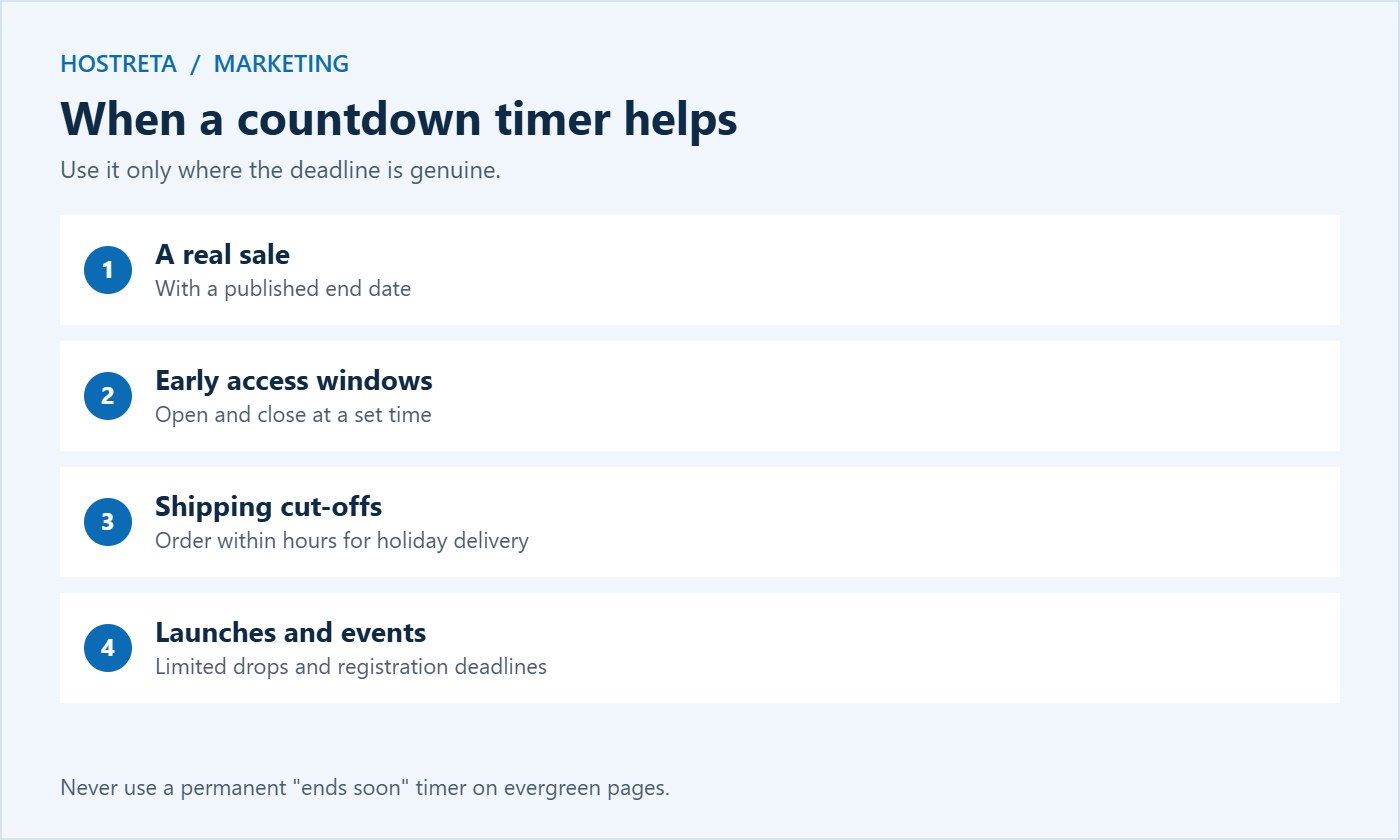
A countdown timer doesn’t help on evergreen pages, where a permanent “offer ends soon” just teaches visitors to ignore you. Use it only where the deadline is genuine and meaningful to the buyer.
People tend to postpone decisions when nothing forces a choice. A clear deadline reduces that procrastination by making the cost of waiting visible. The effect is strongest when the offer is valuable, the deadline is believable, and the shopper was already interested. A countdown timer simply makes an existing deadline easier to notice.
Many modern block libraries and themes include a countdown block. If yours does:
Confirm your site timezone is correct in Settings → General, or the timer will end at the wrong moment — see How to Schedule a WooCommerce Sale in Advance.
Choose a lightweight option. A countdown timer that loads a large script on every page isn’t worth the speed cost — see Speed Up WooCommerce Product Pages: 7 Essential Checks. Avoid stacking several plugins that each add their own timer.
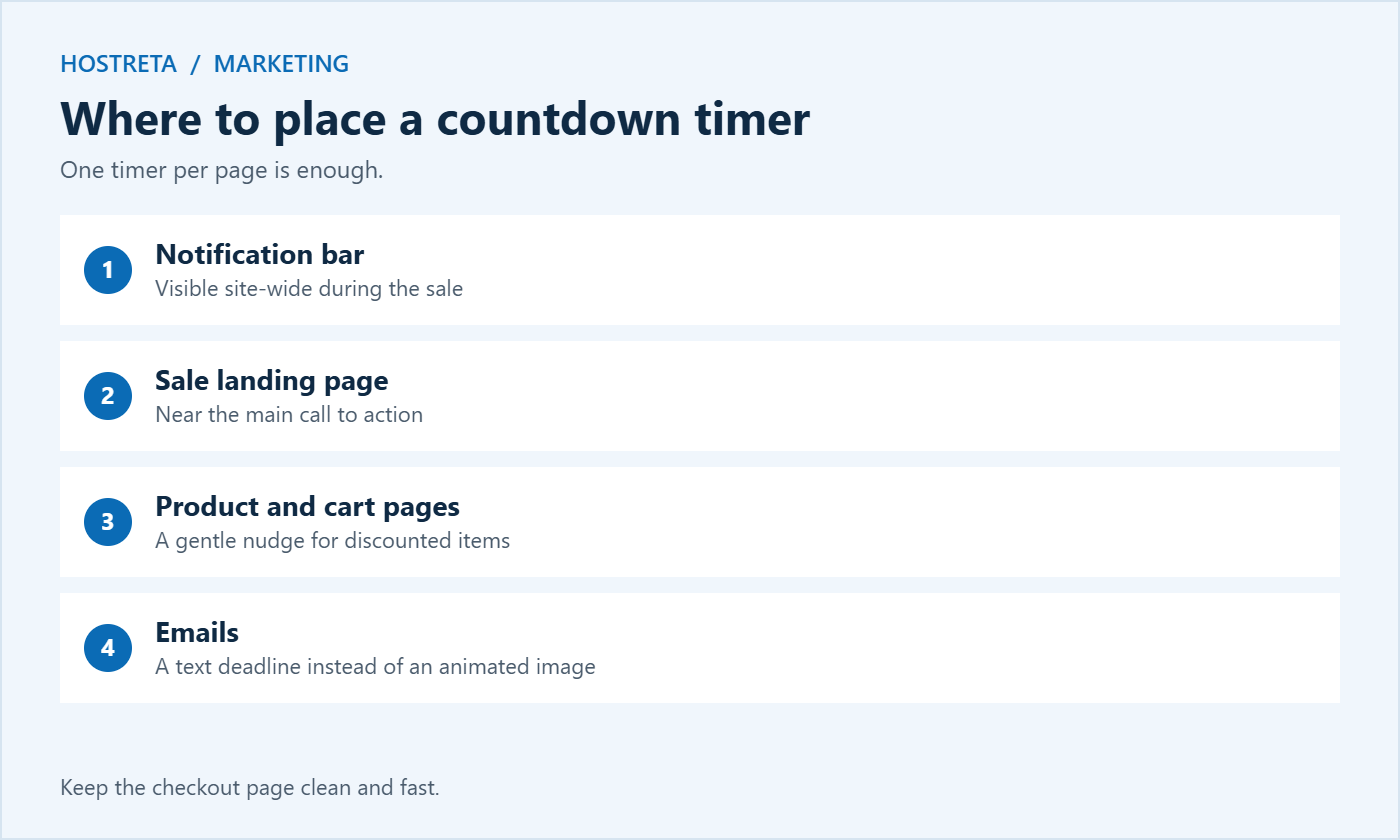
One countdown timer per page is enough. Keep the checkout page itself clean — see How to Improve WooCommerce Checkout Speed Before the Holidays.
Genuine urgency works. Invented urgency costs you repeat customers — see How to Build Trust Signals on Your Website.
Regulators increasingly treat fake countdown timers as misleading “dark patterns.” In the European Union, falsely claiming an offer is available only for a very limited time is listed as an unfair commercial practice. In the United Kingdom, the Digital Markets, Competition and Consumers Act 2024 gave the Competition and Markets Authority direct fining powers from April 2025, and fake urgency is one of its stated concerns. In the United States, the FTC has warned businesses about fake countdown timers in its report on dark patterns. The safe rule is simple: if the timer runs out, the offer must genuinely end. The FTC’s guidance is summarised in its dark patterns report.
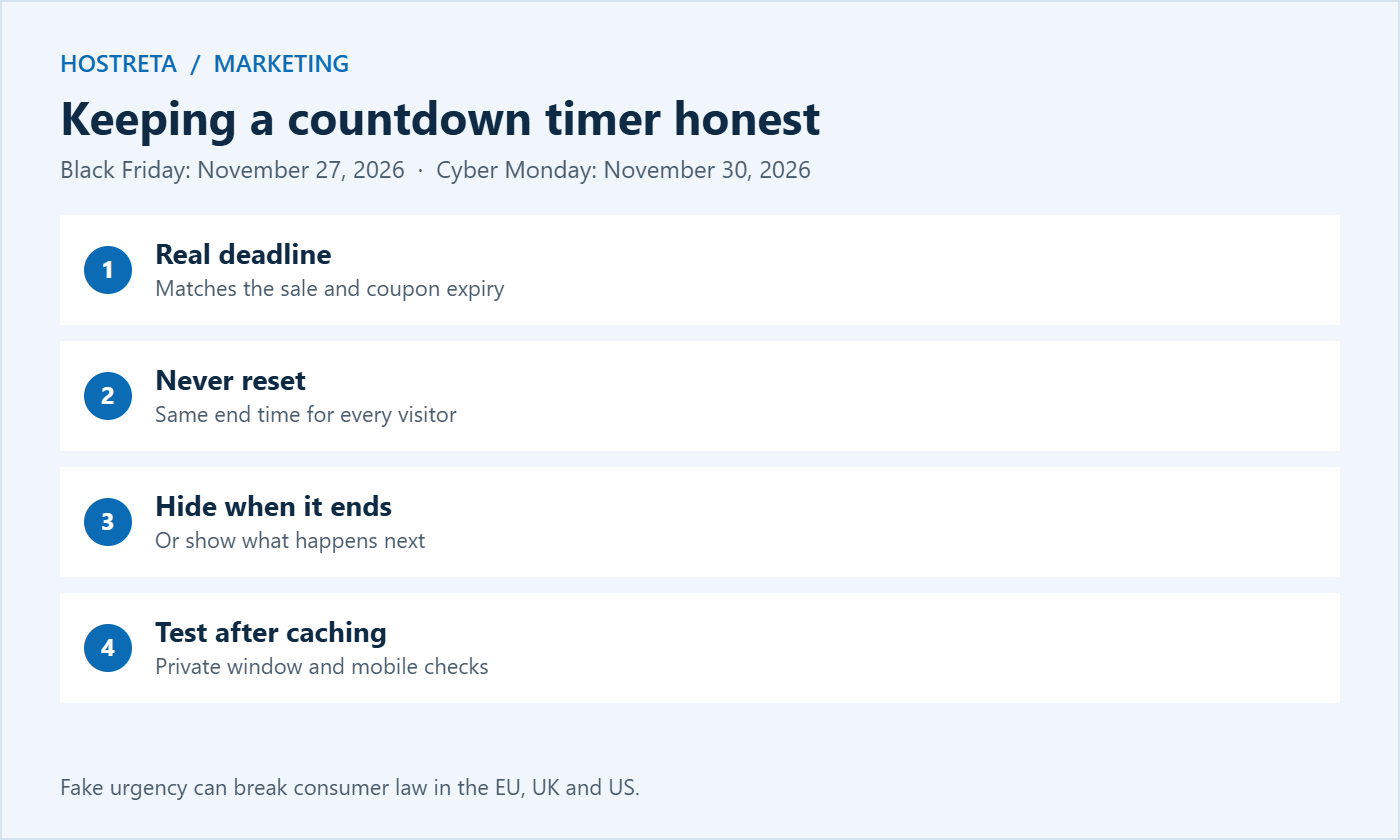
Most countdown timers calculate the remaining time in the visitor’s browser using JavaScript, which works well even on cached pages. Problems appear when the end time is calculated on the server and cached, or when the site timezone is wrong. Always set the deadline in your store’s timezone, display it clearly (“Ends Monday, November 30, at midnight ET”), and test from a private window and a phone. Caching details are covered in WooCommerce Caching: 7 Essential Checks.
A timer only works if shoppers notice it and understand it instantly. Good design makes the deadline clear without shouting:
A countdown timer that updates every second can be distracting or confusing for screen reader users if every change is announced. Choose a timer that doesn’t announce each tick, include the deadline as plain text nearby, and make sure colour isn’t the only way information is shown. Accessible design makes the deadline clearer for everyone — see Web Accessibility Basics.
Each timer must match a real change: the start of a sale, the end of an offer, or a genuine delivery deadline. Line these up with the rest of your campaign in Black Friday Marketing Calendar.
Animated countdown images in email are often blocked or cached by email clients, so they may show the wrong time. Instead, write the deadline in plain text in the subject line or preheader — “Ends tonight at midnight” — and repeat it near the button. On social media, post a short “24 hours left” or “final hours” update, and use platform features such as story countdown stickers where available. Scheduling tools like SocialBee help you queue these posts at the right times, and good email practices are covered in How to Build a Holiday Email List Before Black Friday.
A notification bar is the most common way to show a countdown timer across the whole store. The exact steps depend on the plugin, but the process is similar:
Back up the store before adding new plugins in the busy season — see Store Backup and Rollback Plan for Peak Sales Days — and add the bar before your code freeze so it isn’t a last-minute change.
The most reliable setup ties the timer to the same date as your scheduled sale prices and coupon expiry. Write all three dates in one place, such as your marketing calendar, and check them together. When prices, coupons, and the countdown timer all change at the same moment, customers never see a mismatch, and you avoid the support emails that follow when a timer says one thing and the cart says another.
Timers themselves are light, but the traffic they create isn’t. The final hours of a sale often bring the biggest spike of the whole promotion as shoppers rush to beat the deadline. Make sure your hosting can handle it — see PHP Workers Explained and Should You Upgrade Your Hosting Plan Before Black Friday?. Kawedma WordPress hosting and managed WordPress hosting powered by Rocket.net handle traffic spikes well, and monitoring with 360 Monitoring alerts you if the store slows down during the final rush.
A countdown timer isn’t the only way to communicate urgency, and sometimes a gentler approach fits your brand better:
These approaches work best when they’re true and specific. Combine one or two with a single countdown timer rather than layering every urgency tactic on the same page, which quickly feels like pressure.
If you have enough traffic, test a page with a countdown timer against the same page with a simple text deadline. Compare conversion rate and average order value over the same period. Some audiences respond strongly to visual timers; others prefer calm, clear information. Let your data, not assumptions, decide what you use next year.
Often, when the deadline is real and the offer is attractive. They work best in the final days and hours of a sale.
Evergreen timers that reset for each visitor are risky. If the offer doesn’t really end, they can mislead customers and may break consumer law.
A lightweight block or small plugin has minimal impact. Avoid heavy scripts loaded on every page.
Usually not. Checkout should stay simple and fast; place the timer on the sale page, product pages, and cart instead.
For a weekend sale, show it from the start. For longer promotions, add it in the final two or three days, when urgency is most meaningful and least repetitive.
Yes, and these are some of the most useful timers. Update them as each courier cut-off passes, and make sure the dates match your shipping policy.
They work well for launch discounts, early-bird pricing, and limited enrolment windows, as long as the deadline is real.
Hide it, or replace it with a short message such as “Our Black Friday sale has ended — join the list to hear about the next one,” linked to your signup form.
Used honestly, a countdown timer is a small, inexpensive feature that helps customers act on decisions they were already close to making. Set it to your real deadline, keep it consistent with your prices and coupons, place it where it supports the purchase, and remove it the moment the offer ends.
Test it carefully on mobile and after caching, and measure the results so you know whether it truly helps your audience. Do that, and the timer becomes a trusted signal that your sales are real, which makes customers more likely to act quickly the next time you run one. It also protects your brand from complaints and regulatory attention as rules on fake urgency continue to tighten around the world.
For most stores, yes. A free, well-maintained countdown block or plugin covers fixed deadlines, styling, and expiry messages. Premium options add features such as scheduling several timers in advance or linking timers to WooCommerce sale prices automatically, which can save time for busy stores running many promotions through the year.
Set up your timer this week, test it on a phone, and check it again the day before your sale begins. Honest urgency is one of the simplest conversion tools available to any store.
We may earn a commission on purchases made through these links, at no extra cost to you.
Don’t miss the chance to participate in the biggest giveaway of this year.