Reviews

Best WooCommerce Search Plugins for Bigger Catalogs
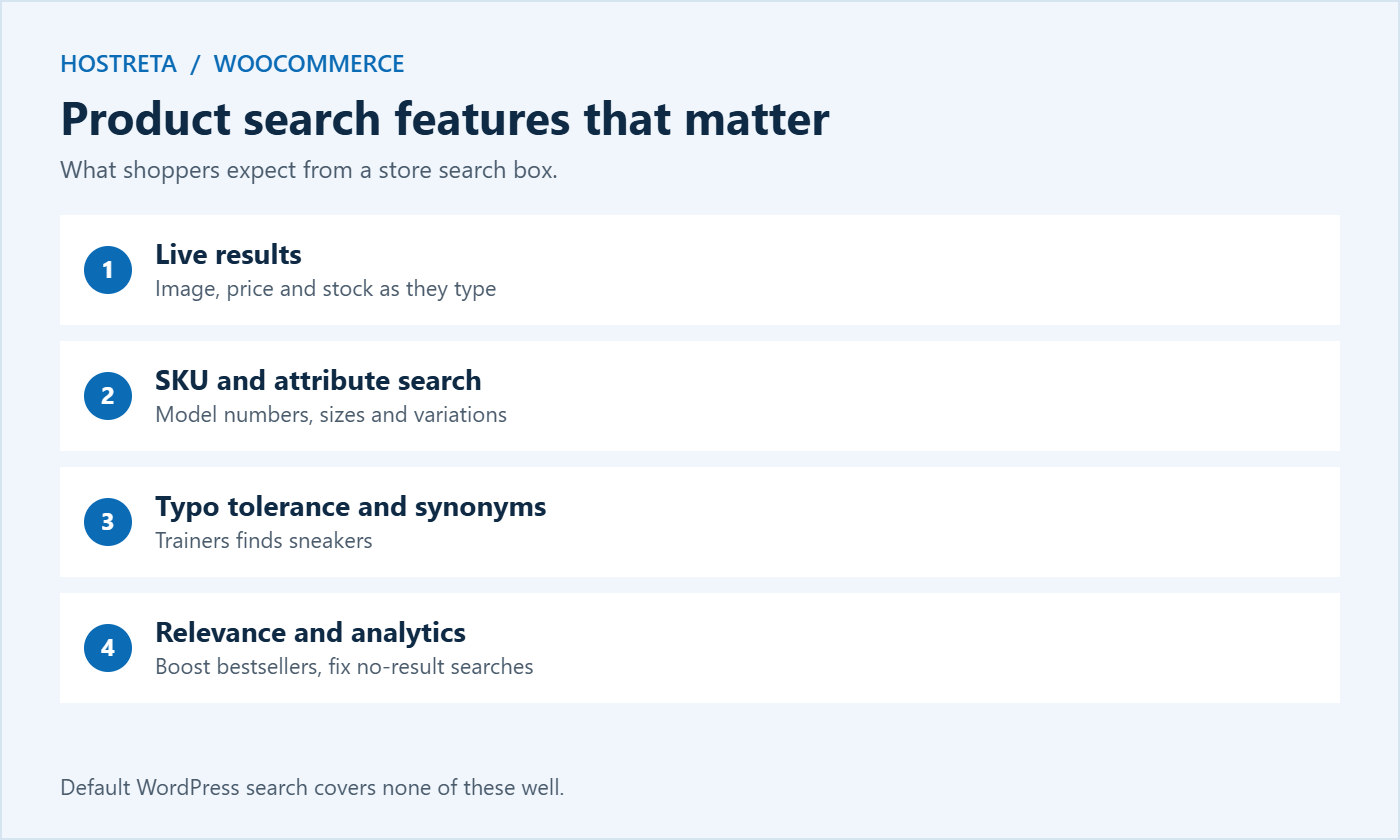
With 30 products, shoppers browse. With 3,000, they search — and if your product search returns nothing useful, they leave. WooCommerce inherits WordPress’s basic search, which wasn’t designed for catalogues with SKUs, attributes, and variations. For a bigger store, better product search is one of the fastest ways to turn visitors into buyers.
This guide is updated for 2026. It covers why default search falls short for stores, the features that matter, seven popular product search options, hosted versus self-hosted search, the rise of AI-powered semantic search, performance, and how to choose for your catalogue size before Black Friday on November 27, 2026.
The general WordPress search problem is covered in WordPress Search Plugins: 7 Essential Checks for a Safe Choice; this article focuses on stores.
Visitors who use search usually know what they want, so they convert at a much higher rate than visitors who only browse. When product search fails, those high-intent shoppers often leave immediately. Fixing search is therefore less about convenience and more about capturing the most valuable traffic you already have.
Check current features and pricing before choosing, test on staging, and measure the performance impact on your plan.
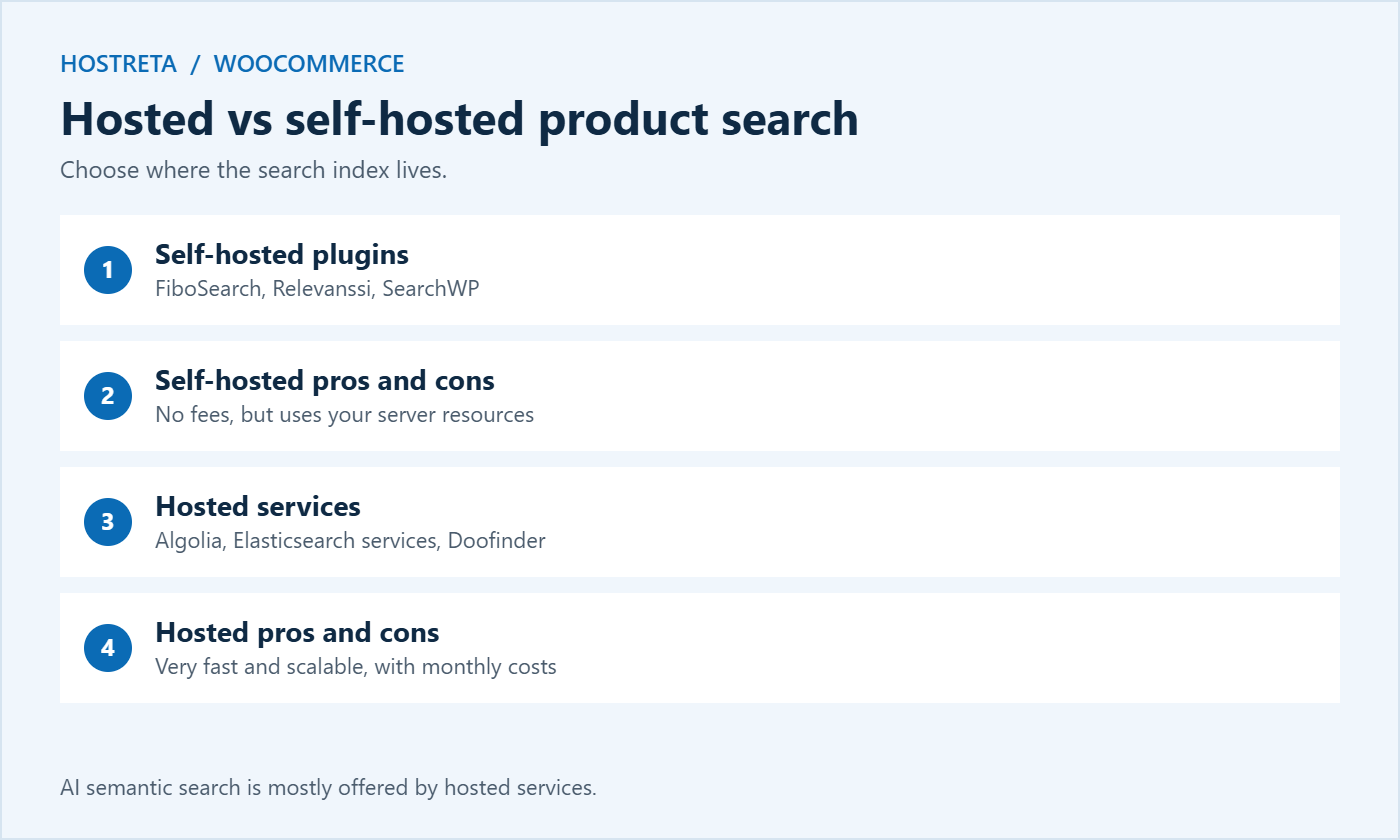
Self-hosted (FiboSearch, Advanced Woo Search, Relevanssi, SearchWP):
Hosted (Algolia, Elasticsearch services, Doofinder):
Several hosted search services now offer AI-powered or semantic search that understands meaning rather than exact words — so “warm jacket for skiing” can find insulated waterproof coats even if those words aren’t in the title. These features can help stores with large, varied catalogues, but they usually cost more and still depend on good product data. Clear titles, attributes, and descriptions remain the foundation of any product search — see How to Write Product Descriptions That Sell.
Search requests can’t be page-cached, so every query uses a PHP worker and database resources. On busy days, a slow search can compete with checkout for server capacity — see PHP Workers Explained.
Large catalogues benefit from strong hosting: Kawedma WordPress hosting, managed WordPress hosting powered by Rocket.net, or a Kawedma VPS server, cloud hosting, and a managed VPS for self-hosted Elasticsearch.
Whichever plugin you choose, the setup follows a similar pattern. Doing it carefully the first time saves a lot of tuning later.
Create a list of 20 to 30 real queries from your analytics or customer emails: product names, SKUs, common misspellings, and descriptive phrases such as “red dress size 12.” Run each one before and after installing the plugin and note whether the right product appears in the top three results. This simple scorecard makes it obvious whether the change improved product search and shows where synonyms or weighting need adjustment.
Even the best plugin can only search the data you give it. A few improvements to your catalogue make every product search more accurate:
Search data is a free window into what customers want. Review it every month:
Product search analytics often reveal new content ideas and gaps in your catalogue that no other report shows.
For bigger catalogues, search alone isn’t enough. Shoppers often search for a broad term like “boots” and then narrow results by size, colour, price, or brand. Good filtering — sometimes called faceted search — turns a long results list into a manageable shortlist.
WooCommerce’s block-based Product Filters can handle simple cases, while larger stores often rely on the filtering built into their product search plugin or hosted service.
Some premium and hosted tools let you pin products to the top of results for specific searches, promote seasonal items, or bury discontinued lines. During the holidays, you might pin gift sets to the top of searches for “gift” or “present,” or promote products with plenty of stock. Merchandising turns product search into a sales tool rather than just a navigation aid.
Combine this with your wider preparation in Black Friday Marketing Calendar and How to Improve WooCommerce Checkout Speed.
If your store serves customers in several languages, search needs to handle each one correctly. Shoppers expect results in their own language, with spelling rules and synonyms that make sense locally. Check that your chosen tool indexes translated product titles and descriptions, respects the language currently selected, and supports characters and word forms used in each language. Arabic, for example, has different letter forms and diacritics that basic search may not handle well, so test real queries from native speakers. Setting up a multilingual store is covered in How to Make a WordPress Website Multilingual.
Mobile shoppers type shorter queries and make more typos, while voice searches tend to be longer and more conversational. Typo tolerance, synonyms, and semantic matching help with both. Make the search box easy to find on mobile — ideally always visible at the top of the screen — because a hidden search icon costs searches and sales.
Internal search results pages usually shouldn’t be indexed by Google, because they create endless thin pages. Most SEO plugins set search results to noindex automatically. Instead, use your search analytics to discover what people want, then create proper category pages, buying guides, or collections for popular searches. Those pages can rank in Google and bring new shoppers to your store — see Keyword Research for Beginners. A tool such as Marketgoo can help turn those insights into an SEO plan.
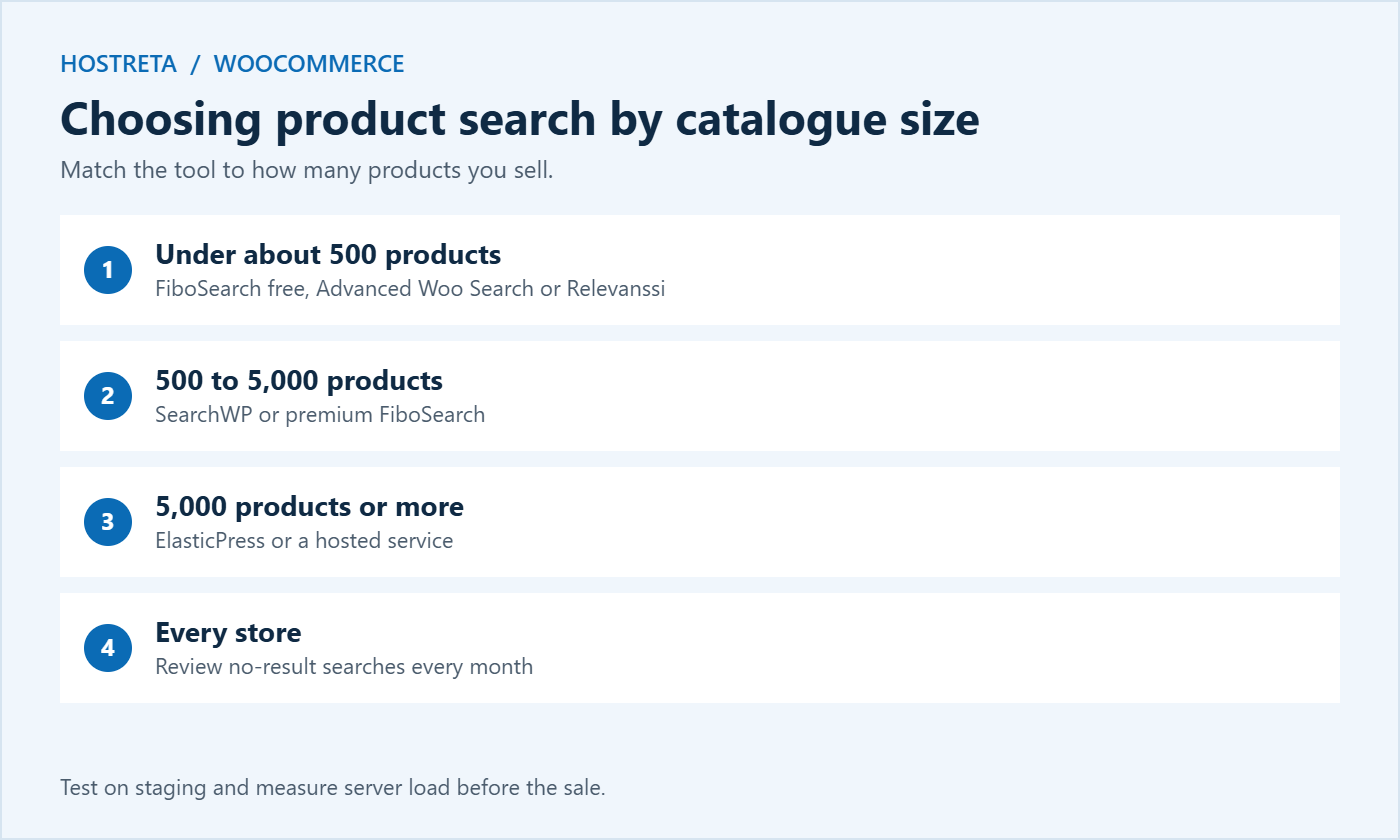
Not always. With fewer than about 100 products and clear categories, default search may be fine. A free plugin still helps if customers search by SKU or misspell product names.
A well-designed plugin with its own index is usually faster than default search. Test on staging and watch server load after enabling live results.
Most premium options let you lower the ranking of out-of-stock products or hide them from results entirely.
For catalogues in the tens of thousands, or stores where search drives a large share of revenue, hosted search often pays for itself through faster, more relevant results.
Most plugins update the index automatically when you save a product. Rebuild it fully after bulk imports, major attribute changes, or plugin updates, and once more before a big sale.
Default WooCommerce search doesn’t match SKUs on the front end. A product search plugin adds this, which is especially valuable for trade customers and repeat buyers.
Aim to keep searches that return nothing below about 5–10%. Review them monthly and fix the most common ones with synonyms, better product data, or new products.
Yes. Showing price, image, and stock status in live results helps shoppers choose quickly and reduces clicks on products they can’t buy.
For a growing store, product search is not a minor feature tucked into the header; it is one of the main ways customers move through your catalogue. Start by measuring how well your current search handles real queries, choose a tool that fits your catalogue size and budget, clean up your product data, and review search analytics every month. Small improvements compound: each fixed no-result search, each better-ranked bestseller, and each faster results list helps more shoppers find what they came for. Make these changes before the holiday rush, and your store will be ready for the flood of searches that Black Friday and Cyber Monday bring, with fewer frustrated visitors and more completed orders.
Yes. Because search plugins read your existing product data rather than storing products themselves, switching is usually simple: deactivate the old plugin, configure the new one, rebuild its index, and test your key queries again. Avoid switching during the code freeze before a big sale, and keep a note of your synonyms and weighting settings so you can recreate them quickly in the new tool.
Start with your twenty most common queries this week, measure the results, and improve from there. Better search is one of the quickest wins available to any growing store.
Shoppers who find what they want quickly are far more likely to buy, return, and recommend your store.
We may earn a commission on purchases made through these links, at no extra cost to you.
Don’t miss the chance to participate in the biggest giveaway of this year.



