Reviews

WooCommerce vs Easy Digital Downloads for Selling Digital Goods
If you sell ebooks, templates, software, music, or courses, you don’t need shipping zones, stock levels, or tax tables for physical goods. When it comes to selling digital downloads on WordPress, two plugins dominate the choice: WooCommerce, the all-purpose store platform, and Easy Digital Downloads (EDD), built specifically for digital products.
This comparison of WooCommerce vs Easy Digital Downloads is updated for 2026. It covers how each plugin handles digital downloads, setup and learning curve, checkout, file protection, licensing, subscriptions, taxes, extensions, performance, costs, migration, and which one fits your store — with a clear recommendation for each type of seller.
If you’re unsure, think about what you’ll sell next year, not just today. Moving between platforms later is possible, but it takes time and careful testing.
Digital downloads are any products a customer receives as a file or access rather than a physical item. Common examples include ebooks and PDF guides, design templates and graphics, WordPress themes and plugins, desktop software, stock photos, music and sound effects, printable planners, spreadsheets, and video courses. Some stores also sell digital access, such as memberships or online courses, which behave slightly differently from simple file downloads.
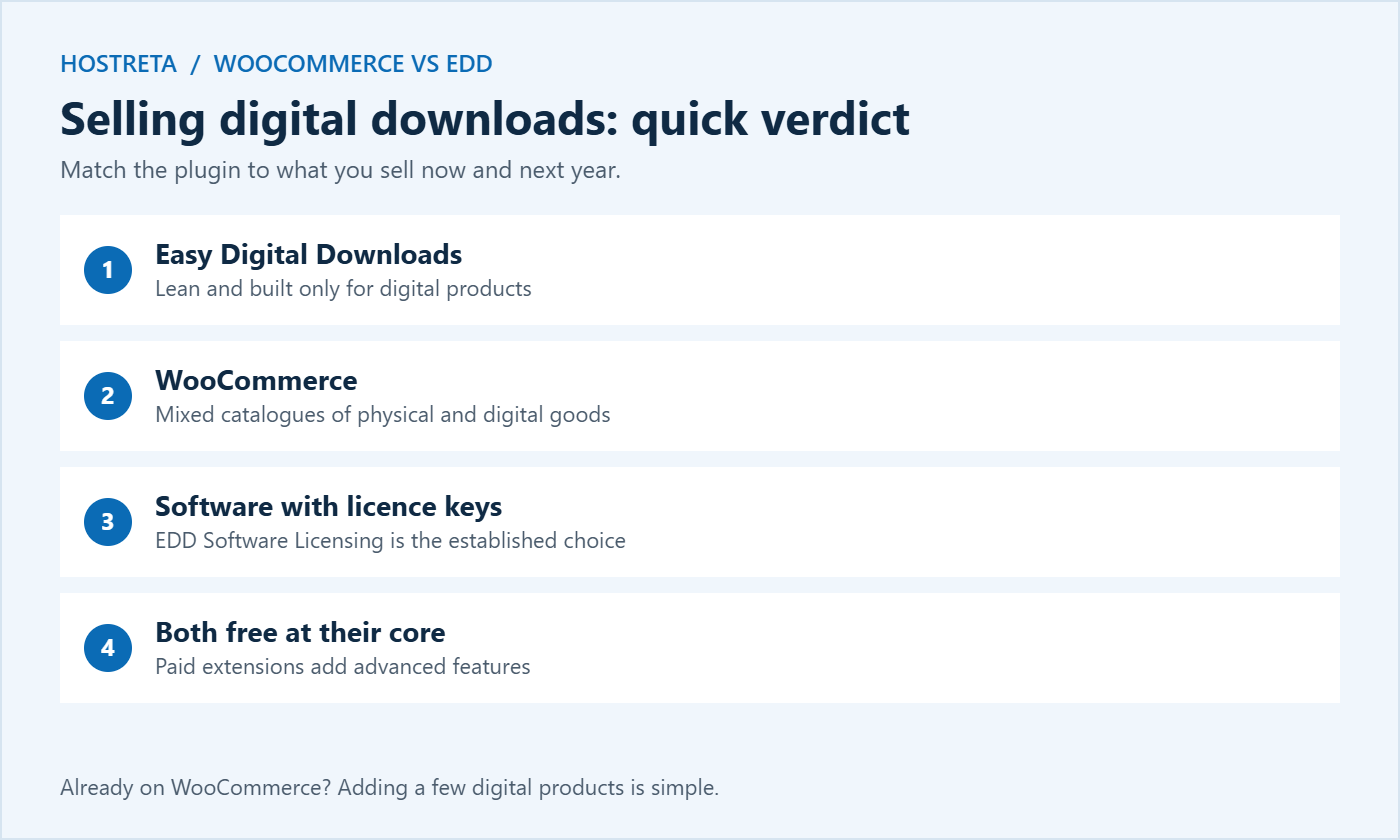
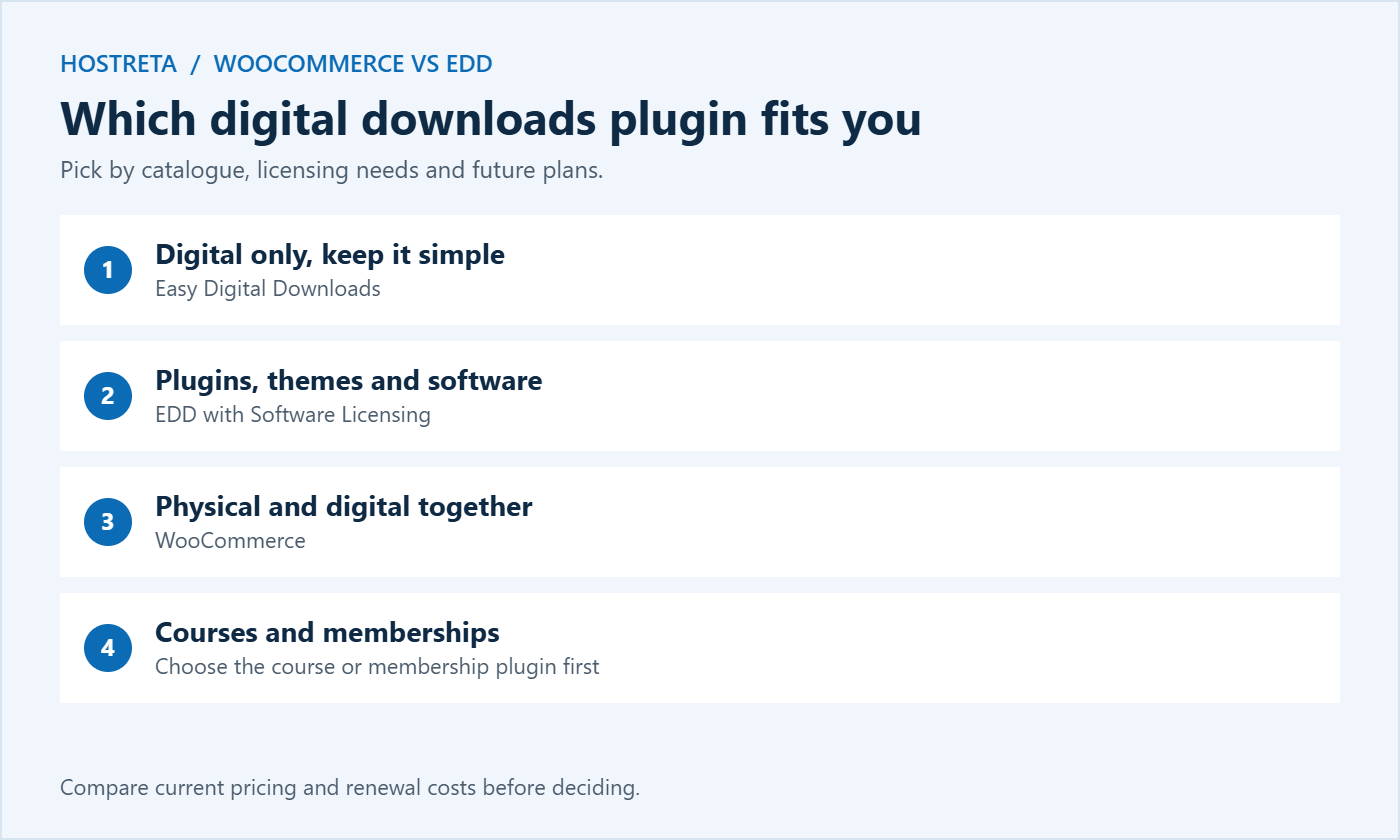
The type of digital downloads you sell affects which plugin suits you. Simple files work well on both. Software that needs licence keys and automatic updates leans toward EDD. A mix of files, physical items, and services leans toward WooCommerce.
EDD installs with digital selling as the default. There’s no shipping, no stock management, and no physical product settings to switch off. The admin focuses on downloads, files, customers, and payments, and a setup wizard walks you through the basics. You can find the free plugin on the WordPress plugin directory.
WooCommerce is built for physical goods first. Digital downloads work well — tick “virtual” and “downloadable” on a product — but you’ll see shipping and inventory settings you don’t need, and some themes assume a physical catalogue. The trade-off is flexibility: once you learn WooCommerce, you can sell almost anything.
Starting with WooCommerce? See How to Build an Online Store With WooCommerce.
In EDD, you go to Downloads → Add New, add a title, description, price, and the file, then publish. Variable pricing — for example, personal and agency licences — is a built-in option. In WooCommerce, you go to Products → Add New, set the product type, tick “virtual” and “downloadable,” upload the file, and set download limits and expiry. Both take a few minutes once you’re familiar with them.
Shorter checkouts usually convert better for low-priced digital downloads. If you choose WooCommerce, remove unneeded address fields for virtual orders and test the result — see How to Test Your Checkout End to End Before Peak Season.
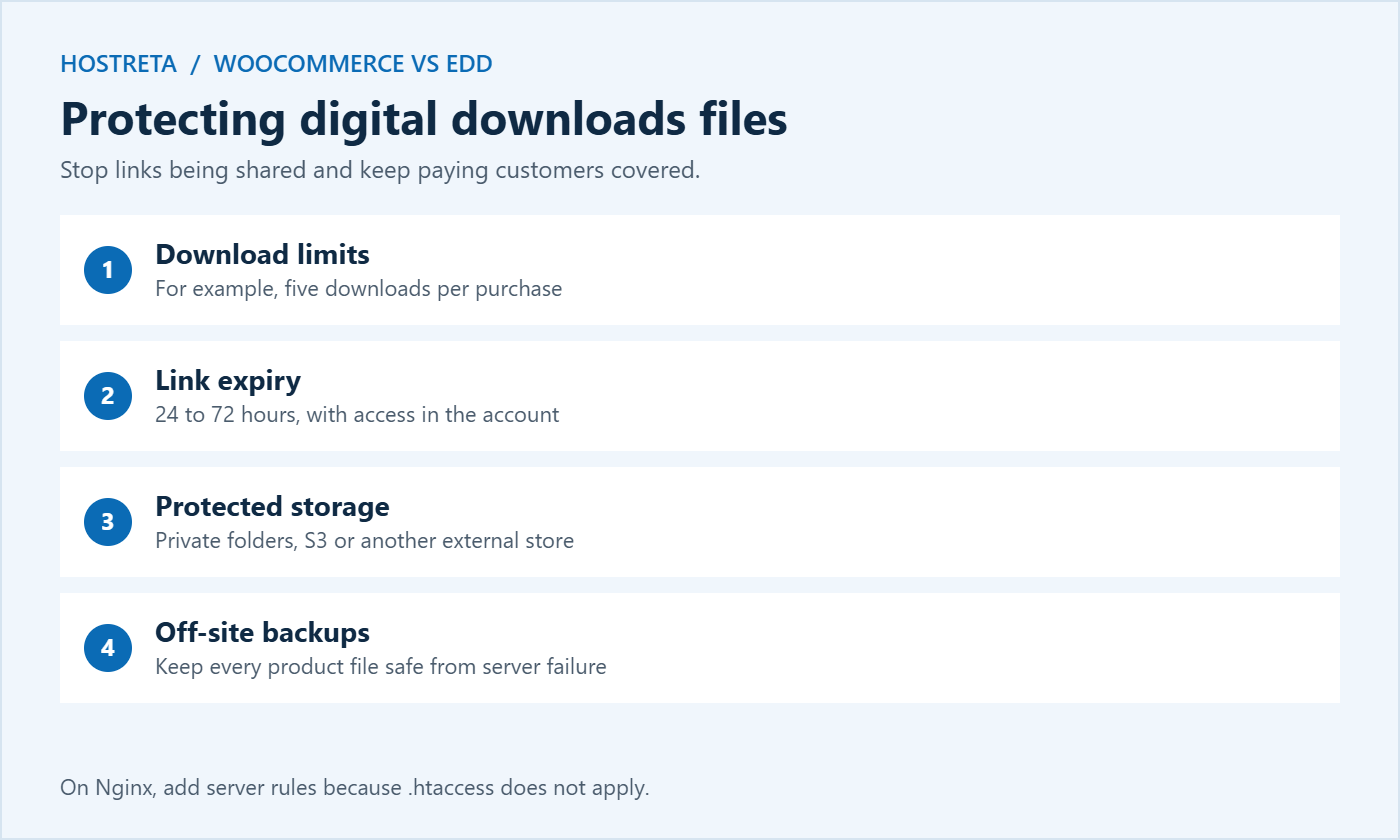
Unprotected file links get shared. Both plugins hide the real file location and generate expiring download links, but you should still:
Keep backups of every product file off-site too, so a server failure doesn’t leave paying customers without access. Automated services such as CodeGuard from Kawedma back up files and databases daily.
If you sell WordPress themes or plugins, EDD’s licensing and update system is a strong reason to choose it. Many well-known WordPress products are sold this way.
Digital products have their own tax rules in many regions. In the EU, VAT on digital services is charged at the customer’s country rate, and similar rules exist in the UK, Australia, and several other countries. In the United States, sales tax on digital downloads varies by state. Both plugins support tax rates and have extensions or integrations for automated tax calculation. Check the current requirements for the regions you sell to, and consider a tax service or accountant once sales grow. Payment providers that act as a merchant of record can also handle tax for you, at a higher fee.
EDD is lighter because it doesn’t load physical-product features, which can make the admin and checkout slightly faster on small servers. WooCommerce is heavier, but with good hosting and caching the difference is rarely noticeable to customers. Both now store orders in dedicated database tables — EDD since version 3.0 and WooCommerce through High-Performance Order Storage — which helps busy stores.
Large digital downloads use bandwidth and storage. If you sell big files such as video courses or software installers, consider external storage or a CDN, and check your plan’s limits — see WooCommerce Hosting Requirements. Good options include Kawedma WordPress hosting, managed WordPress hosting powered by Rocket.net with a built-in CDN, and a Kawedma VPS server or managed VPS for larger stores.
Both core plugins are free. Costs come from extensions, hosting, and payment fees:
Prices change, so compare current pricing pages before deciding, and add up the yearly renewal cost of every extension you’ll need.
Choosing a plugin is only the start. Digital downloads sell through good marketing, and both platforms support the main tools you’ll need:
Social media scheduling tools such as SocialBee help you keep a steady flow of posts promoting new digital downloads, and Marketgoo gives simple SEO recommendations for product pages.
Digital downloads are ideal last-minute gifts, because there’s no shipping deadline. Promote them heavily in the final days before Christmas, when physical delivery is no longer guaranteed. A few holiday ideas:
If you outgrow your first choice, migration is possible. Tools exist to move products, customers, and orders between the two, but plan carefully:
Avoid migrating in the weeks before a big sale. Choose a quiet period and give yourself time to fix surprises.
Some sellers don’t need a full WordPress store at all. Hosted platforms for creators, course platforms, and marketplaces can sell digital downloads with less maintenance, at the cost of higher fees and less control. If you want a quick website without managing plugins, a builder such as the AI SiteBuilder from Hosting.com or Kawedma Site Builder can work for simple product pages. For a fully custom store, Kawedma’s e-commerce website service can build it for you. Our wider guide, How to Sell Digital Products Online, compares these routes.
For digital downloads, the moment after payment is the whole delivery experience. Customers expect instant access, so check these details on either platform:
Good delivery reduces support requests and refund claims, and it encourages buyers to come back for your next product. Make sure transactional emails arrive reliably — see How to Set Up SMTP in WordPress So Emails Arrive.
If you sell templates, plugins, or ebooks that you improve over time, decide how customers receive updates. EDD’s licensing system can deliver software updates automatically inside WordPress. For other files, email buyers when a new version is available and keep the latest file attached to the product so account downloads always give the current version. Clear version numbers in file names help customers know they have the newest copy.
Stores that sell files are attractive targets for fake orders and card testing. Use bot protection on checkout, review unusual order patterns, and keep plugins updated. Malware scanning with SiteLock and a valid SSL certificate protect both your files and your customers.
Yes, the core plugin is free and handles basic digital downloads, payments, and reports. Advanced features such as licensing and subscriptions need paid extensions.
Yes. Mark products as virtual and downloadable, set download limits and expiry, and trim checkout fields. Many large stores sell digital products on WooCommerce.
EDD with Software Licensing is the more established choice for licence keys and automatic updates, though WooCommerce has capable alternatives.
Yes, with migration tools and careful testing, but customer accounts, licences, and subscriptions make it more complex. Choosing well now saves work later.
No. Most modern WordPress themes work with both plugins. Choose a fast, clean theme and make sure product pages, the cart, and checkout look good on mobile — see Fastest WordPress Themes in 2026.
For files over a few hundred megabytes, external storage such as Amazon S3 or another cloud service is usually faster and more reliable than your hosting account. Both plugins have extensions that connect to these services.
Rules vary by country. In the EU, customers can lose the right to withdraw once they start a download, but only if they agreed to this at checkout. Explain your policy clearly and add a consent checkbox where required.
Whichever plugin you choose, start small: publish one product, test the full purchase and delivery, then add more digital downloads once everything works smoothly. A simple, reliable store beats a complicated one that customers struggle to use.
We may earn a commission on purchases made through these links, at no extra cost to you.
Don’t miss the chance to participate in the biggest giveaway of this year.