Nothing damages holiday reviews faster than selling something you don’t have. One oversold product means an apology email, a refund, and a customer who shops elsewhere next year. WooCommerce has basic stock control built in, but busy stores usually need better inventory management, especially when Black Friday (November 27, 2026) and Cyber Monday (November 30, 2026) bring several weeks of orders into a few days.
This guide covers what WooCommerce does out of the box, the features good inventory management plugins add, seven popular options compared, multi-channel sync, how to prepare stock for peak season, and how to choose the right tool for your store in 2026.
Why inventory management matters more in peak season
On a quiet week, a small stock error is easy to fix. You email one customer, offer a refund or a later delivery date, and move on. During a holiday sale, the same error can repeat dozens of times in an hour. Stock moves faster, more products sell out, and customers expect accurate delivery dates for gifts.
Overselling creates refunds, cancelled orders, and negative reviews.
Underselling — showing items as out of stock when you actually have them — loses sales you could have made.
Slow restocking means bestsellers disappear just as demand peaks.
Multi-channel selling on marketplaces, social shops, and in person multiplies the risk of mismatched numbers.
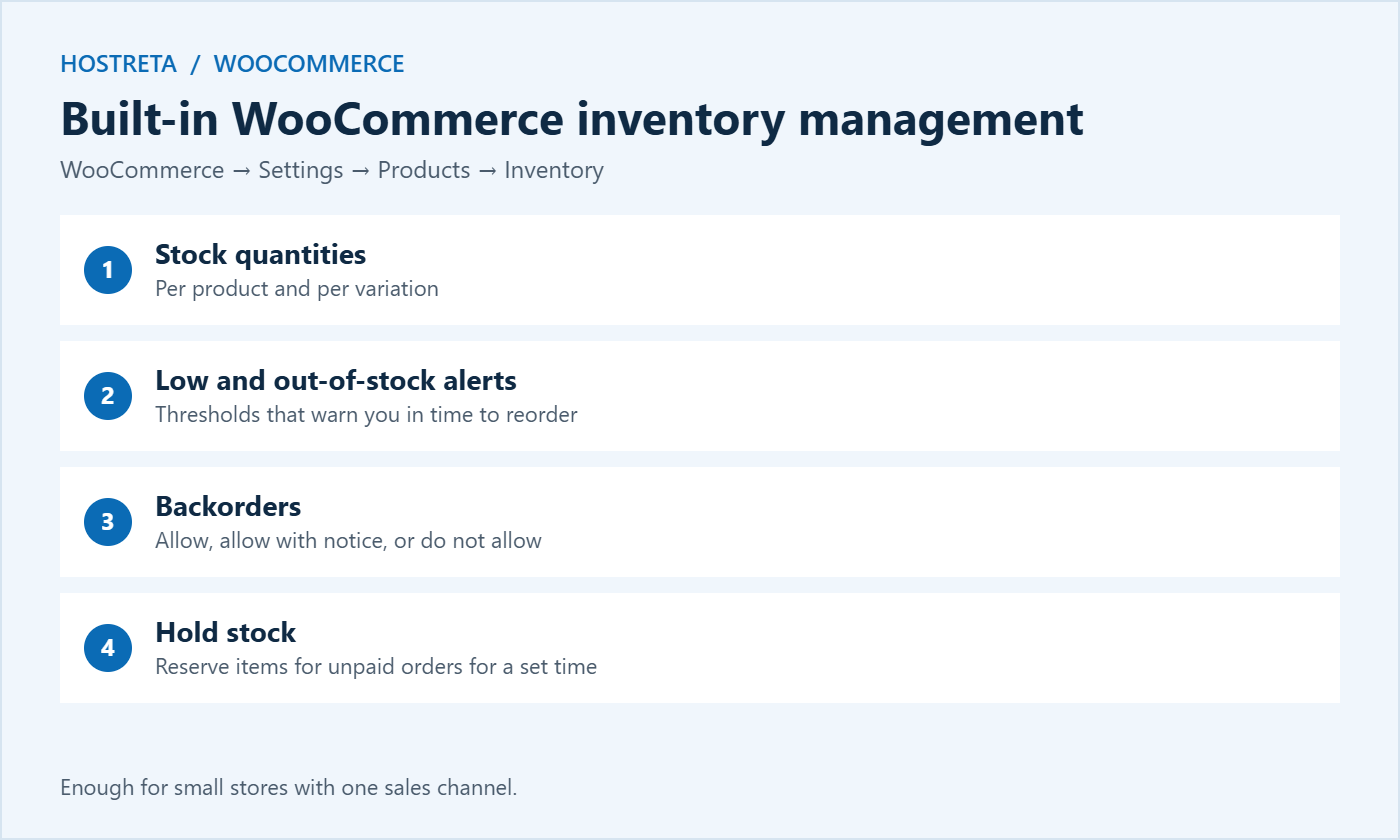
Hold stock (minutes): this reserves stock for unpaid orders. Too long, and abandoned payments block real buyers; too short, and slow payment methods may fail. Sixty minutes is a common starting point.
Low stock threshold: set it high enough to give you time to reorder. If a supplier takes two weeks, the threshold should cover two weeks of peak sales, not normal sales.
Out-of-stock visibility: hiding sold-out items keeps category pages clean, but showing them with a “notify me” option can capture demand for restocks.
Backorders: only allow them if you can genuinely deliver within the dates customers expect.
For a small catalogue sold on one channel, these built-in tools may be all the inventory management you need.
Features to look for in inventory management plugins
Bulk stock editing across products and variations in a table or spreadsheet view.
Clear low-stock reports rather than just emails.
Purchase orders and supplier management for restocking.
Stock history so you can see what changed, when, and who changed it.
Multi-location or warehouse support if you store goods in more than one place.
Barcode or SKU scanning for faster stocktakes.
Multi-channel sync with marketplaces, social shops, or a physical till.
HPOS compatibility: WooCommerce now stores orders in dedicated tables by default, and your inventory management plugin must support them.
Performance: some plugins add heavy queries to the admin area, which matters on busy days.
You will rarely need every feature. Start with the problems you actually have — slow bulk edits, missed reorders, or overselling across channels — and choose the simplest tool that solves them.
7 popular inventory management options compared
Built-in WooCommerce stock management: free, reliable, and enough for small stores with one channel. Limited reporting and no purchase orders.
ATUM Inventory Management: a powerful free plugin with a Stock Central dashboard, purchase orders, suppliers, inbound stock, and premium add-ons for multi-inventory, product levels, and exports. A strong choice for growing stores.
Stock Manager for WooCommerce: a simple free plugin for viewing and bulk-editing stock in a table, with stock logs. Ideal if you just need speed.
Smart Manager: spreadsheet-style editing for products, stock, prices, and orders, with a free version and a paid Pro plan.
WP Sheet Editor: another spreadsheet editor for products and variations, useful for large bulk updates — see Bulk Edit Posts: 7 Essential Checks for a Safe Update.
Veeqo: an external inventory and shipping platform owned by Amazon, popular with sellers who also list on Amazon, eBay, and other marketplaces.
Katana: a cloud inventory and manufacturing platform for brands that make or assemble their own products, with WooCommerce integration.
Features and pricing change often, so check each tool’s current plans and its compatibility with your WooCommerce version before committing. Always test on a staging copy first.
Plugin vs external inventory management platform
A WordPress plugin keeps everything inside your store and is usually cheaper. It works best when WooCommerce is your main sales channel. An external platform becomes the single source of truth for stock across every channel, and pushes numbers to WooCommerce and marketplaces. It costs more and takes longer to set up, but it is the safer choice once you sell in several places or hold stock in more than one location.
Multi-channel inventory management and sync
Selling on your store plus a marketplace or in a physical shop multiplies the risk of overselling. Options:
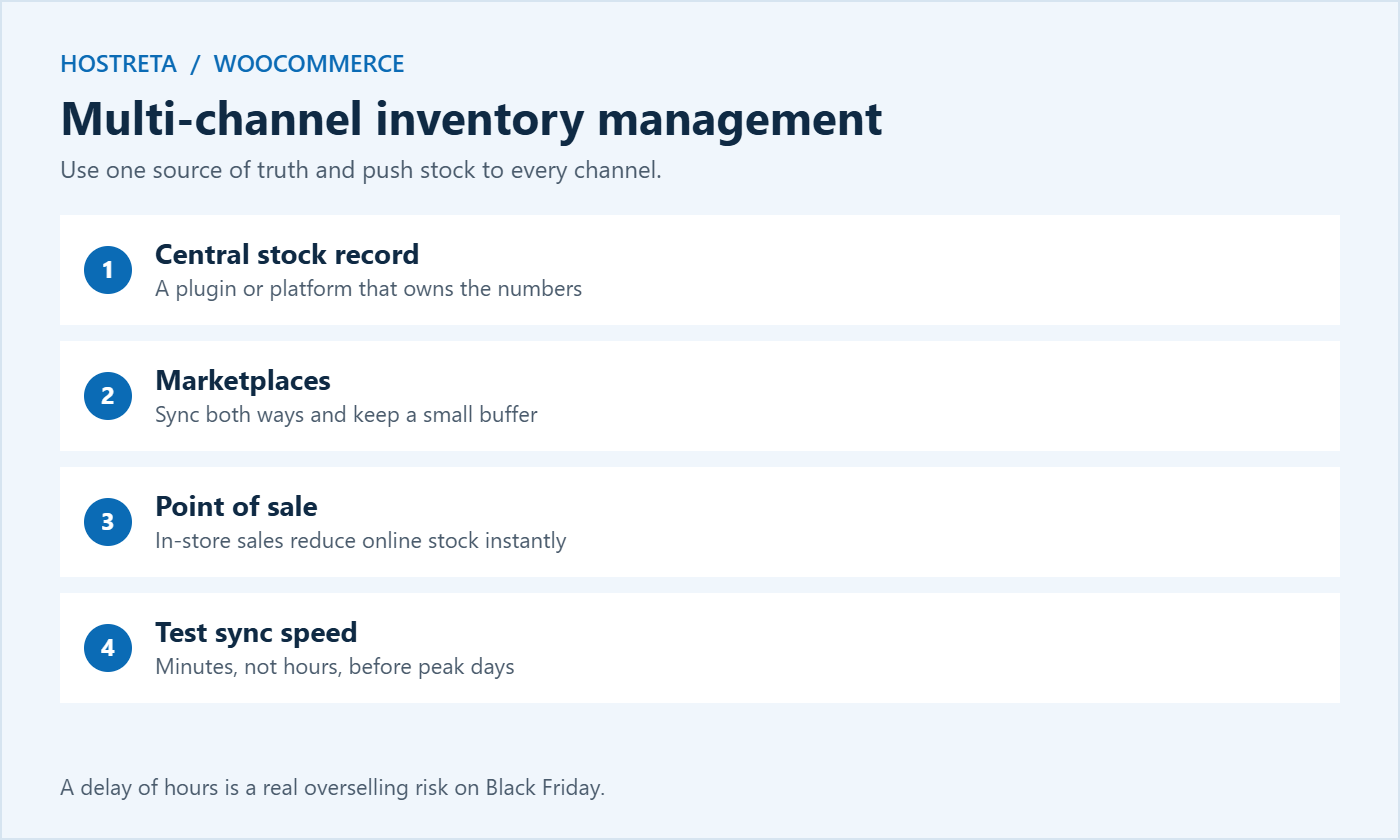
Marketplace integration plugins that sync stock both ways.
A central inventory platform as the single source of truth, pushing stock to every channel.
POS integrations so in-store sales reduce online stock immediately.
Buffer stock: keep a small reserve that isn’t shown on marketplaces, so sync delays don’t cause oversells.
Whatever you choose, test the sync speed — a delay of hours is a problem on sale day.
How to test inventory sync
Pick a test product with a small stock quantity.
Place a test order on your store and time how long the marketplace takes to update.
Sell one unit through the other channel or POS and check how fast WooCommerce updates.
Try a refund and confirm stock returns on every channel.
Repeat during a busy period, because sync can slow down under load.
If updates take more than a few minutes, increase your buffer stock for peak days or switch to a faster integration.
Preparing inventory management for Black Friday 2026
Do a physical stocktake in early November and correct the numbers in WooCommerce.
Forecast demand from last year’s holiday sales plus your growth.
Order stock early — suppliers and couriers are busy too, and lead times grow in November.
Raise low-stock thresholds to reflect peak sales rates.
You don’t need complex software to forecast. For each bestseller, take last year’s sales during the holiday week, multiply by your expected growth, and add a safety margin of 20–30%. Compare that number with current stock and supplier lead times. Any product where expected sales exceed stock is a reorder priority. This simple exercise is often the most valuable inventory management task of the whole year.
Which inventory management tool to choose
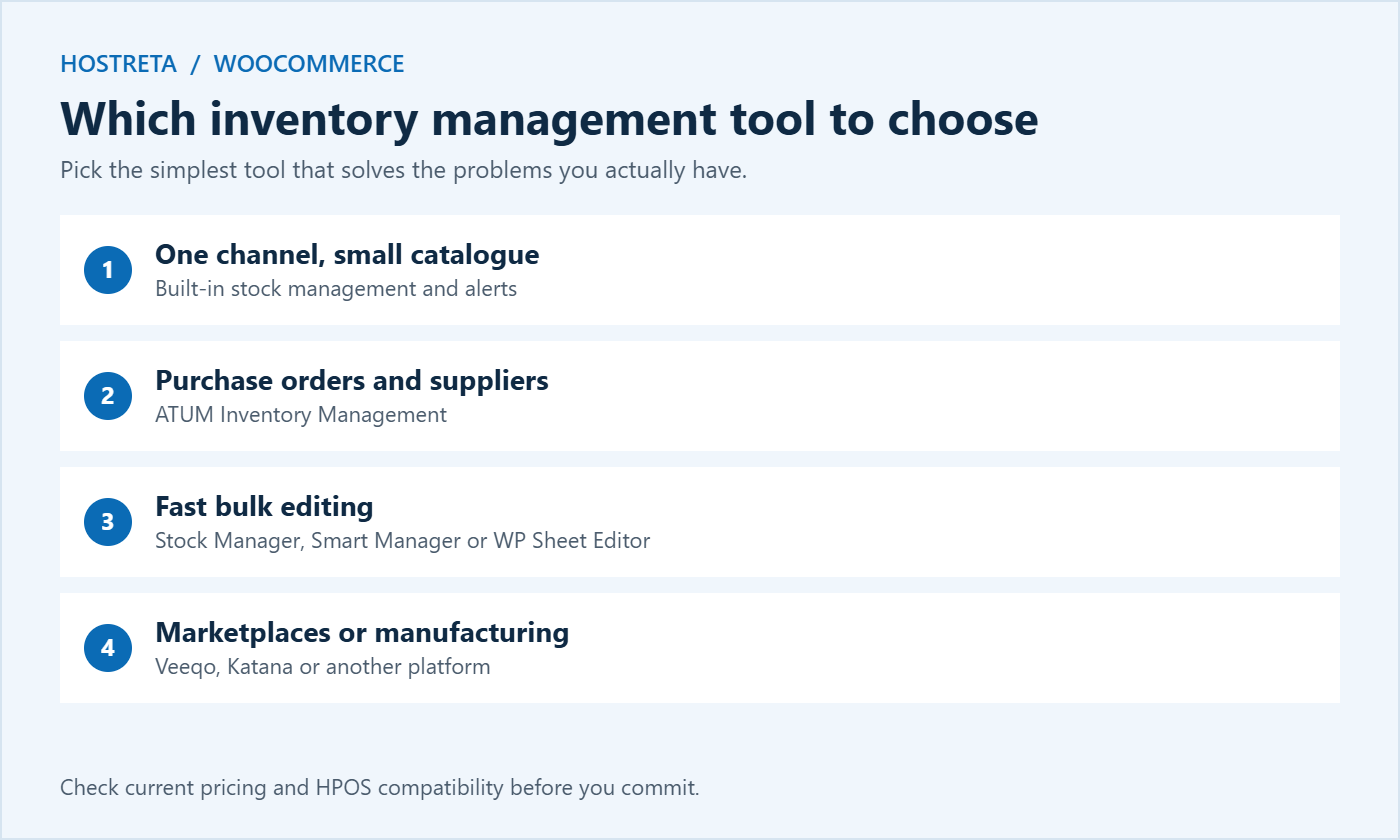
Small catalogue, one channel: built-in stock management plus low-stock alerts.
Growing store that needs purchase orders and suppliers: ATUM.
Just need faster bulk editing: Stock Manager, Smart Manager, or WP Sheet Editor.
Selling on Amazon and other marketplaces: Veeqo or a similar multi-channel platform.
Making or assembling products: Katana or another manufacturing-focused system.
Multiple warehouses: a dedicated inventory platform or a multi-inventory add-on.
Inventory management mistakes to avoid
Managing stock only at product level when variations (sizes, colours) sell at different rates.
Ignoring returns, so returned items never go back into sellable stock.
Editing stock in several places without one clear source of truth.
Setting thresholds once and forgetting them, even though sales rates change by season.
Running a stock-heavy store on underpowered hosting, so stock updates and reports time out under load.
Hosting and performance for inventory management
Inventory management plugins run reports, stock calculations, and sync jobs in the background. On a small shared plan, those jobs compete with shoppers for CPU and memory, which can slow both checkout and the admin area at the worst moment. Check your limits in WooCommerce Hosting Requirements, and use a real server cron for scheduled sync jobs — see Real Cron Job: 7 Essential Checks.
If you are still building your shop, Kawedma’s e-commerce website service can set up products, stock, and payments for you.
Setting up ATUM inventory management step by step
ATUM is the most popular free option for stores that have outgrown the built-in tools, so here is a quick setup outline. The same approach works for most inventory management plugins.
Install on staging first and take a full backup of the live store.
Run the setup wizard and choose which product types ATUM should control.
Open Stock Central to see every product and variation in one table, with current stock, sales velocity, and expected stock-out dates.
Add suppliers with contact details, lead times, and the products each one provides.
Set purchase prices so ATUM can report stock value and gross profit.
Create a test purchase order, mark it as received, and confirm stock increases correctly.
Review settings for emails and permissions so only the right team members can change stock.
Repeat the checks on the live store during a quiet hour, then monitor for a few days before the sale.
Avoid installing a new inventory management plugin during your code freeze. Any new tool should be live, tested, and familiar to your team at least two weeks before Black Friday.
Inventory management reports worth watching
Good decisions come from a few simple numbers. Whichever tool you use, review these regularly:
Stock on hand: how many units of each product and variation are available now.
Sales velocity: how many units sell per day or week. During promotions this can triple.
Days of stock remaining: stock on hand divided by daily sales. Anything below your supplier lead time needs reordering.
Stock value: the money tied up in inventory. Too much in slow products hurts cash flow.
Sell-through rate: the percentage of received stock sold in a period. Low sell-through flags products to discount or bundle.
Stock-outs: how often bestsellers ran out and for how long. Each stock-out is lost revenue.
Review these weekly during normal months and daily from mid-November until after Cyber Monday. A five-minute daily check is one of the cheapest forms of inventory management insurance you can buy.
Turning slow stock into sales
Inventory management isn’t only about avoiding stock-outs. Products that sit on shelves cost money too. Use your reports to find slow movers, then pair them with bestsellers in bundles, feature them in gift guides, or include them in a clearance sale after the holidays. Ideas are in Gift Guide Content: How to Create Posts That Sell.
Handling returns and damaged stock
Holiday sales bring holiday returns, often well into January. Plan how returned items flow back into your inventory management system:
Inspect every return before restocking it.
Restock sellable items promptly so they can be sold again while demand is still high.
Record damaged or unsellable items separately instead of quietly deleting them from stock, so your reports stay accurate.
Update refunds and stock together in WooCommerce, so numbers stay in sync.
Review return reasons — repeated “not as described” returns may point to a product page problem.
Team roles for inventory management
Even small teams benefit from clear responsibilities. Decide who updates stock when deliveries arrive, who approves purchase orders, who handles returns, and who checks the daily reports during the sale. Give each person only the permissions they need, and use an activity log so every stock change has a name and a time attached — see Activity Log Plugins: 7 Essential Checks for a Safe Choice.
Frequently asked questions
Do I need an inventory management plugin for WooCommerce?
Not always. Small stores selling on one channel can manage well with built-in stock settings and low-stock alerts. Plugins become valuable when you need bulk editing, purchase orders, stock history, or multi-channel sync.
What is the best free inventory management plugin?
ATUM is the most complete free option, with purchase orders and suppliers. Stock Manager for WooCommerce is simpler and faster if you mainly need bulk editing.
How do I stop overselling across channels?
Use one source of truth for stock, sync every channel to it, keep buffer stock on marketplaces, and test sync speed before peak days.
How often should I do a stocktake?
Do a full physical count at least before peak season and after it, plus regular spot checks on fast-moving products throughout the year.
Can inventory management plugins slow down my store?
Some can, especially those that run large reports or frequent sync jobs. Choose actively maintained plugins, schedule heavy jobs for quiet hours, use object caching, and make sure your hosting plan has enough CPU and memory for peak traffic.
Should I allow backorders during Black Friday?
Only for products you can genuinely restock quickly. Show a clear expected delivery date on the product page and in the order email, so gift buyers know exactly when items will arrive.
How do variations affect inventory management?
Track stock at variation level for products with sizes, colours, or styles. A T-shirt may have plenty of medium sizes but no large ones, and product-level stock would hide that problem until customers start ordering.
Accurate stock is one of the quiet foundations of a successful sale. Customers rarely notice good inventory management, but they always notice when it fails. A few hours spent on counts, thresholds, and testing in early November protects your reviews, your margins, and your reputation through the whole holiday season.
Key takeaways
Enable stock management on every product and variation.
Set low-stock alerts with enough lead time to restock at peak sales rates.
Choose the simplest inventory management tool that solves your real problems.
Sync inventory across channels and test the speed before the sale.
Count stock, forecast demand, and order early for Black Friday 2026.