Reviews

Best WooCommerce Product Bundle Plugins Compared
Once you’ve decided bundles belong in your store, the next question is which plugin to use. The options range from free community plugins to official extensions, and bundle plugins differ most in how they handle customer choice, stock, pricing, and compatibility with the modern WooCommerce checkout.
This guide compares the best WooCommerce bundle plugins in 2026: what to look for, seven options from free to premium, how each handles stock and display, block checkout and HPOS compatibility, performance, and our picks by store type — so you can choose with confidence before Black Friday on November 27, 2026.
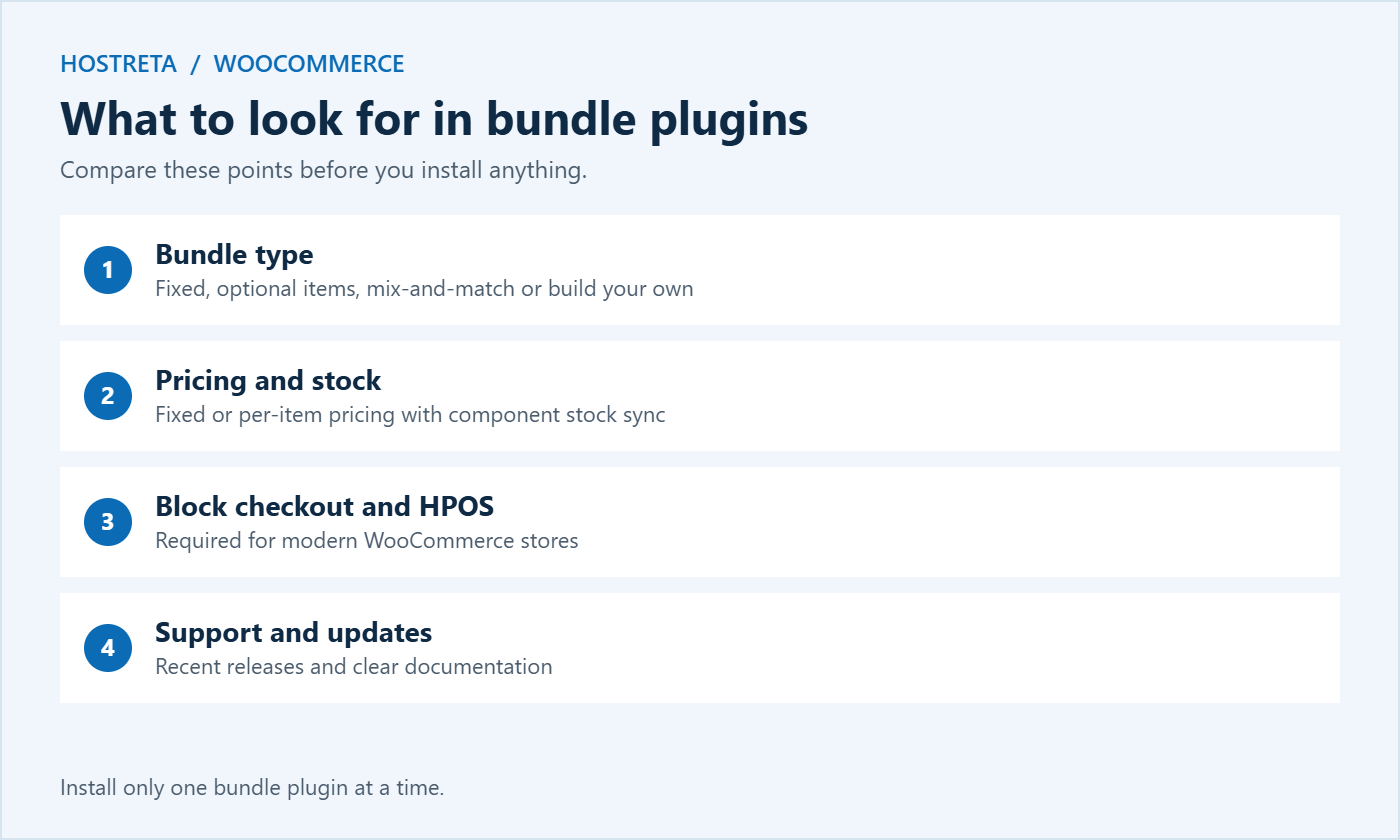
Bundles touch some of the most sensitive parts of your store: prices, stock levels, the cart, checkout, order emails, and shipping weights. A plugin that gets any of these wrong can oversell stock, show confusing totals, or send packing teams the wrong items. Switching plugins later is possible, but existing bundles usually need to be rebuilt. Taking an hour to compare bundle plugins now saves days of clean-up later.
If you’re new to bundles, start with the strategy in How to Set Up Product Bundles in WooCommerce.
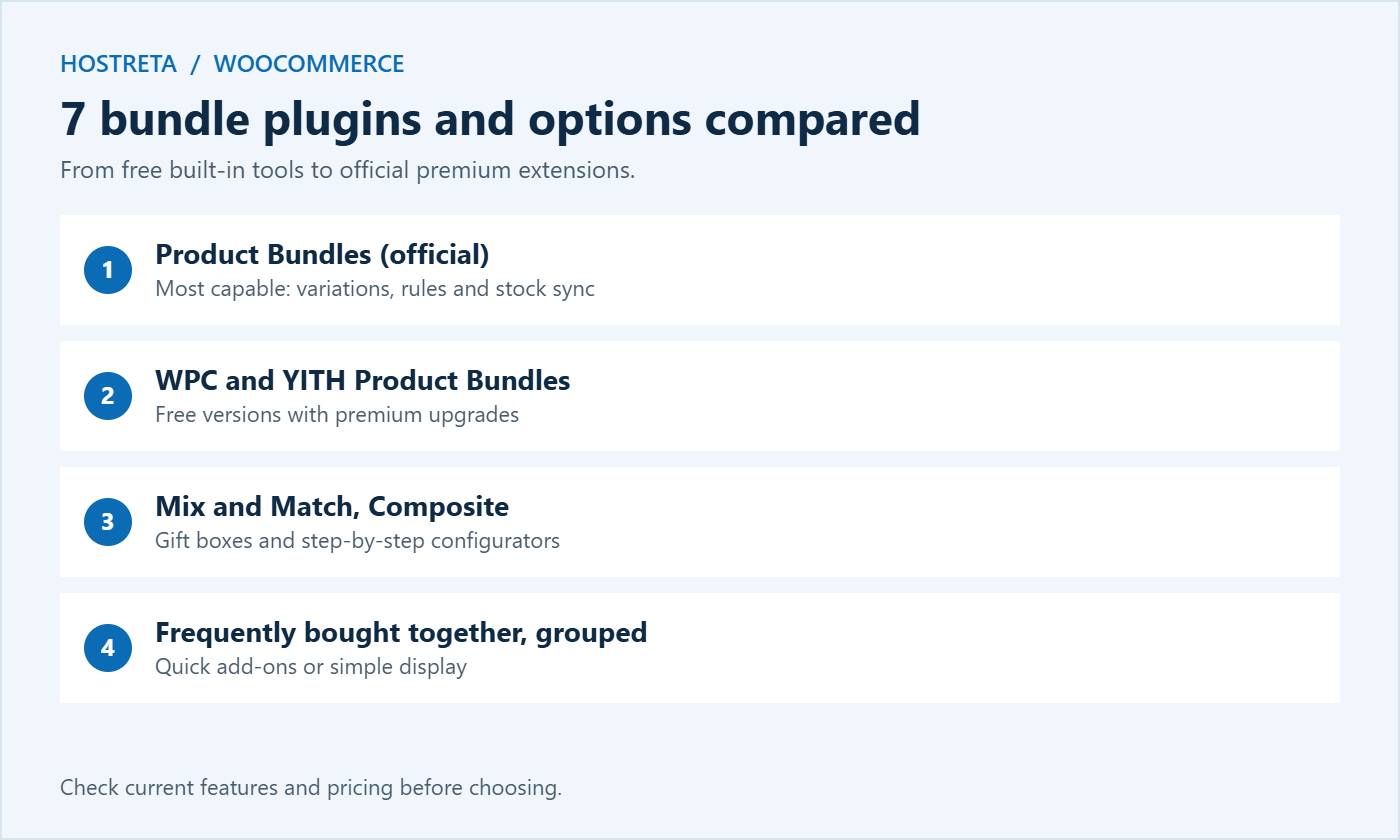
The official extension sold on WooCommerce.com is the most capable option for serious bundle strategies. It supports fixed and configurable bundles, optional items, quantity rules, per-item or fixed pricing, variable products inside bundles, and proper stock synchronisation with components. It works closely with other official extensions such as Subscriptions. It’s premium, with an annual licence; for a store where bundles drive real revenue, that’s usually money well spent.
A generous free plugin from WPClever covering fixed bundles with discounts, optional products, and simple layouts. A premium version adds more pricing rules and display control. It’s a popular choice for small stores that want real bundles without an upfront cost.
The free version handles basic bundles; the premium version adds per-item pricing, optional items, and more layout settings. A sensible choice if you already use other YITH plugins and want a consistent admin experience.
Designed for “pick any 6” boxes, where customers choose a set number of items from a selection. It suits food, cosmetics, sock packs, and gift boxes. Pricing can be fixed for the box or calculated per item.
Built for complex, configurable products such as computers or furniture, where customers choose one option from each step. It goes beyond typical bundle plugins and is best when buyers build a product rather than buy a set.
Plugins such as WPC Frequently Bought Together show related items with checkboxes and a combined price on the product page. They don’t create a separate bundle product, but they encourage shoppers to add extras in one click.
Free and built into WooCommerce. Grouped products list related items together, but each has its own price and there’s no combined discount or single add-to-cart. Enough if you only want to display items side by side.
Check current features and pricing on each plugin’s page before choosing, and install only one of these bundle plugins at a time to avoid conflicts.
Bundle plugins add calculations to product pages and the cart: checking stock for every component, recalculating prices, and updating totals when customers change options. On busy days, that extra work uses PHP workers and database queries — see PHP Workers Explained.
Stores that rely on bundles during sales benefit from solid hosting: Kawedma WordPress hosting, managed WordPress hosting powered by Rocket.net, or a Kawedma VPS server and managed VPS for larger catalogues.
Whatever you choose, test the full purchase flow before the season starts — see How to Test Your Checkout End to End Before Peak Season.
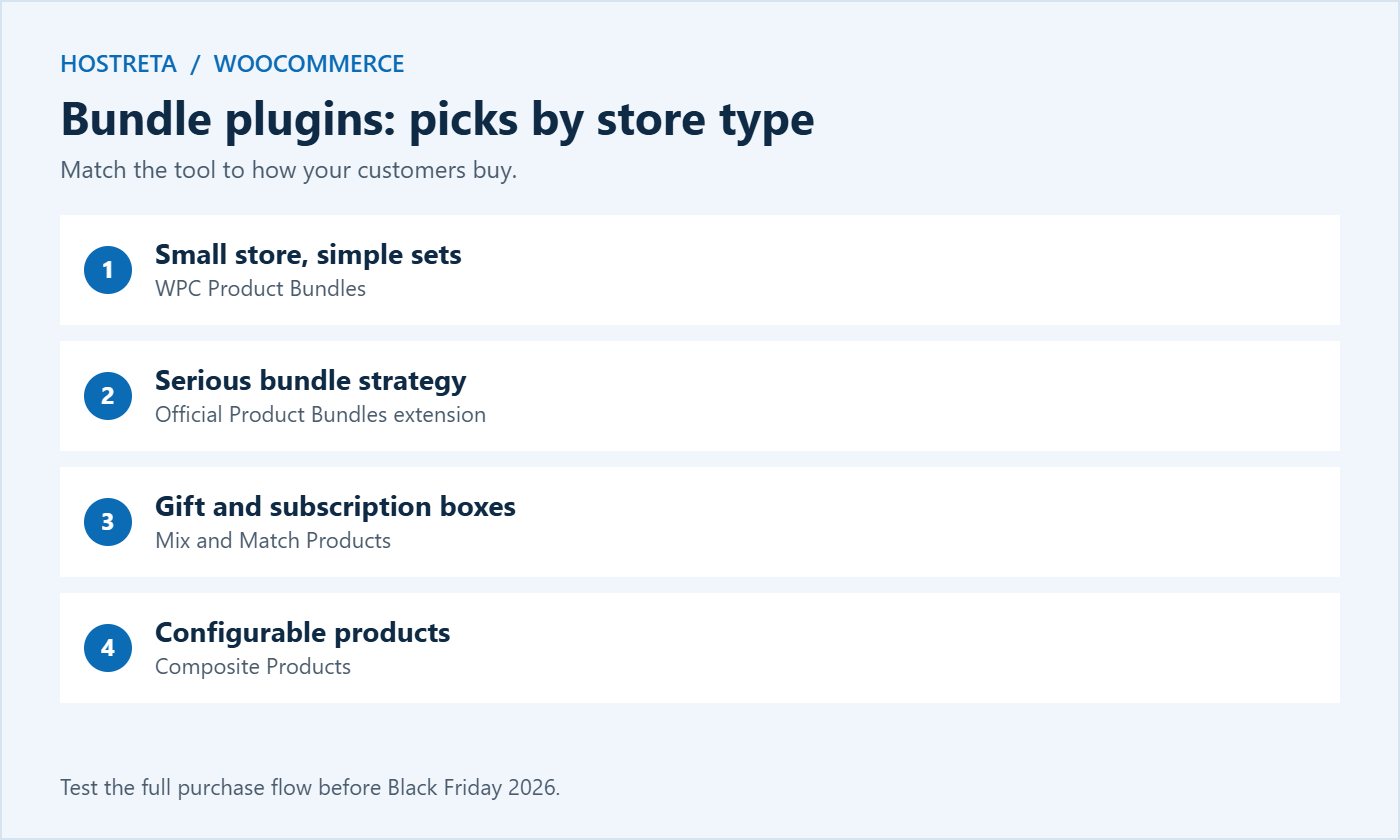
Use this list to shortlist two or three candidates, then test them on staging with your own products before deciding.
Feature lists only tell part of the story. The best way to choose between bundle plugins is a short hands-on trial on a staging copy of your store:
Note any problems and how quickly support answers a test question. The plugin that handles your real products cleanly is the right choice, whatever its feature list says.
Bundles rarely work alone. They interact with shipping, tax, coupons, subscriptions, inventory, and analytics. Before committing, check compatibility with the extensions you already run:
Once you’ve chosen between the bundle plugins, set up your first bundle carefully. It becomes the template for every bundle that follows.
Calculate profit on the whole bundle, not just the discount percentage. A modest saving of 5–15% is often enough, because convenience is part of the value. Show the saving in money as well as percent, and round gift bundle prices to clear points such as 49, 99, or 149. Revisit prices after the holidays based on what sold.
Plan launch dates and promotions on your calendar — see Black Friday Marketing Calendar. If you would rather have a professional set up bundles, payments, and shipping, Kawedma offers an e-commerce website service, and an SSL certificate keeps checkout secure.
Sometimes you outgrow a free plugin or a premium option no longer fits your needs. Moving between bundle plugins takes planning, because most plugins store bundle data in their own format:
Plan migrations for quiet months such as January or February, never in the weeks before a big sale.
After launch, compare orders that include bundles with those that don’t. Look at average order value, conversion rate on bundle pages, margin per order, and return rates. Keep the bundles that raise order value without hurting margin, and adjust or remove the rest. Small changes — a better photo, a clearer saving, or a different mix of items — often make a big difference. For more ideas, see Conversion Rate Optimization: 15 Quick Wins.
Some bundle plugins report the bundle as one line item, others list each component separately. Check how yours appears in WooCommerce Analytics and in any accounting or inventory tools, so your sales and stock reports stay accurate. If reports are confusing, tag bundle products with a dedicated category so you can filter them easily.
For simple fixed bundles, yes. Free bundle plugins like WPC Product Bundles cover the basics well. Premium options are worth it when you need variations inside bundles, complex pricing, or tight stock sync.
It’s best not to. Two bundle plugins can conflict in the cart and checkout. Choose one and use it consistently.
Most actively maintained plugins now support the Cart and Checkout blocks, but always confirm in the documentation and test on staging.
A well-coded plugin adds only a small amount of load. Keep options reasonable, use caching, and test performance before launch.
Mix and Match Products and the official Product Bundles extension both work with WooCommerce Subscriptions, so customers can receive a curated or self-chosen box every month. Test renewals carefully before launch.
Yes. Most bundle plugins can combine downloadable products, which is useful for template packs, ebook collections, and course bundles. Make sure every file is delivered correctly after purchase.
Many stores show a relevant bundle as a cross-sell in the cart. Check that your theme and the block-based cart display it correctly on mobile.
Bundle products usually stop working or display as empty products. Keep a list of your bundles and plan a migration before removing any plugin.
Choosing between bundle plugins comes down to three questions: what kind of bundles you want to sell, how much control you need over pricing and stock, and how well the plugin fits your existing store. Shortlist two or three options, test them with real products on staging, and pick the one that handles your catalogue cleanly. Set up a few strong bundles before the holiday rush, measure the results, and expand from there. Done well, bundles raise order value, help customers find what they need faster, and make your store a more attractive place to shop for gifts.
Start this week: shortlist your options, build one test bundle, and decide before your code freeze begins.
A little testing now prevents expensive surprises during the busiest shopping weekend of the year.
We may earn a commission on purchases made through these links, at no extra cost to you.
Don’t miss the chance to participate in the biggest giveaway of this year.