Hosting

Real Cron Job: 7 Essential Checks for a Safe WordPress Switch

You scheduled a post for 9:00 a.m., but it went live at 11:30 — or it shows “Missed schedule.” Backups, email digests, and WooCommerce tasks run late or not at all. A missed trigger is one possible cause, alongside failing callbacks, blocked requests, and resource limits. A real cron job can provide regular triggers, but it cannot guarantee that every scheduled task completes successfully.
This guide explains how WP-Cron works, its problems, how to create a server cron job, how to disable WP-Cron, and how to check scheduled tasks.
WP-Cron is WordPress’s application scheduler. Its default triggering depends on requests reaching WordPress, rather than a continuously running system scheduler. That includes:
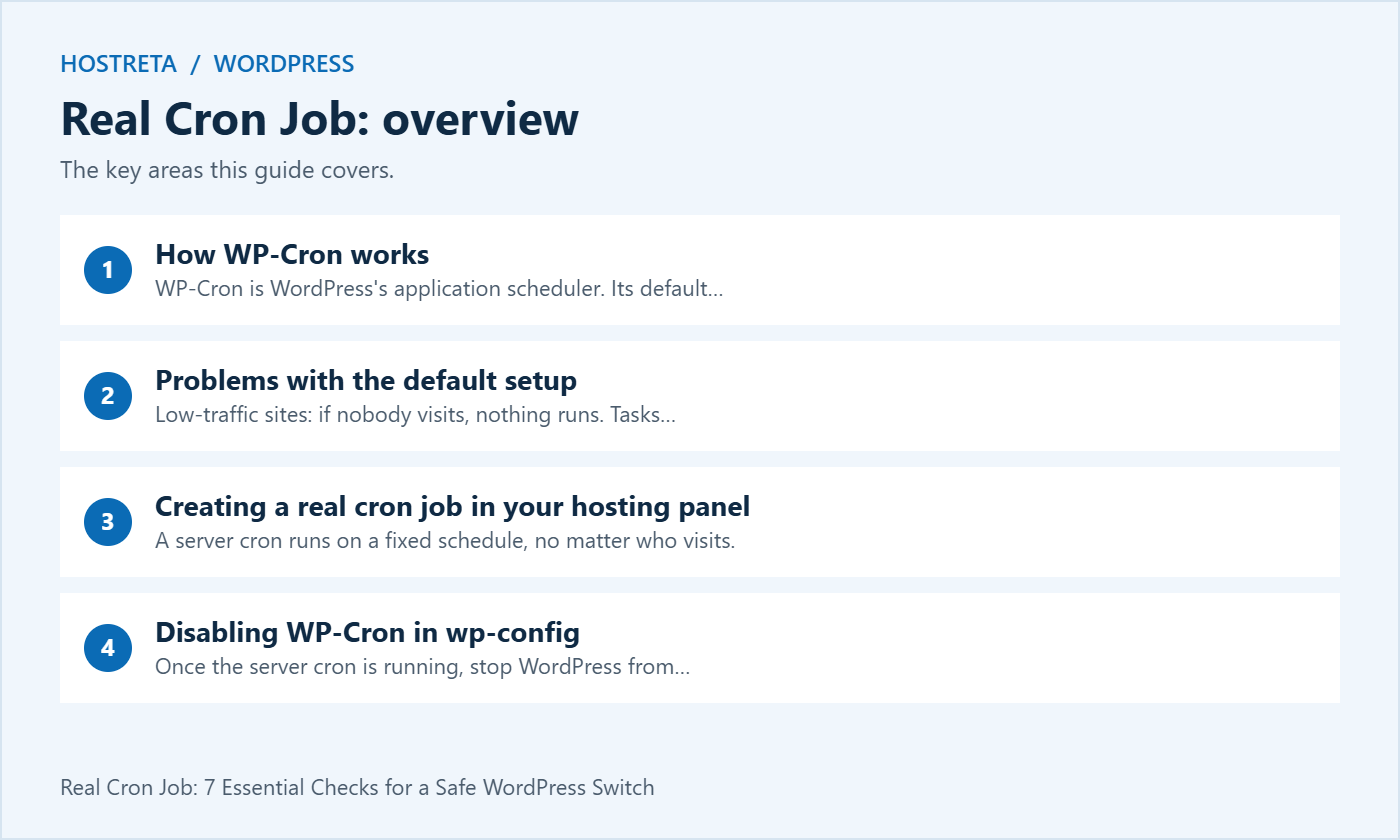
A server cron runs on a fixed schedule, no matter who visits.
wget -q -O - https://yourdomain.com/wp-cron.php?doing_wp_cron >/dev/null 2>&1cd /home/username/public_html && wp cron event run --due-now >/dev/null 2>&1Your host’s paths and PHP binary may differ — check their documentation or ask support. More on WP-CLI in WP-CLI for Beginners: Manage WordPress From the Terminal.
Once the server cron is running, stop WordPress from triggering WP-Cron on page loads. Add this line to wp-config.php above “That’s all, stop editing!”:
define( 'DISABLE_WP_CRON', true );Don’t add this line without a server cron in place, or scheduled tasks will stop entirely.
wp cron event list lists scheduled events.Heavy scheduled tasks like full backups are best run at quiet hours — combine this with How to Set Up Automatic Backups on Your Hosting.
Hosting that makes this easier: a real server cron is simplest on hosting that gives you cron access and good support. Kawedma WordPress hosting, Kawedma VPS servers, managed WordPress hosting powered by Rocket.net, and managed VPS hosting from Hosting.com all support scheduled tasks.
A real cron job changes how WordPress receives a scheduling trigger. The events, callbacks, and plugin responsibilities still exist inside the application. Treat the change as an operational handover: identify what currently triggers work, establish a reliable replacement, verify meaningful outcomes, and retain a rollback route.
This guide describes the process rather than executing commands on your host. Example paths and domains are placeholders. Confirm the correct account, installation, command locations, and hosting restrictions before saving a task. Never copy another site’s filesystem path into your production scheduler without checking it.
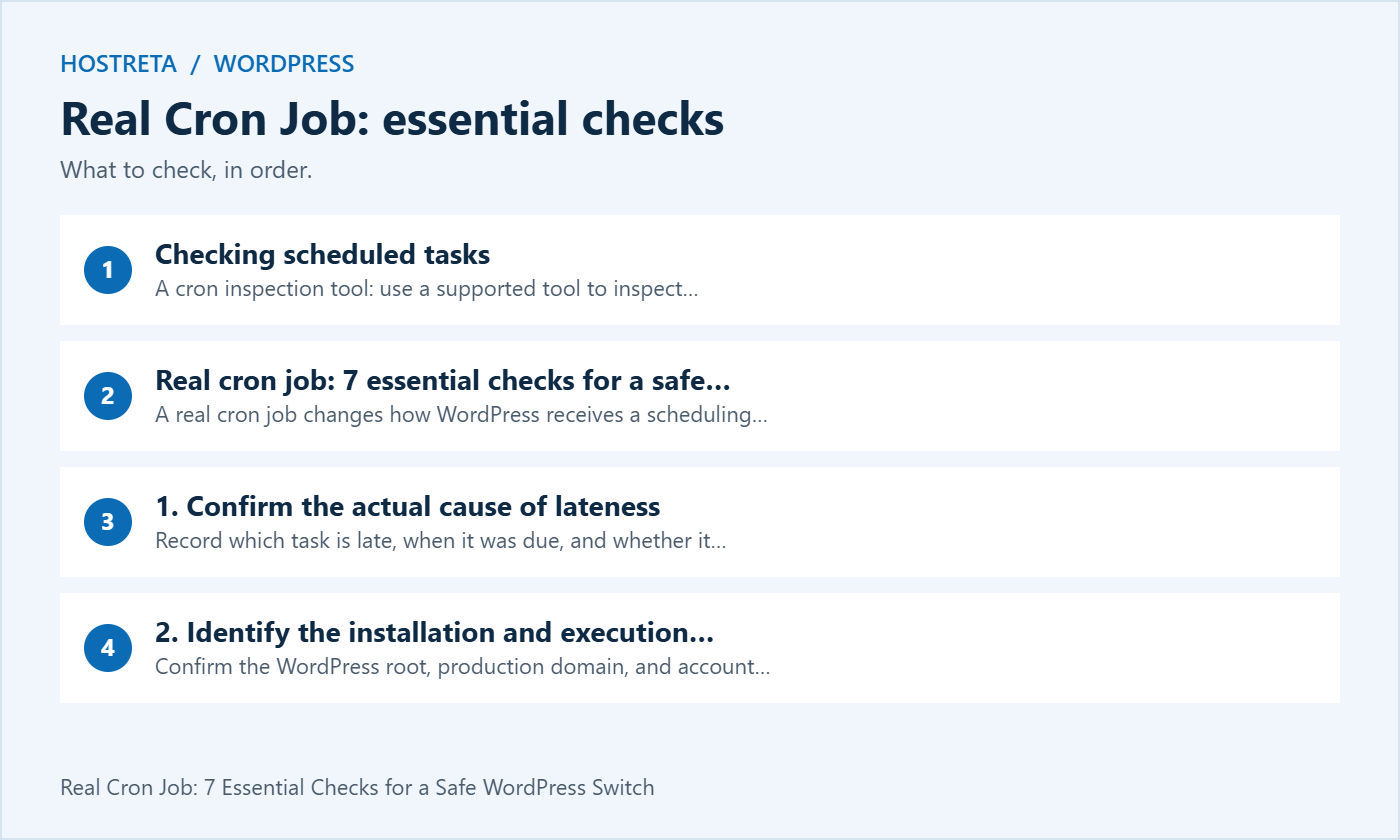
Record which task is late, when it was due, and whether it eventually completes. Check for application errors and ask the host about relevant limits. A real cron job can help when triggering is irregular, but a callback that fails every time needs a separate fix. Running that broken callback more often may only generate more failures.
Distinguish a late scheduled post from a failed backup upload or a queue backlog. These have different acceptance criteria. The post must become public; the backup must exist and be restorable; the queue must process items successfully. A successful scheduler invocation is useful evidence, but it does not prove those outcomes.
Confirm the WordPress root, production domain, and account that owns the site. On a server with several installations, a real cron job can run successfully against the wrong website. Write the intended target into the change record and verify it with a harmless read-only command before configuring execution.
Use an appropriate site account rather than defaulting to administrator-level operating-system privileges. Check that it can read the application files and write only where required. Ask the host for the supported method on shared hosting, because shell access, available binaries, and minimum intervals can differ between plans.
An HTTP request to the site’s cron endpoint is a straightforward option when supported by the host. Check that authentication, redirects, security rules, or a proxy do not turn the request into a login page or blocked response. A real cron job using HTTP depends on that request reaching the intended endpoint.
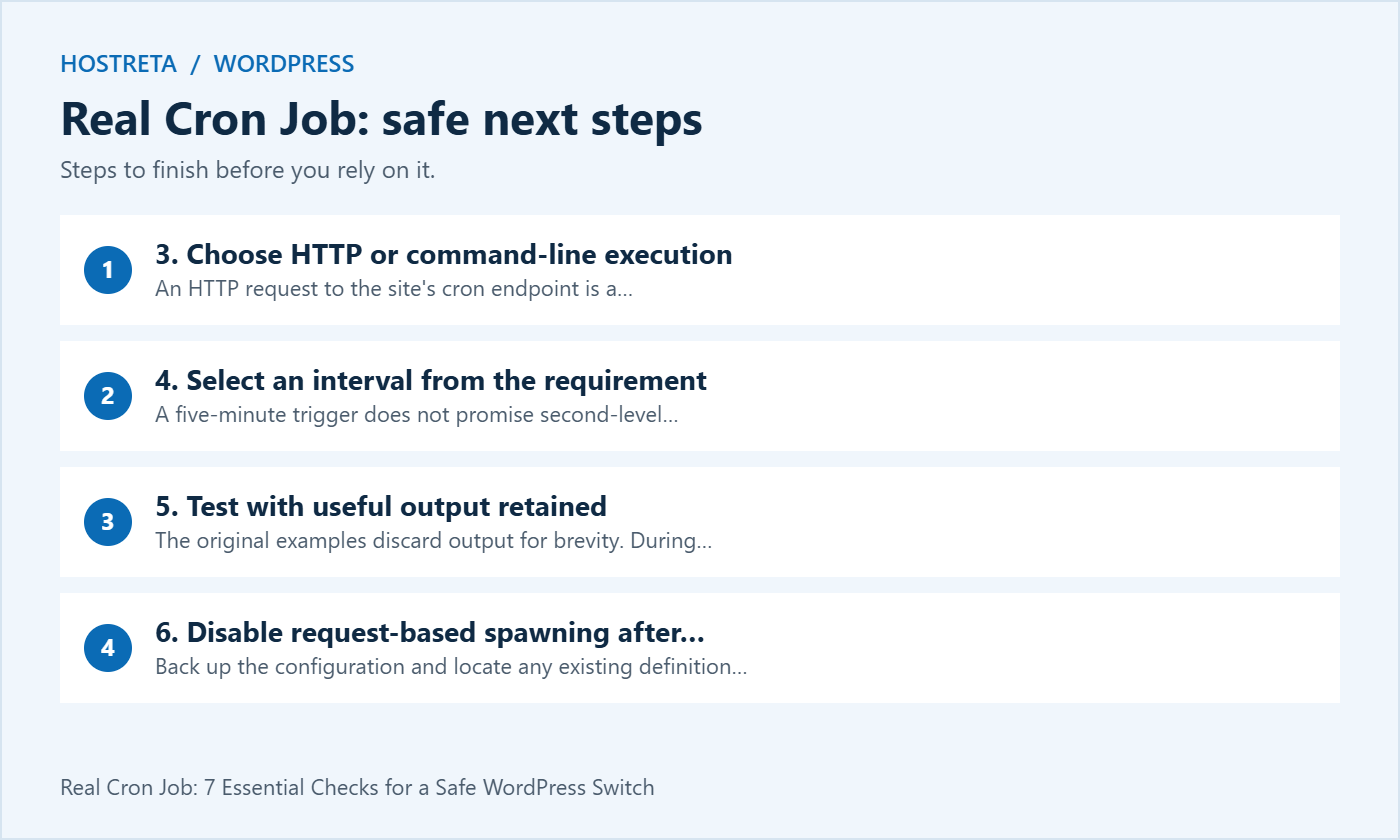
WP-CLI can run due events through a command-line environment. Confirm the executable location and PHP environment, since an interactive shell may have a different PATH or PHP version from the scheduler. Choose one maintained method, document it, and avoid creating parallel triggers merely because several examples are available.
A five-minute trigger does not promise second-level publishing accuracy. A task that becomes due just after a trigger may wait until a later run, and execution takes time. Choose the real cron job interval based on acceptable lateness, normal duration, resource limits, and the host’s supported scheduling policy.
For an editorial site, a small delay may be acceptable. A store with time-sensitive background work may require a more carefully designed queue and monitoring plan. State the requirement explicitly instead of choosing the smallest interval offered by the panel. More frequent triggering cannot compensate for a persistent processing backlog.
The original examples discard output for brevity. During commissioning, keep error output in a protected, bounded location or use the host’s task history. Otherwise, a real cron job can fail repeatedly without leaving evidence that someone reviews. Avoid putting secrets into a command line, a public log path, or a notification email.
Run the supported command manually as the intended account where permitted, then observe a scheduled invocation. Confirm the target and the task result. A manual success from an interactive shell does not prove that the scheduler has the same environment, permissions, or working directory.
Back up the configuration and locate any existing definition before changing it. The documented DISABLE_WP_CRON setting stops the normal request-based spawning mechanism; it does not remove the event registry. Verify that the real cron job is established before relying on it as the sole trigger.
Use the WordPress system scheduler guide for the supported integration pattern. After the configuration change, repeat your acceptance test. Keep the previous configuration and exact rollback steps available so you can restore request-based triggering if the replacement fails.
Review the first several scheduled runs and at least one relevant application outcome. For a real cron job, monitoring should cover invocation failures and overdue work. A green task status in a hosting panel may only show that the command launched or exited, not that every plugin callback achieved its purpose.
Assign an owner to alerts and record when the setup was last verified. Recheck after a host migration, PHP change, directory move, or domain change. These events can invalidate a path, execution environment, or HTTP destination even when no one deliberately changes the scheduler configuration.
For HTTP execution, the existing wget example illustrates the request shape. Replace the domain and confirm the host supports the tool. For command-line execution, use explicit paths where the scheduler requires them. A real cron job should not depend on an accidental shell default that nobody has documented.
*/5 * * * * /absolute/path/to/wp --path=/absolute/path/to/wordpress cron event run --due-nowThis is an illustrative crontab entry, not a universal command. The first five fields describe the schedule; the remainder is the command. Some hosting panels provide separate schedule fields, so paste only the command into their command box. Confirm the binary and filesystem paths with the host.
The WP-CLI command reference documents --due-now for events currently due. Read the help for the installed version before depending on additional options. Do not replace that selection with an option that runs every event merely to make a test appear successful.
| Check | Evidence to retain | Failure to investigate |
|---|---|---|
| Correct installation | Verified domain and filesystem root | Task runs against staging or another site |
| Scheduler execution | Recorded invocation and exit information | Missing executable or unsuitable permissions |
| Application outcome | Expected post, record, or completed task | Callback error despite successful invocation |
| Timing | Due time compared with observed completion | Interval or backlog exceeds the requirement |
| Recovery | Documented tested rollback route | No owner or inaccessible configuration backup |
For a real cron job serving an editorial site, a disposable scheduled post on staging can test the publishing path. Record the intended and actual time, then clean up the test content. Avoid publishing an unintended test article on production simply to demonstrate that the scheduler is alive.
For backups, verify the artifact and restore process rather than only the event’s next due time. For email tasks, check the application’s result and the mail delivery evidence appropriate to the service. Scheduled execution and downstream delivery are separate stages with their own potential failures.
Write down the site’s configured time zone, the host scheduler’s time zone, and the zone used by logs. Comparing two unlabeled timestamps can make a correctly triggered task look late. A real cron job should have a documented timing model, especially when editors work in different regions.
Daylight saving changes matter for wall-clock schedules. Ask the host how its scheduler handles local time changes if you require an exact local hour. For recurring application tasks, inspect the relevant plugin’s behavior rather than assuming its interval is identical to a calendar schedule in the hosting panel.
Allow for the difference between an event becoming due and completing its work. A short task may finish quickly, while a large backup or import needs a longer observation window. Define success in terms of the actual task and its reasonable service expectation, not just the minute displayed in a table.
Inventory existing host-managed scheduling before adding another real cron job. Managed WordPress services may already provide a replacement trigger. Duplicate configurations complicate diagnosis and can increase load even when application locking prevents some overlap. Keep one documented ownership model instead of several forgotten copies.
Do not assume all plugin tasks are safe to replay. A callback may send a message, alter data, or contact another service. Running individual events manually should be a deliberate action with an understanding of the effect. Test on staging or use the component’s supported recovery procedure when an interrupted task needs attention.
When work consistently takes longer than the trigger interval, investigate the workload and the component’s locking behavior. A real cron job is not a queue capacity upgrade. The solution may involve smaller batches, a corrected callback, additional resources, or a supported background processing setup rather than a more aggressive schedule.
If the panel reports an unknown command, check the absolute executable path and available tools. If the command works manually but not on schedule, compare account, working directory, environment, and PHP version. Keep a sanitized error message so the host can help with the exact failure instead of a general report that cron is broken.
If HTTP execution returns an access-denied response, inspect the relevant authentication and security rules with the host. Do not disable broad protections as a shortcut. Establish a narrowly supported execution route or use an appropriate command-line method. A real cron job should fit the site’s security configuration.
If events remain overdue despite successful triggers, examine callback errors and resource use. Check whether the responsible plugin is active and whether its dependencies are available. Preserve evidence before removing events or changing their recurrence. Deleting overdue entries can hide the symptom while abandoning work the application still needs to perform.
If the replacement fails, restore the previous spawning configuration and remove or pause the faulty system task as part of a controlled rollback. Confirm that scheduled work has a functioning trigger again. A real cron job migration should never end with both methods disabled while everyone assumes the other method is responsible.
After a successful handover, record the command, interval, account, target, log location, owner, and last verification date. Include the configuration in migration documentation. Check it after environment changes, and remove obsolete tasks when a site is retired so the host does not keep requesting an abandoned domain.
If you need help checking hosting support or implementing the change, KAWEDMA offers hosting and website development services. Provide the task requirements and current evidence before requesting work. Ask for a tested handover that explains how to verify the real cron job and restore the previous setup.
No. It provides an external trigger for the application work. The WordPress event registry and plugin callbacks still matter, and their failures still require diagnosis. Verify the result of important tasks instead of assuming that changing the trigger fixes the entire background processing system.
Only if the requirement, host policy, and measured behavior support that choice. More frequent execution can create extra load without improving a slow callback. Choose an interval from the acceptable delay and workload, then observe whether the real cron job actually meets that requirement.
Retain useful error visibility during commissioning, then establish a suitable monitoring and retention arrangement. Discarding output is convenient but can conceal repeated failures. The long-term goal is actionable evidence reviewed by an owner, without uncontrolled log growth or disclosure of sensitive data.
Write a short operating note that someone other than the installer can use. Include where to find the scheduler entry, which account owns it, which installation it targets, and how to confirm recent execution. Record the normal interval and the acceptable delay for the most important task. This turns a real cron job from a forgotten command into a maintained part of the website.
Include a response procedure for an alert. The first checks should establish whether the host launched the command, whether WordPress loaded, and whether the specific application task completed. Note who owns each stage and which evidence to collect before changing settings. Keep credentials in the approved credential store rather than in the operating note.
Finally, review the setup after the next ordinary maintenance cycle. A configuration that worked during commissioning still needs confirmation after updates and routine changes. Record the review date and any correction so future administrators can distinguish the current arrangement from an obsolete example.
We may earn a commission on purchases made through these links, at no extra cost to you.
Don’t miss the chance to participate in the biggest giveaway of this year.