Reviews

WordPress Table Plugins: 7 Essential Checks for a Safe Choice
Pricing comparisons, specification lists, and data summaries can benefit from a clear table. The built-in Table block is suitable for simple content; larger or interactive datasets may need additional tools. Both plugin-generated and hand-coded tables need deliberate mobile and accessibility testing.
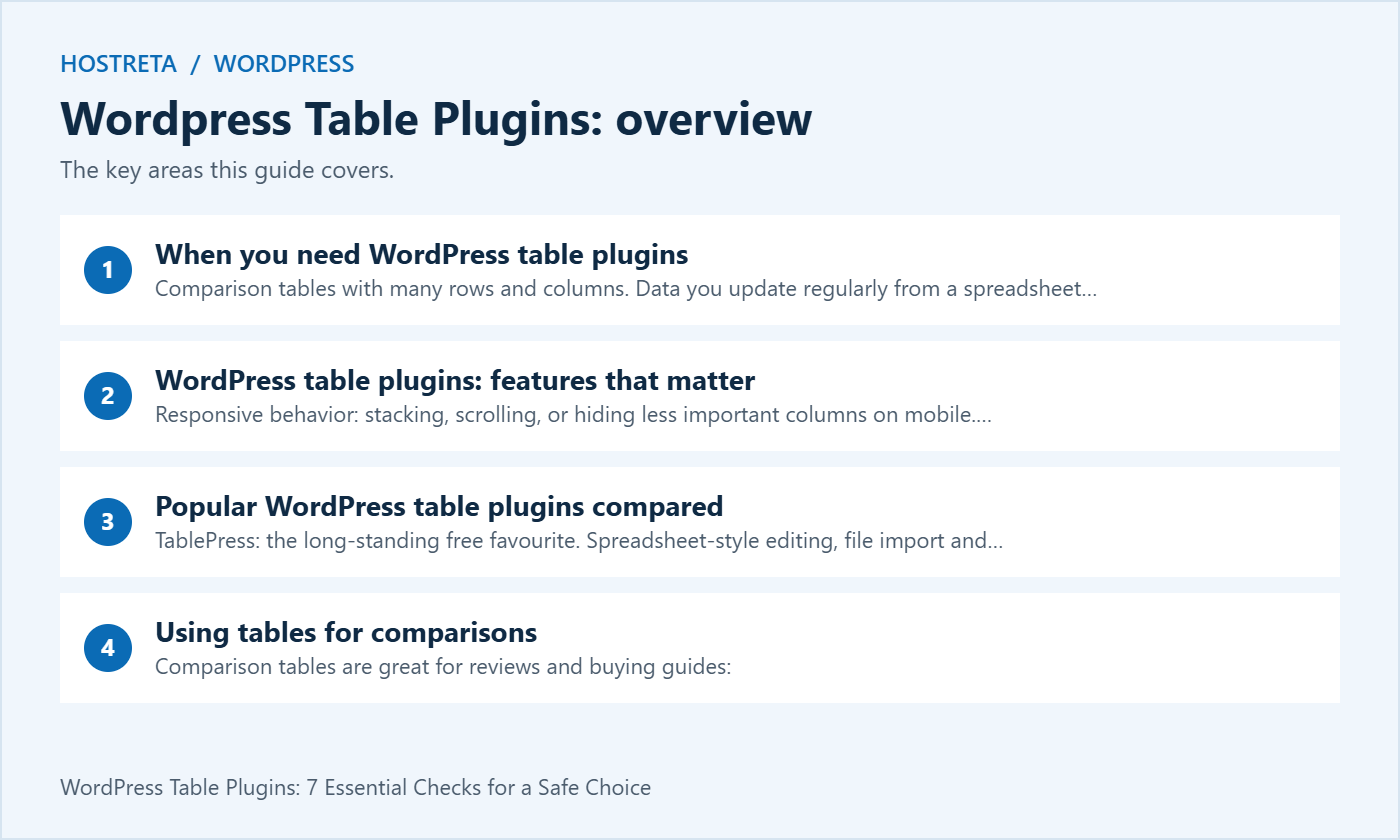
This guide compares the best WordPress table plugins: when you need one, which features matter, how the popular options differ, how to use tables for comparisons, and which to choose.
For a simple three-row table, the built-in block may be sufficient without installing another plugin.
Check current features and pricing before you commit, since plugins change often.
Comparison tables are great for reviews and buying guides:
Writing review content? See Affiliate Marketing for Beginners: Complete Guide for disclosure and link practices.
Whatever you pick, test on mobile and check your page speed afterward — see PageSpeed Insights vs GTmetrix vs Pingdom.
A fast, well-supported host makes every WordPress task smoother. Kawedma WordPress hosting and managed WordPress hosting powered by Rocket.net include staging sites for safe testing, while shared hosting from Hosting.com or Kawedma shared hosting suit smaller sites. Protect the site with an SSL certificate and automatic backups from CodeGuard.
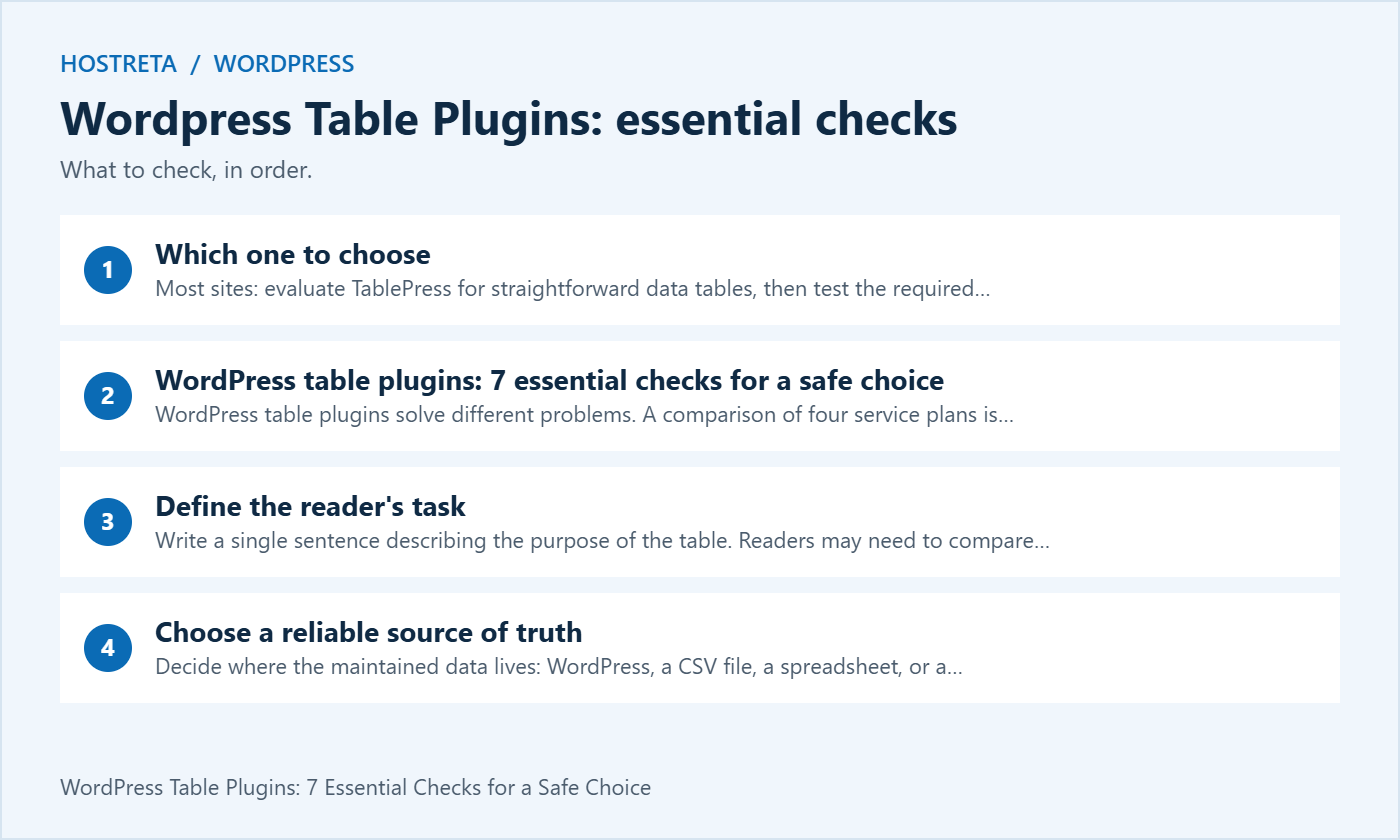
WordPress table plugins solve different problems. A comparison of four service plans is mainly an editorial design task, while a searchable directory with thousands of records is a data application. Start with a representative dataset and a clear description of what readers need to do, then evaluate products against that requirement.
This comparison does not claim independent performance benchmarks or a security audit of the listed products. Verify the current edition and documentation before choosing. A feature advertised for a premium plan or a particular data source may not exist in the free edition or in another table-building mode.
Write a single sentence describing the purpose of the table. Readers may need to compare plan limits, locate an event, sort products by a specification, or find a contact in a directory. WordPress table plugins should make that task easier without surrounding a small amount of useful data with unnecessary controls.
For a short comparison, a clear header row and a few relevant columns may be enough. For a larger directory, readers may need search, filters, and pagination. Test those interactions with realistic questions rather than enabling every option because it appears in the settings panel.
Decide where the maintained data lives: WordPress, a CSV file, a spreadsheet, or a database. Importing a file once is different from synchronizing a source repeatedly. WordPress table plugins can support several workflows, but the source, refresh behavior, and ownership must be explicit if the displayed information needs to remain current.
Record who updates the source and how changes are published. For prices, schedules, or availability, agree what should happen when a refresh fails. Avoid a setup where editors update the displayed table and the next import silently replaces their work with an older spreadsheet.
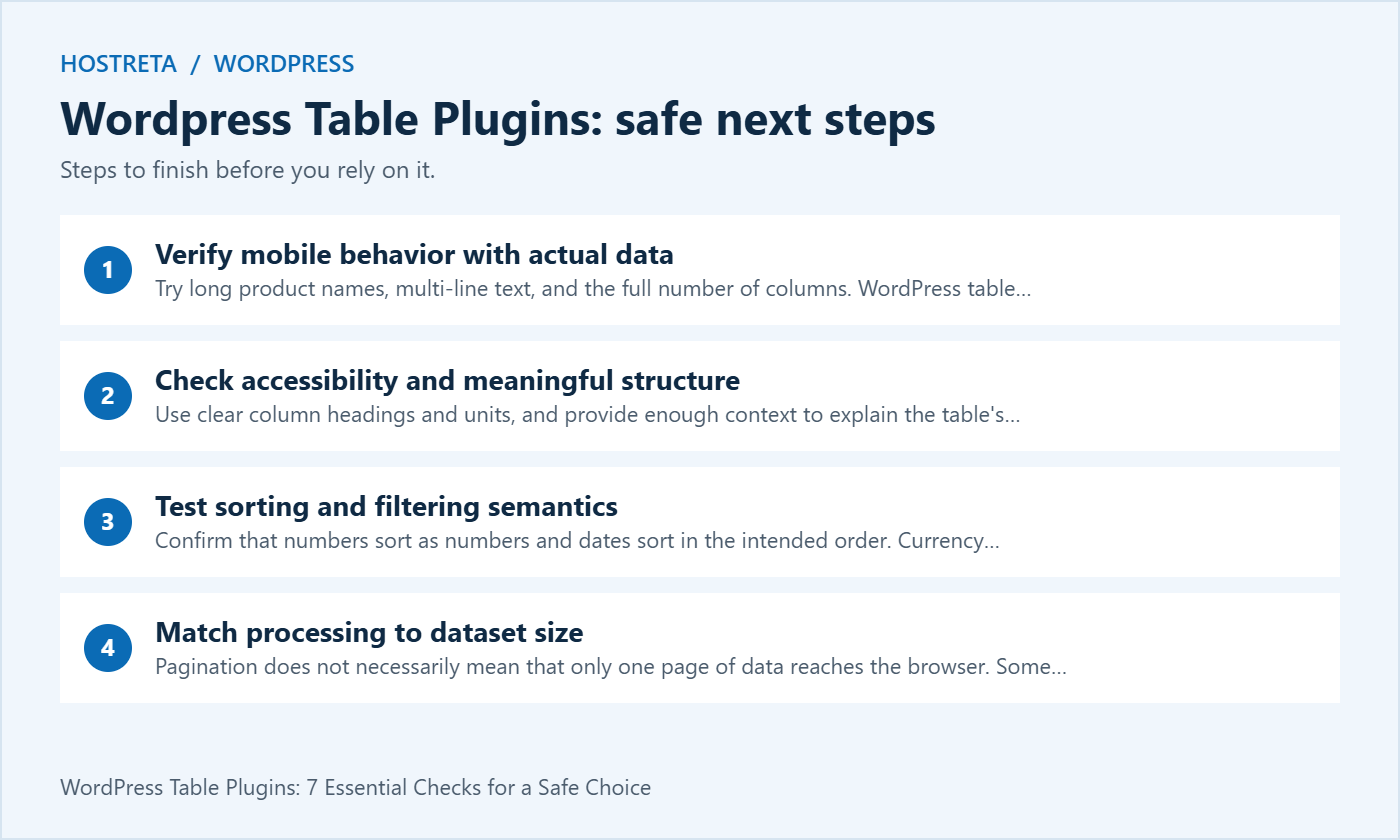
Try long product names, multi-line text, and the full number of columns. WordPress table plugins may offer scrolling, stacked views, or hidden columns, but each method has tradeoffs. A visitor must still understand which label belongs to a value and how to reach information outside the initial viewport.
Do not hide an essential comparison field simply to make a screenshot look tidy. Reduce unnecessary columns first. If horizontal scrolling is appropriate, make the interaction discoverable and test it by touch and keyboard. Review the surrounding page as well so the table does not force the entire layout beyond the screen width.
Use clear column headings and units, and provide enough context to explain the table’s purpose. WordPress table plugins should preserve the relationship between headers and data. A visually styled grid is not automatically a usable data table, and color alone should not carry a meaning such as availability or suitability.
Test keyboard access to sort controls, search fields, pagination, and links. Check focus visibility and readable contrast. Where the table has complex relationships, simplify the structure or add an explanation. A short descriptive paragraph can help readers understand the intended comparison before they encounter a large grid.
Confirm that numbers sort as numbers and dates sort in the intended order. Currency symbols, thousands separators, mixed units, and ambiguous date formats can produce misleading results. WordPress table plugins need the correct column types or configuration for your data, especially when a reader relies on sorting to identify a best match.
Test empty cells, zero values, accented names, and missing dates. Verify what happens when filters produce no results and whether resetting them is obvious. Use a small acceptance dataset with a known expected order so you can distinguish a configuration issue from a mistaken assumption about the source data.
Pagination does not necessarily mean that only one page of data reaches the browser. Some implementations load the entire dataset and paginate locally. WordPress table plugins that offer server-side processing may use a different request and database model. Verify the behavior for the selected source and edition instead of judging capacity by the visible row count.
Measure loading, search, sorting, and filtering on representative devices. A table that feels responsive on an administrator’s desktop may struggle on a phone with limited resources. Evaluate server load too. Large data requirements may need a carefully designed query and indexing strategy rather than an unrestricted public database connection.
Create a test export and restore it into staging. Check data, formatting, source settings, and embedding references separately. WordPress table plugins may export raw rows in one format and plugin configuration in another. Keep the materials required to rebuild an important table, not just a screenshot of its appearance.
Document the owner, data source, update method, and pages that embed the table. Check those pages after plugin or theme updates. If a table is removed or replaced, update the associated block or shortcode references so visitors do not see an empty area or an unresolved embed.
| Option | Useful evaluation case | Important check |
|---|---|---|
| Core Table block | A small static comparison maintained with the article | Readability, headings, and mobile presentation |
| TablePress | Reusable data tables with import and interactive controls | Required modules and edition-specific mobile features |
| Ninja Tables | Styled tables with a repeatable import workflow | Source format, column mapping, and required paid features |
| wpDataTables | Tables that need data-source and processing options | Supported source type, processing mode, and access model |
Use the same sample when comparing WordPress table plugins. Give an editor the task of changing a row, importing an update, and restoring an earlier version. Give a reader the task of finding a specific answer. These exercises reveal more about suitability than comparing a long list of feature names without using them.
TablePress documents sorting, search, import, and configuration. Its Responsive Tables module is associated with its paid editions, so do not assume every mobile mode is included in the free plugin. Verify the feature you need before building your design around it.
Ninja Tables provides separate instructions for CSV import and CSV or JSON export. Check the intended round trip with your own columns. Data portability and preservation of all design settings are different acceptance questions.
Choose columns from the decision your reader needs to make. For a hosting comparison, specify the billing period, resource units, and important limitations rather than mixing introductory and renewal prices without explanation. WordPress table plugins make presentation convenient, but the editor remains responsible for accuracy and a fair comparison.
State when time-sensitive information was checked and link to authoritative product details where appropriate. Explain conditional claims and avoid a universal winner when products serve different needs. If a relationship influences the comparison, disclose it clearly in the surrounding content according to the applicable publishing requirements.
Keep calls to action descriptive and consistent. A reader should understand whether a button opens a product page, documentation, or a purchase flow. Avoid using the same vague label for several different destinations. Check every link after importing or duplicating a table, since old campaign addresses can survive unnoticed.
Make a protected working copy before transforming a source file. Identify the separator, encoding, header row, and expected column types. WordPress table plugins can interpret the same value differently depending on configuration. A product identifier with leading zeros should not become an ordinary number if those zeros are meaningful.
Use explicit formats for dates and units. Keep a small set of known test rows that include the difficult cases: long text, commas inside values, empty fields, zero amounts, and characters outside basic English. Import into staging first and compare the result against the source rather than checking only the first row.
For repeated imports, determine whether the operation replaces, appends, or updates existing rows. Document the matching key when updates are supported. A mistaken append can create duplicates, while a replacement can remove manual edits. Test a second import deliberately so the update behavior is understood before relying on it.
wpDataTables documents database-backed server-side processing, where sorting and filtering can be handled on the server and smaller portions returned to the browser. Confirm its current source requirements and configuration. It is not a promise that every file-based table will automatically use the same model.
For a large deployment, test representative queries and simultaneous use. Record the delay for loading the first result, searching a common term, applying a selective filter, and moving through pages. WordPress table plugins still depend on the hosting environment and the underlying data design; a poorly structured query can remain expensive.
Consider caching carefully when results depend on the user or frequently changing data. Confirm that one visitor cannot receive another visitor’s private records through a cached response. A public table and a restricted staff directory have different access requirements even when they look similar in the editor.
Only publish records intended for the audience that can access the page and its data requests. Hiding a column visually is not a reliable way to protect private information. WordPress table plugins may send data to the browser even when it is not currently visible, so inspect the supported access model before storing sensitive fields.
Keep credentials out of public spreadsheet URLs, downloadable files, and page content. If a table connects to a database or external service, use an appropriately limited account and a maintained integration. Ask the responsible developer to verify authorization at the request level rather than relying solely on a menu or page being hard to find.
When the data includes customer or staff records, define retention and ownership before publication. Test the experience as a logged-out visitor and with the intended restricted role. Avoid using real private records in screenshots, demo exports, or support attachments when synthetic examples can reproduce the issue.
Use this checklist after changing the source schema as well as after plugin updates. Adding a column can affect mobile presentation, filters, exports, and downstream expectations. WordPress table plugins do not remove the need for a release process when a table is part of an important customer workflow.
If you need help implementing a data display or assessing hosting capacity, KAWEDMA offers website development and hosting services. Provide a sample dataset with synthetic values, the expected interactions, and the access requirements so the implementation can be scoped and reviewed concretely.
No. Try the core Table block when the content is small and static. Add a plugin when there is a specific need, such as reusable data, imports, search, or more advanced interactions. Choose the smallest maintainable approach that passes your actual reader and editor tests.
No. It may only change what is visible after the full dataset has loaded. Check the selected implementation and measure the result. For large datasets, investigate processing mode, request size, query efficiency, and hosting resources instead of assuming a row-limit control establishes capacity.
Validate it first. Check column mapping, identifiers, dates, numeric types, links, and representative edge cases. WordPress table plugins can speed up publishing, but a successful import message does not establish that the values remain meaningful or that the source was accurate.
Confirm the exact required features, source types, site limits, support terms, and export behavior. Try a supported demo or staging evaluation when available. Keep your selection record focused on the workflow you need so a future maintainer understands why that edition was chosen.
Keep the source data independent of the display where practical, and record which pages embed each table. Before replacing WordPress table plugins, test the new renderer with the same acceptance dataset and update references deliberately. Compare the rendered values, interactions, and permissions, then retain a rollback copy until the replacement is accepted. A clean handover should explain both where the data lives and how readers receive it.
We may earn a commission on purchases made through these links, at no extra cost to you.
Don’t miss the chance to participate in the biggest giveaway of this year.