Dev & Security

BIMI Explained: 7 Essential Checks for a Trusted Logo


BIMI explained: Brand Indicators for Message Identification lets a sending domain publish branding information that participating mailbox providers can consider showing beside authenticated email. It is a branding layer built on email authentication. A logo is not proof that a message, its links or its attachments are safe.
This guide covers seven practical checks: sending domains, authentication readiness, certificate eligibility, logo preparation, file hosting, DNS publication and verification. Complete the checks in that order so a branding project does not accidentally interrupt legitimate email.
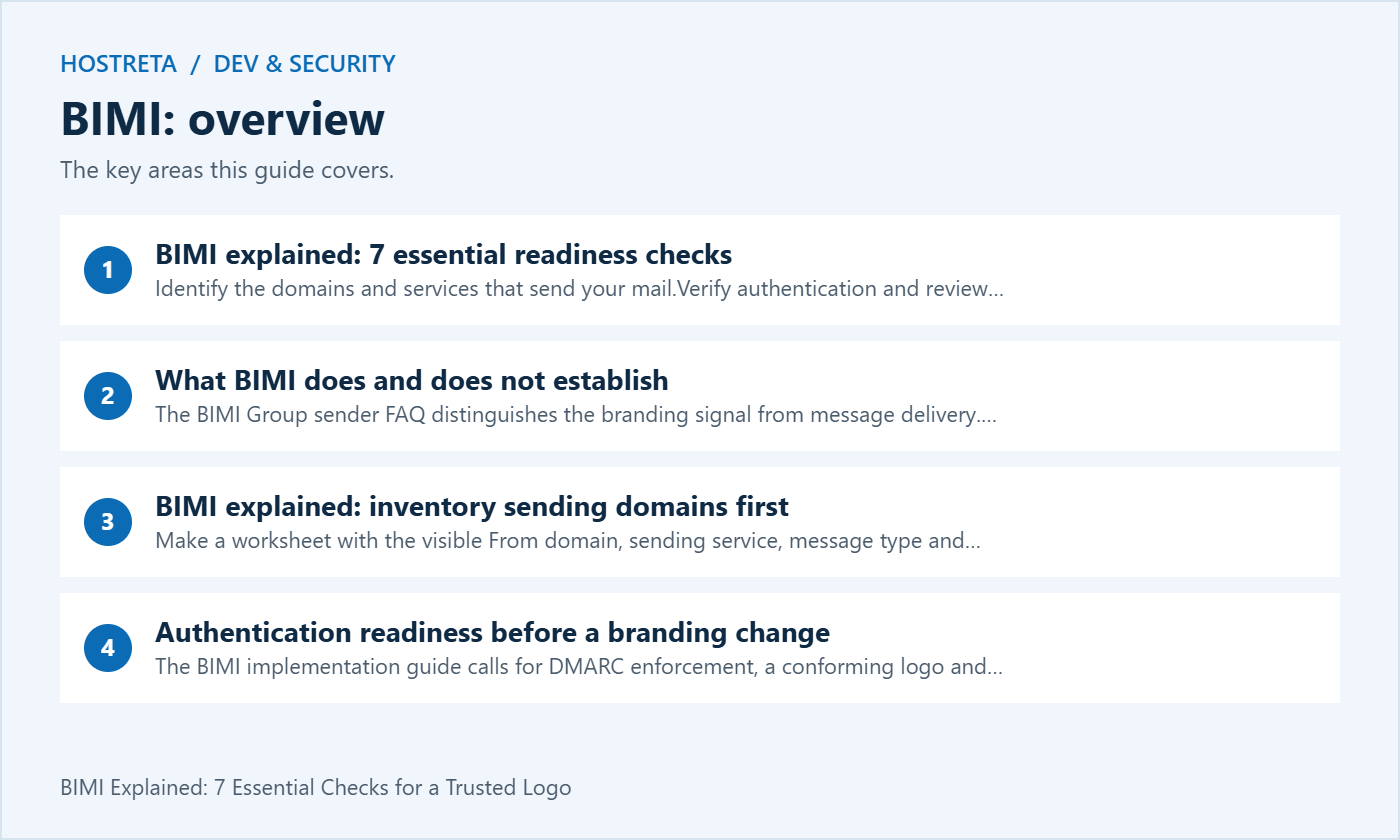
The BIMI Group sender FAQ distinguishes the branding signal from message delivery. Providers decide whether to display a logo under their own rules. A valid record does not promise inbox placement, a higher open rate or display in every email application. An avatar can also come from another source, so seeing an image alone does not establish that BIMI was used.
Keep the goal specific: make a legitimate brand easier to recognise in supported environments. Continue ordinary phishing precautions. A compromised authorised account can send harmful content, and a similar-looking domain can use a different brand identity. Tell staff to verify unusual requests through a known channel even when a familiar image appears.
Make a worksheet with the visible From domain, sending service, message type and responsible owner. Include staff mail, newsletters, store receipts, support systems and automated website notifications. A marketing team’s view of the setup may miss a billing tool used by another department. Review recent genuine messages instead of relying only on a list of purchased software.
Separate production services from old trials and abandoned integrations. Ask each owner whether a service is still used and which messages would fail if it stopped. Record the answer rather than immediately deleting records. This gives you a defensible inventory and prevents a branding change from turning into an undocumented cleanup of unrelated mail settings.
For a store, identify whether receipts and password resets use the main domain or a subdomain. Test each route separately. A successful newsletter proves little about the store’s transport configuration. Keep test recipients controlled and avoid sending unnecessary bulk messages simply to see whether an icon appears.
The BIMI implementation guide calls for DMARC enforcement, a conforming logo and publication of a BIMI record. Its stated policies exclude monitoring-only DMARC and partial enforcement. Prepare legitimate senders before moving to enforcement. A rushed policy change can cause valid business mail to be rejected or quarantined.
Read actual message results and compare them with the inventory. For background, see SPF, DKIM and DMARC in plain English. Authentication and alignment need to be assessed for the actual sending route. An entry existing in DNS is not the same as a message passing the intended checks.
Plan authentication work as its own release if the domain is not ready. Assign an owner, define the evidence needed for acceptance and agree on an escalation route. Do not combine a new sending platform, a stricter policy and a rebrand in one unreviewed change. Separating them makes it easier to find the cause of a failed receipt or missing support reply.
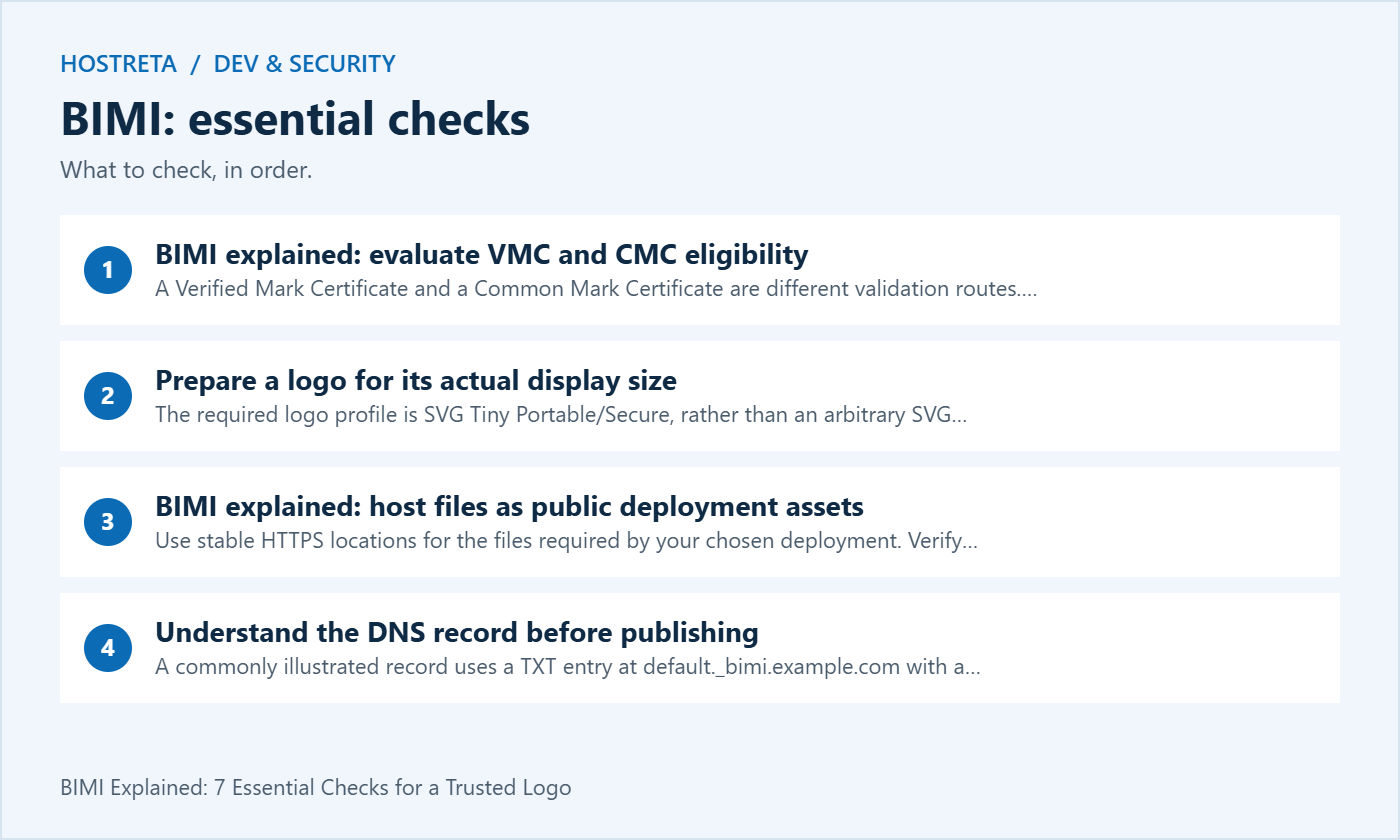
A Verified Mark Certificate and a Common Mark Certificate are different validation routes. The BIMI Group identifies both, while acceptance depends on the receiving provider. Google’s Gmail BIMI setup instructions require a VMC or CMC. They also distinguish the Gmail checkmark associated with a VMC from ordinary logo display.
Before paying, ask the issuer whether your exact mark and sending domains are eligible. Obtain the required evidence list and include validation work, renewal and future logo changes in the budget. Do not assume that an ordinary website TLS certificate is a substitute for a mark certificate or that purchasing email hosting automatically includes one.
If several people manage the brand, name the person who approves the final artwork. A last-minute change after certificate application may create avoidable rework. Store the approved version and its purpose in a shared project record with appropriate access. Keep identity documents and private validation material out of public website folders.
The required logo profile is SVG Tiny Portable/Secure, rather than an arbitrary SVG export. Use the BIMI Group’s current format guidance and the receiving provider’s additional requirements. Google’s instructions specify additional dimensions and compatibility recommendations. A file opening successfully in a browser does not establish compliance with the required profile.
Ask the designer for a small-size preview as well as a large master. Inspect the mark on light and dark surroundings and under a circular crop. A long wordmark may be legible on a website header but difficult to recognise in an inbox. Approve a suitable compact version while preserving the brand’s authorised identity.
Keep the editable source separate from the deployment file. Record who produced the final version and which validator was used. If an automated conversion changes the appearance, review the output before submitting it for validation. Do not remove design details blindly or assume that renaming a PNG file with an SVG extension converts it.
Use stable HTTPS locations for the files required by your chosen deployment. Verify retrieval without an administrator session. The URL should return the intended file rather than a login screen, a bot challenge or a branded error page. A successful view from your own signed-in browser is only one test condition.
Keep the assets outside temporary preview folders. Ask what happens during a redesign, hosting migration or security rule change. Someone maintaining the website may otherwise remove an unfamiliar certificate file while cleaning uploads. Add a short note to the deployment record explaining why these public files must remain available.
Use a controlled release process for replacements. Retain the approved files in the project records and verify the public response after any move. Do not expose private keys or account credentials in an attempt to make validation succeed. Follow the issuer’s instructions about which certificate files belong in the public location.
A commonly illustrated record uses a TXT entry at default._bimi.example.com with a version, a logo location and, where applicable, a certificate location. The following is a teaching example, not a value to copy unchanged:
Host: default._bimi.example.com
Type: TXT
Value: v=BIMI1; l=https://example.com/brand/logo.svg; a=https://example.com/brand/mark.pem
Use your actual sending-domain design and issuer instructions. Provider-specific deployment formats may differ; Google’s current guide also describes a PEM-based example with an empty logo-location tag. Do not mix fragments from different examples without checking the intended configuration.
DNS panels differ in whether they append the zone name automatically. Check the saved fully qualified name so you do not accidentally create a repeated domain suffix. For the underlying record types, read DNS record types explained. A BIMI TXT change does not require casually replacing MX records or nameservers.
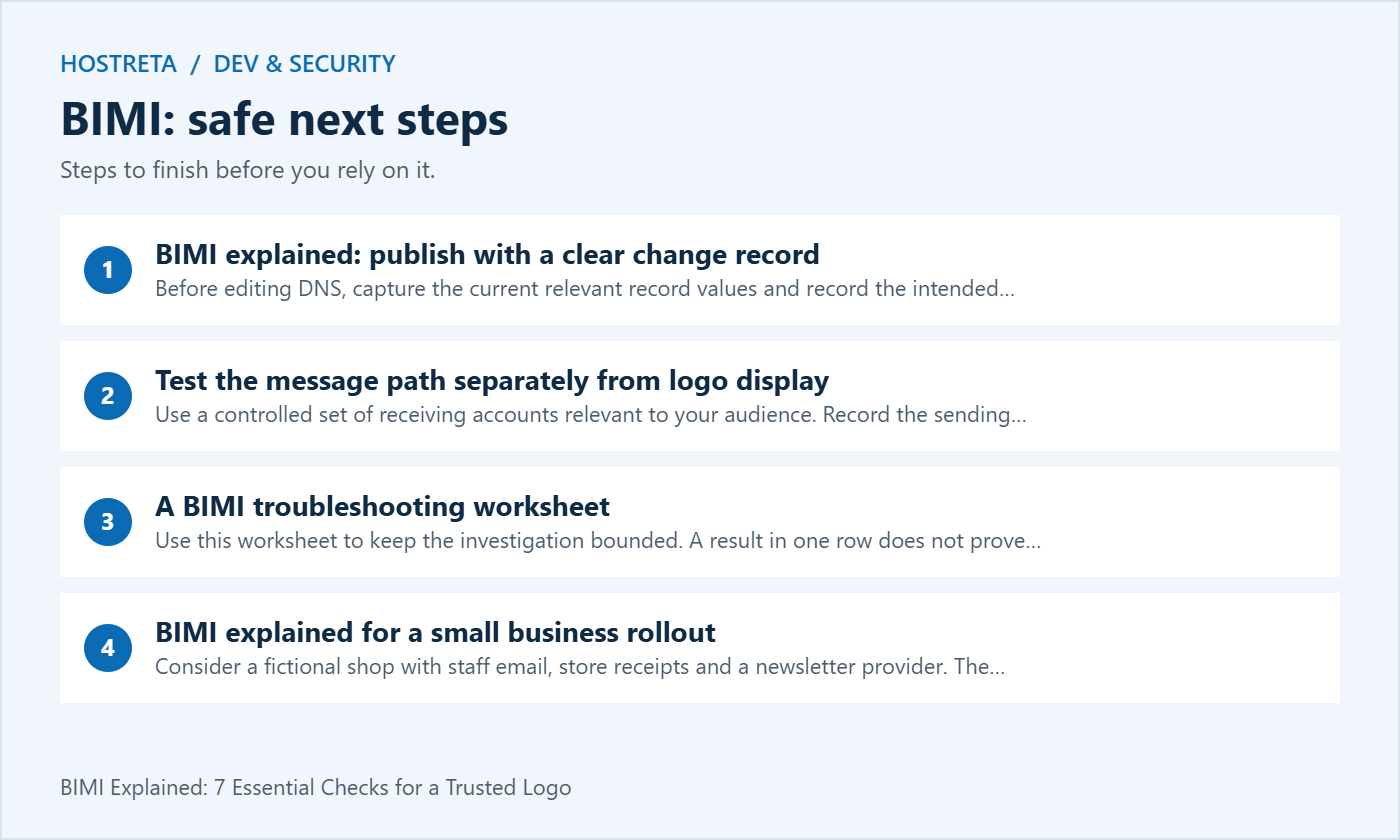
Before editing DNS, capture the current relevant record values and record the intended change. State which domain is affected and who approved the artwork. Keep this note focused on the BIMI work; do not publish private account details or unrelated DNS exports in a support forum.
After saving, inspect the authoritative record and then the resolver used for your tests. Cached answers can differ for a period, so compare the actual responses rather than repeatedly editing the record. Make one correction at a time and record it. Several conflicting attempts can make the result harder to diagnose.
A successful DNS save confirms that the panel accepted a value, not that the whole setup is correct. Your acceptance checks should cover the name, value, public files and a real message from each important sending route. Leave the rest of the domain configuration alone unless a separate fault has been identified.
Use a controlled set of receiving accounts relevant to your audience. Record the sending service, time, visible From address and observed result. Inspect the received message’s authentication information as part of the test. Hostreta’s email headers guide explains why header interpretation needs a trust boundary.
Keep delivery and display in separate columns. A message may arrive correctly without showing the expected image. It may also display differently between a web interface and an application. Record the precise environment so a support request can describe the problem instead of saying only that BIMI is broken.
Do not send repeated campaigns to force a result. Use the provider’s current documentation and reasonable test messages. Record whether a validation tool reports a DNS, file or certificate problem. Fix that layer first and repeat the same controlled test rather than changing everything at once.
| Observation | Next check | Useful evidence |
|---|---|---|
| TXT record not found | Correct zone, host name and authoritative answer | Queried name and returned value |
| File cannot be fetched | Public HTTPS access and actual response | URL, status and returned file type |
| Logo validation fails | Approved export and required profile | Validator result and file version |
| Message authentication fails | Sending service and alignment | Received test message results |
| Checks pass but image absent | Receiving provider and client criteria | Client, account, time and message route |
Use this worksheet to keep the investigation bounded. A result in one row does not prove another row has passed. For example, fixing a public file URL does not repair the transport configuration of a newsletter platform. Ask the owner of the failing layer to verify the correction.
Consider a fictional shop with staff email, store receipts and a newsletter provider. The owner wants a consistent brand image but cannot risk interrupting order confirmations. The first task is to inventory those three routes and confirm which domain each one actually uses. No DNS policy is changed during that initial fact-finding step.
Next, the team records the authentication result for a controlled message from each route. If the newsletter is ready but receipts are failing, the receipt configuration is repaired before the domain moves toward enforcement. This order of work protects an essential business function instead of treating the visible logo as the acceptance criterion.
Only after readiness is established does the team approve artwork, confirm certificate eligibility and plan publication. The release record contains test results and a maintenance owner. This example illustrates a workflow rather than a promise that a particular provider will display the shop’s logo by a fixed deadline.
Assign responsibility for DNS, public files, artwork and certificate renewal. These may belong to different people or suppliers. Record the escalation route between them so a renewal notice does not get lost between the marketing team and the hosting administrator.
Review the setup when changing the sending platform, domain, logo or website infrastructure. Add the public asset URLs to migration acceptance checks. A new website can appear healthy while an old branding path returns an error. Include the requirement in the handover rather than expecting a future developer to infer it.
Keep a dated copy of the approved deployment instructions. If a provider changes its rules, update the runbook after testing. Avoid assuming that a checklist written for one inbox or one certificate route applies unchanged everywhere. BIMI explained as an operational process remains useful after the initial DNS entry is created.
Estimate design preparation, validation, certificate charges where required and the time needed to fix authentication. Separate one-off setup work from recurring costs. A quotation should say who handles renewals, who updates the artwork and what happens if the business changes its domain.
For a small newsletter, completing basic authentication and permission-based sending may be the better immediate priority. Decide whether the likely audience benefit justifies the project. Do not justify the expense with an assumed uplift in opens or sales that has not been measured for your own business.
Choose a practical success definition before launch: required technical checks completed, important mail routes working and clear maintenance ownership. Treat observed logo display as an additional result in the environments tested. This makes reporting honest even when receiving providers apply different display decisions.
If you need a domain, hosting for public brand assets or website implementation support, consider KAWEDMA’s domain, hosting and web development services. Describe the actual file-hosting and DNS requirements when requesting help. Confirm the scope and supported configuration for the selected service.
Do not assume that hosting includes mark-certificate issuance, trademark work or universal inbox display. Ask which tasks are included, which require another specialist and who retains access to the domain. A clear division of responsibilities is more valuable than a broad promise that every aspect of BIMI is handled automatically.
No. Continue checking unusual requests, destinations and attachments. Branding can help recognition, but it is not a substitute for independent verification of a sensitive instruction. Train staff to use a known contact route when a message asks for an unexpected payment or account change.
Not necessarily. Ask the supplier what is included and compare it with the receiving provider’s requirements. Business mail service, DNS administration, logo preparation and certificate validation can be separate tasks with separate owners and costs.
First validate legitimate senders and plan the policy transition. The branding objective does not remove the need to protect order receipts, support messages and staff email. Keep the authentication release reviewable and make sure somebody can investigate failures.
No. Follow the required profile and provider guidance for the deployment. Keep a validated production version separate from editable design files. Review its appearance after conversion and record the accepted version so future changes can be tested against the same baseline.
Provide the affected sending domain, the relevant public record, public asset URLs and a controlled test result. State the receiving environment and what you expected to see. Redact private message content and credentials. A focused report helps the engineer distinguish an authentication problem from a display decision.
Hand it over when the agreed checks have passed and the next administrator can find the configuration, evidence and maintenance responsibilities. Note any untested environments explicitly. Include a review trigger for domain, logo, sender and hosting changes so the setup continues to receive attention after launch.
Use the seven checks at the start of this BIMI explained guide as your final release list. Keep the evidence beside each check, close unresolved failures before approval and document limitations that remain. Good implementation means dependable email and maintainable branding, rather than a logo appearing once in a single screenshot.
Monitoring and logging work best alongside layered protection. SiteLock scans for malware, CodeGuard keeps off-site backups with version history, and 360 Monitoring alerts you to downtime. Secure hosting matters too: Kawedma WordPress hosting and managed WordPress hosting powered by Rocket.net include firewalls and automatic updates. Use NordVPN when managing sites over public Wi-Fi.
We may earn a commission on purchases made through these links, at no extra cost to you.
Don’t miss the chance to participate in the biggest giveaway of this year.