HowTo

WordPress Themes: 7 Essential Checks for a Safe Choice

In this guide: Free vs premium WordPress themes: what a theme controls, pros and cons of each, when premium is worth paying for, and how to test theme speed.
Browse WordPress themes and you’ll find thousands of free options and thousands more premium ones priced as a one-time purchase or yearly license. Is paying for a theme worth it, or is free good enough?
The honest answer: for many sites, a quality free theme is enough. But premium themes can save time and add real value in specific situations. Here’s how to decide.
A WordPress theme controls your site’s presentation: layout, typography, colors, header and footer, blog and archive templates, and how pages look on mobile.
What a theme should not control is your functionality — things like SEO settings, contact forms, custom post types, or analytics. Those belong in plugins so you can switch themes later without losing features or content.
Modern WordPress has two kinds of themes:
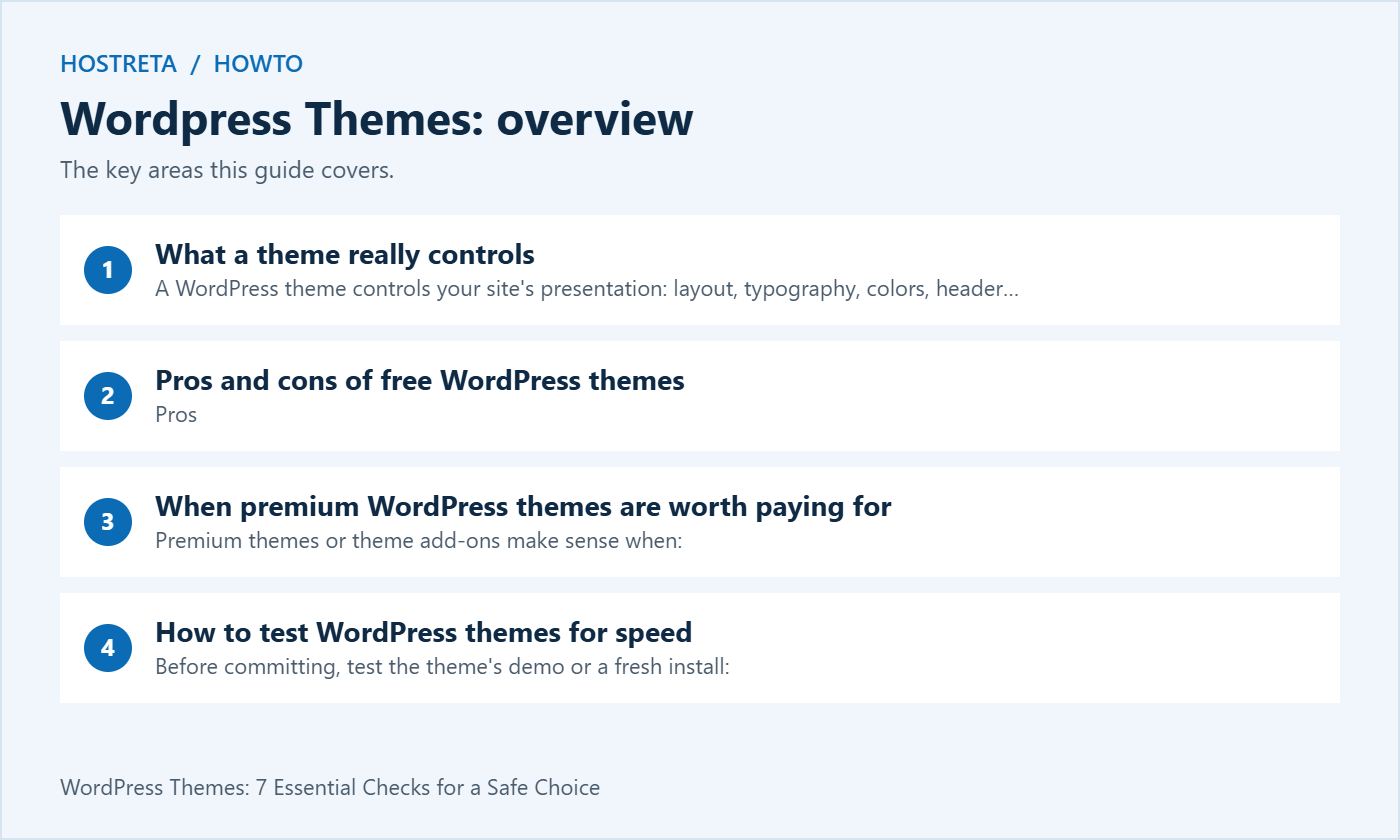
Pros
Cons
Premium themes or theme add-ons make sense when:
Watch out for:
Before committing, test the theme’s demo or a fresh install:
Also check: last update date, compatibility with the latest WordPress version, accessibility-ready tags, and translation/RTL support if you publish in Arabic or other RTL languages.
A reliable approach for most new sites:
Start with the free version. Upgrade only when you hit a limitation that costs you real time or money. For further comparisons, see Fastest WordPress Themes in 2026.
A fast, well-supported host makes every WordPress task smoother. Kawedma WordPress hosting and managed WordPress hosting powered by Rocket.net include staging sites for safe testing, while shared hosting from Hosting.com or Kawedma shared hosting suit smaller sites. Protect the site with an SSL certificate and automatic backups from CodeGuard.
Will changing my theme delete my content?
No. Posts and pages stay in the database. Theme-specific features (widgets, shortcodes, custom layouts) may need rework.
Should I use a child theme?
If you’ll edit theme code or CSS directly, yes — read how to use a child theme.
Further reading: official WordPress documentation
A polished demo uses carefully selected images, short headings and a controlled page structure. Your website may contain longer product names, translated text, old posts and forms from several plugins. Create a small content sample before comparing WordPress themes so you can judge the actual layout requirements.
Include a normal article, a long page title, a page with a table and any important store or membership template. Test an empty state and a missing image where those can occur. A theme that looks attractive with ideal content can still require substantial work for ordinary business pages.
Write down which visual features are necessary and which are optional. A decorative slider should not outweigh readable navigation or a reliable checkout. WordPress themes are easier to compare when the team can explain what the site needs to do instead of choosing entirely from screenshots.
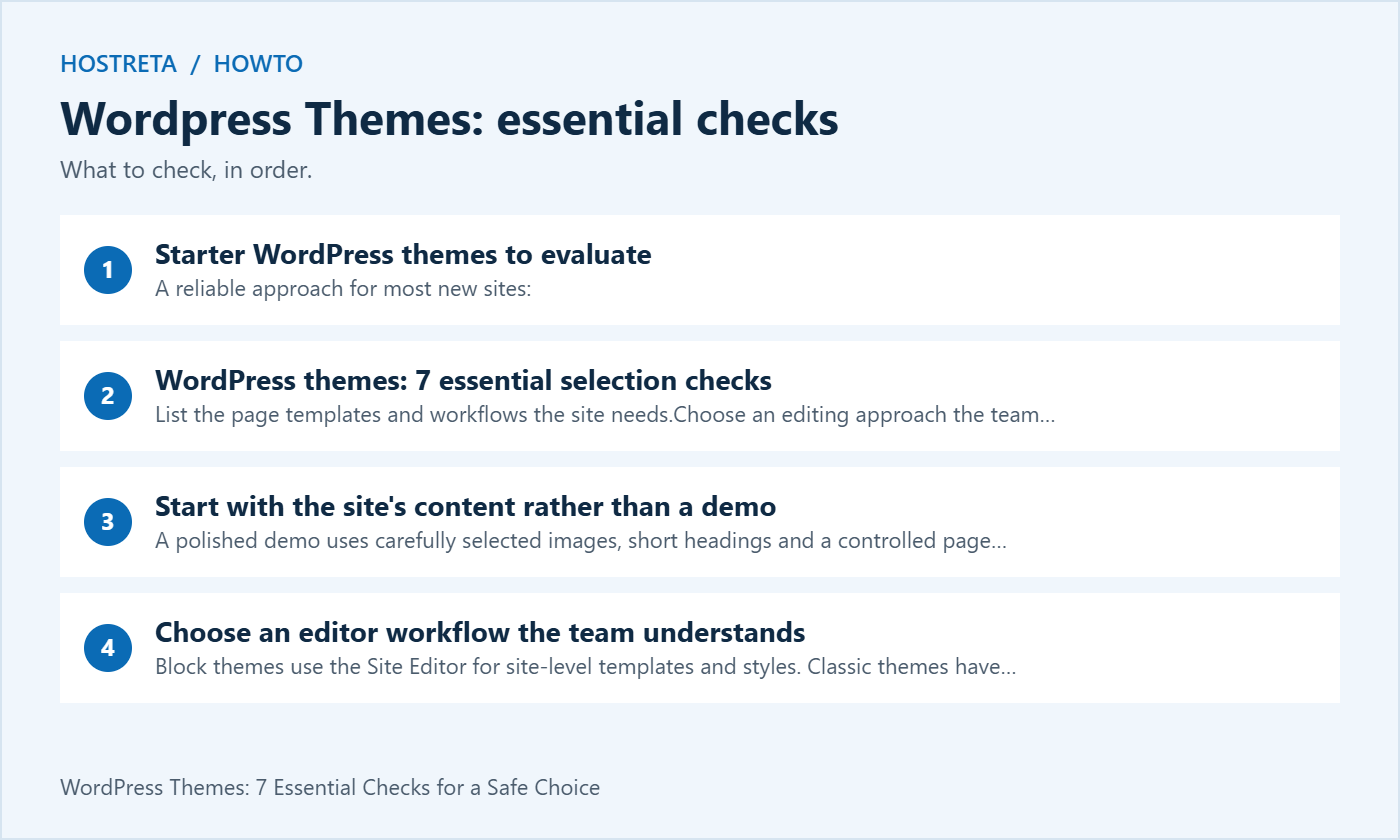
Block themes use the Site Editor for site-level templates and styles. Classic themes have a different administration workflow and may provide their own settings. The official block theme guide explains the distinction. Neither label alone determines whether the finished site will be easy for your team to maintain.
Try the tasks that happen after launch: changing a menu item, editing the footer, adding a landing page and updating a product image. Check who has permission to make each change. If routine edits require a developer every time, include that ongoing cost in the decision.
For client work, demonstrate the selected workflow before handover. Give the client a small set of documented editing tasks and explain which changes affect the whole site. A good choice among WordPress themes includes a maintainable publishing process, not just an attractive initial build.
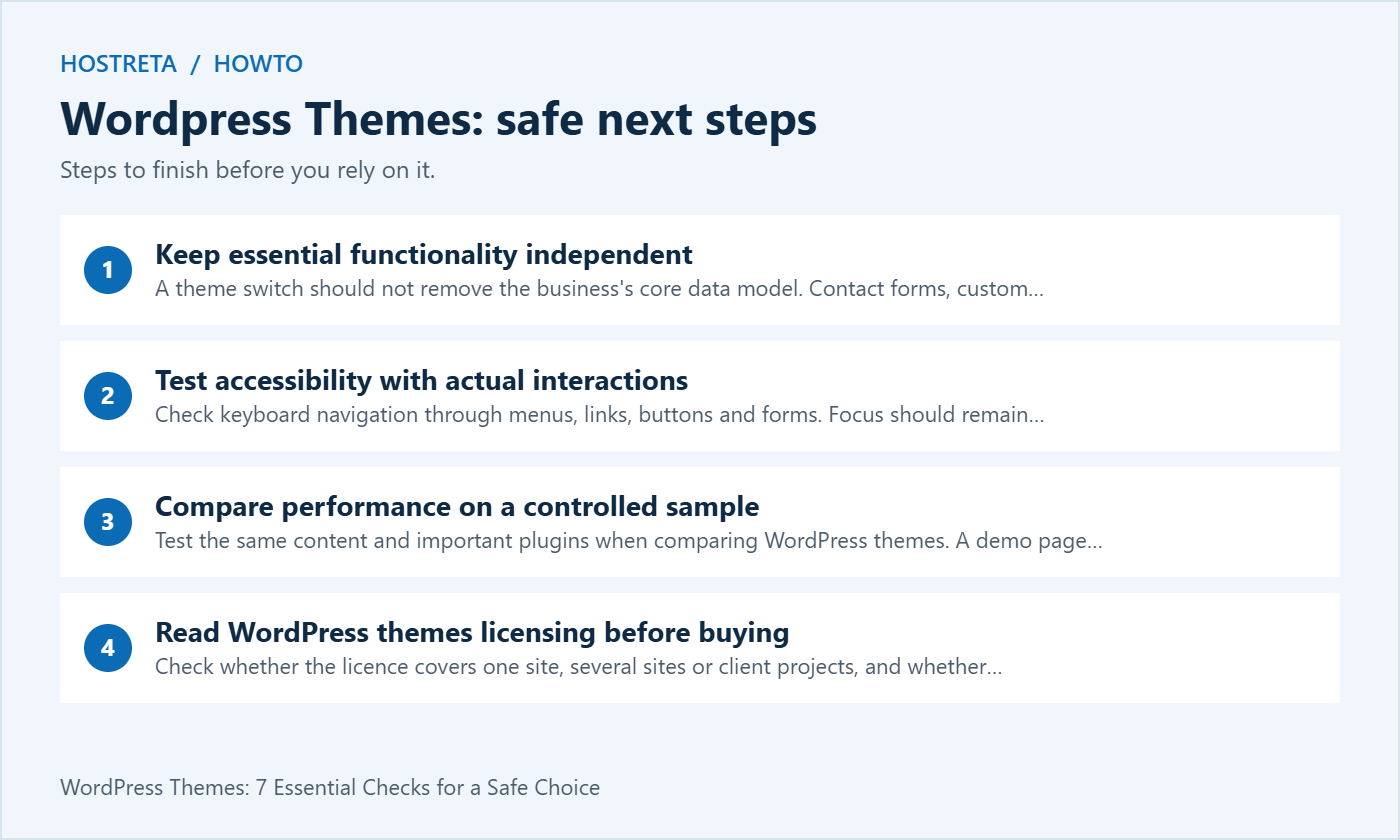
A theme switch should not remove the business’s core data model. Contact forms, custom content types and integrations are usually better maintained through suitable plugins or application code independent of presentation. Check what a bundled theme feature actually stores and how you could continue using that data after switching.
Some WordPress themes rely on proprietary shortcodes or a specific builder. That can be acceptable when the tradeoff is understood, but it may increase the cost of a later redesign. Test what remains when the theme or required companion plugin is disabled on a staging copy.
Document the dependencies rather than assuming that every advertised feature belongs entirely to the theme. A starter site may install several plugins, fonts or external services. Review which are necessary, which require separate licences and which can be removed without breaking the intended design.
Check keyboard navigation through menus, links, buttons and forms. Focus should remain visible and the order should be understandable. Open and close any mobile navigation or dialog and confirm a keyboard user can continue using the page. A theme’s visual appearance does not demonstrate these behaviours.
Increase text size and inspect long labels. Check contrast using appropriate tools and verify that information is not conveyed only through colour. WordPress themes can provide a useful foundation, but content choices and customisations also affect accessibility. An accessibility-ready label is not a guarantee that every completed site meets every requirement.
Use meaningful headings and link labels in your test content. Decorative demo text can hide structural problems that appear in real pages. If an issue comes from a plugin or custom component, record that distinction so you do not blame the theme or switch products without fixing the actual cause.
Test the same content and important plugins when comparing WordPress themes. A demo page running on a different server with a different cache is not a controlled comparison with your site. Measure representative pages and repeat a test when a result is inconsistent.
Look at large media, fonts, third-party scripts and layout changes as well as theme code. A lightweight theme can still produce a slow site when a page contains heavy embeds. Conversely, removing a useful feature just to improve one test number can make the page less effective for visitors.
Record the conditions and what you changed. Verify navigation, forms and store functions after performance adjustments. A useful test report explains the practical effect, such as a layout no longer shifting while an image loads, rather than claiming that a particular theme guarantees a universal speed score.
Check whether the licence covers one site, several sites or client projects, and whether staging counts toward the allowance. Confirm how long updates and support are included. A lifetime offer may have specific limits, and a one-time purchase does not automatically mean every future add-on is included.
Compare the renewal price and what happens when the subscription ends. The installed theme may continue running while update access changes, but the exact terms belong to the provider. Read them for the selected product rather than relying on a general claim about all premium WordPress themes.
If a bundled plugin is important, check who supplies updates and support for it. Do not assume you receive a direct licence from the plugin author. Include any required separate subscription in the total cost. A clear cost worksheet helps determine whether premium features actually save enough time to justify payment.
Take a suitable backup and work on staging where practical. Record the active theme, important templates, custom CSS and any code customisations. List the pages and workflows that must pass before the new design goes live. Keep a rollback route that does not depend on the new theme working.
Inspect menus, widgets, page templates and theme-specific blocks after switching. Posts and pages usually remain, but presentation and dependent features can change. Do not assume that activating another theme is a complete migration. WordPress themes can make different assumptions about navigation and layout.
For a store, include product pages, variations, cart, checkout and account pages in the acceptance checks. Use approved testing methods and controlled data. A successful homepage preview is not enough to approve a site-wide change that affects purchase journeys.
If you need to change theme files, review the official child theme documentation. A child theme can preserve suitable customisations separately from the parent, but it still needs compatibility testing when the parent changes. It is not a reason to stop reviewing updates.
For smaller visual changes, the supported editor or theme settings may be enough. Choose the least complex maintainable location for the change. Avoid editing the parent files directly and then forgetting which lines differ from the distributed version. That makes updates and troubleshooting unnecessarily difficult.
Keep a short note of custom templates, styles and their purpose. Another administrator should be able to find the relevant source without searching every page. Maintainable WordPress themes and clear customisation records reduce the cost of future improvements.
If you need a custom design or help adapting a theme, KAWEDMA offers website development and WordPress-related services worth reviewing. Provide the required page types, editing workflow and integrations when requesting a proposal. Confirm responsive and functional testing as part of the agreed scope.
Do not assume that buying hosting includes a complete redesign or premium theme licence. Ask which services and third-party costs are included. A supplier recommendation is most useful when it connects to the project’s actual needs, rather than suggesting that every site requires a paid theme or custom build.
| Requirement | Free option test | Premium decision |
|---|---|---|
| Standard content pages | Can the team build them clearly? | Pay only for a useful missing capability |
| Store layouts | Test the actual catalogue and checkout | Confirm required shop features and compatibility |
| Client administration | Demonstrate routine edits | Check support and permitted client use |
| Custom design | Estimate supported customisation work | Compare licence plus implementation cost |
| Future portability | Inspect dependencies and stored content | Understand the cost of leaving the product |
Record the reason for the final choice and the limitations you accepted. This helps the next maintainer understand why a feature was omitted or why a licence is renewed. Review WordPress themes against changed needs, rather than switching every time a new design trend appears.
Price alone is not a security guarantee. Review the source, maintenance history, supported versions and update process. Use authorised packages and keep the complete site maintained. A paid theme installed from an untrusted modified archive can create different risks from the legitimate product.
Yes, when it meets the project’s design, accessibility and functional requirements. Professional results also depend on content, images and implementation. Compare the actual requirements with the available controls before paying. A premium purchase is useful when it solves a specific need, not merely because the site represents a business.
Repeat the representative page and workflow checks used during selection. Include navigation, forms and important customisations. Review the update information for changed behaviour. WordPress themes can evolve, so keep the previous working version and a recoverable backup appropriate to the site.
Ask a question about a real requirement and read the available documentation. Check whether support covers product use, custom code or third-party conflicts, since those can be different services. Record the response channel and licence conditions. WordPress themes are easier to maintain when the team knows which questions the author can answer and which need an implementation specialist.
Include the chosen theme and version, the licence owner, renewal responsibility and the locations of important customisations. Describe routine editing tasks and list the acceptance checks performed. Keep the recovery route available to the responsible administrator. A clear handover makes the design maintainable after the original developer leaves the project.
Revisit the decision when the website adds important functions or changes its publishing team. The best choice among WordPress themes can change as requirements evolve, but an upgrade should have a concrete purpose. Keep the existing design stable while evaluating alternatives on a test copy, and move only after the relevant content and workflows have passed their checks.
Save the final comparison with the project notes so the team can review the original requirements and test results later.
We may earn a commission on purchases made through these links, at no extra cost to you.
Don’t miss the chance to participate in the biggest giveaway of this year.