Marketing

Branded Email Address: 7 Essential, Safe Setup Checks

You’ve built a great website and a professional logo. Then a potential client gets an email from bestdesigns2026@gmail.com. Consistent contact details can make it easier for clients to recognize your business. A branded email address — you@yourdomain.com — can support consistent branding when it is configured and managed well.
This guide explains how a custom-domain email address supports recognition, how to choose a good format, when to use role addresses, and how to set everything up.
A branded email address can make the relationship to your website clearer, but recipients should still verify unexpected requests. Authentication and account security remain necessary.
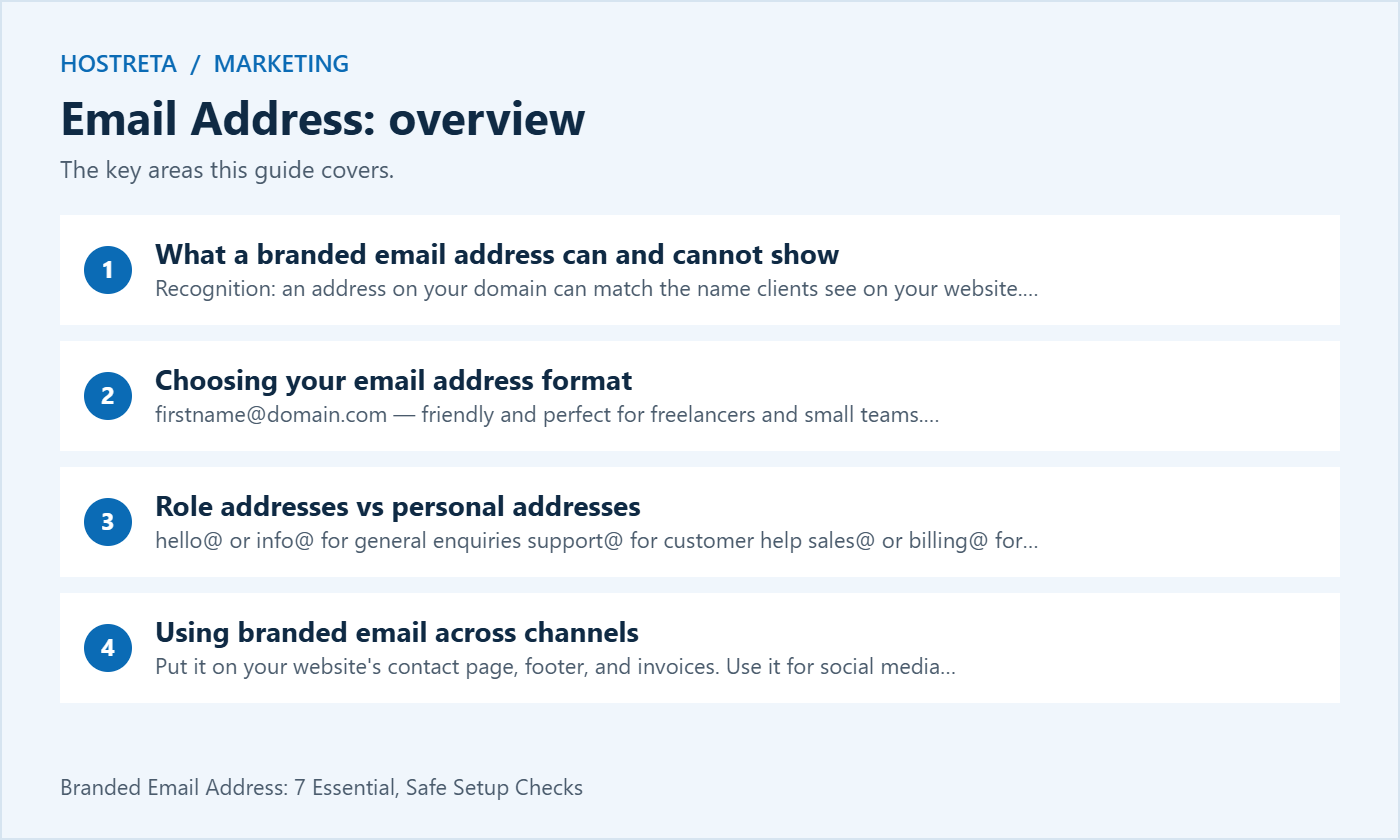
Keep it short, easy to say, and easy to type. Common formats:
firstname@domain.com — friendly and perfect for freelancers and small teams.firstname.lastname@domain.com — clearer in larger companies.f.lastname@domain.com — compact, but harder to remember.Pick one pattern and use it for everyone. Avoid numbers, underscores, and nicknames that are hard to spell over the phone. Your domain matters too — if you’re still choosing one, read How to Choose a Domain Name That Ranks and Sells.
Role addresses describe a function rather than a person:
hello@ or info@ for general enquiriessupport@ for customer helpsales@ or billing@ for money mattersRole inboxes keep working when staff change, make it easy to share the workload, and keep your personal inbox focused. Many providers let you create them as aliases or shared mailboxes, so they don’t always cost an extra license.
Use personal addresses for relationships — clients, partners, and anyone who expects to talk to a specific person.
For form and WooCommerce emails, follow How to Set Up SMTP in WordPress So Emails Arrive.
Good content needs a fast site and steady promotion. Marketgoo gives step-by-step SEO recommendations, and SocialBee schedules social posts across platforms. For hosting, Kawedma WordPress hosting and managed WordPress hosting powered by Rocket.net keep pages quick, and the AI SiteBuilder from Hosting.com helps launch simple sites fast.
Read the proposed email address aloud and ask another person to type it without seeing it. That simple test can reveal a confusing spelling, a long domain or an abbreviation that only your team understands. The address should be practical in a phone call, on an invoice and in a message signature.
Use a naming pattern that can handle growth. A first-name format may work for a small team, but decide what happens when two people share a name. Keep a documented rule for duplicates rather than inventing inconsistent numbers later. Do not publish personal information merely to make every address unique.
Review how names appear in both the address and the display name. A clear display name helps recipients understand who is writing, while the domain connects the message to the business. Keep those details consistent across the applications your team uses.
The organization should know who owns the domain registration and how renewal is handled. Losing access to the domain can affect the website and email even when the mailbox provider still works. Keep the registrar, DNS provider and mailbox service identified in the account documentation.
Do not rely on an employee’s private account as the only way to manage a critical email address. Use the provider’s supported administrative model and a recovery route the organization can maintain. Store credentials in an approved system rather than a general document shared with every contractor.
Review domain renewal and recovery before using the address for important business accounts. A branded identity is useful only if the organization can continue to operate it. Assign ownership instead of assuming that the person who originally bought the domain will always be available.
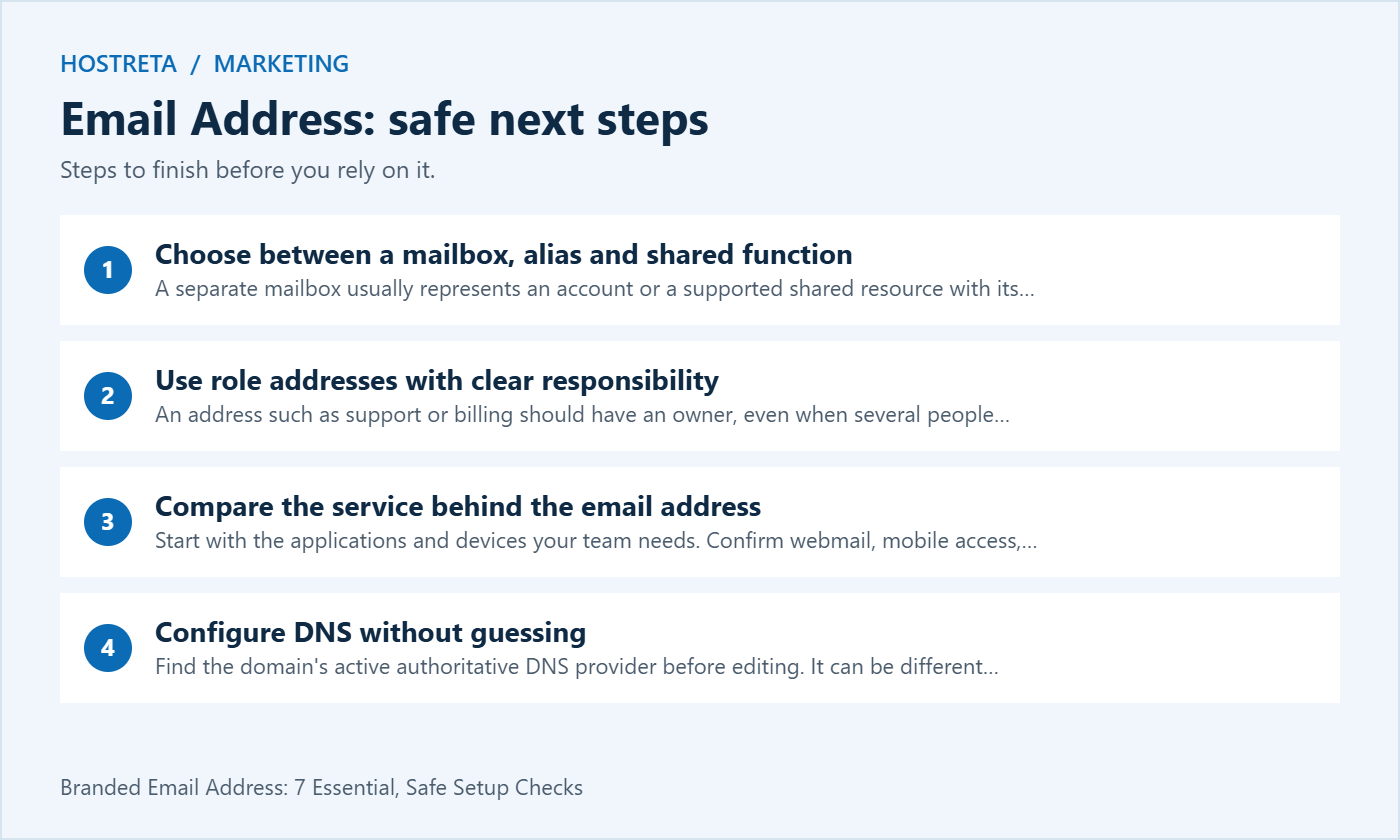
A separate mailbox usually represents an account or a supported shared resource with its own access behavior. An alias is another address associated with a destination or account, depending on the provider. A group can distribute messages to members. These arrangements are related but do not behave identically.
Describe the workflow before choosing the feature. If several people need to read and answer customer requests, ask how the service supports shared access and message ownership. Forwarding every message to personal inboxes may make it hard to see who replied or whether a request is still open.
Check the exact licensing and plan rules. Do not assume that every role email address is free or that every alias can sign in, retain separate history or send independently. Use the provider’s supported feature that matches the business task.
An address such as support or billing should have an owner, even when several people participate. Decide who checks it, what happens outside working hours and where unresolved requests are tracked. A professional-looking email address that nobody monitors can frustrate customers.
Test the reply identity when more than one staff member uses a shared function. Recipients should see the intended sender and have a clear route to respond. Review whether the application sends replies from a personal address or the shared identity, and choose the behavior deliberately.
Keep the role address separate from personal account recovery where appropriate. A widely shared mailbox should not automatically become the recovery route for every privileged account. Design access and recovery according to the organization’s security needs.
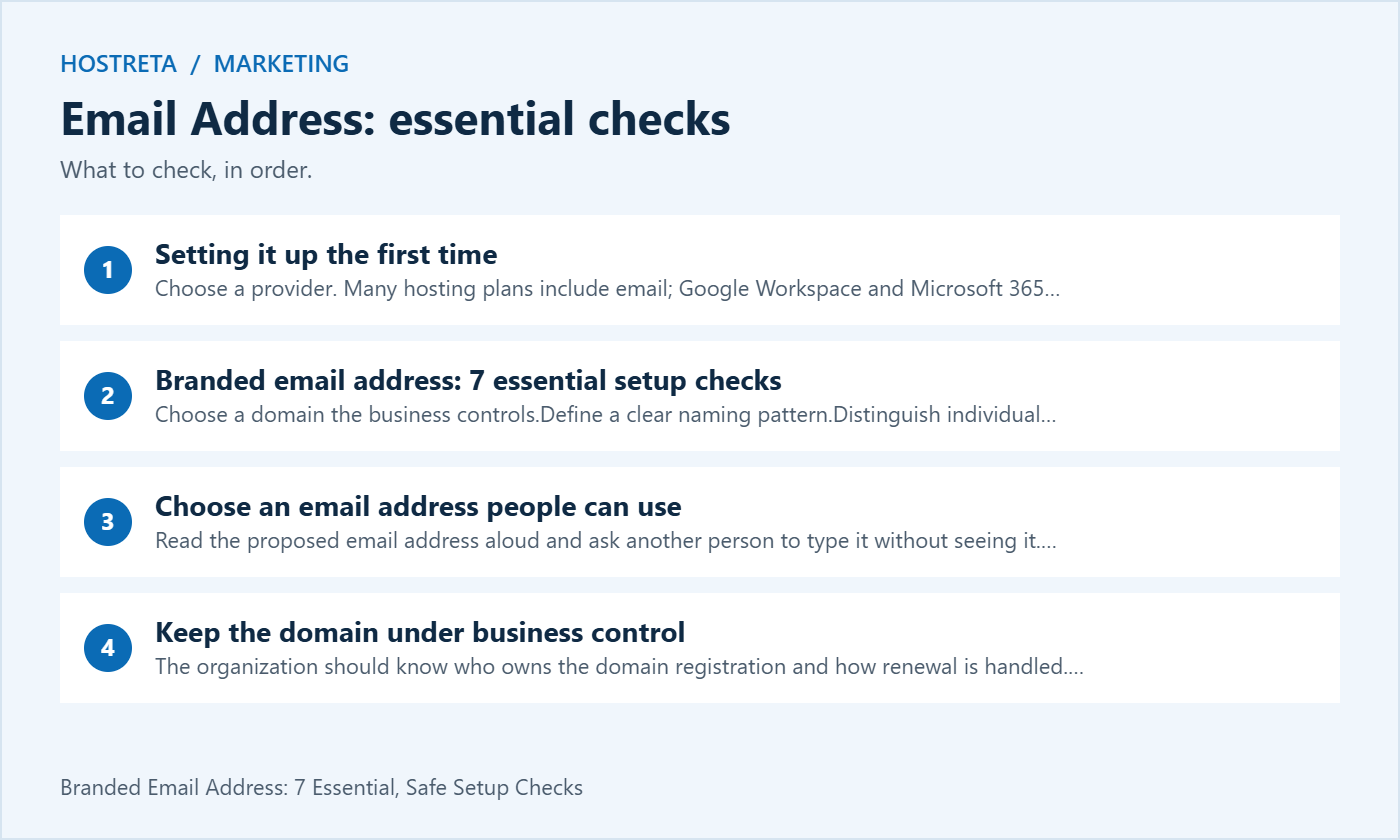
Start with the applications and devices your team needs. Confirm webmail, mobile access, calendars and any required desktop client workflow. Test the exact plan rather than assuming that a familiar provider includes every feature in every edition.
Google Workspace offers custom business mail alongside its collaboration services, while other providers offer different combinations. Review the current Google Workspace plan details and compare them with your requirements. Avoid treating a temporary promotion as the long-term cost of the email address.
Count the users and the shared functions separately. Include storage needs, migration assistance and recovery expectations in the comparison. A low headline price is not a complete decision if the selected plan does not support the way staff manage customer communication.
Find the domain’s active authoritative DNS provider before editing. It can be different from the registrar or the web host. Use the full record names and values supplied for your organization. A setup example from another business may contain a different destination or verification value.
MX records support incoming mail routing. Other records can support verification and authentication. Keep an inventory of all legitimate sending systems, including website notifications and newsletters, so one new email address setup does not accidentally exclude another service.
Save the old configuration before changing an existing domain. Make one planned change and verify the result. Do not replace unrelated records merely because the setup wizard displays a simplified list. Existing services may depend on entries that are not immediately familiar.
Follow the mailbox provider’s supported process for SPF, DKIM and DMARC, accounting for the domain’s other senders. These mechanisms have different purposes and cannot be reduced to one checkbox promising inbox delivery. Test messages from each important sending path.
A website form should use an authorized sender identity and an appropriate reply route. Do not impersonate a visitor’s email address in the From field merely to make replies convenient. Configure the supported reply behavior and test it with accounts you control.
When a message is received, inspect the relevant provider diagnostics or headers to understand the sending path. A successful result for one mailbox test does not establish that a newsletter tool or store notification uses the same configuration.
Use a strong unique credential and the provider’s supported additional authentication. Keep recovery methods current and controlled by the organization. Do not share one personal mailbox password across the team as a substitute for supported delegation.
Review which applications and integrations have access. If an old device or contractor no longer needs access, handle removal through the approved process. Keep the account owner informed so a needed integration is not disabled without understanding its role.
A custom-domain email address can still be compromised or impersonated. Train staff to verify unusual payment or account-change requests through a known channel. Branding supports recognition, but it does not replace careful handling of unexpected instructions.
Include the sender’s name, role and a relevant business website link. Add contact information the person actually monitors. Keep the signature readable on mobile and in plain-text contexts. Large decorative graphics can make practical information harder to find.
Check that the visible domain and the linked destination are correct. A copied signature may retain an old company name, obsolete phone number or personal website. Test the signature in the applications staff use, because formatting can differ between webmail and desktop clients.
Do not treat the signature as proof of message authenticity. Anyone can copy a logo or a business description. The email address, authentication and the nature of the request should be considered together when evaluating an unexpected message.
Review the website contact page, invoices, proposal templates and business profiles. Replace obsolete addresses where appropriate and test the published links. Keep a list of the places updated so a later rebrand or staff change does not require another search from scratch.
If an old email address remains in use, decide how messages will be handled during the transition. Check forwarding, replies and any automated response using the provider’s supported process. A redirect for a website URL does not forward messages sent to an old mailbox.
Keep customer communication clear. If the new address changes an established contact route, explain the change through the organization’s normal channels. Avoid sending a confusing announcement before the new mailbox and reply workflow have been tested.
Use accounts you control to send and receive messages in both directions. Check the display name, From address, reply destination and signature. Test attachments and calendar invitations if they are part of the daily workflow. Record what passed rather than simply writing that email works.
Test the website’s contact form and any important store notification separately. The staff mailbox and application sender may use different services. An email address receiving a manual test does not prove that an automated message was created or delivered.
If a test fails, preserve the exact error and time. Separate a sign-in problem from a DNS-routing problem and a filtered message from a missing application event. This makes the support request clearer and reduces unnecessary changes.
Decide what happens when someone joins, changes role or leaves. A personal email address and a shared support function need different handover arrangements. Review the provider’s supported retention, delegation and account-removal options before taking action.
Keep business correspondence available through the approved process while respecting the organization’s data-handling requirements. Do not assume that deleting an account, removing a license and preserving its contents are equivalent operations. Read the exact plan documentation and obtain the appropriate internal decision.
Update public contact points when responsibility changes. A former employee’s address should not remain the only route for an important customer task. Assign an active owner to every published role mailbox and review the arrangement periodically.
Visit KAWEDMA to review its business email and Google Workspace options alongside domain and website services. Ask which plan supports your user count, shared functions, preferred applications and migration needs. Confirm the current features and service scope before choosing the setup for your branded email address.
No. It can support consistent branding, but a message still needs appropriate verification. Be careful with unexpected requests and protect the underlying accounts.
Review the provider’s supported shared mailbox, group or delegation features. Choose an arrangement that gives each person appropriate access and clear responsibility.
No. Authentication is an important part of the setup, but receiving systems can consider other signals. Monitor actual results and resolve errors using the provider’s evidence.
They can, but they do not have to. Compare the requirements and document which service controls each part of the configuration.
Record the address naming rule, domain owner, mailbox provider and support route. Include the purpose and owner of shared addresses. Keep secrets in the approved credential store rather than the general contact inventory.
Review the documentation when the team, domain or service changes. A branded email address should remain understandable and maintainable after the initial launch, with working recovery and a clear person responsible for customer messages.
Ask a colleague to find the new contact details on the website and send a clearly marked test enquiry. Confirm that the responsible person receives it and can reply using the intended identity. This checks the published customer route as well as the mailbox setup.
Record any outdated contact points and assign someone to update them. Keep the old route handled through the planned transition rather than assuming everyone will immediately use the new email address. Review the process when the team changes so a published contact remains monitored and useful to customers.
We may earn a commission on purchases made through these links, at no extra cost to you.
Don’t miss the chance to participate in the biggest giveaway of this year.