Projects

Web Developer Roadmap: 7 Essential Steps for a Safe Start
In this guide: Web developer roadmap for 2026: fundamentals, front-end frameworks, back-end basics, tools and deployment, and building a portfolio that demonstrates your work without promising employment.
Web development is one of the most valuable skills you can learn — for building your own projects, starting a freelance business, or getting a job. But the number of languages, frameworks, and tools can be overwhelming. This roadmap gives you a practical order of learning.
Everything starts here. Don’t rush this stage.
HTML
CSS
JavaScript
Web fundamentals
Projects: personal landing page, responsive multi-page site, interactive to-do app.
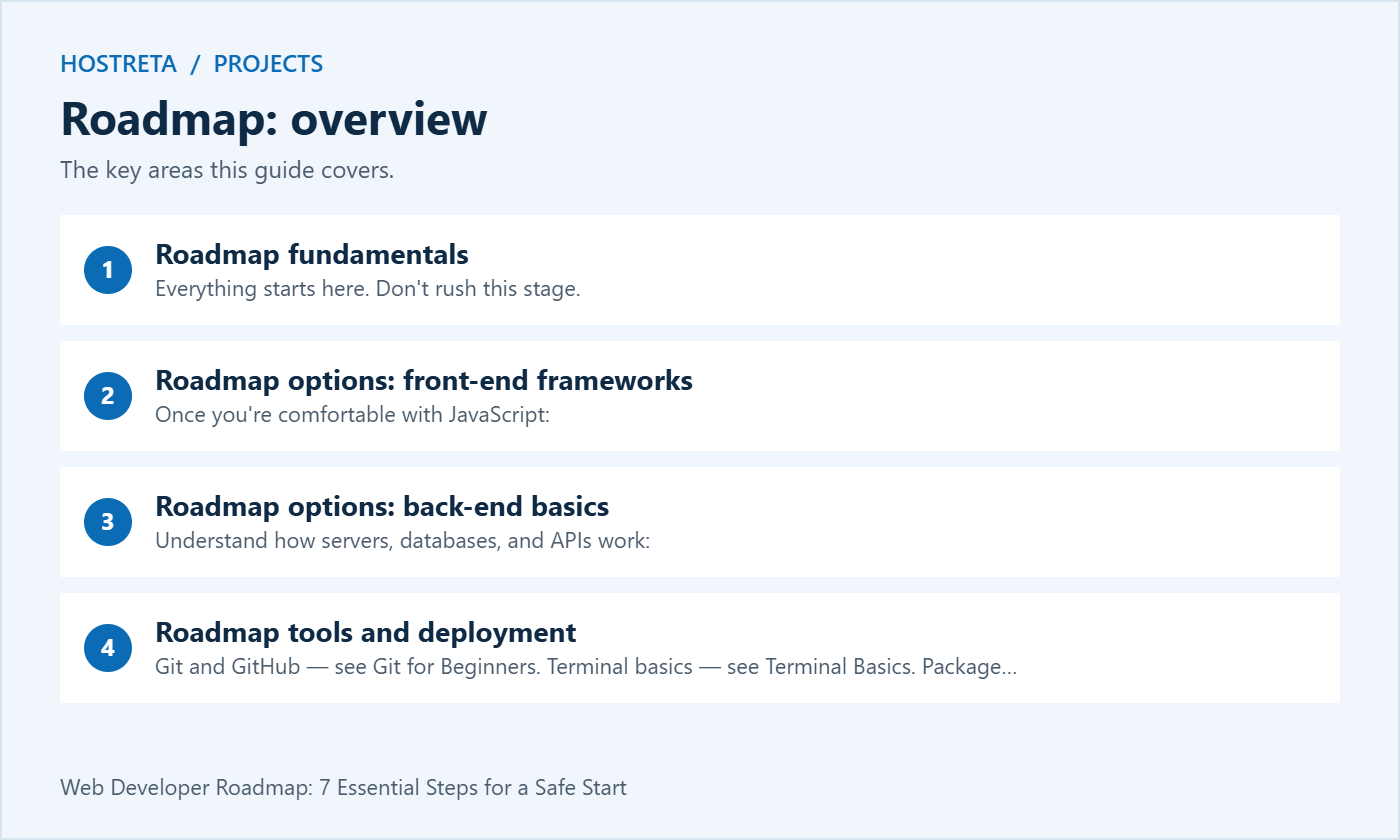
Once you’re comfortable with JavaScript:
Projects: weather app using an API, dashboard, blog built with a framework.
Understand how servers, databases, and APIs work:
WordPress developer path:
theme.json), plugin development, custom blocks, REST API, and WooCommerce customization — see The Ultimate WordPress Guide for Beginners.Projects: REST API with authentication, full-stack CRUD app, custom WordPress plugin.
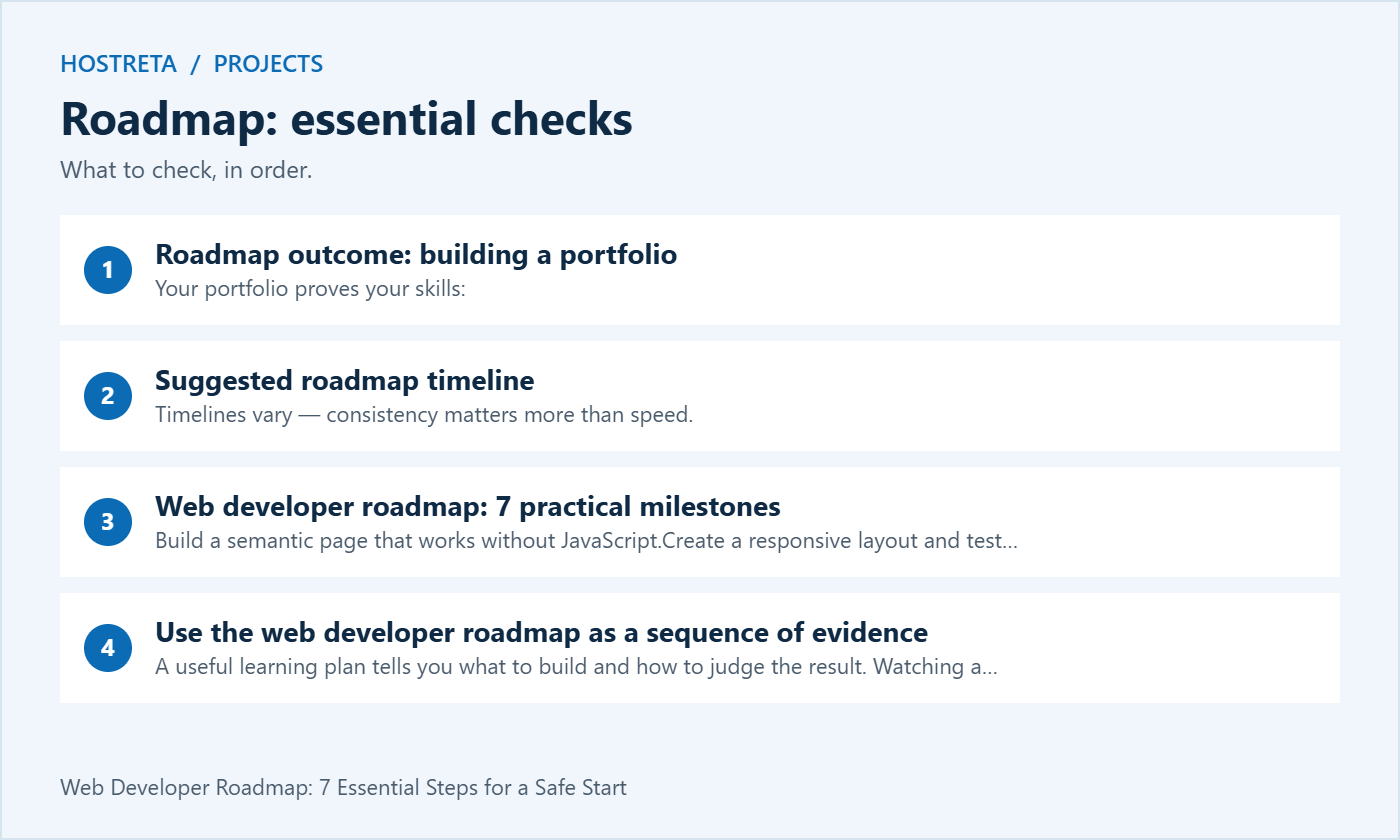
Your portfolio proves your skills:
| Months | Focus |
|---|---|
| 1–3 | HTML, CSS, JavaScript fundamentals, Git |
| 4–6 | React (or another framework), TypeScript, APIs |
| 7–9 | Back-end language, databases, authentication |
| 10–12 | Full-stack projects, deployment, portfolio, freelancing or job applications |
Timelines vary — consistency matters more than speed.
Further reading: MDN Web Docs learning area
Developer workflows need SSH, Git, WP-CLI, and room to run tools. A Kawedma VPS server or cloud hosting gives full control, as do an unmanaged VPS or managed VPS from Hosting.com. For client sites with staging built in, managed WordPress hosting powered by Rocket.net and Kawedma WordPress hosting are good choices, and agencies can use Kawedma reseller hosting.
A useful learning plan tells you what to build and how to judge the result. Watching a tutorial is an introduction; independently changing the project demonstrates understanding. For each stage, choose a small deliverable and a few acceptance checks. Move on when you can explain the work and fix ordinary mistakes without copying the entire solution.
Keep the first projects deliberately small. A service page with a working navigation menu teaches more when you finish it than a large unfinished marketplace assembled from fragments. You can add complexity later. The web developer roadmap should help you make steady decisions instead of creating pressure to learn every tool mentioned in a job advertisement.
Use the MDN Curriculum as a reference for foundational skills. Its structure is useful for checking gaps, while your own projects provide practice. Do not mistake a curriculum checklist for a requirement to memorise every browser API. Learn how to locate authoritative documentation and apply it to a specific problem.
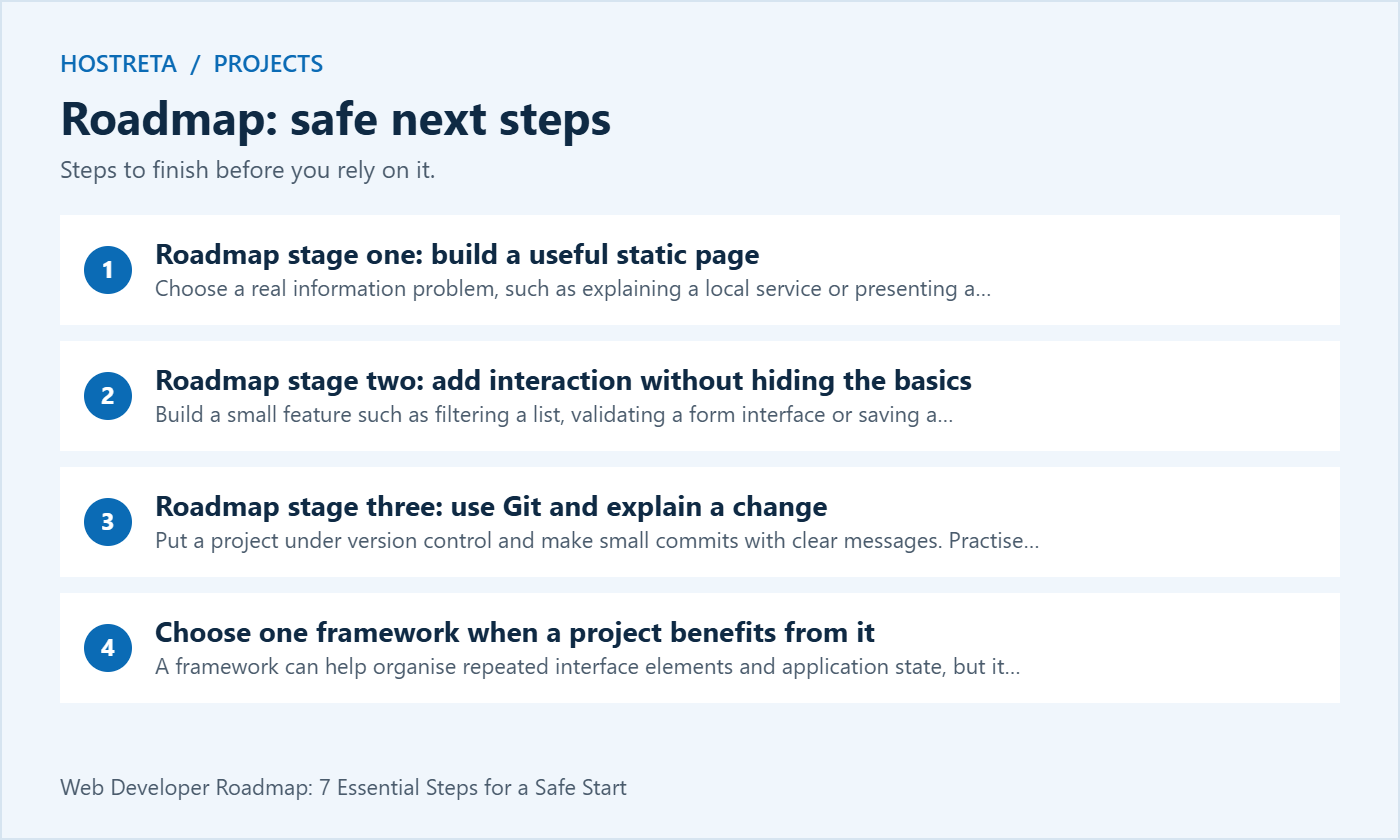
Choose a real information problem, such as explaining a local service or presenting a small portfolio. Write the content first, then mark up headings, paragraphs, lists, links and images according to their purpose. Use descriptive link text and meaningful form labels. Test the page with images unavailable and with a keyboard to see whether the structure still makes sense.
Add CSS after the content structure is clear. Practise spacing, readable line lengths, colour contrast and responsive layouts. Check narrow and wide viewports and increase the text size. A design that only works at one width is an unfinished learning exercise. Keep the markup understandable before reaching for a large component library.
At this point in the web developer roadmap, your acceptance test is practical: another person can find the information, follow the links and understand the page on a phone. Record what you changed after their feedback. This introduces the habit of testing a user journey rather than judging a project only by a screenshot.
Build a small feature such as filtering a list, validating a form interface or saving a local preference. Learn events, state and DOM updates in the context of that feature. Handle empty input and unexpected values. Make sure an interaction has an understandable keyboard path and that status changes are communicated clearly.
When you call an external API, handle loading, success, empty results and failure. A request can fail even when your code is correct. Do not leave a blank box or an endless spinner without an explanation. Use test data where possible and keep any private API credential out of browser-delivered code.
The web developer roadmap should include debugging at this stage. Read the browser console, inspect the network request and reproduce an error with the smallest possible example. Write down the cause and fix. Learning to investigate a failure is more transferable than memorising the code from one weather app tutorial.
Put a project under version control and make small commits with clear messages. Practise reviewing a diff before committing. Exclude local secrets and generated files that do not belong in the repository. If you accidentally commit a credential, removing the visible line is not enough; follow the provider’s rotation process and repository remediation guidance.
Create a branch for a small improvement, review it and merge it when the checks pass. Learn how to restore a file or revert a change using the supported workflow. Do not experiment with destructive history changes on a shared project you do not understand. A separate practice repository gives you room to learn safely.
A strong web developer roadmap includes written communication. Describe the user problem, resulting behaviour and how you tested it. That note helps another person review your work and helps your future self understand why a decision was made. Good development is partly the ability to make a change understandable.
A framework can help organise repeated interface elements and application state, but it does not remove the need for HTML, CSS and JavaScript knowledge. Pick one based on the project, learning resources and roles you are targeting. Avoid changing frameworks every time you encounter an unfamiliar error.
Rebuild one small feature from your earlier project using the chosen framework. Compare how data flows, how components are reused and how errors are handled. Learn the framework’s current official documentation and supported setup rather than relying on a tutorial that assumes an obsolete version. Record the version used in the project README.
At this stage of the web developer roadmap, TypeScript can help you describe data and catch some mistakes earlier. It does not validate untrusted runtime input by itself. Keep that distinction clear when consuming API responses or form submissions. Types improve a workflow when you understand what they guarantee and what they do not.
Choose a simple resource, such as tasks or bookings, and implement creating, reading, updating and deleting it. Learn request handling, validation, persistence and error responses. Keep the data model small enough that you can explain every field. A working vertical slice is more valuable than a large architecture diagram without a usable feature.
SQL is useful for understanding relationships, constraints and queries. Practise migrations and a recoverable development database. Use parameterised access through the framework’s supported tools, and validate permissions on the server. Hiding a button in the interface does not prevent an unauthorised request from reaching the back end.
If you prefer C#, Microsoft’s ASP.NET Core fundamentals path is another option alongside the ecosystems above. Choose one route and learn it well enough to deliver a small project. The web developer roadmap does not require learning every back-end language before you can build useful software.
For an application with accounts, use the selected framework’s documented authentication approach rather than inventing a password system. Understand sessions, cookies, authorisation and account recovery at the level needed for the project. Keep development accounts separate from real customer data and test both allowed and denied actions.
Write acceptance checks for access boundaries: one user should not read another user’s private record, a signed-out visitor should not access a protected action and an expired session should be handled clearly. These tests reveal important errors that a successful login screenshot cannot show. Security is part of the feature, not an optional decoration after launch.
The web developer roadmap should also include configuration handling. Separate environment-specific settings from source code, document required variables and use safe examples. Avoid logging secrets or full personal records while debugging. A project becomes easier to deploy when someone can configure it without guessing or reading private credentials.
WordPress development combines general web skills with platform conventions. Learn how themes control presentation and plugins add behaviour. Practise hooks and supported APIs on a local or staging installation. Avoid editing WordPress core files to add a feature, since updates can replace the change and make maintenance difficult.
The official Plugin Handbook is a useful reference for this branch of the web developer roadmap. Build one small plugin with a clear purpose and test activation, normal use and deactivation. If it stores data, understand the lifecycle and permission checks instead of treating a working admin page as a finished product.
Choose a project that demonstrates a practical skill: a small content type, a well-validated form workflow or a controlled integration with an external service. Keep scope narrow and document limitations. A reliable small plugin is stronger portfolio evidence than an unfinished attempt to reproduce an entire commercial suite.
Deployment teaches you what the local environment was hiding. Document build steps, runtime requirements and configuration. Verify the production URL, HTTPS, static assets and a representative workflow. Set up a recovery route and know how to inspect errors without exposing detailed stack traces or secrets to public visitors.
If you are comparing hosting or development support, KAWEDMA offers hosting, VPS and website development services worth reviewing. Confirm the runtime, deployment access, backups and management scope for the selected plan. A static site, a WordPress site and a custom application can have different requirements, so choose the service around the project.
Include operational checks in the web developer roadmap: what happens if a dependency fails, where are backups stored and who receives an error alert? You do not need a complex infrastructure stack for a small portfolio project. You do need enough documentation to keep the deployed example usable and to restore it after a mistake.
For each project, explain the problem, intended user, your contribution and the important tradeoffs. Include a live demo where appropriate, a repository with setup instructions and a short description of tests. Use synthetic data so a reviewer can explore the project without seeing a real client’s private information.
Show one meaningful before-and-after example, such as a form error that is now handled correctly or a layout that works on narrow screens. Be precise about performance claims and the conditions under which they were measured. Do not label a project production-ready if known limitations would prevent real use.
A web developer roadmap should end in demonstrable work, not a promise of a particular salary or hiring date. Employers and clients consider many factors beyond completing a course. Keep improving the portfolio based on feedback and choose applications or service offers that match the skills you can actually demonstrate.
The table above is an example sequence, not a deadline or guarantee. Available study time, prior experience and project complexity change the pace. Use milestone checks to decide when to move on. A learner who can explain and maintain a small project has stronger evidence than one who rushes through a fixed number of videos.
Start with a small application you can build, test and deploy as one system. Distributed services introduce additional operational and data-consistency questions. Learn those when a project or role provides a clear reason. The web developer roadmap is more manageable when architectural complexity follows a real need.
AI can help explain concepts and propose code, but you remain responsible for understanding and testing the result. Ask for a small explanation, compare it with official documentation and verify assumptions. Do not put private credentials or client data into an unapproved tool. A portfolio should honestly represent what you understand and contributed.
Keep a weekly learning note with the feature completed, the error investigated and the next small task. Review it against this web developer roadmap once a month. If a topic remains unclear, reduce the project scope and practise it again. Consistent evidence of understanding is more useful than moving through tools without being able to explain the result.
We may earn a commission on purchases made through these links, at no extra cost to you.
Don’t miss the chance to participate in the biggest giveaway of this year.