Hosting

Subdomains vs Subdirectories: 7 Essential, Safe Checks
Adding a blog, store, or help center to your website raises an old question: should it live at blog.yoursite.com or yoursite.com/blog? It looks like a small detail, but the choice affects SEO, hosting, maintenance, and how visitors experience your brand.
This guide compares subdomains vs subdirectories: what they are, their SEO and hosting trade-offs, common real-world uses, and how to decide.
shop.yoursite.com. Technically it can point to a completely different server or platform.yoursite.com/shop/. It’s part of the same website.Visitors may barely notice the difference. Search engines, servers, and your own maintenance workload often do.
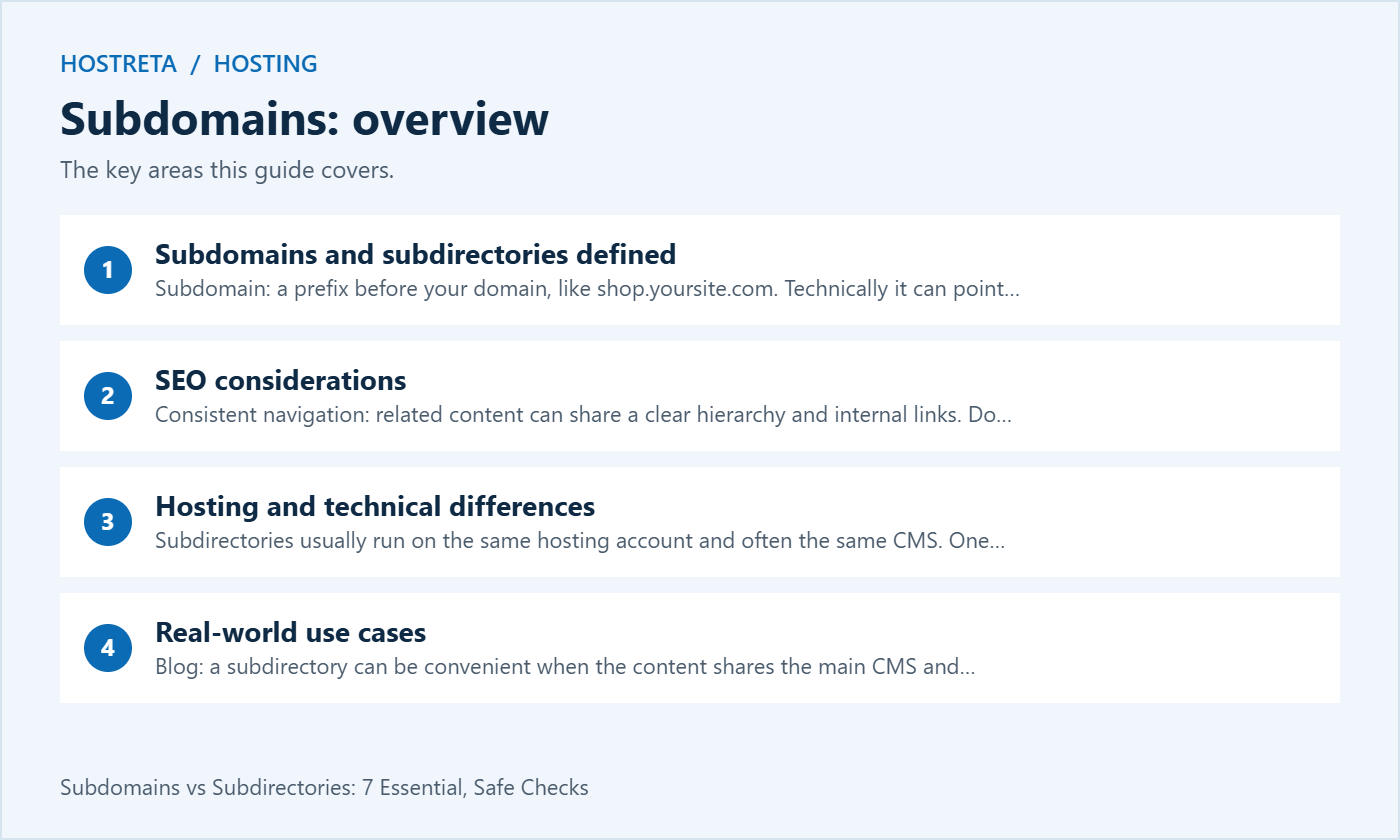
Google has said it can handle both, and it often figures out when a subdomain belongs to the main site. In practice, many SEOs still prefer subdirectories for content, for good reasons:
A subdomain can be managed as a distinct section, but choosing one does not automatically create an SEO penalty. That’s not always bad — it can be useful when the content serves a very different audience. For more on how rankings work, see SEO Basics: How Google Ranks Your Website.
shop., because it runs on different software.app. can use separate hosting, but the hostname alone does not provide security isolation.Going the subdomain route? Follow How to Install WordPress on a Subdomain.
Already using one and thinking of switching? Plan it like a migration with 301 redirects — see Domain Migration SEO: Keep Rankings After a Rebrand.
The right plan makes these checks far easier. For WordPress sites, Kawedma WordPress hosting and managed WordPress hosting powered by Rocket.net include caching, staging, and backups. Growing sites that need guaranteed resources can choose a Kawedma VPS server, cloud hosting, a managed VPS from Hosting.com, or an unmanaged VPS if you prefer full control.
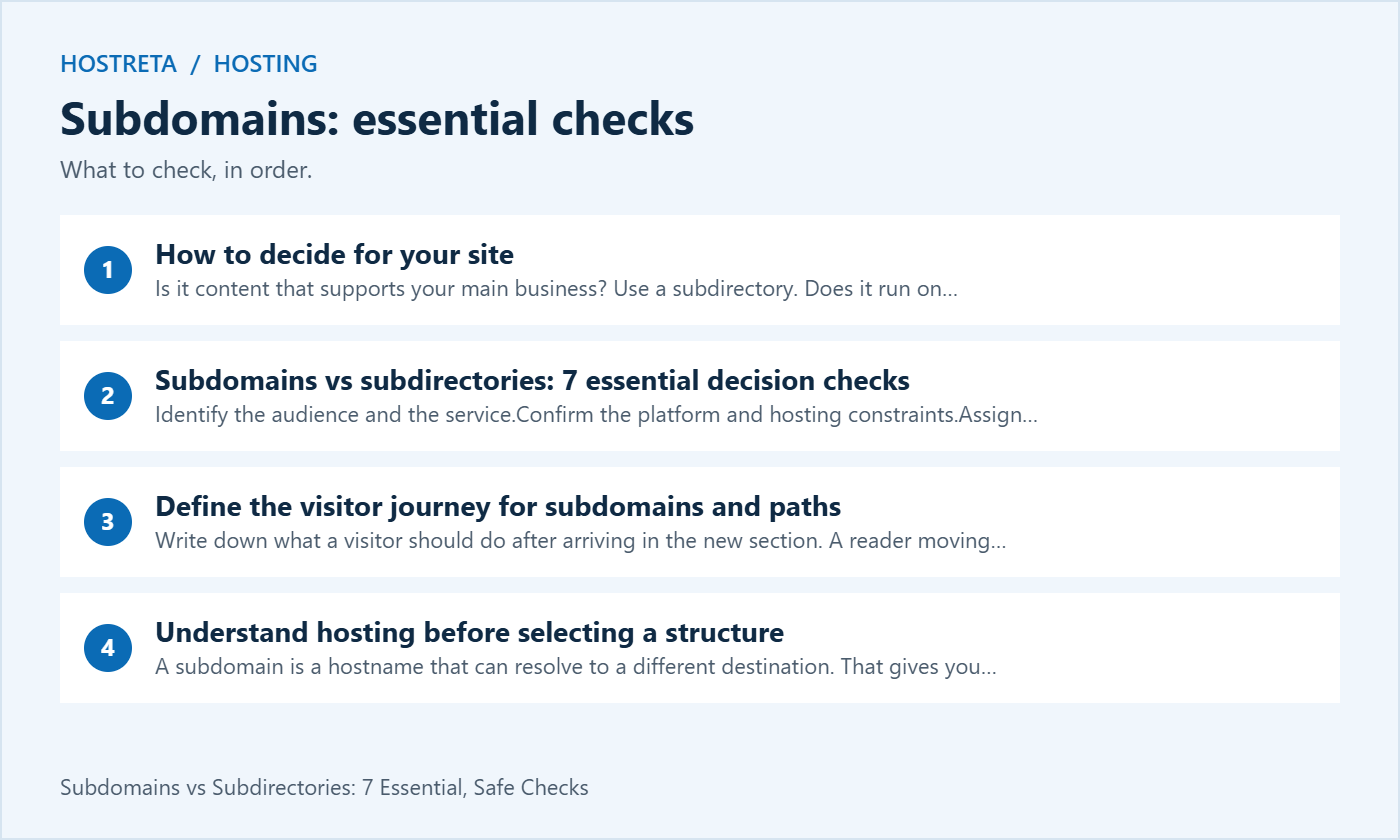
Google’s crawling and indexing FAQ states that it has no preference between the two formats for indexing and ranking. The practical subdomains vs subdirectories decision should therefore focus on the service you can build and maintain rather than a promised ranking boost.
Write down what a visitor should do after arriving in the new section. A reader moving from an article to a service page needs clear navigation and consistent branding. A customer entering a secure application needs a clear sign-in experience. The visible URL is only one part of that journey. Menu labels, page design and useful links also determine whether the relationship between sections is understandable.
For subdomains vs subdirectories, ask whether the section serves the same audience and purpose as the main site. A knowledge base may support existing customers, while a blog introduces new readers to the business. Either can be organized coherently. Choose the structure that your team can explain to users and maintain across the complete experience.
Do not move a working section merely because a competitor uses a different address format. First identify a measurable problem, such as difficult deployment, confusing navigation or an unsupported integration. A migration has its own cost and verification requirements. Subdomains vs subdirectories is a design decision, not an automatic reason to reorganize a stable site.
A subdomain is a hostname that can resolve to a different destination. That gives you flexibility when another platform needs to serve the section. A subdirectory is a path within a hostname. Different software can sometimes serve that path through routing or a proxy, but support depends on the architecture and platform involved.
Ask the host or application vendor which arrangements it supports. Do not assume that a hosted help center can run below a path on your main domain just because it can use a custom hostname. Similarly, do not assume that every subdomain requires a separate paid server. The subdomains vs subdirectories choice should reflect the actual service configuration and plan limits.
Document who controls DNS, certificates, web-server routing and application deployment. If different companies own different parts, identify how they will coordinate a change. A short architecture note is more useful than an unexplained preference for one URL style. Include how an administrator will diagnose a failed request.
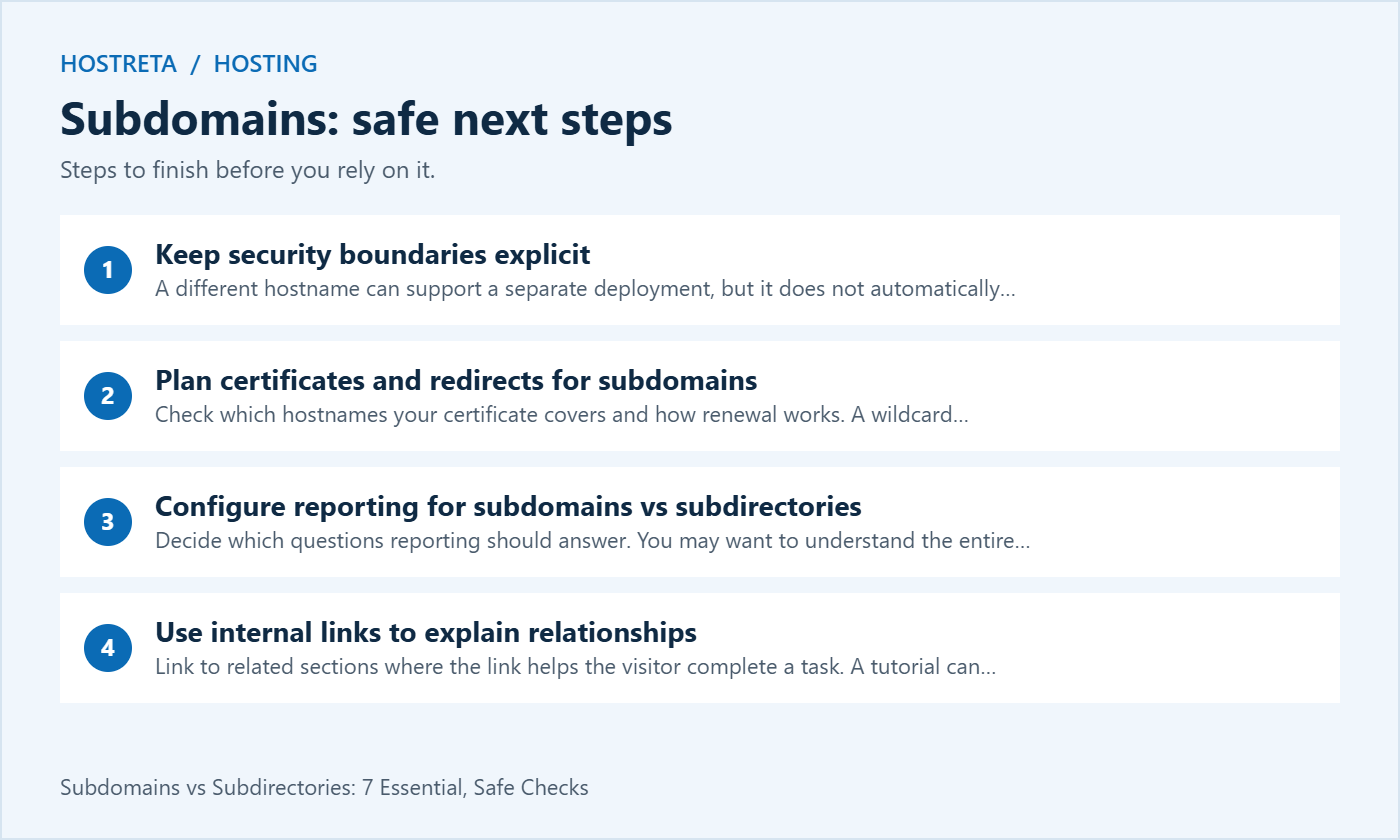
A different hostname can support a separate deployment, but it does not automatically isolate an application from everything else. Hosting accounts, credentials, permissions and shared infrastructure still matter. Review these controls directly. If two sections share the same privileged account and files, renaming one of them is not a substitute for access separation.
Authentication also needs design. A customer may use a single sign-in across related services or separate accounts for distinct applications. Test the intended behavior, including logout and recovery. Subdomains vs subdirectories should not be used as a shortcut for deciding how sessions, account access and private data are protected.
Private staging sites need deliberate access controls. Preventing indexing is not the same as preventing unauthorized access. Use the hosting or application’s supported protection and keep customer data out of test environments unless there is an approved need and suitable handling. Review the actual staging configuration before assuming a hostname makes it private.
Check which hostnames your certificate covers and how renewal works. A wildcard certificate is one option for some deployments, but it is not the only way to cover a subdomain. A provider may manage individual certificates or a certificate covering multiple names. Use the supported arrangement and test HTTPS on each public hostname.
For a subdirectory, the hostname’s certificate applies to the connection, while routing must still send the path to the correct application. A valid certificate does not establish that the desired page exists or that a proxy is configured correctly. Treat transport security and application routing as separate checks in the subdomains vs subdirectories review.
Keep redirects simple and purposeful. An old page should lead to its relevant replacement when a move occurs. Do not send every removed page to an unrelated home page. Test important paths and preserve the mapping in your migration notes so support can understand what changed.
Decide which questions reporting should answer. You may want to understand the entire business website, a specific section or a single application. Choose analytics and Search Console scopes accordingly. A section-level report and a whole-domain report serve different purposes; neither URL format removes the need to plan measurement.
Test a complete visitor journey using your own controlled activity. Confirm that navigation between sections is represented as intended and that important actions are recorded. If a third-party platform is involved, review its integration instructions. Do not assume that sharing a domain automatically gives you accurate campaign or conversion reporting.
Keep reporting notes with the architecture decision. If the team later compares traffic before and after a move, it should know whether property scopes, tracking settings or event definitions also changed. Otherwise, a measurement difference can be mistaken for an SEO effect caused by subdomains vs subdirectories.
Link to related sections where the link helps the visitor complete a task. A tutorial can lead to the relevant product documentation, and a service page can lead to a useful guide. Use clear anchor text that describes the destination. The user should understand why the link is present without needing to decode the address.
Review menus, breadcrumbs and footer links after adding a section. Make sure a visitor can return to the main business pages and find support. If the section uses another platform, check whether the navigation is maintained separately. Consistency requires ownership, not merely a shared logo.
Subdomains vs subdirectories should not distract from content quality. A thin or confusing section does not become useful by moving to a different path. Improve the information, organization and relevant links first. A structure should support the content instead of being presented as a replacement for it.
For a single WordPress site, a blog section can often use the existing installation and its normal permalink structure. A separate WordPress installation introduces its own updates, backups and administration. Establish whether you need a second installation before deciding where its address should live.
WordPress Multisite supports domain-based and path-based network structures, with requirements explained in the official network preparation documentation. Multisite is an architectural choice, not just a way to add a folder. Review plugin compatibility, network administration and recovery before converting an established site.
For subdomains vs subdirectories in an existing network, get advice appropriate to the actual setup. A change can affect routing, media paths and administration. Back up the site and test the migration procedure before making production changes. Do not treat a network conversion as a routine text edit in the address field.
Imagine a business that has a WordPress marketing site and wants to publish educational articles. The same team will write, update and promote both the service pages and the articles. Keeping the blog within the existing site may simplify the editorial workflow and navigation. That is an operational reason to prefer a path-based section, without claiming a guaranteed ranking advantage.
Now imagine that the same business launches a customer application on a platform with a custom-hostname integration. A subdomain may fit the supported deployment. The business still needs certificate management, application security, clear navigation and reporting. The subdomains vs subdirectories decision follows the platform requirements rather than overriding them.
If the business later replaces the application, it should review the routing and ownership again. The earlier choice can remain valid even when the underlying server changes. Document the relationship between the public hostname and the service so a future developer does not need to reconstruct it from scattered account settings.
Create an inventory of affected URLs and their intended destinations. Include important pages, images or other assets that external visitors may use. Identify which application or server will handle redirects. A spreadsheet can be useful, but each mapping should be reviewed for relevance rather than generated blindly.
Test the new structure before the public cutover. Check page content, HTTPS, internal links and important actions. Review canonical and indexing settings according to the platform and migration plan. Subdomains vs subdirectories migrations should preserve the intended pages and user journeys, not just display a working home page.
After launch, inspect representative redirects and monitor the appropriate reports. Expect search processing to take time and do not promise unchanged rankings. Record errors and fix the relevant cause. Repeatedly switching structures because an early report fluctuates makes evaluation harder.
For each section, assign responsibility for content, application updates, infrastructure and support. A separate platform can reduce some work while creating other coordination needs. A shared platform can simplify updates while requiring careful permissions. Compare those realities before making a subdomains vs subdirectories recommendation.
Include backups and recovery in the plan. Determine what needs to be restored for the whole service to work, including configuration and any external dependencies. Test the recovery process with an appropriate environment. An address that looks organized does not establish that the data can be recovered.
Review the arrangement when the team or platform changes. New requirements may justify a migration, but record the reason and expected outcome. Maintaining a clear decision log makes future subdomains vs subdirectories discussions faster and prevents the same unsupported SEO claims from driving repeated changes.
If you need hosting, domain or website development options for the planned section, visit KAWEDMA. Its site lists domain services, WordPress hosting, VPS and website development. Ask which plan supports the application, routing and maintenance responsibilities you require. Confirm the details before choosing a subdomains vs subdirectories architecture.
No. Google’s published FAQ does not express an indexing or ranking preference. Organize the service in a way that is understandable and manageable, and evaluate the actual content and implementation.
No universal rule requires that. A subdomain can point to different infrastructure, but the available setup depends on the host and application. Confirm the supported routing and plan limits.
No. Routing or proxy arrangements can allow different applications behind paths, where the platforms support that design. Evaluate the maintenance and troubleshooting cost before choosing it.
A plugin score is not evidence that a migration will improve search performance. Identify a real problem and weigh the migration cost. For subdomains vs subdirectories, maintainable architecture and useful content should guide the decision.
Keep a short note explaining which structure was selected, the platform constraints and the people responsible for maintaining it. Include the public addresses, the expected navigation and the checks performed before launch. This helps future team members understand why the site uses subdomains or paths.
Review the decision when requirements change, rather than on an arbitrary schedule. A new platform, a different audience or a change in ownership may justify another assessment. Keep the current arrangement stable while evaluating alternatives and test any planned migration before replacing working routes.
We may earn a commission on purchases made through these links, at no extra cost to you.
Don’t miss the chance to participate in the biggest giveaway of this year.