HowTo

Contact Form Spam: 7 Essential, Safe Form Checks
You added a contact form to your WordPress site to hear from customers. Instead, you’re getting dozens of messages a day about crypto, fake SEO services, and links you’d never click. Real enquiries get buried, and some spam even contains phishing links. Contact form spam can be reduced with tested layers of protection; no filter guarantees that every unwanted message is blocked.
This guide explains why forms attract spam and how to reduce it with honeypot fields, verification and filtering while monitoring the effect on genuine enquiries.
The best defense is layered: stop easy bots first, then add stronger checks only if needed. Building your first form? Start with How to Create a Contact Form in WordPress.
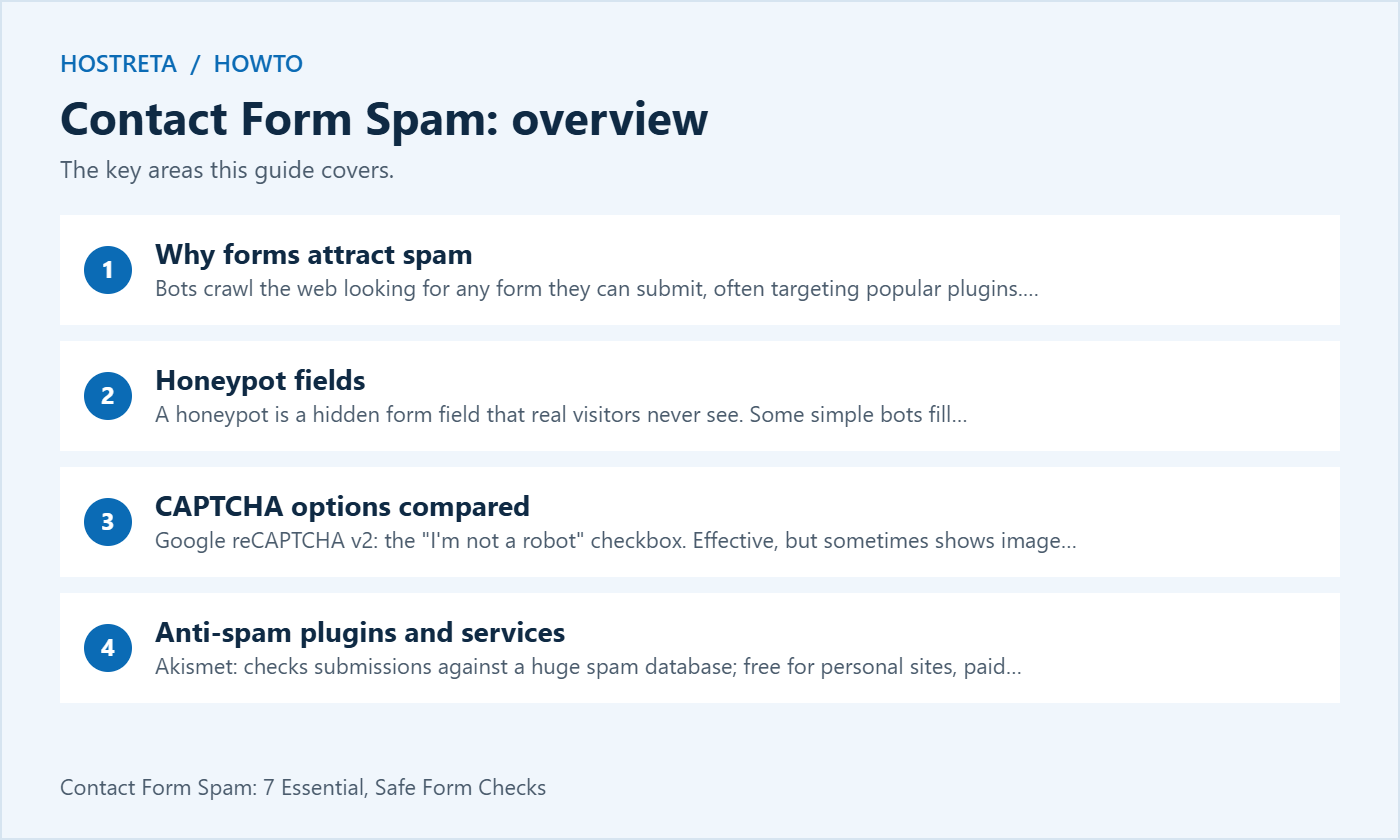
A honeypot is a hidden form field that real visitors never see. Some simple bots fill hidden fields. A suitable implementation can use that signal to reject suspicious submissions, but more capable bots may avoid the trap and autofill can cause false positives.
Turn the honeypot on first and watch your spam levels for a few days.
Most form plugins support at least one of these. CAPTCHA scripts may require mention in your privacy policy — see Privacy Policy and Cookie Consent: What Your Site Needs.
Filtered spam should go to a separate folder or log, not straight into your inbox. If real form emails aren’t arriving at all, check How to Log and Test Emails Sent From WordPress.
Spam in comments and registrations needs similar care — see WordPress Security: The Complete 2026 Checklist.
A fast, well-supported host makes every WordPress task smoother. Kawedma WordPress hosting and managed WordPress hosting powered by Rocket.net include staging sites for safe testing, while shared hosting from Hosting.com or Kawedma shared hosting suit smaller sites. Protect the site with an SSL certificate and automatic backups from CodeGuard.
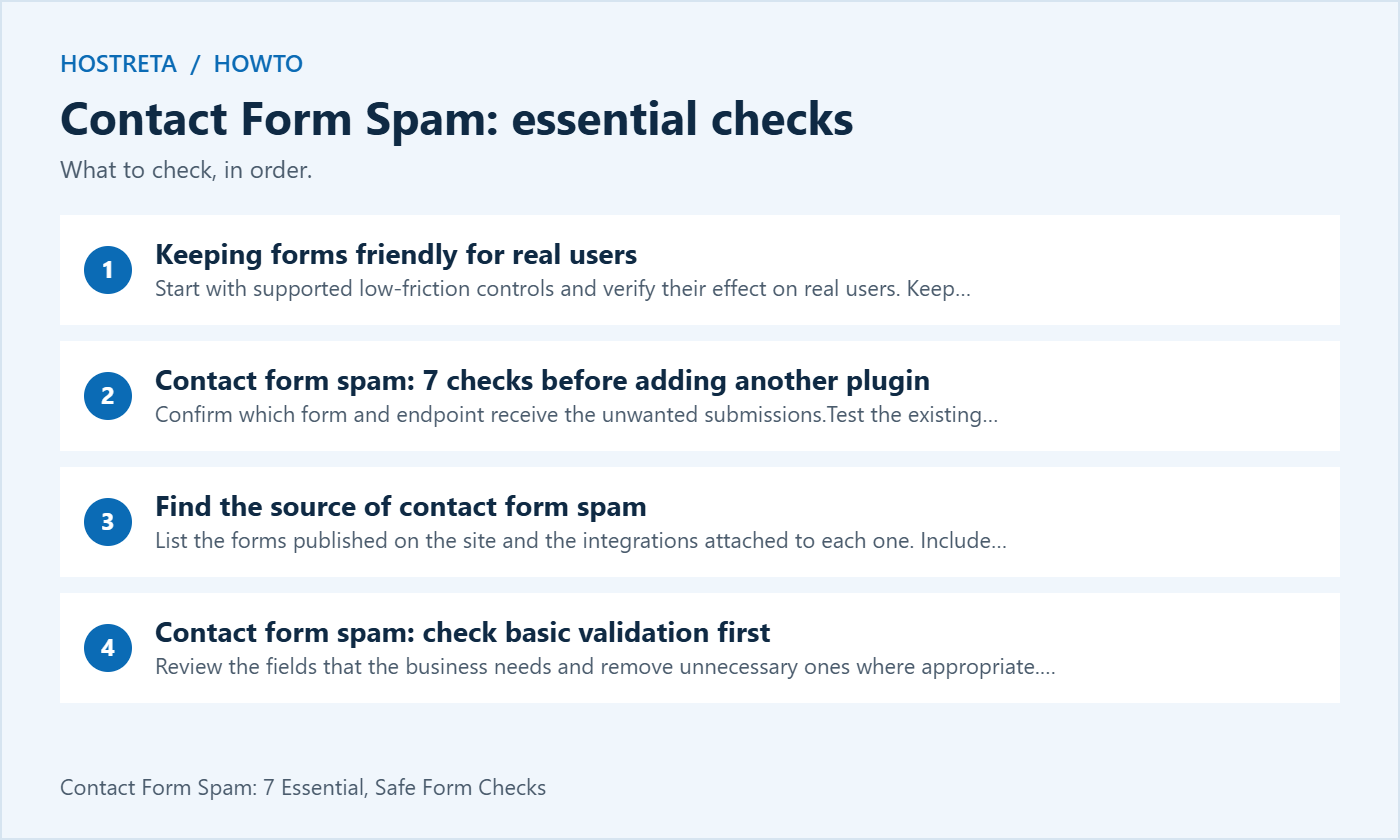
List the forms published on the site and the integrations attached to each one. Include footer forms, landing pages and old campaign pages that still receive traffic. A site can have several form builders installed, so the settings visible in one plugin may not protect a form created by another.
Identify whether unwanted content is being submitted to the form, arriving through ordinary email or appearing in WordPress comments. These are different routes. Changing a contact form setting will not necessarily affect a public mailbox that receives direct spam. Keep the investigation focused on the route that evidence actually identifies.
Record a baseline for contact form spam using a reasonable recent period. Count legitimate enquiries and suspicious submissions separately. Avoid storing more message content than the review needs. The aim is to determine whether a change helps the business, rather than just making a dashboard show more blocked requests.
Review the fields that the business needs and remove unnecessary ones where appropriate. Set sensible length and format limits through the supported form configuration. Validation should make expected input clear, but it must not reject real names or messages simply because they contain punctuation, non-English characters or an unfamiliar address format.
Test required fields, optional fields and error messages. A visitor should know which part needs correction without losing the rest of a carefully written enquiry. Keep errors close to the relevant field and verify that keyboard users can understand and reach them.
For contact form spam, a supported honeypot can be one useful layer. Check its behaviour with browser autofill, assistive technology and password managers. A hidden field should not become a trap for legitimate visitors. Use the form plugin’s maintained implementation instead of assuming that any field hidden with CSS is a complete anti-bot system.
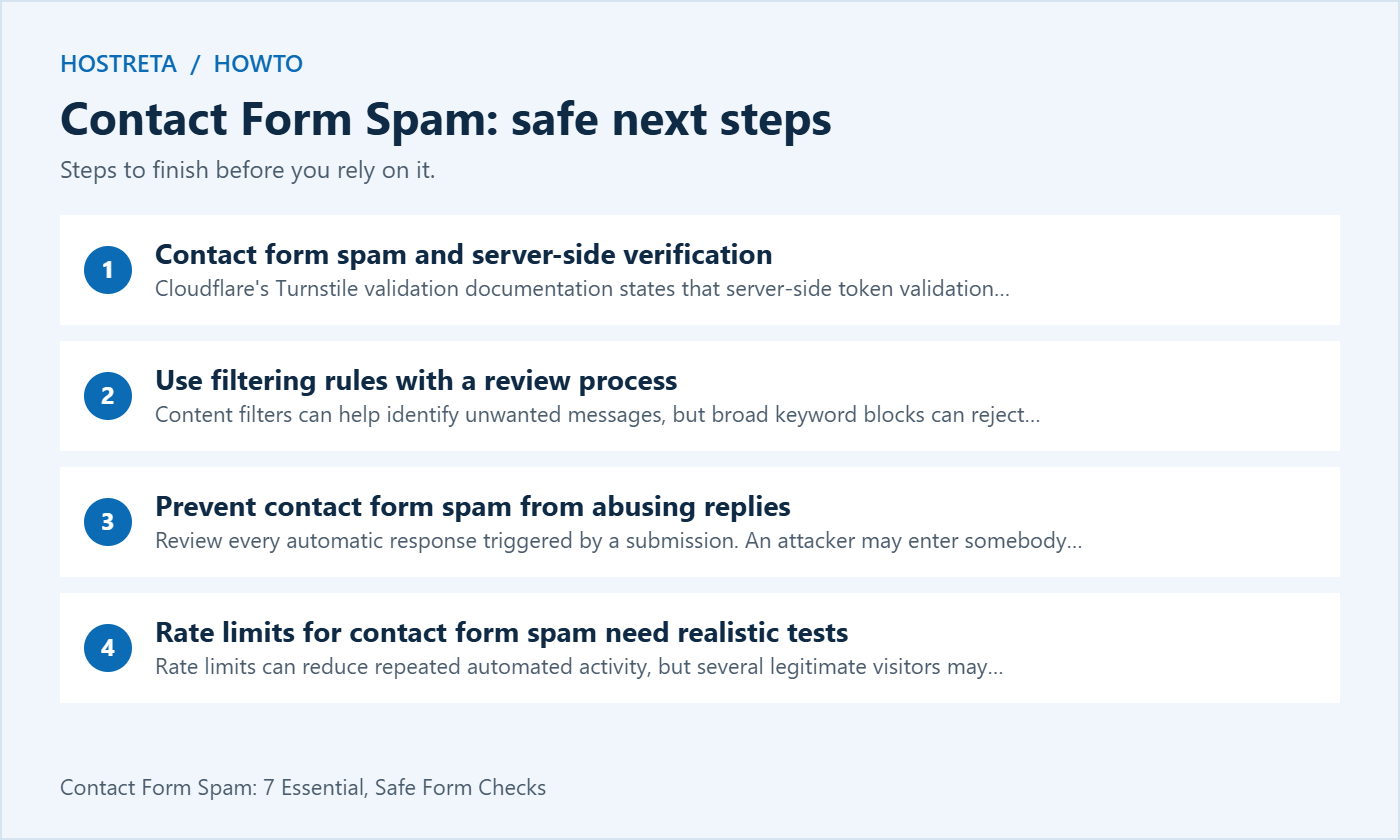
Cloudflare’s Turnstile validation documentation states that server-side token validation is mandatory. A visible widget alone does not finish the integration. Its tokens are single-use and expire after five minutes, so the form must handle an expired attempt appropriately.
For a maintained form plugin, follow its supported integration instead of pasting an unrelated script into the page. Contact Form 7 provides its own Turnstile module. Use documentation for the version and integration you actually run; instructions for another builder may not apply to its submission endpoint.
Keep private validation credentials on the server and out of page content, screenshots and public support posts. Verify production hostnames and the behaviour of any staging environment. Test the completed submission path rather than judging protection by whether a badge appeared on the screen.
Content filters can help identify unwanted messages, but broad keyword blocks can reject genuine work. A web agency may receive legitimate enquiries that mention SEO, cryptocurrency or a competitor’s domain. Treat the topic as one signal rather than an automatic proof that a person is a spammer.
Review a controlled sample of blocked submissions when your retention policy permits it. Record why a rule was added and what evidence would justify changing it. A rule created during one attack should not remain forever simply because nobody remembers its purpose.
When selecting a service for contact form spam, check compatibility and current licensing. Akismet’s plan guidance distinguishes personal non-commercial use from commercial activity. Include the actual business use in the comparison and avoid assuming that every free plugin package includes unrestricted cloud filtering.
Review every automatic response triggered by a submission. An attacker may enter somebody else’s address, so an autoresponder can send unsolicited messages to a third party. Avoid echoing arbitrary submitted links or text into an automatic email without a justified and safely implemented design.
Ask whether a confirmation email is necessary for the workflow and what it should contain. Keep it concise and avoid treating the form as a public mail-sending service. A contact enquiry is not automatically consent to a marketing sequence. Make subscription choices explicit if the site separately offers a newsletter.
Define what happens during a flood of contact form spam. Staff should know how to identify the affected form, pause an abusive response where appropriate and preserve an alternative way for real customers to contact the business. Do not silently disable the only contact route without a recovery plan.
Rate limits can reduce repeated automated activity, but several legitimate visitors may share an IP address. A mobile network, office or public connection can make unrelated people appear similar. Select supported controls and test their effect before relying on a broad block.
Start with the narrowest useful rule for the actual submission path. A site-wide restriction may interfere with browsing, account access or checkout while missing a differently routed form endpoint. Confirm where the control is applied and who can diagnose a rejected enquiry.
Track whether contact form spam falls while genuine completion remains stable. A sharp drop in all submissions can mean the form is broken rather than successfully protected. Pair the blocking metric with controlled tests and a practical business outcome such as usable enquiries received.
Try the form using a keyboard from the first field through the success state. Focus should remain visible, labels should identify the inputs and any error summary should help the user recover. A verification mechanism should not leave a visitor in a loop with no explanation.
Test on a small screen with ordinary network conditions. Check whether the verification widget is hidden under a sticky element or clipped by the form layout. An integration can function technically while making the submit button difficult to reach or the error impossible to read.
Offer an appropriate alternative contact route for visitors who cannot complete the form. Protect that route against abuse too, but keep the purpose clear. Contact form spam controls should support communication with the business rather than turning a simple enquiry into a difficult technical task.
A success state can indicate that the application accepted a submission while staff notification later fails. Check the form’s own behaviour, stored entries where enabled and the outbound message route separately. Do not change spam thresholds merely because a notification is missing from one person’s inbox.
Use Hostreta’s WordPress mail testing guide to investigate the delivery path. A sending log is evidence about one stage of the process. Confirm what the status means for the specific transport and check a received test message when verifying the result.
For contact form spam investigations, keep the test message recognisable but free of sensitive data. Record its time, form page and expected destination. This helps a support engineer trace the right event without searching through unrelated customer conversations.
Storing entries can help recover missed enquiries or review false positives, but it creates another location for personal data. Decide what is needed, who can read it and when it should be deleted. An unlimited archive of every blocked message is not automatically a good operational choice.
Check exports, backups and notification recipients as part of that decision. A submission may be copied into several systems, including a customer platform or team inbox. Removing it from WordPress alone may not remove the other copies. Keep the actual data flow documented.
Give access to staff who need to handle the work and review it when roles change. Do not circulate administrator credentials to let somebody inspect spam. Use the supported permission model and avoid pasting raw customer messages into public diagnostic tools or forums.
Performance plugins can defer scripts, combine assets or change loading order. After such a change, test the form from a fresh visitor session. A cached page may appear normal even if its verification integration no longer completes correctly.
Check how the form behaves when a visitor takes time to write a long message. An expired verification state should have a recoverable path. Test resubmission after a validation error and confirm that a second attempt does not create unwanted duplicate entries.
Keep contact form spam settings in the site’s release checklist. A theme update or template replacement can remove an integration or change its placement. Retest the actual live page after deployment instead of relying entirely on a successful staging preview.
| Case | Expected result | What to record |
|---|---|---|
| Ordinary enquiry | Accepted through the intended route | Time, form and destination |
| Missing required input | Clear recoverable validation | Field and error message |
| Slow completion | Verification can refresh where needed | Observed retry behaviour |
| Mobile and keyboard use | Fields and submission remain usable | Device and interaction result |
| Suspected false positive | Authorised staff can investigate | Rule and review decision |
| Notification failure | Delivery issue can be separated from filtering | Application and mail-path evidence |
Run approved tests on a staging copy where practical. Avoid sending floods of requests to production or using real third-party addresses as test recipients. The goal is to verify the configuration and recovery path, not to generate a large volume of traffic.
Save a short acceptance record with the form version, active integrations and results. Repeat the relevant checks when changing a dependency. A reusable test plan makes contact form spam protection maintainable when the original implementer is no longer available.
Confirm that the increase represents actual unwanted submissions rather than duplicate notifications or a logging change. Compare a sample with the baseline and identify the affected route. A new email template can make an existing problem more visible without changing its source.
Make one supported configuration adjustment at a time and note when it was applied. Monitor both suspicious activity and legitimate completions. If a new rule causes failures, restore the previous working setting and investigate the specific incompatibility before adding another layer.
When escalating contact form spam to support, provide the form URL, plugin versions, relevant configuration and a redacted example. Explain what changed and which test fails. A precise report is more useful than a long list of installed security plugins without evidence connecting them to the issue.
If the site needs form implementation, troubleshooting or related hosting support, consider KAWEDMA’s website development and hosting services. Describe the affected workflow and ask which testing, monitoring and maintenance tasks are included. Confirm compatibility with the form builder and verification service you plan to use.
Do not assume that a hosting purchase includes every cloud filtering subscription or that a supplier can eliminate all contact form spam. Agree on measurable acceptance checks, a usable alternative contact route and a process for false positives. The service should support genuine enquiries as well as reducing abuse.
No. Treat it as a signal against some automated submissions and test its effect on real users. More capable automation may avoid the field. Combine appropriate controls when the evidence justifies them rather than expecting one hidden input to solve every abuse pattern.
No. A human or an automated process that passes a verification step can still submit unwanted content. Continue content review and safe handling of links. The challenge answers a narrower question than whether an enquiry is relevant or trustworthy.
Adding competing integrations can make troubleshooting harder and may increase visitor friction. Prefer the form plugin’s supported configuration, test it and add further controls only when a specific failure remains. Record which component is responsible for each decision.
Choose a retention process suited to the business and its data obligations. Immediate deletion can make false positives difficult to investigate, while unlimited storage creates its own problems. Decide the review window and authorised access deliberately.
Measure a reduction in unwanted work while genuine visitors can still complete the enquiry route. Use controlled tests, review false positives and confirm staff notifications. A high blocked-request count alone does not establish that customers can contact the business successfully.
We may earn a commission on purchases made through these links, at no extra cost to you.
Don’t miss the chance to participate in the biggest giveaway of this year.