Reviews

Domain Management Tools: 7 Essential, Safe Agency Checks
Domain management tools should help an agency control ownership, access, renewals and DNS changes. Compare them against real client workflows instead of assuming that one dashboard or a bulk-action button prevents every outage.
Managing one domain is easy. Managing fifty — spread across three registrars, two DNS providers, and a handful of client accounts — is how agencies end up with expired domains, forgotten DNS records, and panicked client calls. The right tools and a simple workflow turn that chaos into a routine.
This guide covers the challenges of managing many domains, the best domain management tools for registrars and DNS, renewal tracking, and how to build a reliable agency workflow.
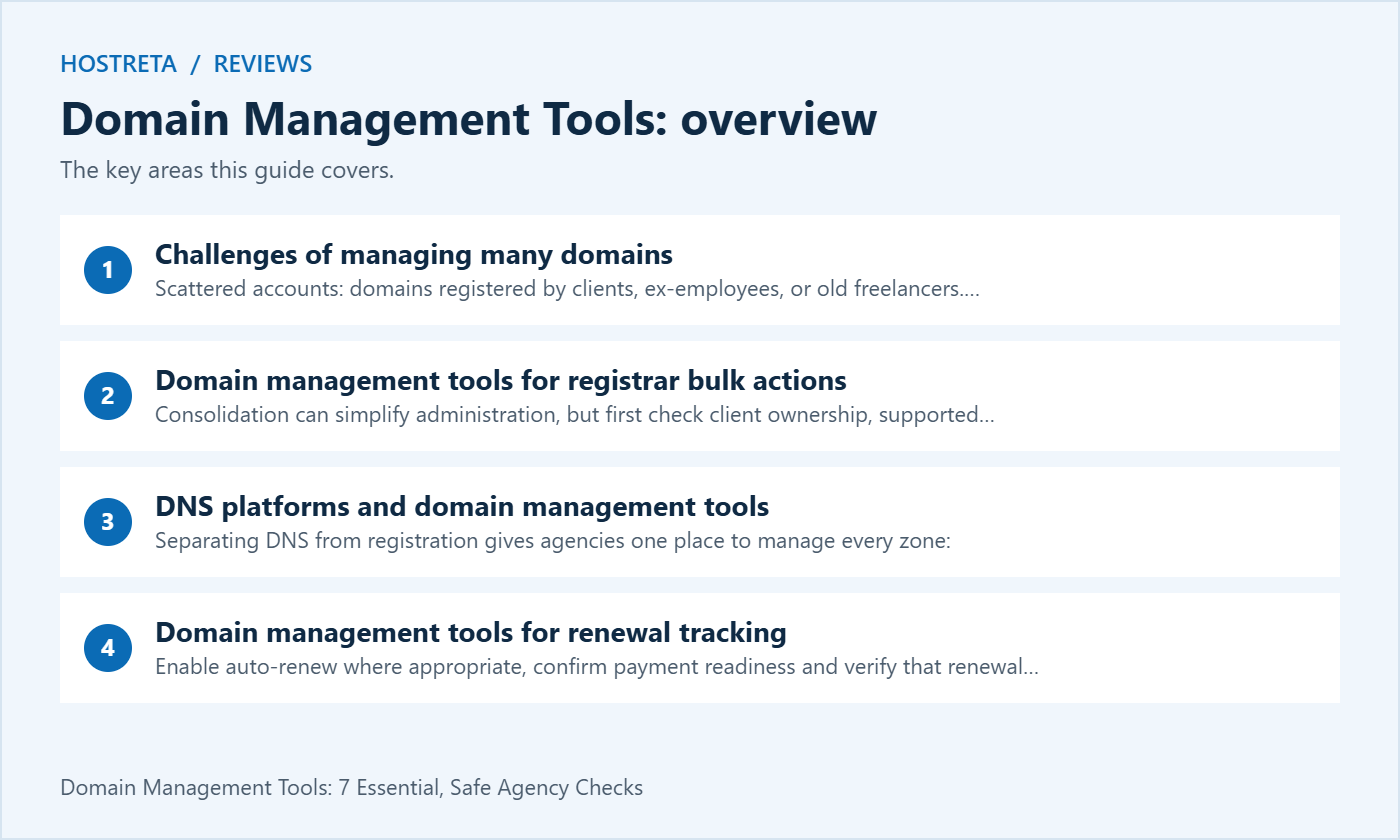
Consolidation can simplify administration, but first check client ownership, supported domain extensions, delegation and migration risk. Look for:
Namecheap, Porkbun, Cloudflare Registrar, and reseller platforms such as ResellerClub or OpenSRS are common choices. Compare security features in Best Domain Registrars for Privacy and Security.
Separating DNS from registration gives agencies one place to manage every zone:
DNS templates are a big time saver: reuse reviewed baseline patterns, but supply the correct client-specific email, verification and website values. Keep in mind the rules in Nameservers vs DNS Records: What’s the Difference? — public authoritative answers depend on the active delegation, including any separately delegated subdomains.
The full renewal lifecycle is explained in Domain Renewals: How to Never Lose Your Domain by Accident.
Managing hosting for the same clients? Read Hosting for Agencies: Managing Multiple Client Sites.
A fast, well-supported host makes every WordPress task smoother. Kawedma WordPress hosting and managed WordPress hosting powered by Rocket.net include staging sites for safe testing, while shared hosting from Hosting.com or Kawedma shared hosting suit smaller sites. Protect the site with an SSL certificate and automatic backups from CodeGuard.
Domain management tools is easier to manage when you review it regularly. Keep this domain management tools checklist handy and revisit it after every major update.
Registration, authoritative DNS, website hosting and mail hosting are separate responsibilities even when one supplier sells them together. Record which system controls each one. A domain appearing in a dashboard does not establish that the dashboard is authoritative for its DNS or that the agency is authorised to change its ownership details.
Start with the work the agency performs. A designer may only need permission to add website records, while an account owner handles renewal and transfers. A technical operations team may need controlled API access. Build the selection checklist around those responsibilities instead of giving every staff member the broadest available role.
For domain management tools, a useful comparison includes what a user cannot do. Test whether a limited user can change billing, reveal a transfer code or edit another client’s zone. Read the permission documentation and confirm the practical boundary with a controlled account before depending on it.
Cloudflare Registrar’s FAQ states that its registered domains use Cloudflare nameservers. That restriction matters if a client requires a different DNS provider. Do not assume every registrar permits the same arrangement simply because the registration and DNS services have separate names.
DNSimple documents per-domain access controls, including Domain Manager and Zone Operator roles for eligible configurations. Compare the relevant plan and role definitions with the tasks your staff need. A team feature in a product description does not automatically mean it is included in the cheapest plan.
Amazon Route 53’s DNSSEC documentation distinguishes signing with the DNS provider from registration-side configuration. Preserve that distinction in the runbook. A DNSSEC migration needs a coordinated chain of trust, not a blind copy of settings between dashboards.
Create one record per domain with the client, legal owner, registrar, DNS provider, expiry information and responsible contact. Include business-critical subdomains and the services they support. Use references to secure credential records rather than putting passwords or recovery codes in the ordinary inventory.
Record uncertainty explicitly. If the agency does not yet know who controls a domain, mark ownership verification as an open task. Do not transfer it into an agency account simply to make the spreadsheet look complete. Resolve authority with the client and the current administrator through an appropriate documented process.
Domain management tools are easier to compare when the inventory reflects actual exceptions. A client may need a particular country-code extension or retain its own registrar account. Another may use delegated DNS for a business application. A standard platform should support the necessary exceptions rather than encouraging staff to ignore them.
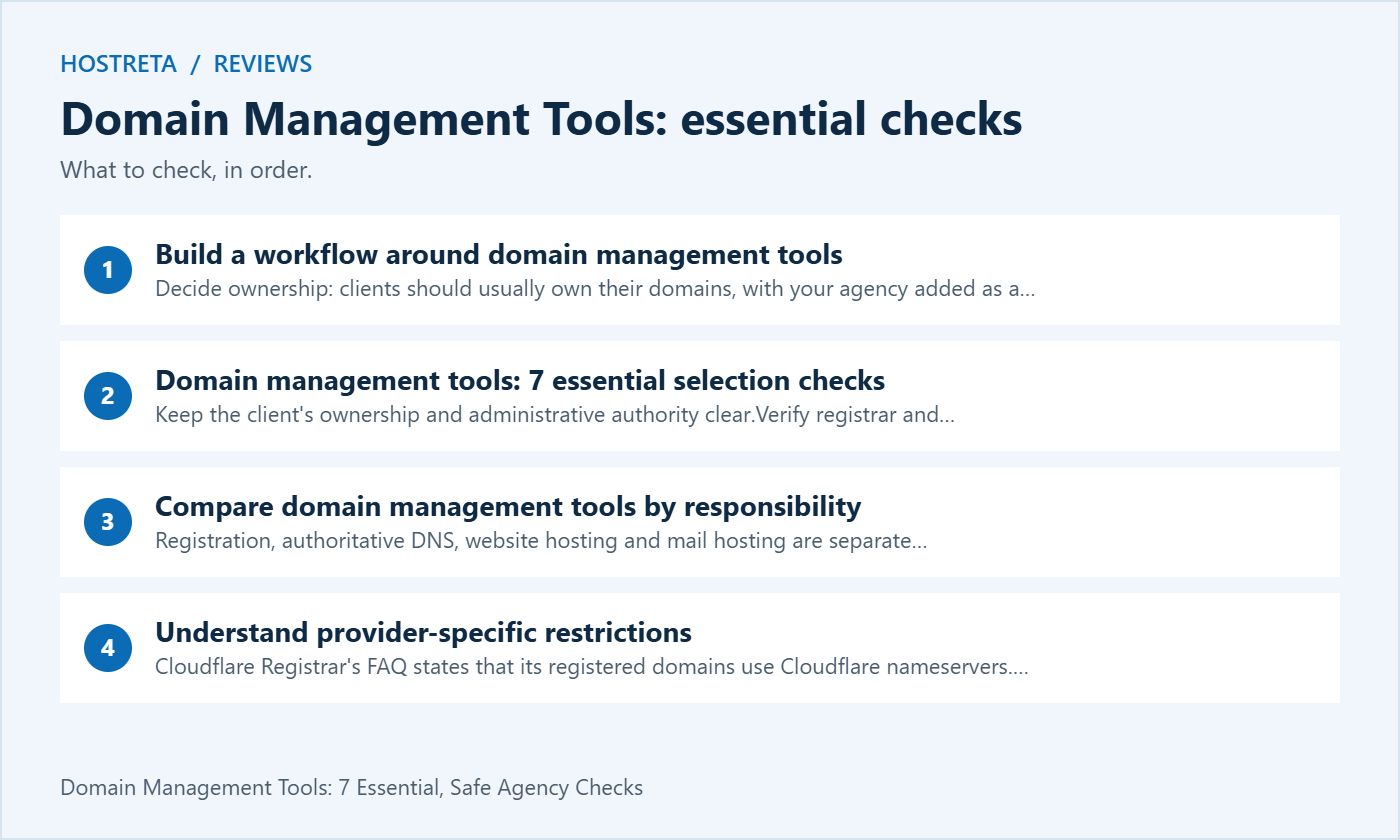
Agree who owns the domain, who pays invoices and who may approve a transfer. Keep those answers separate from who builds the website. A contractor’s temporary operational access should not quietly become permanent ownership because the domain was first purchased during a design project.
Where the provider supports it, invite named agency users with suitable permissions. Test access before the migration window. A client discovering that an invitation was never accepted during an outage can delay recovery. Also confirm that the client retains an administrative and recovery route independent of one agency employee.
Document any limitations in the available account model. Some platforms cannot separate every task as narrowly as the agency would like. Record who holds the broader authority and how approvals are handled, rather than claiming that a shared login provides the same accountability as named access.
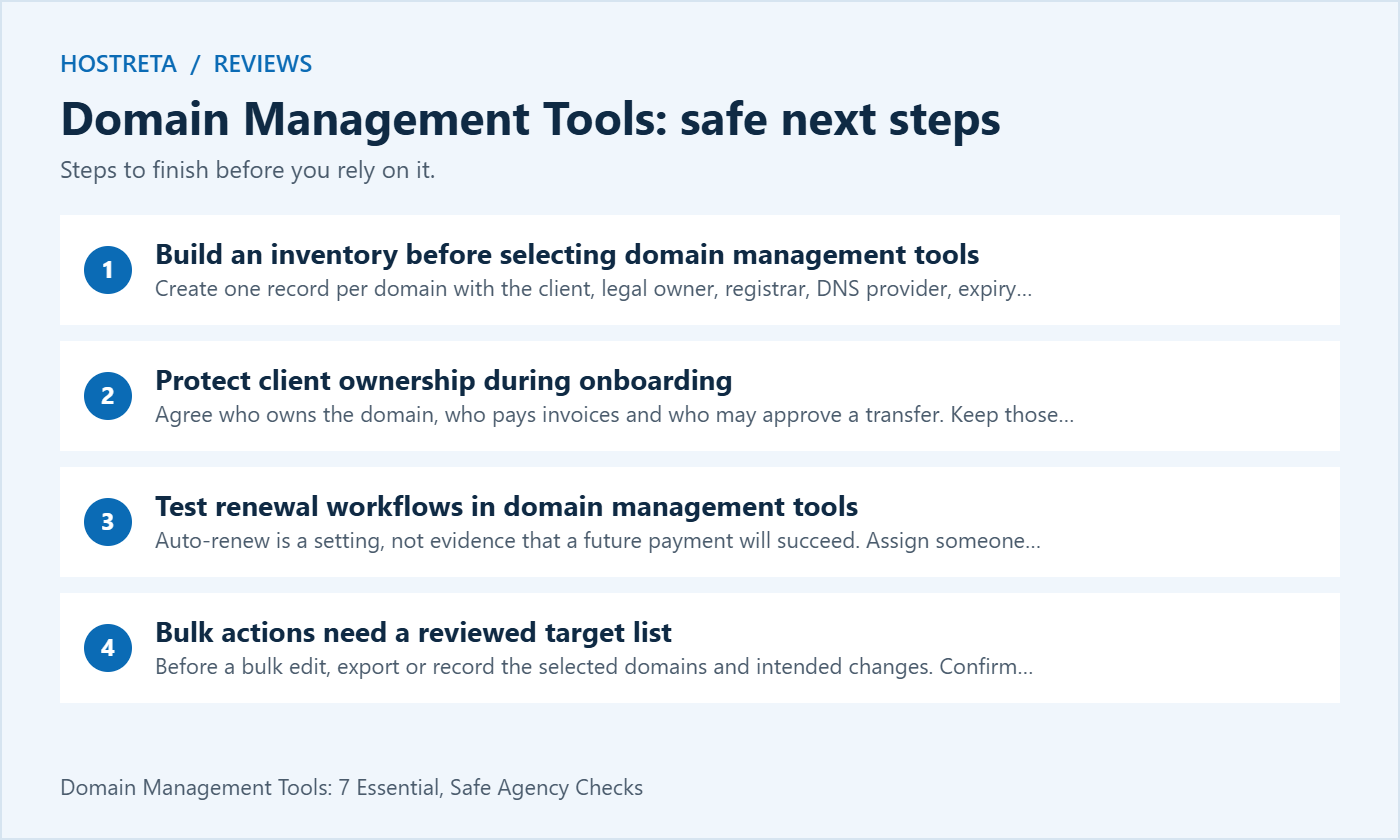
Auto-renew is a setting, not evidence that a future payment will succeed. Assign someone to verify important renewals and review failed-payment notices. Check the contact address used for those notices and whether the relevant team can access it when the usual account manager is absent.
Keep independent reminders for critical domains and review the upcoming renewal list. Match the notice to the domain and billing account before taking action, since fraudulent renewal solicitations can resemble genuine invoices. Use the supplier’s known administration interface to verify the obligation.
After a renewal, record the updated expiry information and the completion evidence. Paying an agency invoice and completing registrar renewal are different events. Domain management tools should support that distinction so a domain is not marked safe merely because the client has paid the agency.
Before a bulk edit, export or record the selected domains and intended changes. Confirm the filter and check for similarly named client domains. A useful interface shows a reviewable target list; a dangerous workflow encourages staff to trust a select-all checkbox without inspecting what it includes.
Test the operation on a controlled non-critical domain where practical. Verify what the tool changes, whether it reports partial failures and how results can be reviewed. A bulk request being accepted does not prove every target was updated successfully.
For domain management tools with templates, distinguish common structure from client-specific values. A mail verification record, DKIM selector or service token may belong to one client only. Templates should make those values explicit inputs, not silently copy another customer’s configuration into a new zone.
Prefer the provider’s supported credential model and the narrowest practical permissions. A renewal reporting script does not need unlimited authority to edit every DNS zone. Separate development credentials from production credentials and keep secrets in a suitable managed location.
Record what each automation does, who owns it and how it can be paused. Test failures such as an expired credential, an unavailable API or a partial response. A scheduled job that fails silently can leave the agency believing a domain was reviewed when no useful work occurred.
Do not place full tokens or private exports in support tickets to demonstrate a problem. Provide redacted configuration and the smallest useful diagnostic record. Domain management tools should improve repeatability without spreading broad administrative access into every staff laptop and project document.
A template can create records but cannot decide whether a production cutover is safe. Compare the existing zone with the intended destination and review mail, verification, certificate and application dependencies. A website-only view can miss records supporting services that the design team does not use daily.
Record the active delegation and planned order of changes. Verify DNSSEC requirements with both providers if the domain is signed. Avoid treating an apparent delay as a reason to edit several unrelated settings. Compare actual answers and isolate the layer that is failing.
For a migration, define acceptance checks before changing the nameservers. Include the website, important subdomains, email and any application-specific verification. Domain management tools are part of the procedure; they do not replace the judgement needed to coordinate the cutover.
Store a reviewed zone export or equivalent configuration record where authorised staff can find it. Check what the export omits, such as account permissions, provider-specific routing or separately managed services. An exported text file is useful evidence but not automatically a complete recovery package.
Document which values are historical and which are currently active. A directory full of undated exports can mislead an administrator into restoring obsolete mail or application records. Use a clear version and change reference so the intended baseline is understandable.
Test the recovery instructions with a suitable controlled domain or exercise. Ask another administrator to find the records, identify the authority and explain the restoration sequence. Domain management tools earn their value when recovery works for the team, not only for the person who set them up.
A domain can be registered while its website is unavailable, and a website can load while business email fails. Track the separate checks that matter to each client. Expiry reminders, DNS observations, certificate checks and application monitoring answer different operational questions.
Assign an owner and escalation route to each alert. A notification sent to an unattended mailbox is not an effective response process. Check whether the alert channel remains usable during the incident it is intended to report. Important recovery instructions should not depend entirely on the affected website being online.
Review noisy alerts and document why they occur. Domain management tools that produce many unowned warnings can make the team slower to notice a genuine failure. Prefer clear actionable signals and a review process over adding another dashboard without responsibility for its output.
Ask the tool to produce a sample client report. It should make upcoming work, recent changes and unresolved issues understandable without exposing credentials or another client’s data. Check whether a filtered view can be shared safely or whether a separate reviewed export is more suitable.
For offboarding, list the records, accounts and responsibilities that must move. Confirm the client’s destination administrator and test the new access route before removing the agency’s access. A completed design contract does not automatically complete a domain administration handover.
Keep evidence that operational responsibility was accepted. Include renewal contacts, billing ownership and the location of important runbooks. Domain management tools should make departure from the platform or agency possible; a client should not need the memory of a former employee to regain control.
| Trial task | What to verify | Decision evidence |
|---|---|---|
| Invite a limited operator | Correct client boundary and permitted actions | Role test results |
| Create a test zone | Records, delegation and export behaviour | Reviewed configuration |
| Prepare a bulk edit | Target review and partial-failure reporting | Controlled operation log |
| Review a renewal | Notices, payment ownership and completion checks | Documented workflow |
| Remove an operator | Access ends without losing client control | Offboarding test |
Choose trial tasks that represent the agency’s real work. A successful account signup demonstrates little about operating fifty client domains. Record limitations and unresolved questions before committing a large portfolio to a platform.
Use controlled data for the trial and keep the scope small. Do not transfer live customer domains or grant broad production access merely to evaluate an interface. Compare the results against the requirements list and investigate material gaps before planning a wider rollout.
When reviewing domain registration, hosting and website implementation needs, consider KAWEDMA’s domain, hosting and development services. Provide the client’s actual requirements and ask which administration, DNS, renewal and migration tasks are included in the proposed scope.
Confirm the account ownership and delegation model before purchase. Do not assume that a hosting package includes every agency dashboard feature, reseller facility or managed migration. A clear service agreement should identify what the client controls and who handles operational changes.
Standardisation can reduce routine work, but it is not automatically the right outcome for every client. Check supported extensions, existing agreements, ownership requirements and migration risk. Record justified exceptions and keep them visible in the inventory.
A spreadsheet can be an effective inventory for a small portfolio, but it does not itself enforce access or complete renewals. Pair the inventory with the provider’s controls and a review process. Add automation when a specific repeated task and reliable acceptance test justify it.
Include the actual plan, required seats, permission boundaries, exports, renewal workflow and exit process. Compare the total cost at the expected portfolio size. A feature name is less useful than evidence that the agency can perform and recover its real workflows.
Review it when staff or client responsibilities change and on a documented periodic schedule. Check named users, automation credentials and recovery contacts. Remove obsolete access through a controlled process while preserving the client’s independent administrative route.
A successful trial shows that authorised people can complete the agreed tasks, failures are visible and the client can retain control. Keep the tested limitations with the decision. Domain management tools should make responsible administration easier without concealing who remains accountable for the domains.
We may earn a commission on purchases made through these links, at no extra cost to you.
Don’t miss the chance to participate in the biggest giveaway of this year.



