Marketing

How to Write Product Descriptions That Sell
“High-quality materials. Great design. Buy now.” Product descriptions like that appear on thousands of store pages, and they persuade nobody. Good copy answers the only question a shopper really has: what will this do for me? Writing product descriptions that sell is a skill you can learn in an afternoon, and it pays off on every page of your store.
In 2026, product descriptions also do a second job. Search engines, Google’s AI Overviews, and AI shopping assistants read your pages to decide which products to recommend. Clear, specific, honest copy helps both humans and machines understand what you sell. This guide covers knowing your buyer, turning features into benefits, structuring for skimmers, SEO and AI search, tone of voice, templates, using AI responsibly, and testing what works.
Online shoppers can’t touch, try, or hold your products. The photos show what an item looks like; product descriptions explain what it is like to own it. They answer doubts, set expectations, and give the final push to add to cart.
During the holiday rush, when Black Friday falls on November 27, 2026, many shoppers are buying gifts for someone else. They need even more reassurance, so strong product descriptions can make a measurable difference to sales.
Before writing a word, answer:
Your support inbox and product reviews are gold here — customers describe their needs in their own words. So do site searches; see WordPress Search Plugins: 7 Essential Checks for tools that show what people type into your store’s search box.
Write two or three sentences about your typical customer for each product category. For example: “A busy parent buying a first coffee machine, worried about cleaning and counter space, comparing three models under 200.” Keep that profile next to you as you write. Product descriptions written for one clear person are always more persuasive than copy written for everyone.
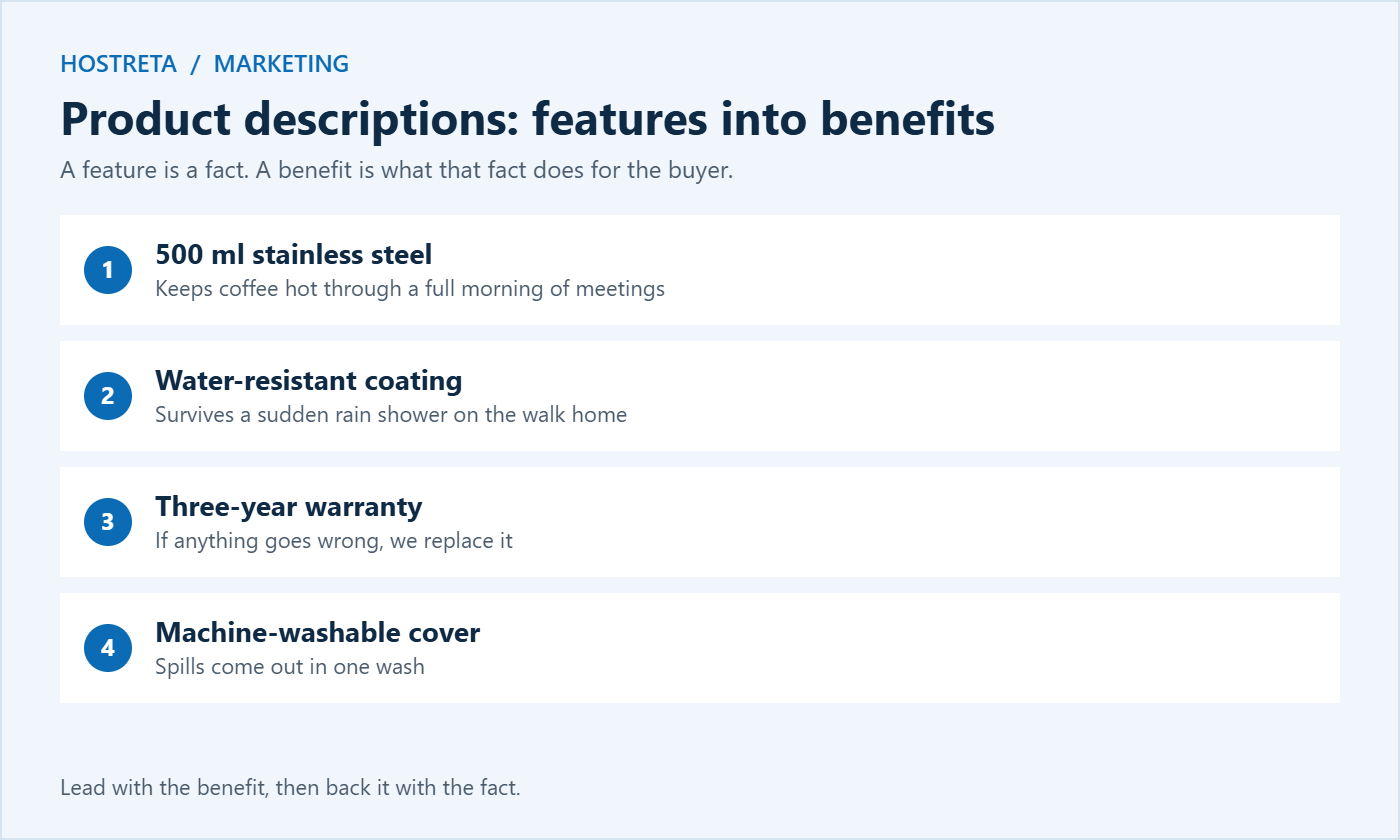
A feature is a fact. A benefit is what that fact does for the buyer.
Keep the features too; buyers need specifications to compare. Lead with the benefit, then back it with the fact. The best product descriptions alternate between the two: an emotional reason to want it, and a factual reason to trust it.
Read each sentence and ask “so what?” If the answer isn’t obvious to the buyer, add the benefit. “Made with organic cotton” — so what? “Made with organic cotton, so it stays soft against sensitive skin.” This simple test improves almost any product page in minutes.
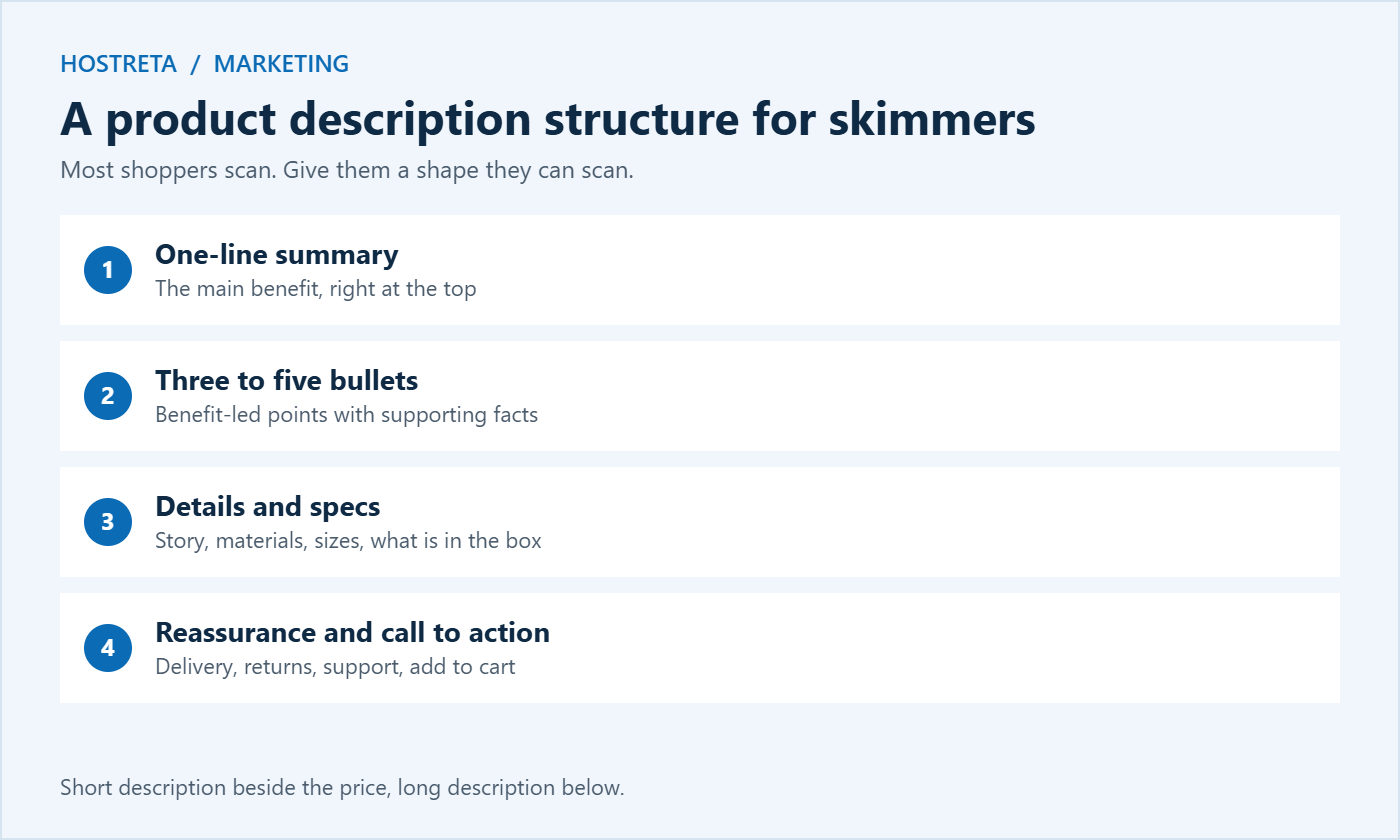
Most shoppers scan. Give them a shape they can scan:
Write in plain, specific language. Avoid “premium quality” and “innovative” — they’re invisible. Short sentences and short paragraphs are easier to read on phones, where most holiday shoppers browse.
WooCommerce gives each product two text areas. The short description appears next to the price and add-to-cart button, so it should hold the one-sentence summary and the key bullets. The long description sits below in a tab or section and holds the story, details, specifications, and FAQs. Using both well means skimmers get what they need instantly, while careful buyers can dig deeper.
Find the terms buyers actually search for with simple keyword research — see Keyword Research for Beginners. A tool such as Marketgoo SEO from Kawedma can also suggest improvements page by page.
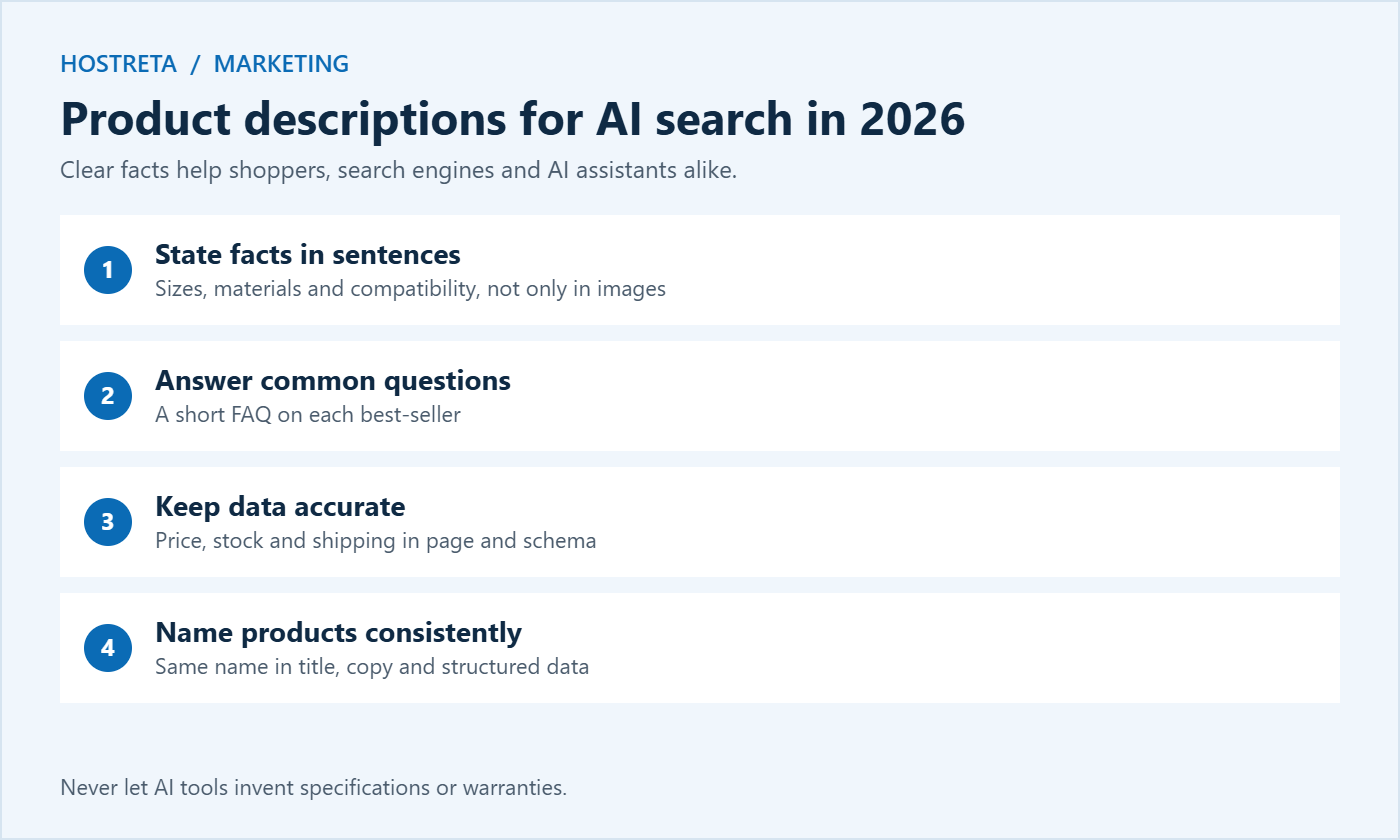
AI Overviews and AI shopping assistants summarise products from the information on your page. They favour pages that state facts clearly: dimensions, materials, compatibility, who the product is for, and what is included. To help your products appear in these answers:
The same clarity that helps AI tools also helps human shoppers, so you never have to choose between the two.
Your product descriptions should sound like your brand. A playful gift shop can use humour and short, punchy lines. A store selling professional tools should sound precise and confident. Whichever tone you choose, keep it consistent across every page.
Create a short style guide with words you use and words you avoid. It keeps product descriptions consistent when several people write for the store.
Words that describe touch, sound, smell, and taste help buyers imagine owning a product. “Soft, brushed cotton that feels warm the moment you pull it on” is more vivid than “comfortable sweater.” For food, beauty, fashion, and home products, sensory language is often the difference between a browse and a purchase.
Short stories work too. Explain why the product was made, how it is crafted, or how a real customer uses it. Keep stories brief and relevant; one or two sentences is usually enough to add personality without slowing down the page.
A reusable skeleton:
Summary: Keeps coffee hot for six hours and fits every car cup holder, so your first sip on the commute tastes as good as your last.
Specs: 450 ml, 7.5 cm base, stainless steel, BPA-free lid, two-year warranty.
Gift buyers want to know exactly what is in the box and who it suits. List every item, explain the occasion, and mention gift wrapping and delivery dates. Ideas for bundles are in How to Set Up Product Bundles in WooCommerce.
AI writing tools can produce first drafts quickly, which helps when you have hundreds of products. Use them carefully:
More tips are in How to Use AI to Write Better WordPress Content. Treat AI as an assistant, not the author of your product descriptions.
Product descriptions and visuals work together. Mention what the photos can’t show — weight, texture, how it feels — and make sure the copy matches what the images show. Add descriptive alt text to every image so screen readers can describe it. The European Accessibility Act has applied to many online stores selling to EU customers since June 2025, which makes accessible product pages important for compliance as well as usability. For photo planning, see Holiday Product Photography: 7 Essential Checks, and for wider tips, Web Accessibility Basics.
Small improvements on high-traffic pages add up quickly. For more ideas, see Conversion Rate Optimization: 15 Quick Wins and Landing Page Anatomy: Elements That Convert.
A fast, reliable store makes good copy more effective. If your product pages load slowly, shoppers leave before they read a word. Kawedma WordPress hosting and managed WordPress hosting powered by Rocket.net keep WooCommerce stores fast. If you are just starting, the AI SiteBuilder from Hosting.com or Kawedma Website Builder can get a store online quickly, and Kawedma’s e-commerce website service can build it for you. To share new products on social media, SocialBee helps schedule posts across platforms.
Different products need different emphasis. Use these pointers as a starting checklist for each type of item in your store:
Keep a short checklist like this for every category. It makes product descriptions faster to write and ensures nothing important is missed when new team members add products.
Holiday shoppers have different questions from everyday buyers. Many are buying for someone else, often at the last minute. Adjust product descriptions for the season with a few simple additions:
Use a seasonal line at the top of the short description, then remove it in January. Plan these updates as part of your sale preparation, alongside the timeline in Black Friday Marketing Calendar: A Countdown Plan for Small Stores.
If your store has hundreds of products, rewriting every page at once isn’t realistic. Prioritise:
Bulk editing tools can speed up shared changes such as shipping notes or care instructions — see Bulk Edit Posts: 7 Essential Checks for a Safe Update. Always back up before large changes and check a few products by hand afterwards.
Long enough to answer every important question, and no longer. Simple products may need 100–150 words; complex or expensive products often need 300 words or more plus specifications.
You can use their specifications for accuracy, but write your own copy. Duplicate text gives search engines no reason to rank your page over others.
Not every product, but best-sellers and complex items benefit from a few short questions and answers about sizing, compatibility, and care.
Review best-sellers at least twice a year, and update immediately when a product, price, or policy changes.
Yes. Free product listings and Shopping ads use your product data, including titles and descriptions. Clear, accurate product descriptions and matching structured data help Google show the right products for the right searches.
Use the same copy, but structure it for small screens: a short summary first, bullets next, and details lower down. Check every best-seller on a phone before a big sale.
Avoid vague words such as “premium,” “innovative,” “high quality,” and “best ever” unless you back them up with specific facts. Concrete details always persuade better than general praise.
Start with one product today, apply the structure above, and measure the result. Good product descriptions are built one page at a time, and every improved page keeps selling for months.
We may earn a commission on purchases made through these links, at no extra cost to you.
Don’t miss the chance to participate in the biggest giveaway of this year.