HowTo

Custom Post Types: 8 Essential Checks for a Safe Build
WordPress starts with two main content types: posts for blog articles and pages for static content. But what if you need a portfolio, a list of properties, a team directory, or an events calendar? Cramming them into blog posts gets messy fast. Custom post types give each kind of content its own home.
This guide explains what custom post types are, real examples, how to create them with a plugin or code, and how to display them on your site.
A custom post type (CPT) is a registered content type whose editing interface, public routes and display behaviour depend on its configuration. For example, a “Projects” type might live at yoursite.com/projects/project-name/ and appear in the admin menu next to Posts and Pages.
CPTs keep content organised: blog posts stay in the blog, and projects stay in the portfolio. Editors know exactly where to add each item.
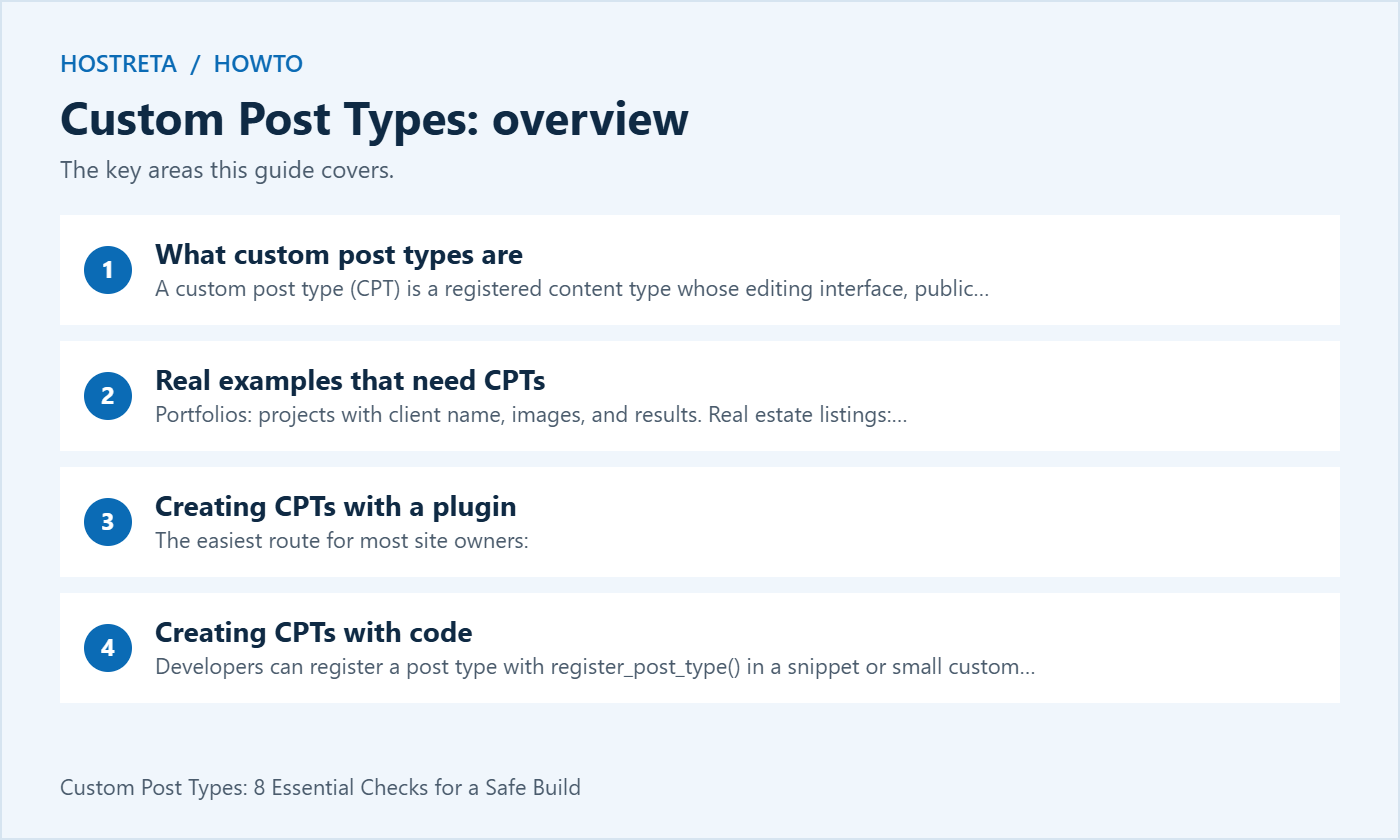
Each of these pairs naturally with custom fields for structured data and custom taxonomies (like “Property Type” or “Event Category”) for grouping.
The easiest route for most site owners:
Choose a clear singular and plural name, a short URL slug, and whether the type should be public, searchable, and shown in the REST API (needed for the block editor).
Developers can register a post type with register_post_type() in a snippet or small custom plugin:
add_action( 'init', function() {
    register_post_type( 'hrt_project', array(
        'label'        => 'Projects',
        'public'       => true,
        'has_archive'  => true,
        'show_in_rest' => true,
        'supports'     => array( 'title', 'editor', 'thumbnail' ),
        'rewrite'      => array( 'slug' => 'projects' ),
    ) );
} );
Register CPTs in a plugin or snippet manager rather than your theme, so the registration is independent of the active theme. Stored content, registration and display are separate concerns. After an intentional rewrite change, refresh rewrite rules through the appropriate controlled activation or deployment process. Saving Permalinks can help during setup; do not flush rewrite rules on every request.
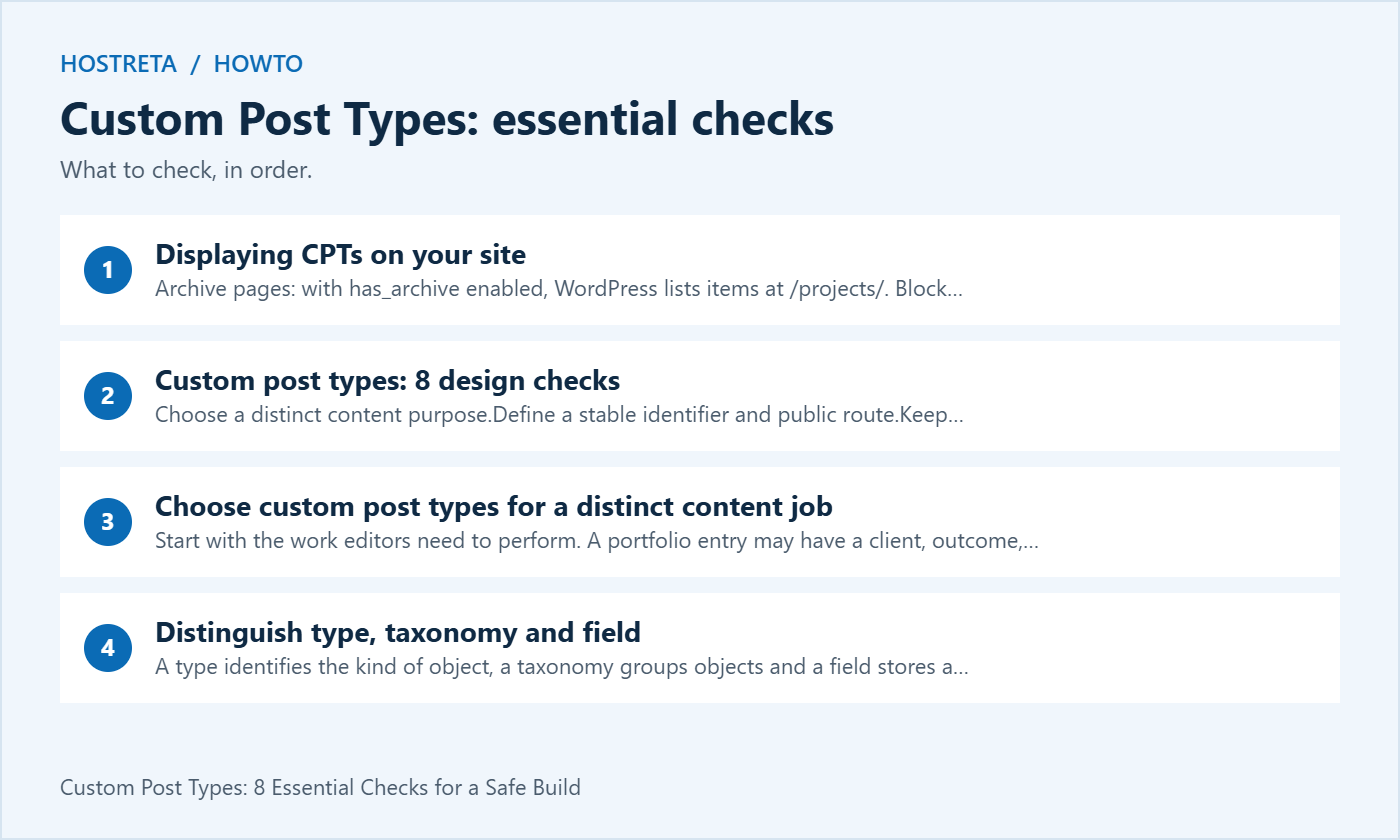
has_archive enabled, WordPress lists items at /projects/.single-hrt_project.php and archive-hrt_project.php to a child theme — see How to Use a Child Theme in WordPress.Building a portfolio site? See How to Build a Portfolio Website With WordPress.
A fast, well-supported host makes every WordPress task smoother. Kawedma WordPress hosting and managed WordPress hosting powered by Rocket.net include staging sites for safe testing, while shared hosting from Hosting.com or Kawedma shared hosting suit smaller sites. Protect the site with an SSL certificate and automatic backups from CodeGuard.
Start with the work editors need to perform. A portfolio entry may have a client, outcome, gallery and publication process that differs from an ordinary news article. That can justify a distinct type. A different visual style alone may be handled by templates without creating another content model.
Write several representative entries before deciding. Include an incomplete draft, an older item and a record with unusually long content. This helps identify the shared structure and whether editors genuinely need a separate area.
Keep a clear reason for each type. A site with many overlapping types can become harder to administer and search. Custom post types should make content responsibilities understandable rather than creating a new menu item for every small design variation.
A type identifies the kind of object, a taxonomy groups objects and a field stores a particular value. For an events project, Event might be the type, Topic a taxonomy and Start Time a field. The model should reflect how the site edits and retrieves information.
Decide whether related information needs its own identity. A venue reused by many events may deserve a related item rather than repeated free-text address fields. That decision affects queries, editing, migration and future integrations.
Document allowed values and empty states. A missing event date, an unknown price and a free item have different meanings. Custom post types organise the objects, but the surrounding schema still needs deliberate decisions about what the stored values represent.
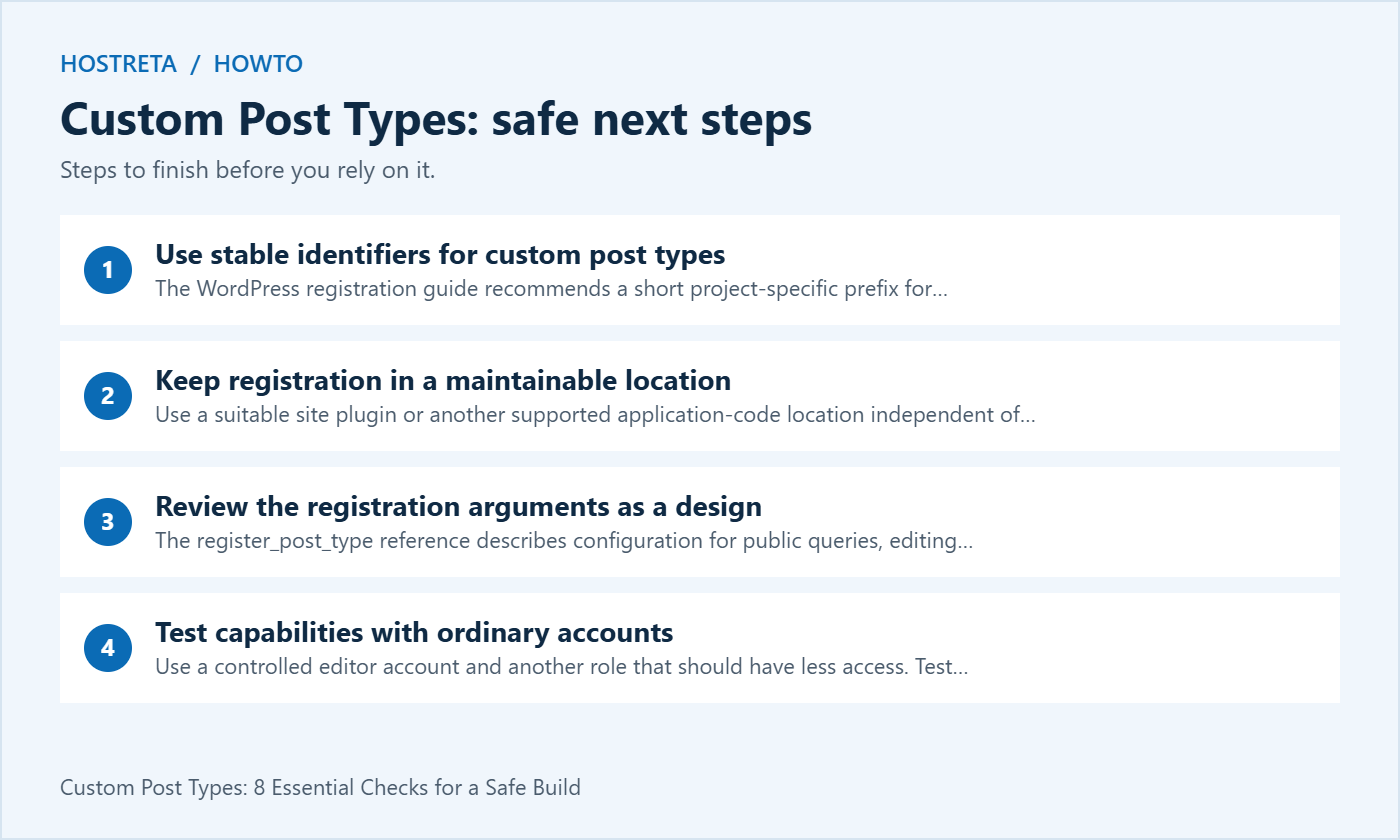
The WordPress registration guide recommends a short project-specific prefix for identifiers and functions. It also documents the identifier length limit. Avoid a generic identifier that can collide with a plugin added later.
Keep the internal identifier separate from the editor-facing label and public rewrite slug. Changing a label for clarity is not the same operation as renaming the identifier stored with existing entries. Plan data migration if the underlying identifier must change.
Check route conflicts before approval. A page, taxonomy, existing type or plugin may already use the desired public path. Test representative single entries and archives instead of assuming a readable slug guarantees a valid routing arrangement.
Use a suitable site plugin or another supported application-code location independent of the active theme. WordPress recommends plugin-based registration for portability. A theme should primarily handle presentation rather than becoming the only place the business’s core content model exists.
A snippet manager can be an implementation option, but it still needs ownership, versioning and recovery. Record where the active definition lives and avoid registering the same type through several competing tools.
When changing themes, test both registration and rendering. Custom post types can remain registered while their old templates disappear. Conversely, stored records may remain in the database after registration is disabled without being available through the ordinary editing interface.
The register_post_type reference describes configuration for public queries, editing interfaces, archives, rewrites, capabilities and other behaviour. Do not treat the public flag as a complete privacy or permission policy.
Choose the settings that match the intended content. A public project portfolio and an internal operational record should not receive the same configuration by default. Verify what ordinary visitors and different staff roles can access through the supported routes.
Keep the minimal example in this article as a teaching starting point. It is not a complete application with every permission, validation and lifecycle requirement implemented. Review custom post types in the context of the whole site before deploying production content.
Use a controlled editor account and another role that should have less access. Test creating, editing, publishing and deleting as appropriate. A successful task performed by an administrator does not prove that the intended author can complete it or that an unauthorised person cannot.
The capabilities reference explains how post-type capabilities are derived. If the application needs a custom permission model, define and test it deliberately rather than assuming that a separate menu creates an access boundary.
Review access after role changes and plugin updates that affect permissions. Custom post types often become long-lived business data, so the next administrator needs to understand which role assignments are intentional and which are temporary setup access.
Review the post type’s editor and API needs together. Enabling a supported editor workflow can involve REST configuration, but that does not mean every custom value should be publicly exposed.
For registered metadata, WordPress documents schema, sanitisation and authorisation options. Check the actual behaviour of your field implementation and API consumers. A field hidden in an administration panel may still be available through another supported route.
Test public and authenticated requests using controlled data. Document what each consumer needs and keep private information out of public responses. Custom post types should not be used as a secret store merely because they are not linked from the homepage.
Decide what an individual entry should show and what belongs in a collection view. An archive may need sorting, filters and an empty state, while a single entry needs the complete relevant information and navigation to related items.
Use the theme system and rendering tools appropriate to the site. Verify the actual template selected for the post-type identifier. A copied template filename containing the wrong identifier can leave the site falling back to a generic layout.
Check long labels, missing images and optional fields on small screens. Custom post types do not automatically provide a polished design. Include readable structure, meaningful links and keyboard behaviour in the acceptance tests for the finished templates.
The WordPress guide to working with custom post types notes that registration does not automatically add a type to every main query. Decide where the content should appear: site search, a dedicated archive, a home section or another controlled list.
Test the intended filter and ordering with representative data. Numeric values, dates and related objects require appropriate interpretation. A list that looks correct with three ideal records may behave differently with missing values and a larger content library.
Avoid changing every query site-wide to solve one display requirement. Keep the scope of custom logic clear and test administration as well as public views. An overly broad query modification can affect unrelated pages or editorial screens.
Rewrite changes are configuration work, not something to repeat on every visitor request. Follow the supported activation or deployment procedure and verify the intended routes after the change.
If a new entry returns not found, inspect registration, rewrite configuration and possible path conflicts. Do not keep changing unrelated settings until the error disappears. Use a defined test and record which correction addressed the actual cause.
When existing custom post types change public paths, plan redirects and update internal references. A route refresh alone does not create a migration plan for old external links or ensure that readers reach the appropriate replacement.
Test those lifecycle events on a recoverable copy. Distinguish stored records, active registration and frontend rendering. Deactivation may hide the type from normal interfaces without deleting every stored value, but uninstall behaviour depends on the implementation.
Templates or integrations that call unavailable plugin functions can fail. Review dependencies before removing a tool and provide a supported transition where needed. The database retaining rows is not evidence that the public site remains operational.
Keep a handover note identifying the component that registers custom post types and the components that render or query them. This lets another developer assess a proposed replacement without searching every theme file and plugin setting.
Check what the selected export includes: entries, fields, taxonomy relationships, media references and relevant users can require separate handling. A content export is not automatically a complete application backup.
Import a controlled sample into a destination with the necessary registration and dependencies. Test editing, public output and relationships. A successful import count does not prove that every image, linked record or custom value behaves as intended.
For a production migration, define acceptance and recovery before changing the public route. Custom post types can hold business-critical records, so preserve the working state until the destination is verified and the responsible owner accepts the result.
| Area | Test | Evidence |
|---|---|---|
| Model | Create representative complete and incomplete records | Clear field meanings and editing flow |
| Access | Try authorised and restricted roles | Expected capabilities enforced |
| Routing | Open single entries, archives and old URLs | Correct public destinations |
| Queries | Search, filter and sort realistic content | Correct scope and ordering |
| Portability | Test theme change or controlled export and import | Documented dependencies and recovery |
Save the results beside the implementation notes. The matrix should explain the behaviour of the finished site, not just confirm that a registration function ran without an error.
If the site needs custom content modelling, templates or integration work, consider KAWEDMA’s website development services. Provide the proposed custom post types, fields, roles and acceptance tests when requesting a proposal.
Confirm ownership of the application code, any paid dependencies and the handover scope. A maintainable delivery includes the registration model, display templates, tested data flow and instructions for the next administrator.
No. Use a type when the content and workflow need a distinct model. A template variation may be sufficient for a visual difference within an existing type.
Not necessarily, but behaviour depends on the component and its lifecycle code. Verify stored data, interface availability and rendering separately on a recoverable copy.
No. Access depends on capabilities, visibility and the routes through which the application exposes data. Configure and test those boundaries explicitly.
It can require a data migration and changes to dependent code. Treat it differently from changing an editor-facing label. Preserve and test representative records before applying the change to production.
Record identifiers, public routes, field meanings, taxonomies, permissions, templates, queries and migration requirements. Include the responsible component and the acceptance tests so another maintainer can assess a future change safely.
First confirm the site, account and expected role. A restricted user can have a different administration view from a network or site administrator. Compare the observed behaviour with the documented permission model before changing access. A missing menu does not prove that the underlying records have been deleted.
Next identify the component responsible for registering custom post types and check whether it is active in the intended environment. Review a recent theme or plugin change and inspect relevant protected error evidence. Avoid registering a second competing definition just to make a menu reappear, since that can hide the cause and introduce inconsistent configuration.
Finally, check the public routes, queries and stored content through authorised tools. Restore the intended component or configuration through the normal tested process. Repeat the ordinary editor and visitor checks after the correction, and update the project record with the cause. Custom post types are easier to support when registration, permissions and display are investigated as separate parts of the application.
We may earn a commission on purchases made through these links, at no extra cost to you.
Don’t miss the chance to participate in the biggest giveaway of this year.