Reviews

Custom Fields: 7 Essential Checks for a Safe Plugin Choice
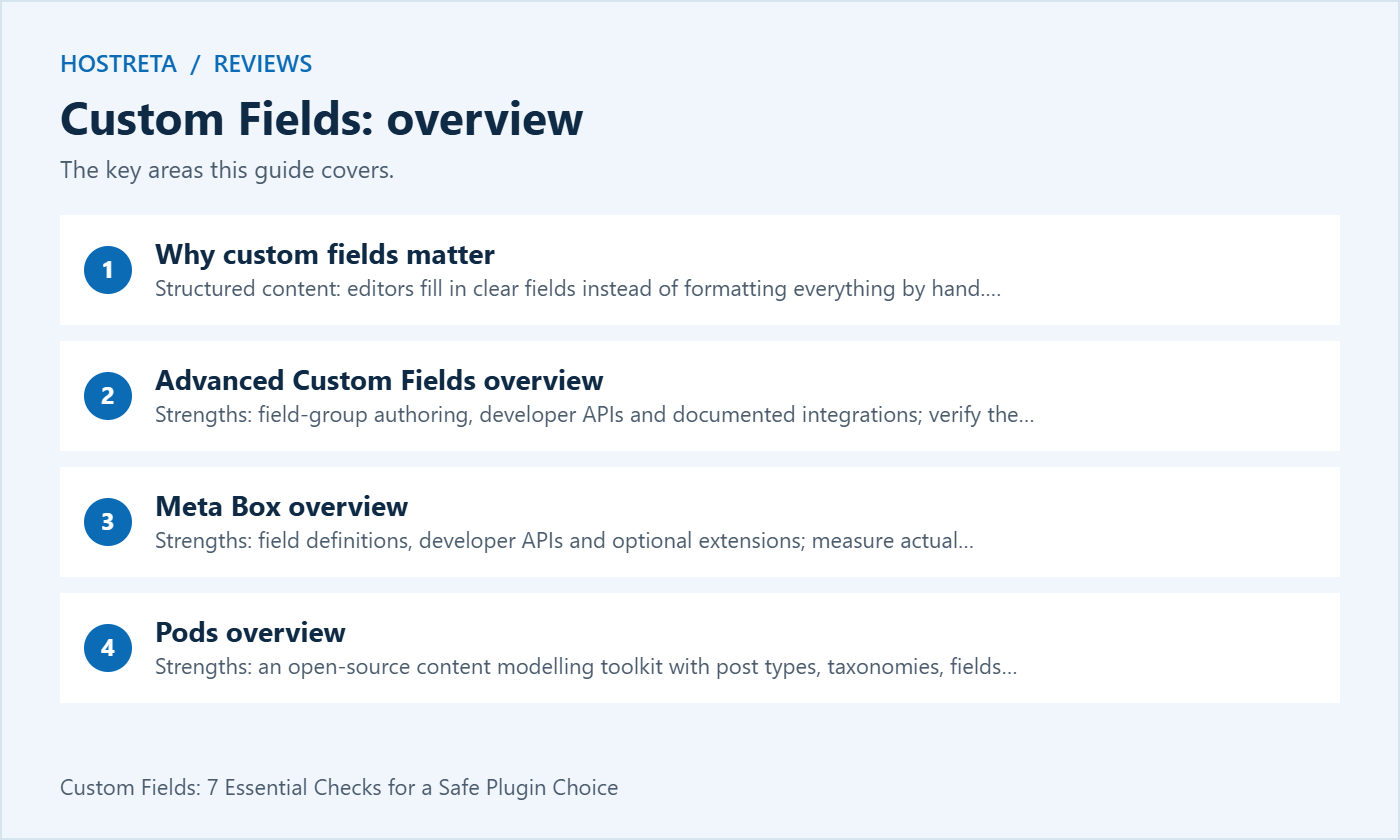
Out of the box, WordPress gives you a title, content area, and featured image. But real projects need more: property listings with prices and bedrooms, team members with job titles, events with dates and locations. Custom fields add that structured data, and three widely used options to evaluate are: Advanced Custom Fields (ACF), Meta Box, and Pods.
This comparison of ACF vs Meta Box vs Pods explains why custom fields matter, what each plugin offers, and which one to choose.
Custom fields often pair with custom post types, like “Properties” or “Events.” All three plugins can work with them.
Whichever you pick, test on staging, keep the plugin updated, and avoid stacking multiple field plugins on one site — see How to Reduce Plugin Bloat in WordPress. If you design with blocks, check how each plugin integrates with the editor — see Elementor vs Gutenberg: Which Page Builder Wins?.
A fast, well-supported host makes every WordPress task smoother. Kawedma WordPress hosting and managed WordPress hosting powered by Rocket.net include staging sites for safe testing, while shared hosting from Hosting.com or Kawedma shared hosting suit smaller sites. Protect the site with an SSL certificate and automatic backups from CodeGuard.
Can I switch from one plugin to another later? Yes, but it takes work. The field data stays in the database, but templates and field definitions need rebuilding. Choose carefully at the start of a project.
Do custom fields slow down WordPress? Performance depends on the schema, queries, data volume and rendering. Custom tables and caching can help particular workloads but are not universal fixes. Benchmark a representative query before changing storage.
Do I need to code? Not necessarily. All three offer visual field builders, and many themes and page builders can display custom fields without code. Developers get more control with templates and PHP.
Will my fields disappear if I deactivate the plugin? Stored values may remain, but availability and rendering depend on the storage model, code and uninstall behaviour. Templates calling unavailable plugin functions may fail. Test on a recoverable copy.
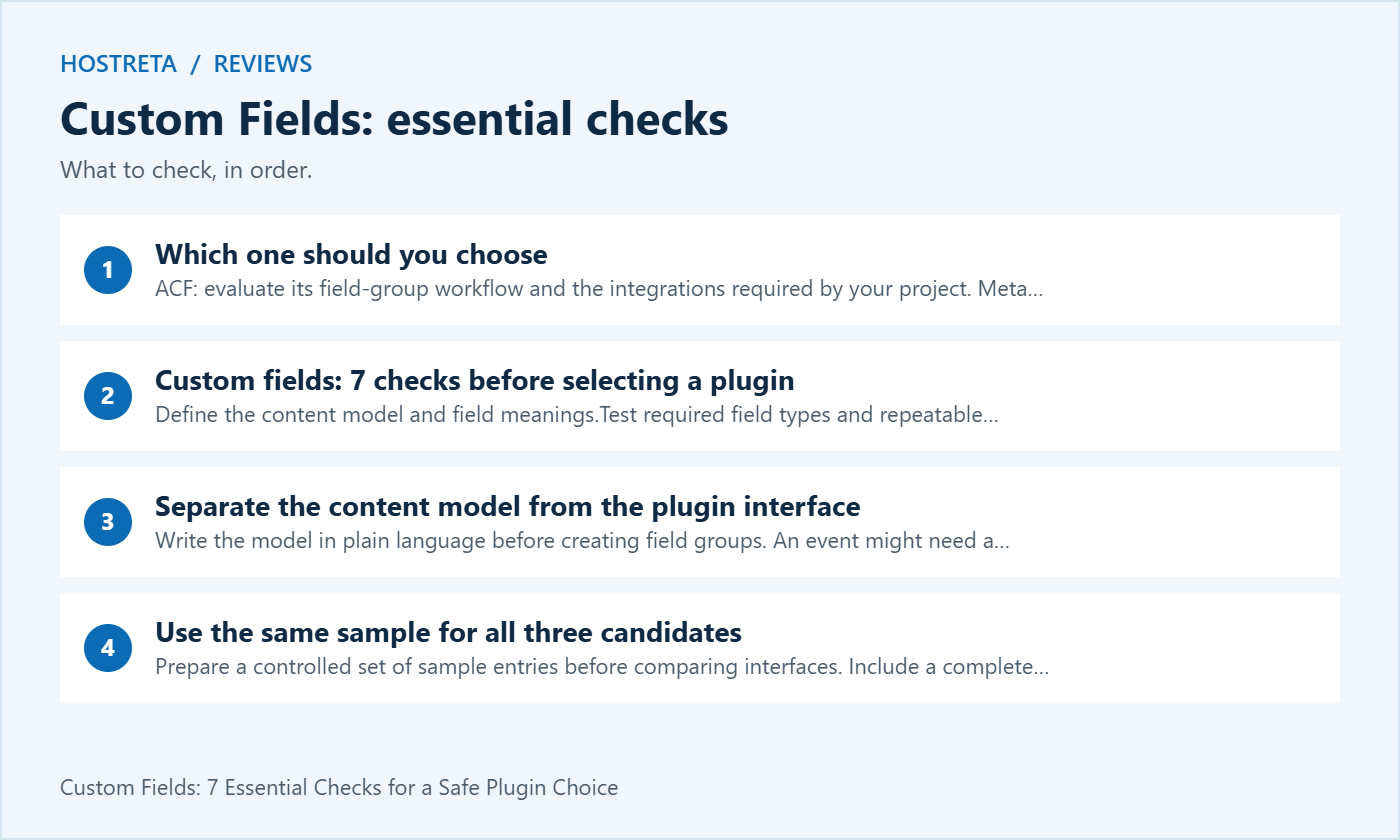
Write the model in plain language before creating field groups. An event might need a start time, timezone, venue and booking URL. A property might need price, currency, location and availability. The interface is only one part of representing those concepts accurately.
Distinguish a field from a taxonomy or a separate related item. A reusable category may belong in a taxonomy, while a value attached to one entry may belong in metadata. A related venue can require its own identity and content rather than being copied as free text into every event.
Custom fields become easier to maintain when the meaning is documented. Record the value type, allowed inputs, empty state and who can edit it. A field named price without a currency or a rule for missing values can create ambiguity that no plugin automatically resolves.
Prepare a controlled set of sample entries before comparing interfaces. Include a complete record, an optional field left blank, a long label, translated text and a relationship. If the project requires repeated groups, include enough rows to test realistic editing rather than a single ideal example.
Keep the expected outcome written beside each case. For a date field, define whether a time and timezone are needed. For a numeric field, define the unit and precision. For media, decide whether the application expects an attachment reference or another representation.
Run that same sample through each candidate’s supported configuration. Custom fields comparisons are useful when they expose the practical work needed for the project, not merely when one demonstration looks more attractive with easier data.
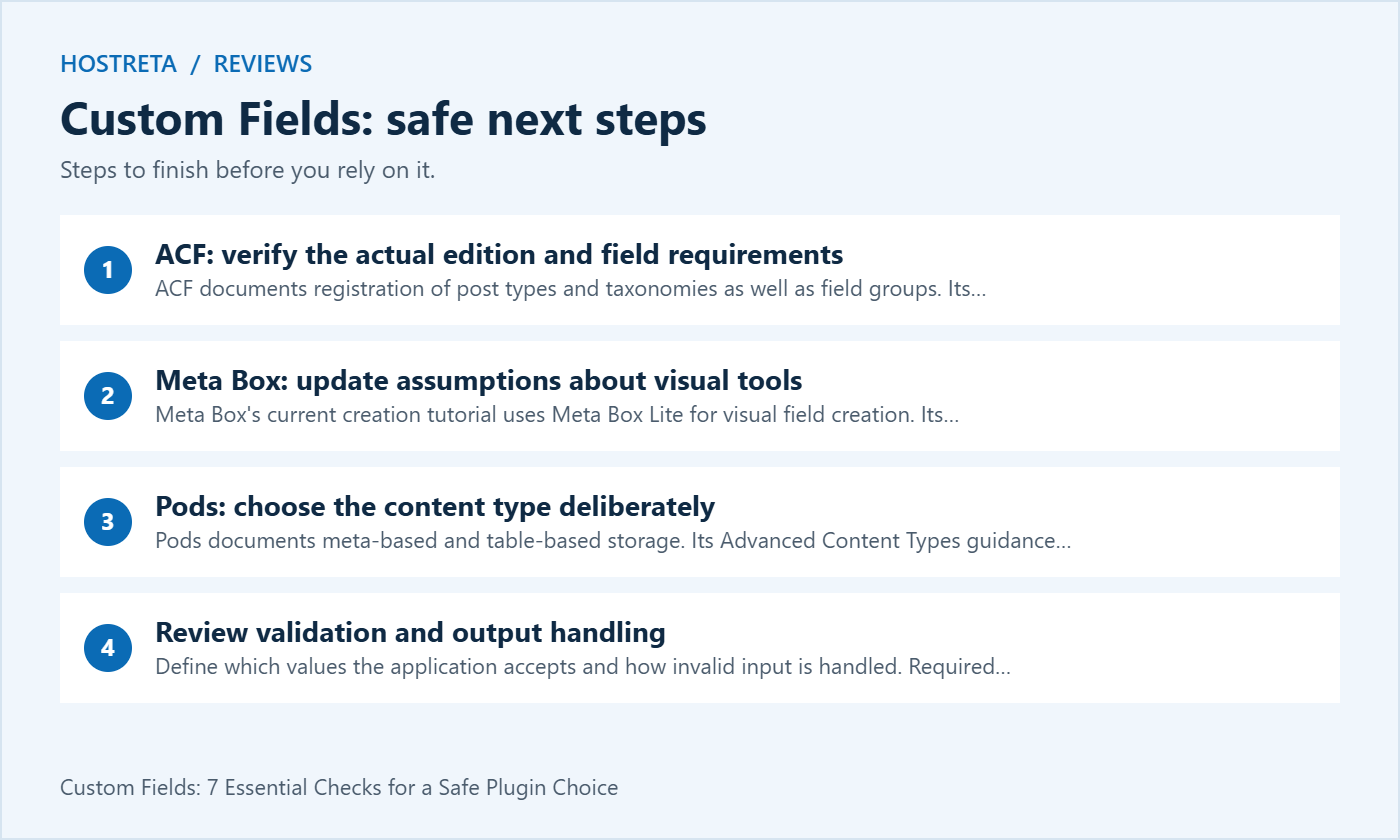
ACF documents registration of post types and taxonomies as well as field groups. Its Repeater guide identifies Repeater as an ACF PRO feature. Check the edition needed for your exact design rather than treating all advertised functions as part of every package.
Demonstrate the editor creating and updating a representative entry. Test location rules, instructions and validation. If the client will maintain the content, ask them to complete a normal task without developer intervention and record where the workflow needs improvement.
For custom fields rendered through a builder, verify the specific integration and return format. A builder listing ACF support does not establish that every field type, nested structure or custom component works identically. Test the actual page template before deciding.
Meta Box’s current creation tutorial uses Meta Box Lite for visual field creation. Its Builder documentation explains field-group authoring and export. Older comparisons describing all visual setup as paid can be misleading.
List the additional capabilities the project needs and verify their current packaging. Repeated groups, relationships, settings pages or rendering extensions may have different requirements. Compare the complete selected configuration instead of quoting only the price or feature list of the core plugin.
If a storage extension is being considered, identify the query or operational problem it is meant to solve. Custom fields stored in another table still need suitable indexes, queries, migrations and backup handling. A different storage location is a design choice, not a general performance guarantee.
Pods documents meta-based and table-based storage. Its Advanced Content Types guidance advises ordinary custom post types unless the separate-table behaviour is specifically needed. Avoid selecting an advanced option just because its name sounds more capable.
Test the way relationships, repeated values and rendering fit the chosen content type. A field supported in one storage arrangement may have different constraints elsewhere. Use the documentation for the actual configuration rather than assuming every Pods feature can be combined without restrictions.
For custom fields maintained by non-technical editors, review the complete authoring journey. A flexible toolkit still requires a coherent interface, instructions and a display template. Include that implementation work in the project estimate even when the plugin’s licensing cost is zero.
Define which values the application accepts and how invalid input is handled. Required fields should have meaningful instructions and recoverable errors. Do not reject legitimate names or translated content merely because a demonstration used simple English text.
Check output handling in the context where data is displayed. A URL, HTML fragment and plain-text label need different treatment. Using a custom-field plugin does not automatically make every custom template secure if the developer outputs values in an inappropriate context.
Review access boundaries for sensitive data. A field hidden from an editing screen may still be available through another query, export or API. Custom fields should be assessed as application data with deliberate permissions, not as a place to store secrets because they are less visible than the main content area.
A template should behave sensibly when optional data is missing. Decide whether an empty price means not provided, not applicable or free. Avoid formatting an absent value as zero if that would change its meaning for a visitor.
Consider changing requirements before a large content population. A field initially storing one value may later need multiple values or a relation. Write a migration plan when changing the schema instead of editing the field definition and assuming every existing record converts correctly.
Use controlled examples to verify the old and new representations. Include imported entries and records created before the latest configuration. Custom fields are part of the long-lived content model, so testing only newly created ideal entries can miss the data that actually needs care.
Identify the real list, search or filter that the site needs. Sorting a catalogue by a numeric value, filtering several attributes and rendering a single detail page are different workloads. Record the expected data volume and the user-facing result before comparing performance.
Test representative queries with a suitable dataset in a controlled environment. Keep hosting, content and cache conditions comparable. A faster result from a different demonstration server does not establish a plugin-level advantage.
When a slow query appears, inspect the implementation and data model before replacing the whole plugin. Custom fields can be queried inefficiently in any ecosystem. A storage change may be justified, but it should address measured evidence and include migration and compatibility testing.
A field-group export describes configuration; it is not necessarily an export of all content values. Check what the selected tool includes and what must be moved separately. Test an import on a controlled destination rather than assuming the exported file is a complete site backup.
Record stable field names, identifiers, value formats and dependencies. Explain where definitions are maintained, especially if some live in code and others in an administration interface. Two conflicting sources of configuration can make future changes hard to predict.
For custom fields used by several templates or integrations, list those consumers. A field rename can break more than the edit screen. A useful handover lets the next maintainer find the relevant display code, queries and external mappings before changing the schema.
Inventory field definitions, stored values, relationships and rendering code. Compare how the source and destination represent them. Similar field labels do not prove that their database structures or return formats are compatible.
Create a small migration proof using difficult examples, including repeated structures and optional data. Verify the destination’s edit screen, public output and search behaviour. Preserve an appropriate backup and keep the original state available until acceptance is complete.
Do not assume deactivation is harmless in production. Custom templates may call plugin functions directly, and dependent components can fail when those functions are unavailable. Test the planned transition on a recoverable copy and provide a supported fallback where needed.
List the selected edition, required extensions, site allowance, update access and renewal responsibility. Include development, rendering and maintenance work. A low licence price can still involve substantial implementation effort, while a paid feature can be worthwhile if it solves a specific requirement.
Confirm who owns the licence and how the client receives updates after handover. Agency and client arrangements can differ. Avoid leaving a production site dependent on an account that nobody can access when the original contractor leaves.
For custom fields, paid support coverage should also be understood. Product assistance may not include writing a custom migration or debugging every third-party integration. Assign those responsibilities explicitly in the project scope.
| Requirement | Trial task | Evidence |
|---|---|---|
| Editorial workflow | Create and revise a representative entry | Editor can complete the task clearly |
| Data integrity | Test empty, invalid and imported values | Meaning is preserved |
| Rendering | Display the actual field types and relations | Correct layout and output handling |
| Queries | Run a realistic filter and sort | Measured behaviour under stated conditions |
| Portability | Export definitions and migrate sample values | Documented destination result |
Keep the trial result and unresolved limitations with the final choice. ACF, Meta Box and Pods can each fit a project when the required workflow is demonstrated. Avoid naming a universal winner from popularity, price or a claim of being lightweight alone.
If the project needs structured content, custom templates or a WordPress build, consider KAWEDMA’s website development services. Provide the content model and the acceptance matrix when requesting a proposal. Ask which plugin editions, integrations, migration work and licences are included.
Keep ownership of content and the handover process clear. Choosing a supplier does not remove the need to document the custom fields and their dependencies. A maintainable result includes a usable editing workflow and a tested recovery or migration route.
Not automatically. Rendering depends on the chosen templates, builder or supported plugin features. Test the actual field types and empty states in the real design.
It can be possible, but overlapping responsibilities increase maintenance work. Use a clear reason, distinct definitions and compatibility tests. Do not install all three merely to avoid making a content-model decision.
No universal rule applies. Query design, indexing, workload and integration requirements matter. Measure the relevant operation and compare the migration cost before changing storage.
A useful comparison shows the same representative tasks in each candidate, identifies the required package and records limitations. That evidence is more dependable than broad claims that one plugin is always easiest or fastest.
Record the format your templates actually consume. For an image, that may be an attachment identifier, a URL or a structured result, depending on the selected configuration. Changing the custom fields return setting can break display code even when the stored content has not disappeared.
Include one working example for each important format and document the expected empty result. When upgrading or migrating custom fields, repeat that example through the editor, template and any integration. This is a practical compatibility check, not a reason to assume two plugins use interchangeable APIs.
Keep those examples with the project documentation so another maintainer can verify the custom fields contract before changing the implementation.
We may earn a commission on purchases made through these links, at no extra cost to you.
Don’t miss the chance to participate in the biggest giveaway of this year.



