Marketing

Internal Linking in WordPress: 7 Essential, Safe Checks
Backlinks from other websites get all the attention in SEO, but there’s a powerful link source you control completely: your own site. Internal linking in WordPress can help visitors and crawlers discover related content and understand its context. It does not guarantee rankings, indexing or longer visits.
This guide shares a power-user strategy: why internal links matter, how to build hub and supporting pages, how to choose anchor text, how to find orphan pages, and which tools speed things up.
For the bigger SEO picture, see SEO Basics: How Google Ranks Your Website.
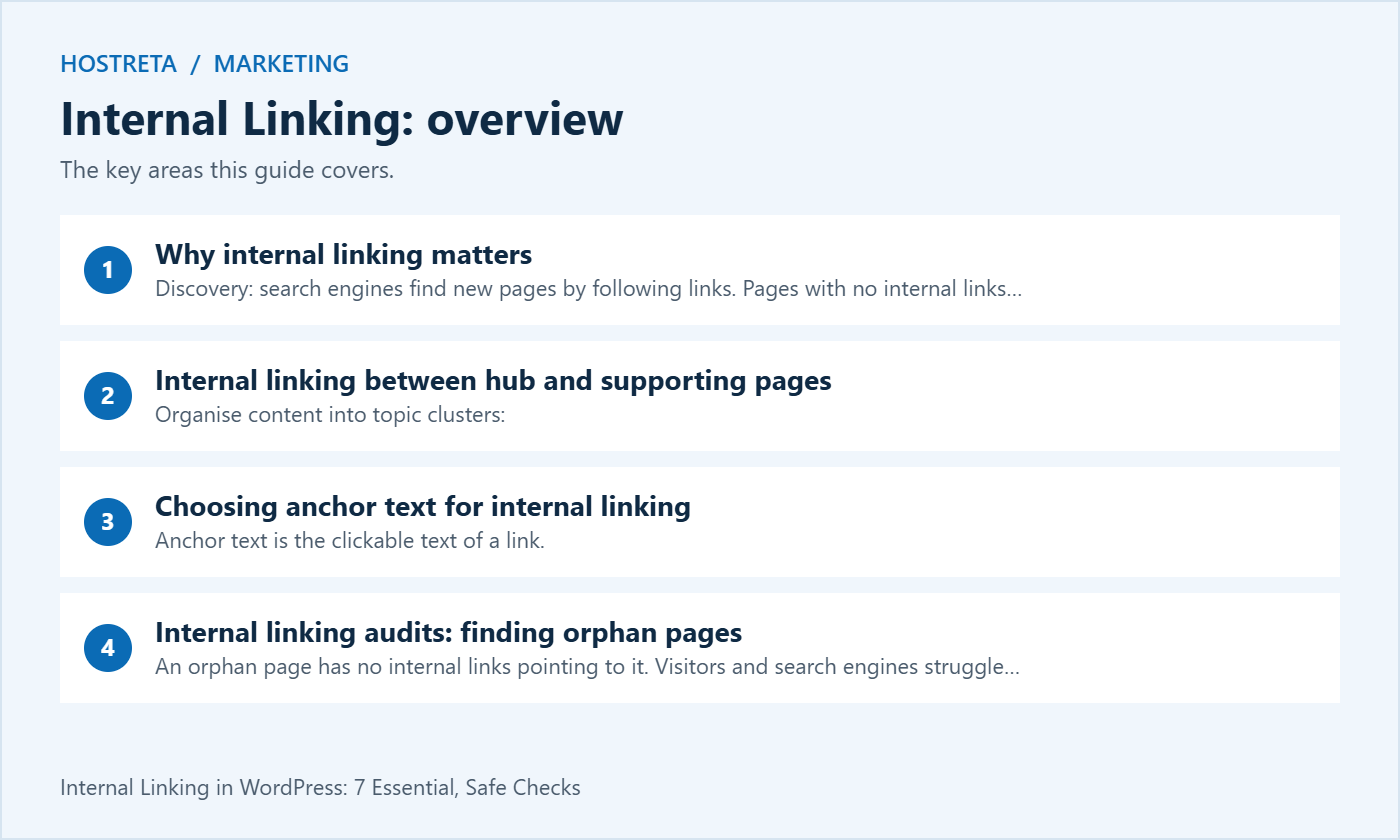
Organise content into topic clusters:
When you publish a new article, link to it from two or three older, well-performing pages on the same topic. That creates useful discovery routes when the pages are relevant; no fixed number or speed of indexing is guaranteed. A great example of a hub is The Ultimate WordPress Guide for Beginners.
Anchor text is the clickable text of a link.
An orphan page has no internal links pointing to it. Visitors and search engines struggle to find it.
After a domain move, make sure internal links use the new URLs — see How to Redirect Old URLs in WordPress After a Domain Change. And include internal links in your publishing checklist: On-Page SEO Checklist: Optimize Every Post.
Good content needs a fast site and steady promotion. Marketgoo gives step-by-step SEO recommendations, and SocialBee schedules social posts across platforms. For hosting, Kawedma WordPress hosting and managed WordPress hosting powered by Rocket.net keep pages quick, and the AI SiteBuilder from Hosting.com helps launch simple sites fast.
Read the page as a visitor who arrived with a particular problem. Identify the questions it answers and the points where a related explanation would help. A useful link gives the reader a clear next step without forcing an unrelated topic into the paragraph.
Separate essential background from optional detail. A beginner guide might link to a definition before an advanced procedure, while a comparison might link to a detailed implementation guide. The same destination can be appropriate in one context and distracting in another.
Keep a simple note of why an important link exists. That reason helps future editors decide whether it still belongs after either page changes. Internal linking is easier to maintain when links serve an identifiable reader need rather than an unexplained quota.
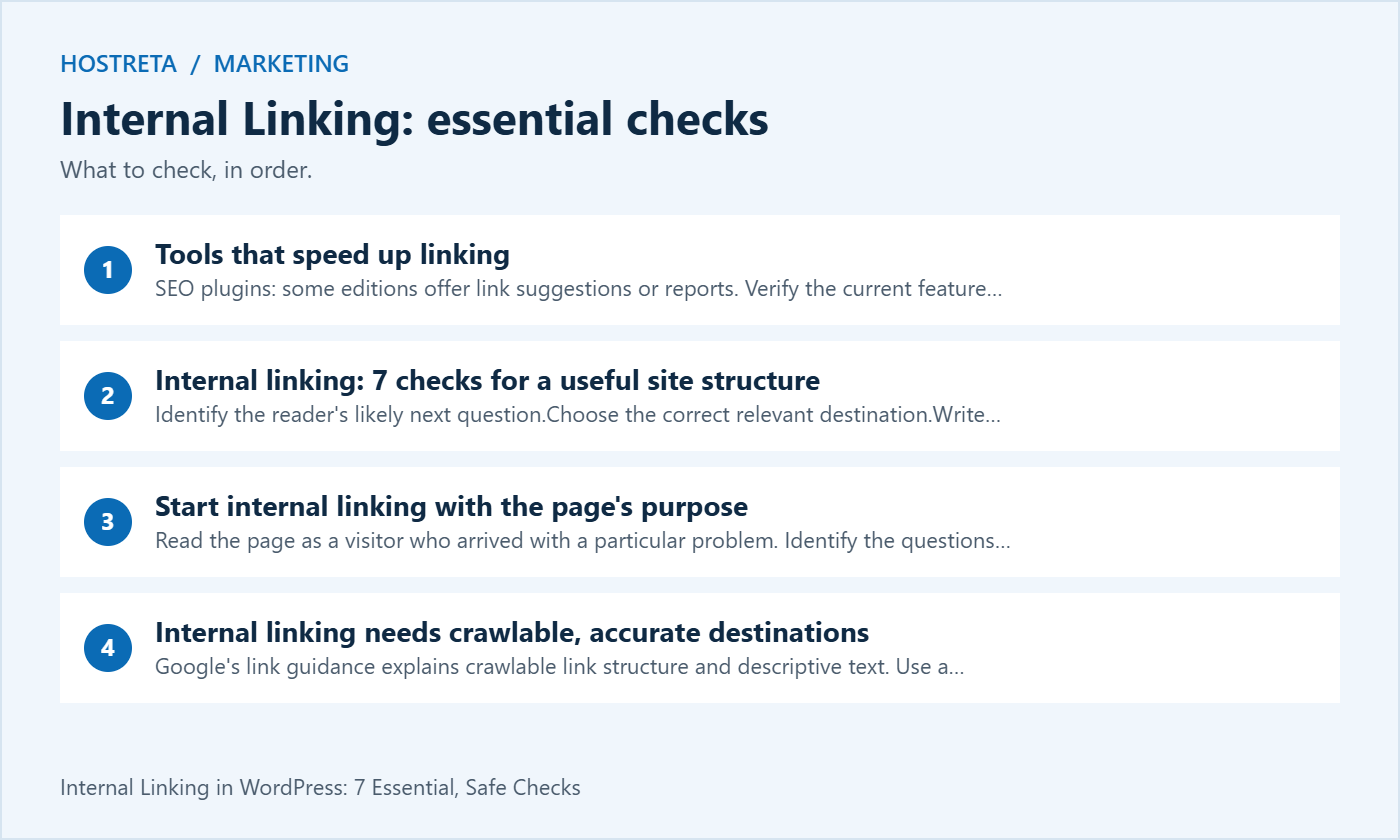
Google’s link guidance explains crawlable link structure and descriptive text. Use a normal supported link to the intended URL. A visually styled element that requires a custom interaction may not behave like an ordinary link for every visitor or crawler.
Check the actual destination after insertion. The WordPress editor can suggest similarly named posts, drafts or old content. Confirm the title, URL and publication state rather than choosing the first matching result automatically.
For internal linking to a scheduled article, consider the reader’s timing. A destination that is not yet publicly available can create a broken journey even if the editor can preview it while signed in. Add or activate the link when the target is ready for the intended audience.
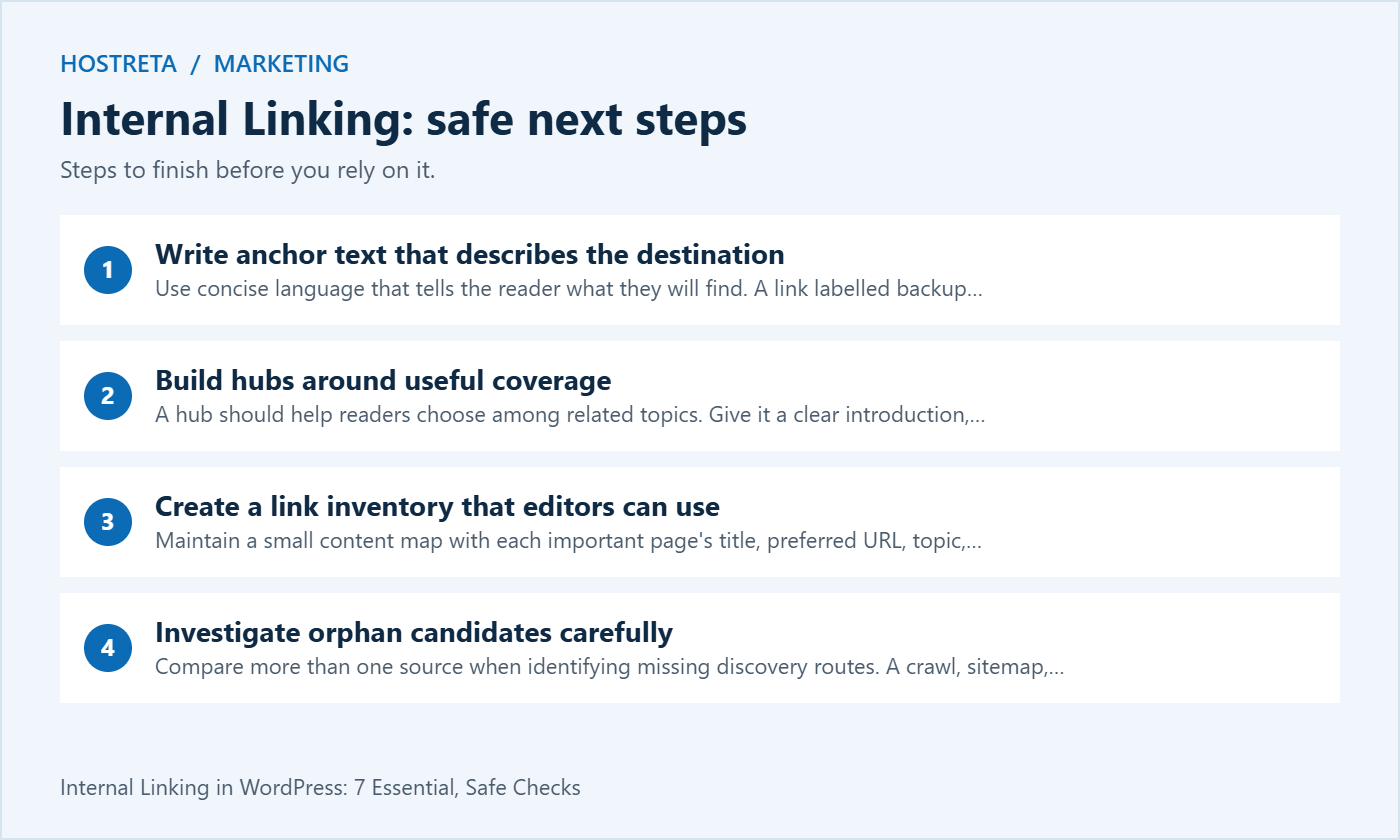
Use concise language that tells the reader what they will find. A link labelled backup restore test should lead to restoration guidance, not a generic homepage or an unrelated product list. Keep the surrounding sentence readable when the link styling is removed.
Avoid stuffing several search phrases into one anchor. Exact wording can be appropriate when it fits naturally, but a page does not need the same phrase repeated in every link. Write for the context and the destination rather than mechanically rotating keywords.
Internal linking also needs accessible labels. If several nearby links all say read more, the destination can be unclear out of context. Use meaningful text or supported accessible labelling that preserves the ordinary reading experience.
A hub should help readers choose among related topics. Give it a clear introduction, logical sections and concise descriptions of the supporting pages. A bare list of every post carrying a tag may not provide the same editorial guidance.
Keep supporting pages specific enough to answer their own questions. If several articles repeat the same material without a distinct purpose, more cross-links will not resolve the duplication. Review whether the content needs clearer scope, an update or a planned consolidation.
For internal linking, connect related supporting pages when one genuinely helps explain another. Do not require a full mesh of links simply because the articles belong to a cluster. A sensible structure should remain understandable as the topic library grows.
Maintain a small content map with each important page’s title, preferred URL, topic, reader need and publication status. Include the person responsible for keeping it current. This can make editorial linking more consistent without requiring a complex automation system.
Record retired and redirected URLs separately from active targets. If an old article has been replaced, the map should point editors toward the correct destination. A long-lived spreadsheet becomes a liability when it continues recommending obsolete pages.
Use the inventory as a starting point for internal linking, then read the destination before adding it. Titles can remain the same while the article’s scope changes. Contextual review prevents a previously useful recommendation from becoming misleading.
Compare more than one source when identifying missing discovery routes. A crawl, sitemap, CMS inventory and analytics report show different aspects of the site. A URL missing from one crawl may be outside its configuration rather than genuinely unlinked.
Check crawl settings, redirects, authentication and rendered navigation before drawing a conclusion. Confirm whether the page is meant to be publicly discoverable. An intentionally restricted utility page should not automatically be promoted through editorial links.
When an important public page has no useful incoming route, find the relevant hub, category or existing article that can introduce it naturally. Internal linking should place it where readers would reasonably expect to encounter the topic.
Start with broken journeys and important pages rather than attempting to change every link at once. A missing next-step guide in a popular tutorial may be more useful to fix than a cosmetic anchor variation on an obscure archive.
Record the affected page, intended destination and reason for the change. If the correction involves a redirect or content replacement, coordinate that work instead of changing the link to any page that happens to load.
For internal linking improvements, keep a reviewed batch small enough to verify. After applying the edits, follow representative links as an ordinary visitor. A spreadsheet showing that URLs were replaced is not evidence that the resulting paragraphs still make sense.
Menus, breadcrumbs, categories and in-content links serve different purposes. Global navigation should help visitors understand the main sections. Editorial links can provide a more specific connection at the moment a question arises.
Do not use a crowded footer as the only solution for every unlinked article. A contextual route from a related guide is often easier for a reader to understand. Conversely, a major site section may deserve clear navigation rather than depending entirely on links buried in old posts.
Test the layout on mobile and with a keyboard. Internal linking is part of a usable interface, so focus visibility, understandable labels and reachable destinations matter alongside crawl reports.
Update references to the intended current destination where you control them. A redirect can preserve a route for old URLs, but repeated chains add unnecessary complexity. Keep a mapping of old and new addresses during a migration.
Google’s site-move guidance advises against redirecting many unrelated old URLs to an irrelevant destination. Apply that principle when repairing links: choose the genuine replacement or reconsider the link if no useful equivalent exists.
Verify the final page, not just the first response. Check the title, content and preferred address under the site’s canonical design. A redirect that eventually lands on the wrong article is still a poor reader journey even if it avoids a visible error.
Google’s canonical guidance describes several signals used to identify a preferred version. Use a consistent intended URL in the site’s own references rather than casually linking to several duplicate variants.
Do not treat canonical annotations as a reason to ignore the visitor experience. A page can technically declare a preference while its links still lead through outdated paths or unexpected language versions. Review what the visitor actually encounters.
For internal linking during a redesign, document the URL conventions the project uses. Case, trailing slashes and parameter handling should follow the actual application and server design. Avoid bulk normalisation based on assumptions that have not been tested.
A suggestion engine can find potentially related text, but it does not know every reason a destination may be unsuitable. Review publication state, scope, accuracy and commercial context before accepting a link.
Test a small controlled batch if a tool can apply changes automatically. Check what it edits, whether it creates repeated anchors and how those changes can be reversed. Keep a recovery route for the content and do not assume the tool’s confidence score replaces review.
Internal linking tools are most useful when they reduce discovery work while keeping editorial judgement visible. A report that creates hundreds of weak links can increase maintenance effort without helping readers navigate the site.
When updating an article, review both its outgoing links and important incoming links where practical. A destination that originally explained a narrow technique may have become a broad comparison. The old anchor can then misrepresent what the reader will find.
If content is merged, choose the final location deliberately and review the surrounding sentences. Do not replace every mention with a new URL without checking the argument. Sometimes the right correction is rewriting the paragraph or removing an outdated recommendation.
Assign link review to the publishing and update checklist. Internal linking becomes manageable when it is part of ordinary maintenance, rather than a one-off project that is forgotten until a large number of broken routes accumulates.
Choose an outcome that fits the page. A troubleshooting guide may aim to help a reader reach the next diagnostic step, while a product guide may help them compare requirements before visiting an offer. More clicks alone do not establish that either goal was met.
Use analytics within the site’s consent and data-handling approach. Distinguish ordinary navigation from automated activity and consider the limits of attribution. A ranking change after a linking edit is not by itself proof that the edit caused it.
Keep a dated record of the internal linking change and the result being observed. Avoid promising a fixed improvement or recovery time. Review whether the destinations remain useful even when an analytics metric fluctuates.
| Check | Question | Evidence |
|---|---|---|
| Purpose | What reader question does the link answer? | Relevant surrounding paragraph |
| Destination | Is this the correct public page? | Verified final URL and content |
| Anchor | Does the label describe the destination? | Clear readable sentence |
| Discovery | Can the intended audience reach it? | Normal visitor and crawl checks |
| Maintenance | Who reviews it after changes? | Owner and update record |
Use the review on a representative topic cluster before expanding it. Record unresolved content gaps separately from link errors. A missing useful guide needs editorial work; adding a link to an unrelated article does not fill that gap.
For website structure or WordPress implementation work, consider KAWEDMA’s website development services. Provide the content map and required navigation journeys when requesting a proposal. Confirm the scope for redirects, templates and link maintenance instead of assuming a redesign automatically includes every editorial task.
There is no universal number. Add the links needed to support the page’s purpose and keep the reading experience clear. Review relevance and destinations rather than aiming for a fixed quota.
No. Links can support discovery, but crawling, indexing and ranking involve other requirements and decisions. Verify technical access and content quality, and avoid presenting a new link as a guarantee of inclusion.
No. Use a clear description that fits the sentence and target. Repeated forced phrasing can make content harder to read. The reader should understand the destination without needing an explanation of an SEO tactic.
Treat it as a candidate for investigation. Crawl settings, access limits or rendering can affect what a tool sees. Confirm the actual public routes before deciding how the page should be connected.
Review a few important pages and identify the useful next step for each. Fix broken or misleading destinations, then add relevant connections where a genuine gap exists. Keep the work reviewable and repeat it during future updates.
We may earn a commission on purchases made through these links, at no extra cost to you.
Don’t miss the chance to participate in the biggest giveaway of this year.