Dev & Security

DNS and Email Troubleshooting: 7 Essential, Safe Checks

DNS and email troubleshooting starts by identifying the failing stage. A domain lookup, a working HTTPS page, successful SMTP submission and inbox placement are separate results. Use the checks below to narrow the cause before editing production settings.
Your website won’t load. Or customers say your emails never arrived. Or the contact form suddenly stopped sending. These problems often trace back to DNS or email configuration — and the fastest way to fix them is to work through checks in order instead of changing random settings.
Use this DNS and email troubleshooting checklist the next time something breaks. It covers website loading problems, sending and receiving issues, quick diagnosis tools, and when to contact your host or registrar.
dig yourdomain.com NS +short and compare with the provider you expect.dig yourdomain.com +short and compare with the intended hosting or proxy configuration. A CDN may intentionally return its own addresses.www work? Check its CNAME or A record separately.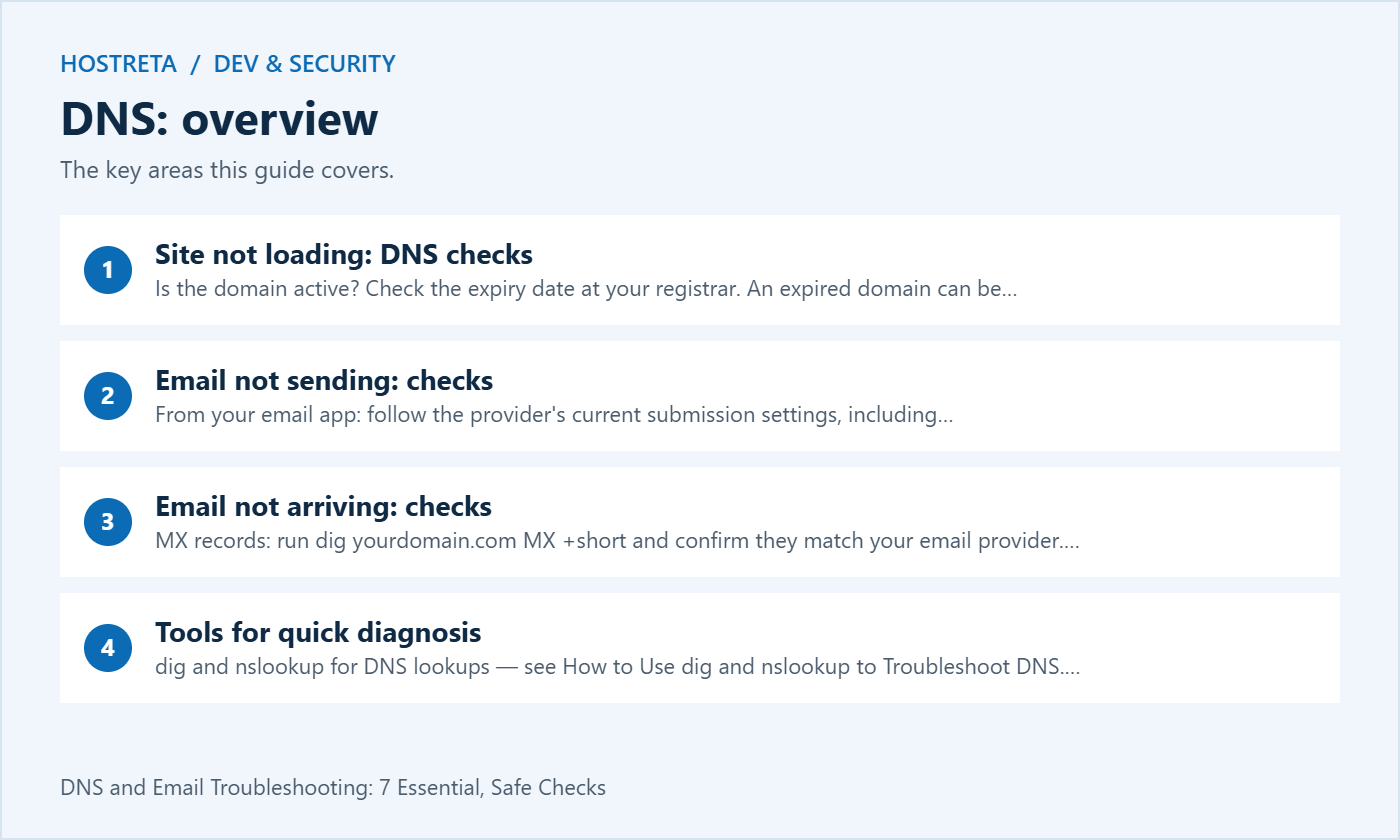
dig yourdomain.com MX +short and confirm they match your email provider.dmarc=pass — see Email Headers Explained: Trace Where a Message Came From.Give them specifics: the exact error, the time it started, what you changed, and the results of your checks. A focused ticket helps the provider investigate the right layer; response time is not guaranteed.
Monitoring and logging work best alongside layered protection. SiteLock scans for malware, CodeGuard keeps off-site backups with version history, and 360 Monitoring alerts you to downtime. Secure hosting matters too: Kawedma WordPress hosting and managed WordPress hosting powered by Rocket.net include firewalls and automatic updates. Use NordVPN when managing sites over public Wi-Fi.
Write down the full hostname, affected service, error text and time with its timezone. Include whether the problem affects one device, one network or several independent tests. A browser saying that a site cannot be reached is a symptom, not a diagnosis of which system failed.
Record recent changes without assuming that the last edit is necessarily responsible. Include domain renewal, nameserver changes, hosting moves, certificate changes and email platform configuration. A small timeline helps distinguish a configuration problem from an unrelated supplier incident.
Preserve the current relevant values before editing. Keep credentials, private message content and complete customer records out of ordinary incident notes. The record should help another authorised administrator reproduce the test without exposing unrelated data.
Test the name the visitor or application actually uses. The root domain, www hostname and mail subdomain can have different records and different behaviour. A successful query for one does not establish that another is configured correctly.
The following commands are read-only examples using a reserved teaching domain. Run the equivalent query for the domain you are authorised to investigate. Keep the record type explicit when comparing results:
dig example.com NS
dig example.com A
dig example.com AAAA
dig www.example.com CNAME
dig example.com MX
dig example.com TXT
dig _dmarc.example.com TXT
Read the response status, answer and queried server, not just a short list of addresses. An empty short-format result can omit context needed to distinguish no matching record from another failure. Save the full output when preparing an escalation.
Compare the result with a known intended configuration from the current provider. Do not replace an address simply because it differs from an old invoice or hosting screenshot. A proxy or CDN can intentionally return a different public address from the origin server.
Check A and AAAA where the client can use either address family. An outdated IPv6 destination may affect some visitors while another test using IPv4 appears healthy. Correct the actual deployment design rather than deleting every record that you do not immediately recognise.
For DNS aliases, follow the chain and check the target. A CNAME can be present while its destination is wrong or unavailable. Keep alias resolution separate from HTTP redirects: a DNS alias does not itself instruct a browser to change the page URL.
Identify the active delegation and the provider responsible for the relevant zone. Our nameservers vs DNS records guide explains why editing a zone at an inactive provider will not change the live answers. A record saved at an inactive DNS provider does not become authoritative merely because that provider also sold the domain. Separately delegated subdomains need their own review.
A query sent to a particular recursive resolver can still receive a cached answer from that resolver. Changing the queried resolver is not a universal way to bypass all caching. Compare results carefully and record the server and time used for each observation.
ISC’s explanation of dig +trace describes its iterative delegation behaviour and why it differs from a recursive resolver’s normal cached path. Use trace output when you understand that distinction, or provide it to an administrator who can interpret the delegation sequence.
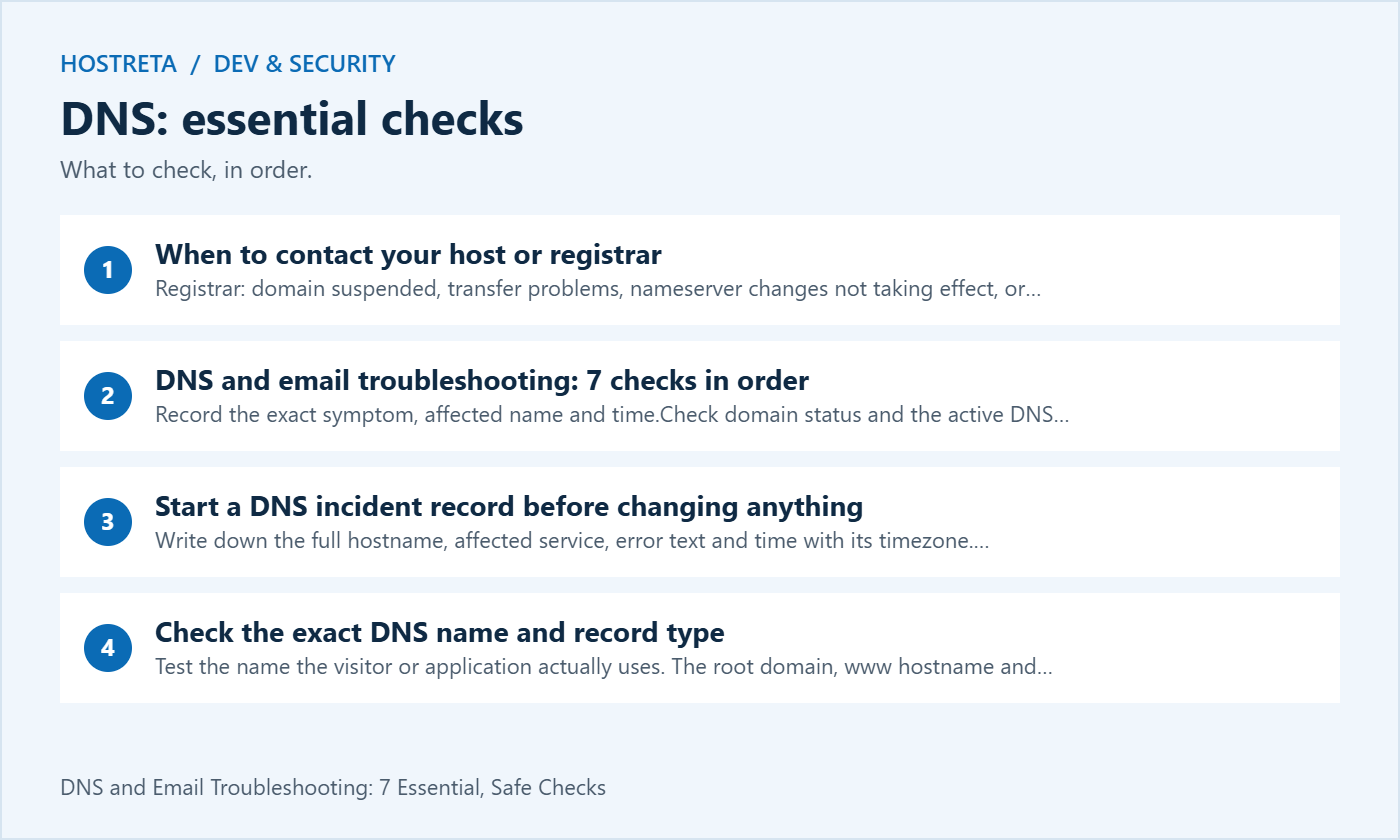
Review what DNSSEC protects and how its chain of trust works before deciding which administrator should investigate a validation failure.
A SERVFAIL response can have several causes. Cloudflare’s DNSSEC troubleshooting guide describes checking whether validation is involved and comparing the parent DS information with the authoritative provider’s configuration. Do not assume every SERVFAIL proves a DNSSEC fault.
If the issue follows a DNS provider migration, give the registrar and DNS provider a clear timeline. Ask them to verify the intended chain of trust. Randomly deleting security records or disabling validation can hide the symptom while leaving a poorly understood configuration.
Keep the corrective plan reviewable. Record the relevant current state, intended state and responsible administrator. After the supported correction, repeat normal validating resolution and the affected application checks. A diagnostic result alone does not establish that the production service has recovered.
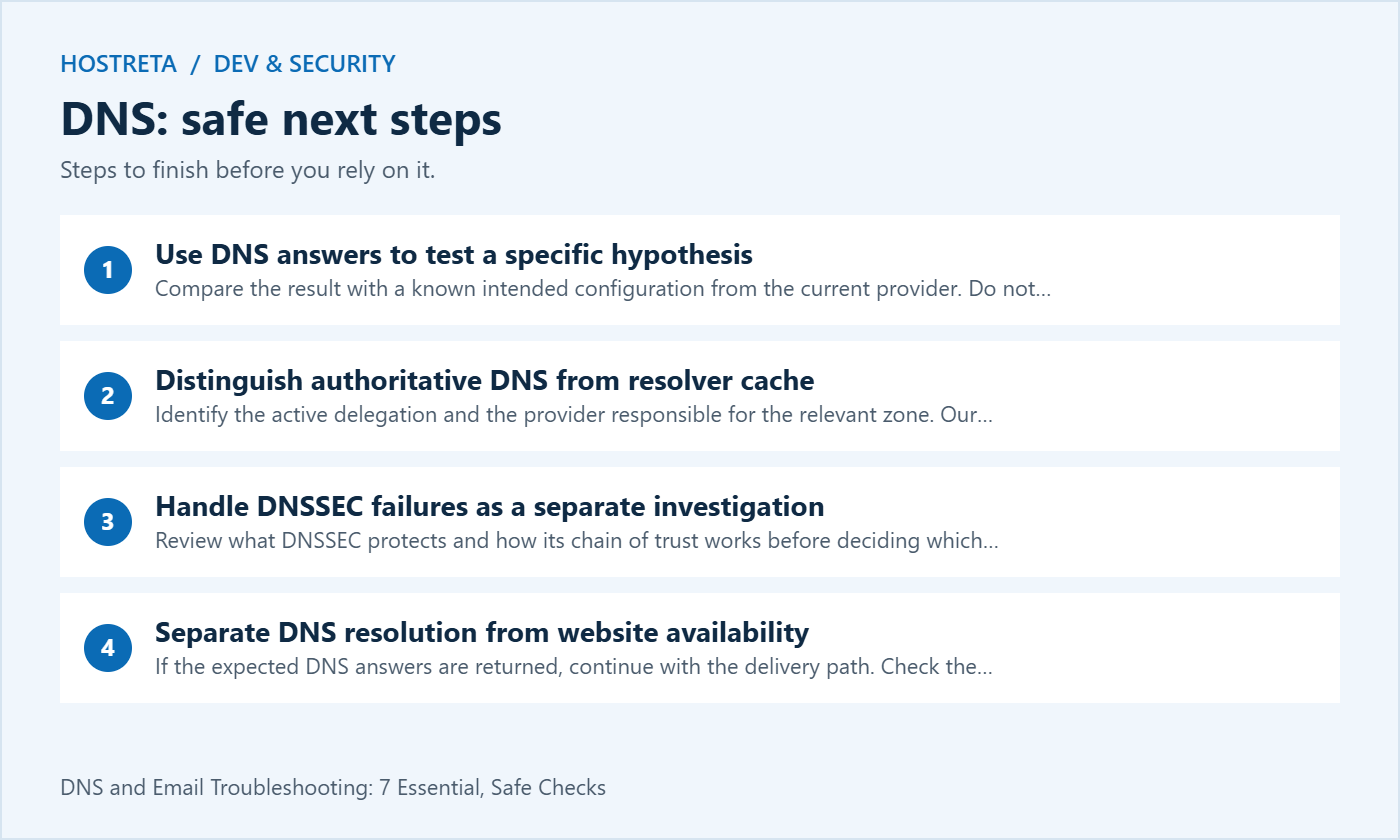
If the expected DNS answers are returned, continue with the delivery path. Check the hosting service, reverse proxy, certificate and application response. A valid address can point to a server that is down, returning an error or serving the wrong virtual host.
Record the precise web symptom: connection failure, TLS warning, redirect loop or application error. Those lead to different investigations. Do not change the mail records to fix an HTTP error or assume that a database failure can be solved by waiting for DNS caches.
Test the intended public hostname with its normal HTTPS configuration. A direct IP request may reach a default virtual host or fail certificate checks for reasons unrelated to the original incident. Avoid bypassing browser security warnings as a routine validation method.
Confirm the mail domain in the actual recipient address, then compare its MX records with the provider’s current instructions. Record priorities and targets. Multiple MX entries can be part of a legitimate service design; do not delete them solely because there is more than one.
Check the recipient account and routing after DNS is verified. A disabled mailbox, full storage allocation, alias error or forwarding rule can cause problems even when the public MX records are correct. A DNS checker cannot confirm the private state of a recipient account.
Use a controlled external test and preserve any delivery response. State whether the sender received a rejection, the service accepted the message or the recipient found it in another folder. The phrase not arriving needs that extra detail to become a useful support report.
Identify the sending application and its actual transport. Staff mail, a WordPress contact form and a newsletter platform may use different services even when they show the same From domain. Test the affected route instead of assuming that success in webmail verifies every integration.
Use current provider instructions for credentials, encryption and permitted sender identities. If authentication fails, inspect the response and account state. Do not keep retrying a known incorrect password or turn off protection simply to make an outdated client configuration connect.
A successful submission is one step in a longer path. Record the message identifier and time where the service makes them available. Review subsequent transport or recipient handling through the provider’s supported tools. Acceptance by an outbound server is not a guarantee of arrival in the inbox.
Gmail’s guidance for bounced or rejected mail recommends reviewing the delivery error. Its SMTP error reference gives meanings for specific responses. Use the actual receiving provider’s reference when interpreting another service’s codes.
Keep the numeric response and accompanying text together. A broad label such as blocked can describe authentication, account policy, rate limiting or another issue. A DNS edit may be appropriate for some failures and irrelevant to others.
When a limit is involved, follow the provider’s instructions and investigate the sending pattern. Repeated retries or switching identities to evade the limit can worsen the problem. Pause the affected workflow where necessary and preserve legitimate messages for an appropriate supported retry process.
Authentication and alignment are separate checks. Google’s DMARC troubleshooting guidance explains that a DMARC pass needs a passing, aligned SPF or DKIM result. SPF passing for an unrelated envelope domain does not by itself align with the visible From domain.
| Observed result | Interpretation | Next check |
|---|---|---|
| SPF passes for another domain; DKIM is absent | An SPF pass alone does not establish DMARC alignment | Review the authorised sender’s envelope and signing configuration |
| DKIM passes with an aligned signing domain | This can satisfy the DKIM route to DMARC passing | Confirm the recipient’s trusted authentication result |
| DMARC passes but mail is in spam | Authentication does not guarantee inbox placement | Review recipient filtering, reputation and message context |
Inventory legitimate sending services before changing SPF, DKIM or DMARC. See our SPF, DKIM and DMARC explanation for the roles of these checks. The intended settings should come from the actual transport providers and the domain’s policy, not from a generic example copied out of an article. Keep one reviewed configuration for each relevant name.
For DKIM, use the selector supplied for the sending route being tested. A valid record for another selector does not prove that this message was signed correctly. Inspect the received message and compare the signing domain with the visible identity under the applicable alignment rules.
For DMARC, interpret authentication results within the recipient system’s trust boundary. A line copied into arbitrary message content is not reliable evidence. Use the receiving service’s supported header view and avoid treating a pass as proof that every link or attachment is safe.
Check the form or application event as well as the transport configuration. A test button in an SMTP plugin may prove that one controlled message could be submitted, while a particular form is configured with an invalid sender or is failing before submission.
Use controlled test details and check the expected destination. Record the form page, event, time and application status. If entry storage is enabled, compare the stored submission with the mail event without exposing unnecessary personal information.
Repeat important notification types separately: contact enquiries, password resets and store receipts can have different settings. After a correction, verify the route that originally failed rather than stopping when a generic transport test reports success.
| Evidence | Include | Avoid |
|---|---|---|
| Scope | Hostname, service and affected route | Unrelated client domains |
| Timing | Start time, timezone and recent changes | Unclear phrases such as yesterday |
| DNS | Record type, server, status and relevant answer | Only an unexplained screenshot |
| Response, controlled message ID and route | Passwords or full private correspondence | |
| Recovery | Changes made and tests repeated | Several undocumented simultaneous edits |
Send the report to the system owner responsible for the failing layer. The registrar may handle domain status and delegation, while a different provider handles DNS, hosting or mail transport. Ask for coordinated review when the evidence crosses those boundaries.
Use known support channels and verify requests for sensitive information. A provider does not need an unredacted password simply to understand a public DNS lookup. Share the smallest useful evidence and retain the ticket reference with the incident record.
If the authoritative configuration is correct and a resolver still has an older answer, record that observation and the relevant timing. Waiting may be part of the plan. It is not a fix for an authoritative value that remains wrong.
Do not promise that every incident resolves after one fixed global interval. Different record histories, resolver behaviour and application caches can affect observations. Use the actual evidence and repeat a defined test at a sensible point rather than continually changing values to force progress.
Keep a clear distinction between temporary cached differences and an unresolved failure. If current authoritative answers or validation remain incorrect, escalate that layer. DNS propagation should be an explanation supported by results, not a default label for every website or mail problem.
Repeat the exact checks that showed the failure and the important business workflows they support. Record what passed, what remains uncertain and when the service owner accepted recovery. A homepage loading does not confirm that receipts and password resets are working.
Keep the change record and update the runbook with the actual cause. If an obsolete account, undocumented zone or missed renewal contributed, assign a concrete follow-up. Avoid a general instruction to be more careful when a named owner and a tested procedure would address the weakness.
For related domain, hosting or website implementation work, consider KAWEDMA’s domain, hosting and development services. Provide the incident evidence and confirm which responsibilities are included in the proposed support scope. A supplier change alone does not guarantee that an existing DNS or email configuration error is corrected.
No. It verifies a particular lookup result under the conditions tested. The web server, TLS configuration, proxy and application still need their own checks. Keep those results separate in the incident record.
No. Identify its owner and purpose first. It may support email, verification, a delegated service or another application. Review obsolete records through an approved cleanup process rather than deleting them during an unrelated incident.
No. Interpret the specific service’s status and trace the next stage where evidence is available. Check recipient handling and controlled received messages. Do not advertise a delivery guarantee based only on an application log.
Inventory dependencies, preserve the relevant configuration, coordinate security records and define acceptance tests. Assign an owner for web and mail checks. A documented migration plan reduces uncertainty when cached answers and different services do not change at exactly the same moment.
We may earn a commission on purchases made through these links, at no extra cost to you.
Don’t miss the chance to participate in the biggest giveaway of this year.