Hosting

Multisite Hosting Requirements: 7 Essential, Safe Checks
Multisite hosting requirements depend on workload, shared dependencies and recovery needs. Site count alone does not determine CPU, memory or storage. Use the checks below to assess the actual network before choosing or changing a hosting plan.
WordPress Multisite lets you run many websites from a single installation — potentially useful for related sites under coordinated administration. It is not automatically suitable for unrelated clients needing independent maintenance. But a network of twenty sites doesn’t behave like one small blog. Before you scale, you need to plan your hosting.
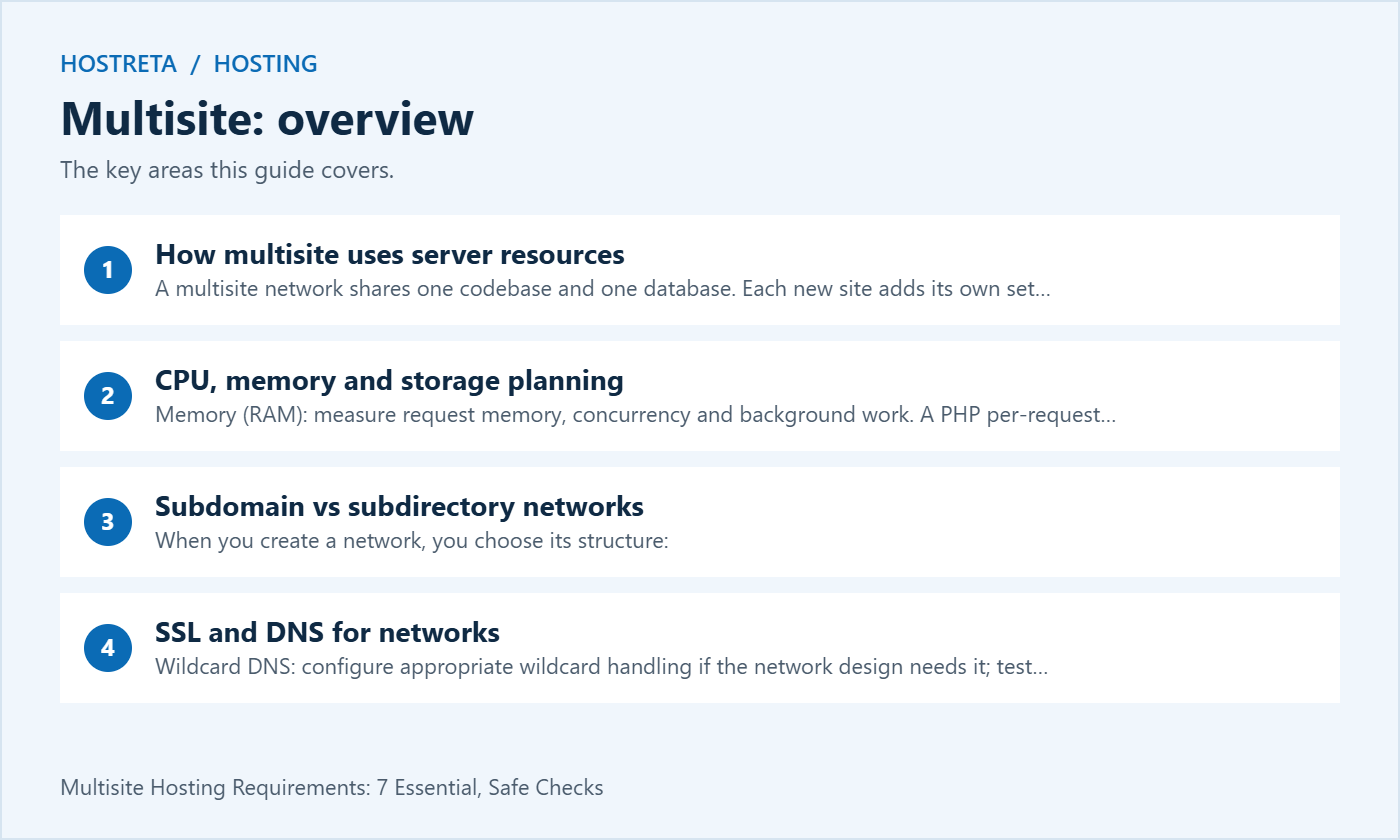
This guide explains multisite hosting requirements: how multisite uses server resources, how to plan CPU, memory, and storage, the difference between subdomain and subdirectory networks, SSL and DNS needs, and how to choose a host.
A multisite network shares one codebase and one database. Each new site adds its own set of database tables, its own uploads folder, and its own traffic — handled by the selected infrastructure, which may include separate application, database and cache services.
Small networks of a few low-traffic sites can run on good shared or managed hosting. Larger networks are usually happier on a VPS or cloud plan — see Shared vs VPS vs Cloud Hosting: Which One Do You Need?.
When you create a network, you choose its structure:
example.com/site1/. No extra DNS needed, and one SSL certificate covers everything.site1.example.com. Needs suitable DNS, server routing and certificate coverage. Wildcard handling is useful for sites created on demand; explicit hostnames can be managed for a fixed network.The SEO and technical trade-offs are explained in Subdomains vs Subdirectories: Hosting and SEO Trade-offs.
*.example.com. Let’s Encrypt supports wildcards using DNS validation; many hosts automate it.If DNS records are new to you, read DNS Record Types Explained: A, AAAA, CNAME, MX and TXT.
For broader advice, see The Ultimate Web Hosting Buyer’s Guide.
The right plan makes these checks far easier. For WordPress sites, Kawedma WordPress hosting and managed WordPress hosting powered by Rocket.net include caching, staging, and backups. Growing sites that need guaranteed resources can choose a Kawedma VPS server, cloud hosting, a managed VPS from Hosting.com, or an unmanaged VPS if you prefer full control.
The WordPress Multisite handbook describes multiple sites managed through one installation, with shared resources and site-specific content tables. That arrangement is useful when common administration is intentional. It is not a substitute for deciding who can approve changes across the network.
List which sites need independent release dates, plugin choices or recovery guarantees. If one client must stay on an older dependency while another needs a new version, the shared codebase may complicate the agreement. Separate installations can be worth considering when operational independence is more important than central management.
Use the official preparation guide before creating the network. Confirm access to the required configuration and server controls. Buying a plan advertised for many websites does not itself establish that it supports the Multisite architecture and administration you intend to use.
Build a worksheet for representative sites: public content pages, logged-in areas, stores, search, imports and administrative operations. Ten cached brochure sites can behave very differently from ten active stores. Record which actions require dynamic processing and which can be served safely from a cache.
Include work that happens outside an ordinary page visit. Scheduled jobs, image processing, backups, reporting and imports can compete with visitor requests. Ask whether the provider accounts for that work within the same CPU, memory or execution limits.
For Multisite capacity planning, identify simultaneous activity across sites. A marketing launch affecting several departments can create a different peak from unrelated sites with separate audiences. Document the scenario you are planning for and the evidence behind it instead of multiplying a generic resource allowance by the site count.
A PHP request memory setting describes a limit for an execution context; it is not a reservation for the complete network. Total memory demand also involves concurrent PHP activity, the database, caches and other processes. Increasing the request limit without understanding those other uses can move the failure elsewhere.
As an illustrative calculation, four active processes averaging 100 MB each account for about 400 MB before the rest of the system is included. That example is arithmetic, not a recommended server specification. Measure your application’s behaviour and leave appropriate capacity for the other services and unexpected variation.
Inspect actual failures and utilisation with the host. A memory exhaustion error inside one request differs from system-wide memory pressure or an account limit. Multisite makes it especially important to identify which site and operation produced the demand so an upgrade does not hide an avoidable implementation issue.
A larger execution limit does not necessarily make the server faster. If CPU is already saturated, allowing more concurrent requests can increase contention. Compare request duration, queueing and resource utilisation during a representative test before changing worker or process settings.
Record the uncached paths that matter to the business. A logged-in editor saving a long page, a store checkout and a public article can have different resource profiles. A fast cached homepage is not enough evidence to approve a plan for all of those workflows.
Ask the provider how it handles bursts and limits. Clarify whether a limit queues work, rejects requests or throttles the account, and how the event is reported. A Multisite support plan is easier to operate when the team knows what evidence appears during a capacity incident.
Include media, database growth, temporary files, logs, caches and retained backups. A plan with ample nominal disk space may still have separate file-count, database or backup constraints. Review the limits applicable to the actual service rather than assuming that one storage figure covers everything.
Measure growth over a useful period and identify the source. A photo-heavy publication and a text-only departmental site will not grow at the same rate. Record whether image variants, imports or retained exports duplicate data unnecessarily, then make a controlled cleanup plan where appropriate.
Decide where backups are stored and whether they count against production capacity. Keeping every historical archive inside the same constrained account can affect normal operations. Confirm off-account retention and restoration access through the provider’s supported process.
A growing network adds content and metadata, but size alone does not identify the slow query. Check representative searches, administrative listings and background jobs. A poorly designed query can cause trouble before the database reaches an advertised size limit.
Keep diagnostic work controlled and protect private data. A production database export can contain user and business information from several sites. Use appropriate access and a suitable testing copy when investigating performance, rather than distributing a full network dump to every contractor.
Record the database backup and recovery method as part of hosting acceptance. Ask what consistency is provided when files and tables are captured while the network is changing. For sites with orders or registrations, restoration planning must account for activity that occurred after the recovery point.
Evaluate page caching for public pages and exclusions for private or session-dependent responses. Test with separate user sessions and separate sites. A cache rule that appears effective on one hostname may be unsuitable for a mapped domain or an authenticated page.
For persistent object caching, use an implementation supported for the network and host. Verify isolation and invalidation behaviour across sites rather than assuming every single-site configuration is safe unchanged. Record the responsible plugin or integration and how it is maintained.
After enabling caching, test content updates and important workflows. A response can be fast but stale, or correctly cached on one site while another has an unexpected exclusion. Keep correctness in the acceptance criteria alongside performance measurements.
DNS resolution, web-server routing and certificate coverage are different checks. A subdomain returning an address does not prove the server sends it to the intended site. A valid certificate does not prove WordPress maps the hostname correctly.
The WordPress wildcard guide describes wildcard subdomains for on-demand site creation. For a controlled fixed network, discuss explicit hostname configuration with the host. Decide which arrangement fits the site-creation process rather than treating a wildcard as a universal security or functionality requirement.
Test the base domain and mapped domains as separate public entry points. Certificate coverage for one name does not automatically extend to unrelated client domains. Document renewal and validation responsibilities so a domain can keep working after the original setup administrator changes roles.
List required plugins and ask how they behave in Multisite. Installation, activation, settings and data storage can have different scopes. The Network Admin documentation explains that network activation does not by itself determine whether settings are stored network-wide or per site.
Run the actual features on a test network. Include licences, updates, background jobs and integrations, not just whether the plugin activates without an error. A successful activation screen is not an acceptance test for a subscription renewal, payment flow or scheduled report.
Keep unsupported requirements visible before migrating. Replacing one plugin may affect the content model, URLs or handover process. Decide how that change will be implemented and verified instead of assuming that every single-site feature carries over automatically.
Ask the provider to distinguish a full-network restore from restoring one site. A network backup existing in the control panel does not establish that a single site’s content can be recovered without affecting shared users or other sites’ recent activity.
Choose a controlled restoration exercise and define the expected result. Include media, relevant content, settings and necessary user relationships. Record what the tool restores and what must be reconfigured. Do not approve a recovery promise solely from the presence of a backup-success label.
For commerce or other frequently changing data, agree on recovery-point and recovery-time needs in practical terms. Identify who reconciles activity after restoration. A rollback that makes a broken page work can still overwrite legitimate newer records if its scope is not understood.
Use staging to test common code changes and representative sites before release. Protect access and avoid allowing a test copy to send real customer notifications, process live payments or publish unwanted material. Review copied credentials and integrations as part of creating the environment.
Explain which aspects staging cannot reproduce. Its cache, resource limits, hostname arrangement and traffic may differ from production. A passing result is useful evidence within those conditions, not a guarantee that every production peak will behave identically.
Keep a release checklist covering several site types. A shared plugin update can affect a store, a brochure site and an editorial site differently. Test the workflows that matter rather than selecting only the easiest homepage preview.
| Requirement | Question for the provider | Acceptance evidence |
|---|---|---|
| Network support | Is this configuration permitted on the selected plan? | Written scope and limits |
| Execution capacity | How are concurrency and resource limits handled? | Representative controlled test |
| Domains and TLS | How are mapped names and renewals managed? | Working public hostnames |
| Recovery | Can the required network or site scope be restored? | Documented restoration exercise |
| Operations | Who handles updates, incidents and growth? | Named owners and runbook |
Compare the complete service, including management work, backup retention and any necessary third-party licences. An inexpensive unmanaged server and a managed network service allocate responsibility differently. The right choice depends on who will perform that work.
If the project needs hosting or implementation support, consider KAWEDMA’s hosting and website development services. Provide the proposed Multisite design and ask for explicit confirmation of network support, mapped domains, caching and recovery scope on the selected plan. Do not assume that a general WordPress package includes every network requirement.
No single figure describes every workload. Use measured request behaviour, concurrent work and the needs of the surrounding services. Confirm the actual plan limits and a supported upgrade route. Site count is context, not a complete capacity specification.
It provides site-level administration within a shared installation, not a substitute for a deliberately chosen isolation architecture. Review ownership, access and shared-code consequences. Use separate environments when the required operational or security boundaries call for them.
Test that site, but also cover different features and simultaneous activity. A quiet site may use a unique plugin or mapped domain that fails after a shared change. Representative coverage should include both load and functional differences.
Use evidence of the constrained resource and its business effect. Check whether code, queries or configuration need correction as well. Record what the upgrade should improve and repeat the same acceptance test after the change.
Include the network structure, important hostnames, required integrations, update process, resource observations and tested recovery procedure. Name the responsible people and provide a safe location for credentials. The next administrator should be able to maintain the network without relying on the original developer’s memory.
We may earn a commission on purchases made through these links, at no extra cost to you.
Don’t miss the chance to participate in the biggest giveaway of this year.