Reviews

WooCommerce Shipping Plugins Compared: 7 Essential Checks

WooCommerce shipping plugins solve different problems: calculating a checkout price, applying delivery rules, buying labels, and keeping fulfilment records in sync. Choose against the store’s actual destinations and parcel types. A low quoted rate does not help if the package costs more to dispatch or the carrier cannot serve the customer.
This guide compares WooCommerce shipping plugins: what’s built in, the features that matter, popular options, label printing, and how to choose.
WooCommerce comes with shipping zones and three basic methods:
With shipping classes you can charge different rates for bulky or fragile items. For many small stores, flat rate plus a free-shipping threshold is enough. Check your zones cover every country you sell to — see WooCommerce Settings to Review Before the Holiday Rush.
Availability varies by country, so check which carriers are supported where you ship. Prices and features change — verify before buying.
Whatever you choose, place test orders to several destinations and confirm the quoted rate matches what you actually pay. And publish a clear shipping policy with holiday cut-off dates.
The following shortlist is a documentation-based comparison, not a claim that every combination has been tested in a live shop. Availability, plan limits, and compatibility can change. Verify the selected product with the current vendor documentation and a staging order before paying for a subscription or replacing an existing workflow.
| Option | Main job | Check before choosing |
|---|---|---|
| WooCommerce core | Zones, flat rate, free shipping, and pickup | Whether simple rules already meet the business requirement |
| Flexible Shipping | Merchant-defined table rates | Which conditions belong to the free or selected paid edition |
| Table Rate Shipping | Rule-based rates within zones | Calculation method, boundaries, classes, and mixed baskets |
| WooCommerce Shipping | Supported label purchases and fulfilment tools | Origin eligibility, carriers, currency, and postage charges |
| Carrier-specific extension | Selected carrier services | Account eligibility, live rates, packing logic, labels, and region |
| ShipStation or Sendcloud | Centralised fulfilment workflows | Plan, origin, integration version, rate features, and synchronisation |
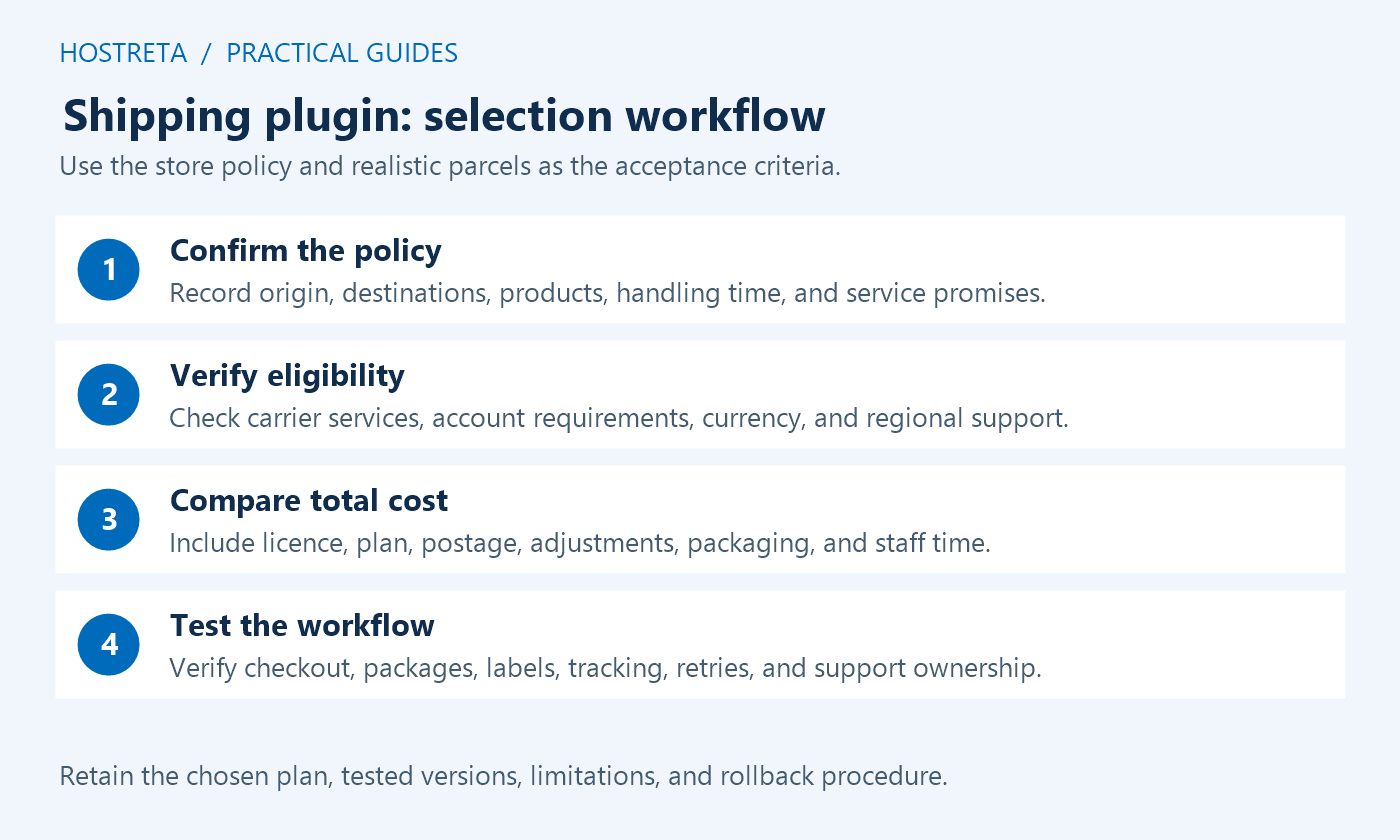
List where the business ships from, the destinations it accepts, its handling time, and the services it intends to offer. Include remote areas, restricted products, oversized items, collection, and a clear fallback when an address cannot be served. Shipping plugins implement a policy; they cannot determine the business’s margin, warehouse capacity, or carrier eligibility on their own.
Check the existing zone order first. WooCommerce uses the first matching zone, so a broad zone can intercept an address intended for a more specific one. Follow the official shipping-zone guide and test an address in each overlap. Installing shipping plugins will not correct an underlying zone configuration that selects the wrong methods.
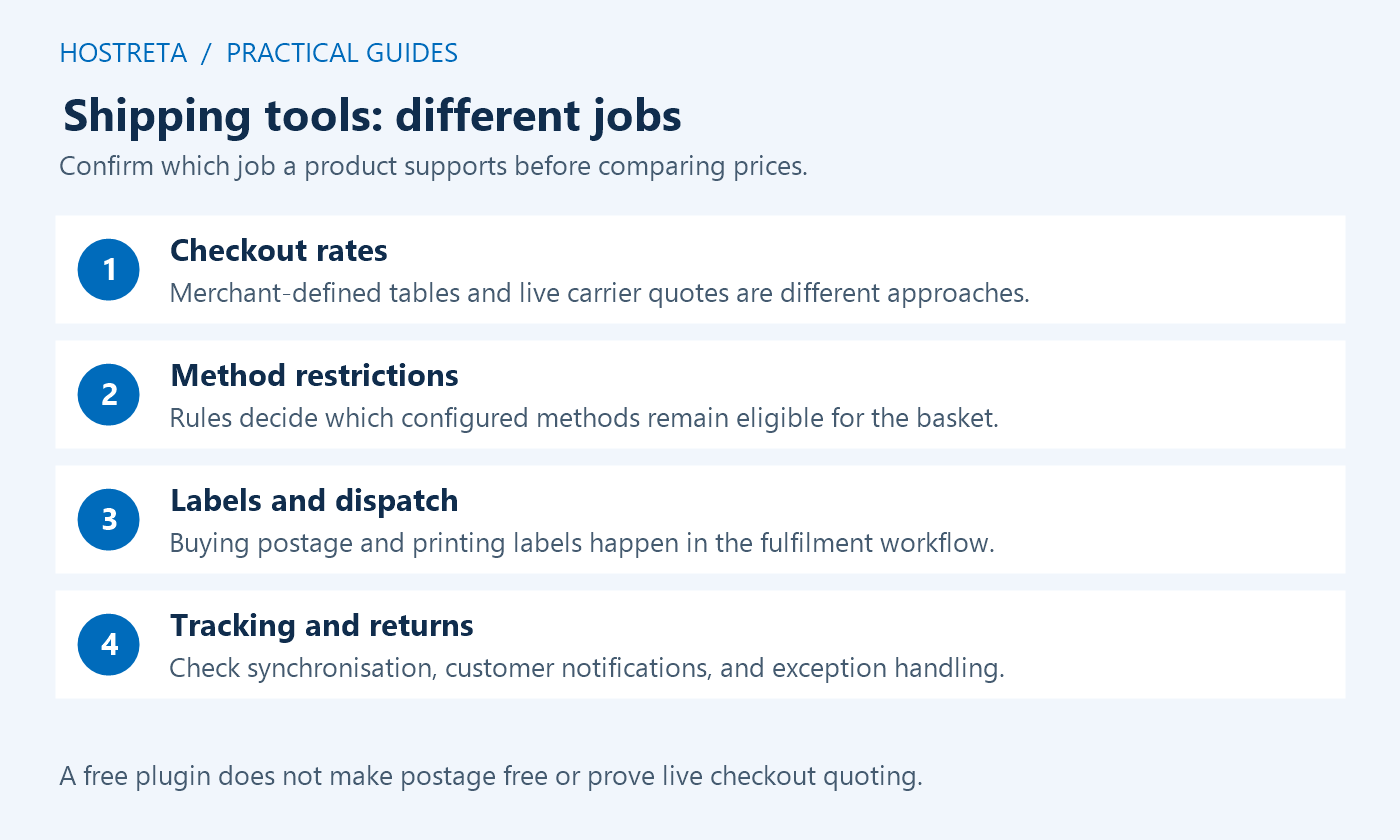
Table-rate shipping plugins apply prices the merchant defines. They can be useful when the shop wants predictable brackets by weight, quantity, basket value, or class. Live-rate integrations instead request available services from a provider or carrier. A price table does not become a real-time carrier quote simply because it has many conditions or a premium licence.
Write examples with expected results before configuring either approach. For example, a lightweight parcel might use one merchant-set tier while a bulky parcel requires another service. Check taxes, fees, packaging, and discount treatment as part of the calculation. Mark example amounts as your own test values; they are not advertised carrier rates and should not be copied into a store without a cost review.
Check the dispatch country and currency before comparing shipping plugins by features. A service can deliver internationally while still accepting merchants from only certain origins. Confirm the actual carrier products, account connection requirements, supported package types, and destination exclusions. A familiar carrier logo does not establish that every service or negotiated contract is available through that integration.
For WooCommerce Shipping, review the current official requirements rather than assuming global origin support. For a carrier-specific tool, ask whether it uses your own contract or the platform’s rates. Keep credentials out of comparison documents and screenshots. A vendor can usually answer eligibility questions using the country, service name, and package requirements without receiving account secrets.
Compare the plugin licence, renewal, platform plan, labels, carrier charges, packaging, insurance, adjustments, and any usage fees. Shipping plugins with a free download may require paid services or postage purchases. A discounted headline rate may apply to only particular routes or parcel types. Use the store’s realistic parcel mix and compare the total expected monthly cost.
Include staff time. Manual address re-entry, label correction, missed tracking updates, and support follow-up can make a seemingly cheap tool expensive to operate. Conversely, a small shop may not need a large fulfilment platform. Compare one ordinary month and one peak month, and record assumptions such as parcel volume and destinations so a later reviewer can understand why the choice was made.
Check shipping plugins against the installed WooCommerce version, the active checkout implementation, order-storage configuration, multi-currency setup, subscriptions, bundles, and any extension that splits orders into packages. A compatibility badge is a starting point rather than proof that the store’s exact combination works. Test both a new order and the later fulfilment steps.
Inspect what happens when the customer changes an address or quantity after rates first appear. A stale selected method must not remain attached to an ineligible basket. Check guest and returning accounts, saved addresses, and mobile checkout. When several shipping plugins influence rates, document which one creates a method and which one restricts or modifies it to avoid contradictory rules.
Label generation is only part of the workflow. Check the printed format, printer compatibility, address layout, parcel details, and tracking destination. Use vendor-supported test facilities where available. Do not purchase a live label merely to explore a screen; define an authorised test and its cost first. Confirm void, refund, and correction procedures separately because they may depend on carrier rules.
Verify tracking synchronisation after label creation and after a fulfilment update. Check that a retry does not create duplicate shipments or customer emails. Some shipping plugins handle partial shipments or returns differently, so test those cases if the shop needs them. Decide which system is authoritative for dispatch status and how staff reconcile a mismatch between the store and fulfilment platform.
A carrier API can be unavailable during checkout. Decide whether the shop should show a clearly labelled alternative, temporarily decline delivery, or direct the customer to support. Shipping plugins should fail in a way that preserves the policy rather than silently returning zero-cost delivery. Test the vendor’s documented error handling on staging without disrupting live services.
Record support contacts, configuration ownership, renewal responsibility, and the steps to return to the previous method. Export rules where supported and retain a readable copy of the policy. Before removing shipping plugins, confirm what happens to historical tracking, order notes, and settings. A replacement should preserve the ability to answer customers about orders placed under the old workflow.
Start with built-in methods when a clear flat rate, free-shipping condition, or pickup option covers the requirement. Fewer moving parts can make support easier. Check the actual zone and shipping-class calculations with mixed baskets. If the limitation is only how methods are named or ordered, solve that narrow requirement before buying a broader collection of shipping plugins.
The official Flexible Shipping listing describes its weight and cart-total foundations. Evaluate the free edition against a written set of baskets, then check the precise paid feature needed if a rule is missing. Do not assume every additional integration is bundled. Shipping plugins with similar names may be separate products with different licences and support responsibilities.
WooCommerce’s Table Rate Shipping documentation explains the supported conditions and calculation choices. Pay particular attention to whether a rule is calculated per order, item, line, or shipping class. A configuration that looks correct for a single item can produce a different total for several products. Confirm the expected result at each boundary and for every package.
Choose a carrier integration when the business needs that carrier’s supported rates or fulfilment workflow and has confirmed account eligibility. Compare packing assumptions with actual dispatch practice. Product dimensions alone do not guarantee the tool chooses the same box as warehouse staff. Shipping plugins should be evaluated with realistic parcels, not only a one-item demonstration basket.
ShipStation’s WooCommerce integration and Sendcloud’s integration overview describe workflows that connect store orders with fulfilment operations. Check the current plan and integration version for checkout-rate features rather than treating order import as proof of live quoting. Confirm origin support, automation limits, service points, tracking, returns, and the data shared with the platform.
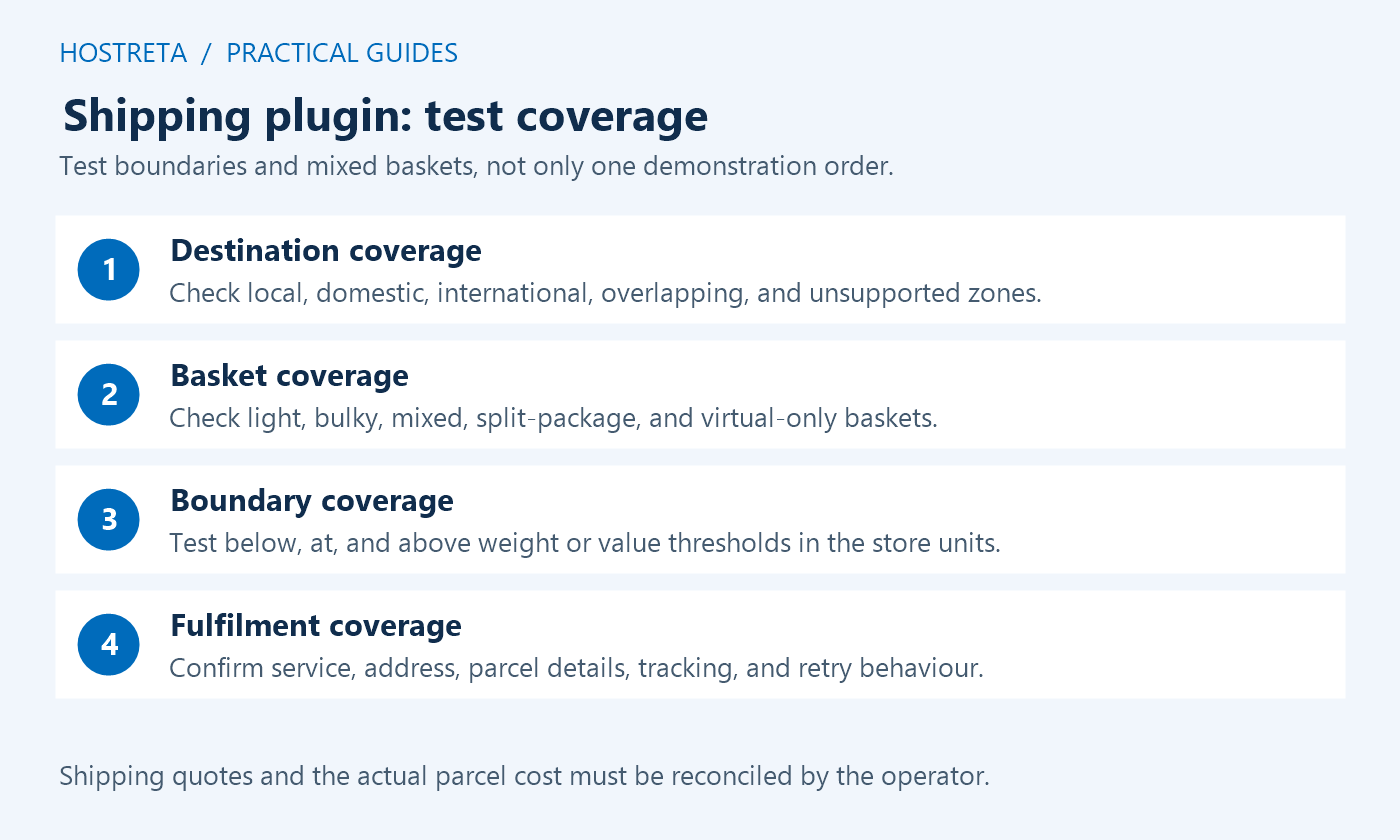
Build a small set of fictional addresses covering a local postcode, another domestic region, an accepted international destination, and an unsupported destination. Use properly formatted examples approved for testing. Combine each with a lightweight item, a bulky item, a mixed basket, and a free-shipping threshold. Include one basket just below the threshold and another exactly on it.
For each combination, record the zone selected, method names, quoted amount, currency, tax treatment, and eligibility. Change the address after rates load and repeat in a fresh session. If shipping plugins split packages, inspect every package rather than checking only the first total. Confirm that a coupon does not accidentally stack an unintended shipping discount with another promotion.
Follow a successful test order into the fulfilment system. Confirm the products, quantities, weights, dimensions, address, and chosen service arrive correctly. Review notification timing and tracking. Repeat a documented retry or failed synchronisation scenario where the vendor supports it. The goal is an explainable order trail from the customer’s choice to the parcel the warehouse actually prepares.
Keep checkout security checks and cache exclusions in the release review. Incorrectly cached shipping responses can make a correct rate integration look broken. Distinguish a private-session problem from a carrier problem before changing shipping plugins or weakening unrelated site protections.
A genuinely virtual item does not need physical delivery. Check the product configuration and whether the basket also contains physical items. A mixed store still needs correct package and destination handling for the shippable portion. Avoid installing a fulfilment platform solely for downloadable products when there is no dispatch requirement.
WooCommerce includes a free-shipping method with supported conditions. Review the core settings before buying additional shipping plugins. Test how the threshold interacts with discounts and other available methods in the installed version. The store should state the offer clearly and show customers which destinations and baskets qualify.
No. They can reflect supported carrier services, but they introduce an external dependency and may need careful packing configuration. A merchant-defined rate may be easier to understand for a predictable product range. Compare margin, customer clarity, operational reliability, and the actual parcels before choosing between the two approaches.
Use a developer for integration conflicts, custom packages, checkout errors, or slow rate requests that need diagnosis. A provider such as KAWEDMA offers website development and hosting; share a reproducible staging case and expected shipping policy. The business still owns carrier agreements, dispatch promises, and the final purchasing decision.
Choose shipping plugins only after their documented capabilities match the policy and the staging results match expected costs. Keep the comparison date, tested versions, selected plan, and limitations in the handover record. Revisit it when destinations, carriers, packaging, or order volume change, rather than assuming the original choice remains the best fit indefinitely.
Test a parcel exactly at a weight limit and just above it, using the units configured in the store. Repeat for basket-value thresholds and postcode boundaries. Confirm that rounding does not leave an unintended gap with no eligible method. If products can be purchased together, check their combined package rather than assuming that two separate quotes add up to the right result.
Have the fulfilment operator review the expected parcel and service for each example. That practical review can expose a rule that looks correct in checkout but cannot be used at the packing bench. Save the approved examples with the shipping plugins configuration for future regression checks.
We may earn a commission on purchases made through these links, at no extra cost to you.
Don’t miss the chance to participate in the biggest giveaway of this year.



