Reviews

4 Best Email Hosting Providers: Essential Business Guide

Business email needs a deliberate hosting choice. When email goes down, quotes don’t get sent, customers can’t reach you, and password resets fail. That’s why many businesses separate email from web hosting and pick a dedicated provider.
This guide compares the best email hosting providers for small businesses: what to look for, full-suite options, privacy-focused providers, budget choices, and how to migrate.
Should email be separate from your website host at all? Read Email Hosting vs Web Hosting: Do You Need Both?.
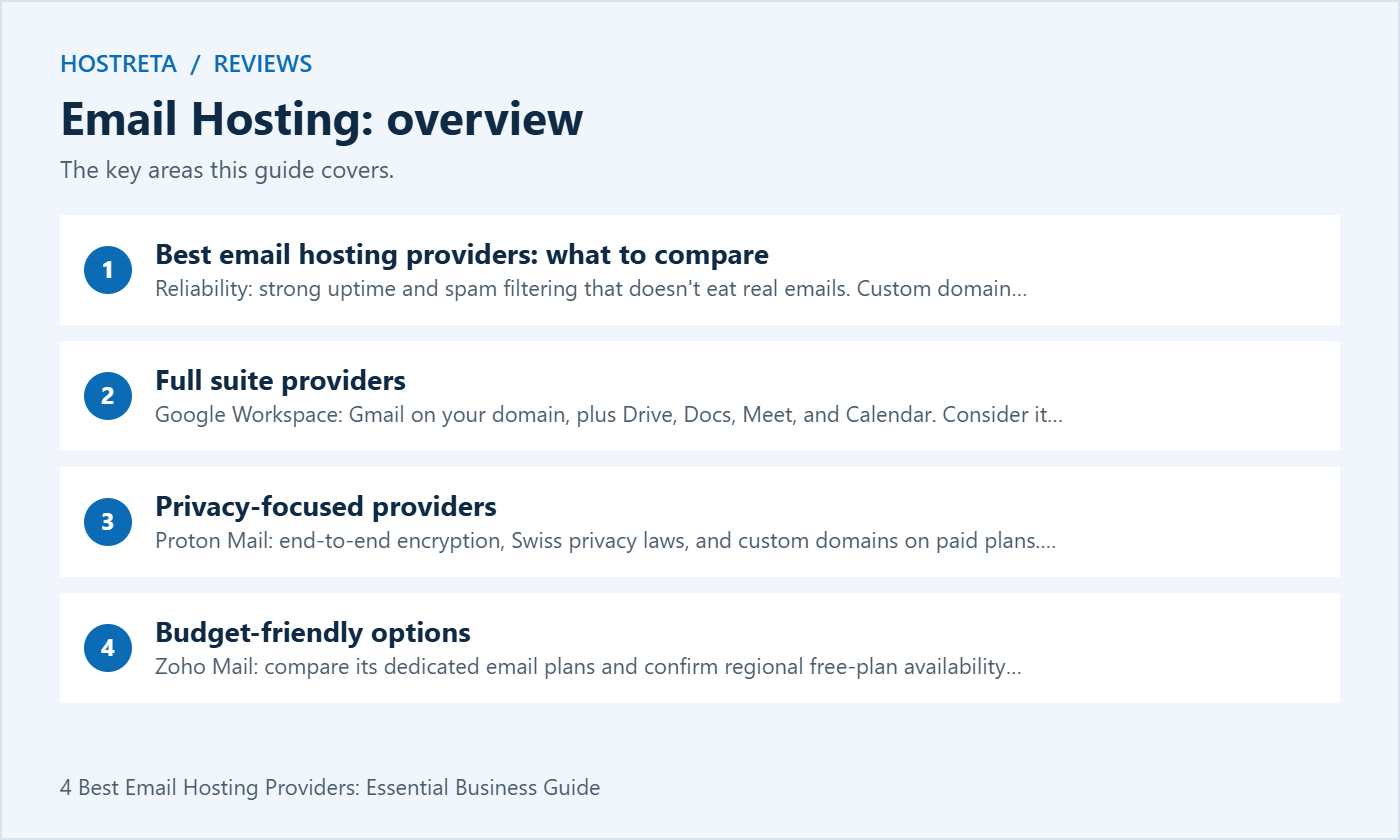
Both cost more per user than basic email, but you get a complete productivity toolkit. For a detailed comparison, see Google Workspace vs Microsoft 365 for Small Business.
Review the encryption workflow, app compatibility and organizational requirements before selecting a privacy-focused service. A provider choice alone does not establish regulatory compliance.
Prices change regularly, so always check current pricing before you decide.
Whatever you choose, protect every mailbox with two-factor authentication and a password manager — see Best Password Managers for Teams and Freelancers.
Choosing the best email hosting providers does not automatically select the website server or the device application. Use our DNS and email troubleshooting guide for routing issues, and compare email clients for multiple inboxes when deciding how staff will read and reply. A client application and an email hosting subscription are separate choices.
Email hosting is easier to manage when you review it regularly. Keep this email hosting checklist handy and revisit it after every major update.
| Provider | Reason to evaluate | Check before buying |
|---|---|---|
| Google Workspace | Gmail-based email and Google collaboration | Edition, storage allocation, billing commitment and administration |
| Microsoft 365 or Exchange Online | Exchange-based mail and Microsoft workflows | Whether the chosen plan includes email and the desktop apps you need |
| Proton Mail | Privacy-focused mail and encrypted communication workflows | Custom-domain plan, client compatibility and recipient experience |
| Zoho Mail | Dedicated business email options | Current plan availability, app access and migration requirements |
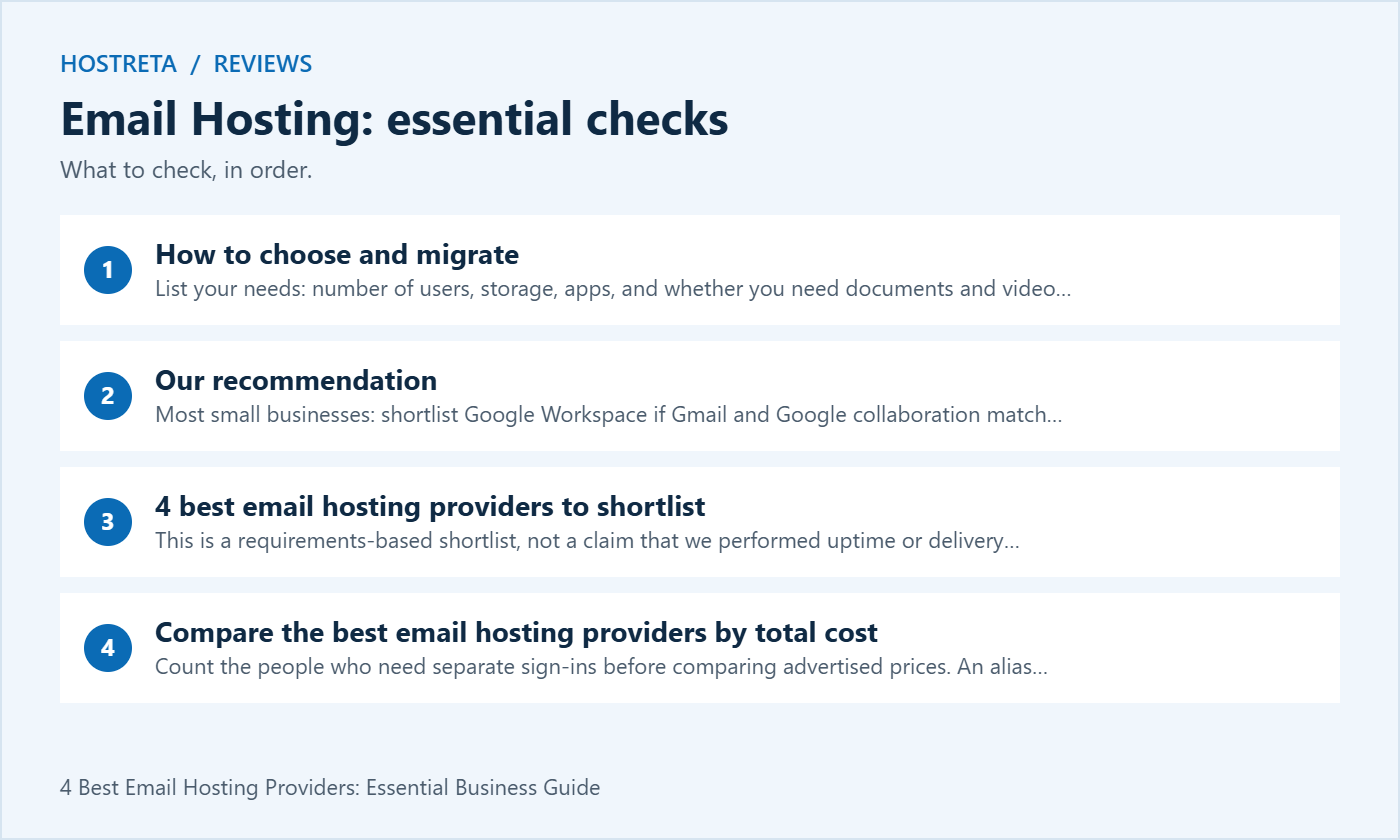
This is a requirements-based shortlist, not a claim that we performed uptime or delivery benchmarks. The best email hosting providers for one team may be a poor fit for another. Use the following checks to choose the plan you can operate and support.
Count the people who need separate sign-ins before comparing advertised prices. An alias is not the same as another user account. A business with three employees and several departmental addresses may need a different arrangement from a business with one employee managing several names. Ask how your intended setup is licensed instead of assuming that every visible address requires the same charge.
Compare the billing term, renewal conditions and the services already included in your existing subscriptions. An email-only plan may cost less than a full productivity suite, but a suite could replace other tools you already pay for. Record the annual total using the exact plan, user count and currency shown at checkout. Include migration help or optional features only if you actually need them.
Prices and promotions vary by region and commitment. This article deliberately avoids treating a temporary offer as a permanent cost. When evaluating the best email hosting providers, save the plan details and review what happens after the introductory period. A low first invoice does not establish the cost of maintaining the service over several years.
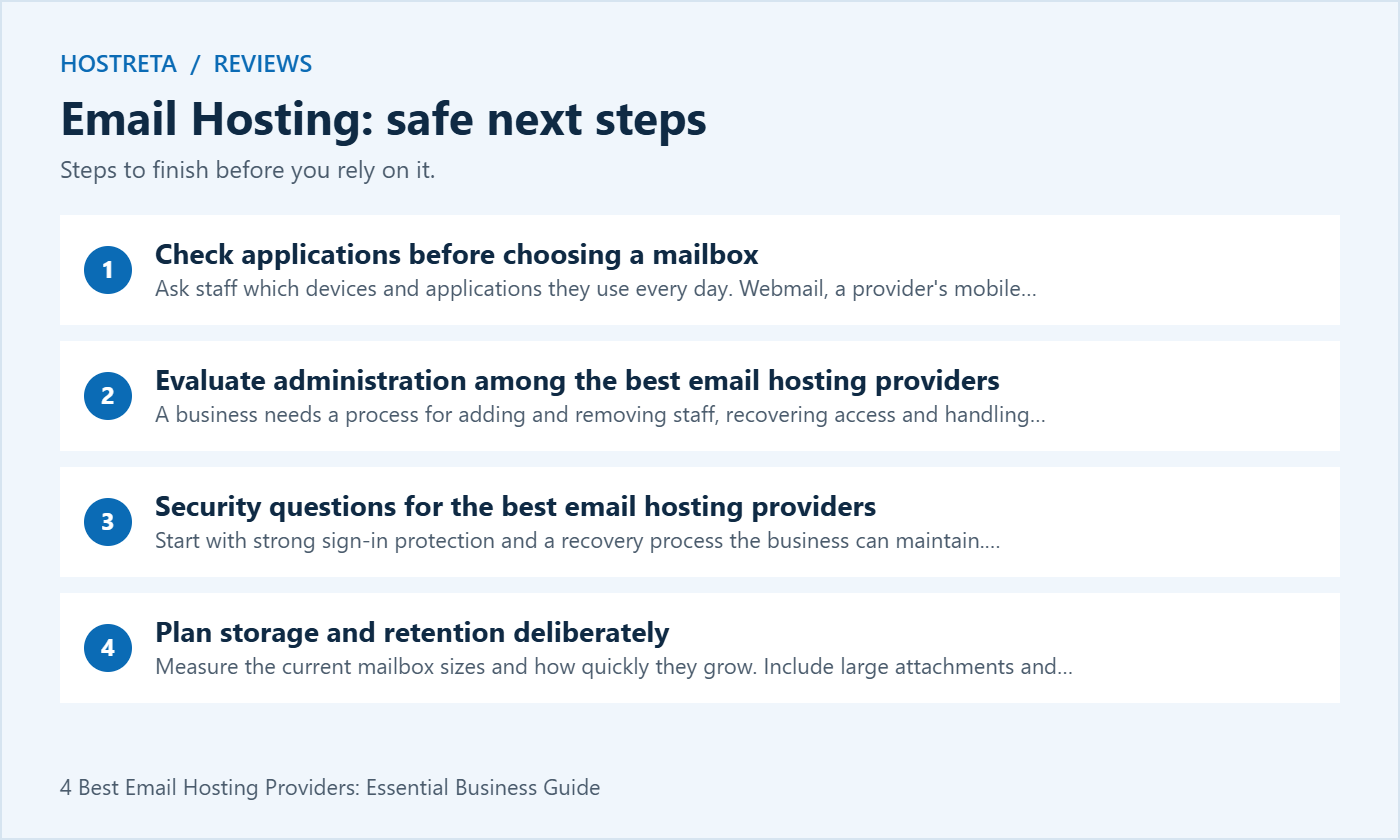
Ask staff which devices and applications they use every day. Webmail, a provider’s mobile app and a third-party desktop client can involve different setup requirements. Test the actual workflow rather than assuming that every service behaves like a traditional IMAP mailbox. A familiar product name does not guarantee that the selected edition includes the integration you expect.
For Proton Mail, review its custom-domain and Bridge documentation when evaluating third-party desktop clients. For Zoho Mail, verify client-access features for the exact account and plan; new free-plan users should not assume IMAP is included. The best email hosting providers should be compared on the features you will use, not only on the appearance of the inbox.
Include calendars and contacts in the trial. Send an invitation, accept it on another device and check how updates appear. If staff work with shared calendars or delegated mailboxes, test those tasks with separate accounts. A successful message send is a useful first check, but it does not demonstrate that the team’s collaboration process will work.
A business needs a process for adding and removing staff, recovering access and handling shared addresses. Confirm who will own the administrator account and how recovery works. Use separate user accounts rather than distributing one mailbox password across the whole team. A shared business function should use the provider’s supported access model.
Review what happens when an employee leaves. Decide who receives future messages, what happens to historical correspondence and how access is removed through the approved process. Check the provider’s documentation before assuming a mailbox can be converted, retained or delegated without additional licensing. The best email hosting providers make sense only when the plan supports your actual staffing changes.
Document the domain and email administration separately from the website. If the website developer also manages DNS, establish who can change MX and authentication records. The organization should be able to reach its registrar and email provider without depending on a single contractor’s personal account. Clear ownership reduces confusion during an incident.
Start with strong sign-in protection and a recovery process the business can maintain. Check whether the plan offers the administrative controls you require, and test how staff enroll their accounts. Do not disable protections merely to make an older application work. Investigate supported authentication or application options with the provider.
Understand the distinction between encryption in transit, encrypted storage and end-to-end message workflows. They address different risks and can have different implications for external recipients and third-party clients. Ask what the service actually protects and what actions the sender or recipient must take. Avoid describing all mail from a privacy-focused provider as automatically end-to-end encrypted to every destination.
For a business with contractual, legal or industry requirements, review those requirements against the plan and the provider documentation. Storage location, retention, access auditing and export controls can matter as much as the inbox interface. The best email hosting providers are not interchangeable compliance guarantees. Obtain the appropriate organizational review for your specific obligations.
Measure the current mailbox sizes and how quickly they grow. Include large attachments and any shared mailboxes. A headline storage figure may refer to different allocations across products or plans, so confirm what is available to the mailbox you are buying. Check how the service reports capacity and what happens near the limit.
Retention, archiving and backups are different concepts. A retained message may serve one organizational purpose while a recoverable backup serves another. Read the supported recovery and export procedures before assuming that moving mail to a hosted service removes your responsibility for continuity. The best email hosting providers should fit the way the business preserves important correspondence.
Test a small export or migration sample with accounts you control. Confirm that you can find the messages afterward and understand what happens to folders and dates. Keep a record of any limitations discovered during the trial. A working export route is particularly valuable when the business later changes providers or needs to hand administration to a new team.
Do not cancel the previous account as soon as a test message reaches the new inbox. Some systems may still use existing routing information, and historical data may need a final synchronization. The transition period should follow the migration design and the behavior of the services involved. Keep the old configuration documented in case troubleshooting is necessary.
MX records identify the mail destinations for your domain. Other records support domain verification and authentication. Enter the exact values supplied for your organization rather than copying a sample from an unrelated account. Review existing records before editing so website, mail and verification services are not accidentally mixed up.
For SPF, DKIM and DMARC, coordinate all legitimate senders using the domain, including website applications and any newsletter service. Do not create a conflicting configuration just because the mailbox provider’s setup wizard shows a simple example. The best email hosting providers offer documentation, but the business still needs an inventory of its own sending systems.
Test receiving and sending in both directions with accounts you control. Check the visible sender, reply behavior and authentication results using the provider’s supported diagnostics. If something fails, record the exact error and the time. Repeatedly replacing DNS records without a change log makes it harder to identify which part of the setup caused the problem.
A staff mailbox and a transactional sending service solve different needs. Your store’s order confirmations, password resets and contact forms should use a supported delivery method with appropriate authentication and logging. Do not assume a business mailbox subscription authorizes unlimited automated or bulk sending.
Read the provider’s sending policy and application integration instructions. If your website depends on email, test the actual form or order event before declaring the migration complete. The best email hosting providers for human correspondence may still need a separate supported service for high-volume application messages.
Keep newsletter campaigns distinct from operational messages. Subscription preferences, complaint handling and campaign reporting have requirements that a normal personal inbox may not address. Choose tools based on the workload and maintain a clear list of which service sends each category of message for your domain.
Create a short scorecard before starting trials. Include the daily tasks that matter: reading and searching messages, sending from the right address, using the mobile app, sharing a calendar and recovering access through the supported process. Assign a team member to each task and record the result in plain language.
Test with realistic sample messages that do not disclose confidential customer information. Check attachments, signatures and message formatting in the applications the team uses. Ask staff to note confusing steps as well as failures. A technically functional service can still create unnecessary support work if the everyday workflow is difficult for the team.
Weight the criteria before choosing a winner. If desktop compatibility is essential, it should not be outweighed by a low price for a plan that cannot support it. The best email hosting providers should pass your essential requirements first; optional features can then help distinguish the remaining candidates.
Record answers for each candidate rather than relying on memory. This turns a list of the best email hosting providers into a decision the business can review later. Keep the date and exact plan name with the notes, because product packaging can change.
Verify current details on Google Workspace pricing, Microsoft Exchange plan comparison, Proton custom-domain setup and Zoho IMAP access documentation. Choose based on the current edition and the workflow you tested.
Keep a small issue log during the transition. Record the affected user, the application, the time and the exact symptom. Separate missing historical messages from new delivery problems, and separate sign-in issues from DNS routing. This gives support a focused starting point instead of a general report that email is not working.
Ask users to check the folders and calendars they depend on, using the applications included in the trial. Confirm that shared addresses behave as planned and that staff know how to reach support. Avoid introducing unrelated mailbox rules or application changes during the same period unless they are necessary to resolve a documented problem.
At the end of the review, confirm that remaining migration tasks have owners and that the organization has access to the administrator and domain accounts. Decide when the previous service can be closed based on data verification and the agreed transition plan. Keep the final email hosting configuration and the support route with the business documentation.
Revisit the decision when team size or workflow changes. A service selected for one person may need a different plan when staff require shared access, more storage or additional controls. Review the actual requirements before adding subscriptions.
Promotional recommendation: Consider KAWEDMA professional email when comparing the best email hosting providers. Confirm mailbox limits, application support, migration scope and current terms. This is a service recommendation, not a claim of independent testing or guaranteed inbox placement.
We may earn a commission on purchases made through these links, at no extra cost to you.
Don’t miss the chance to participate in the biggest giveaway of this year.



