Marketing

Content Pruning: 7 Essential Checks for a Safe Audit
An older website can accumulate outdated advice, duplicate explanations, and pages that no longer serve their intended audience. Removing pages does not automatically improve rankings; the useful work is identifying what readers still need and improving how the site provides it. Content pruning is the process of reviewing old content and deciding what to improve, combine, or remove.
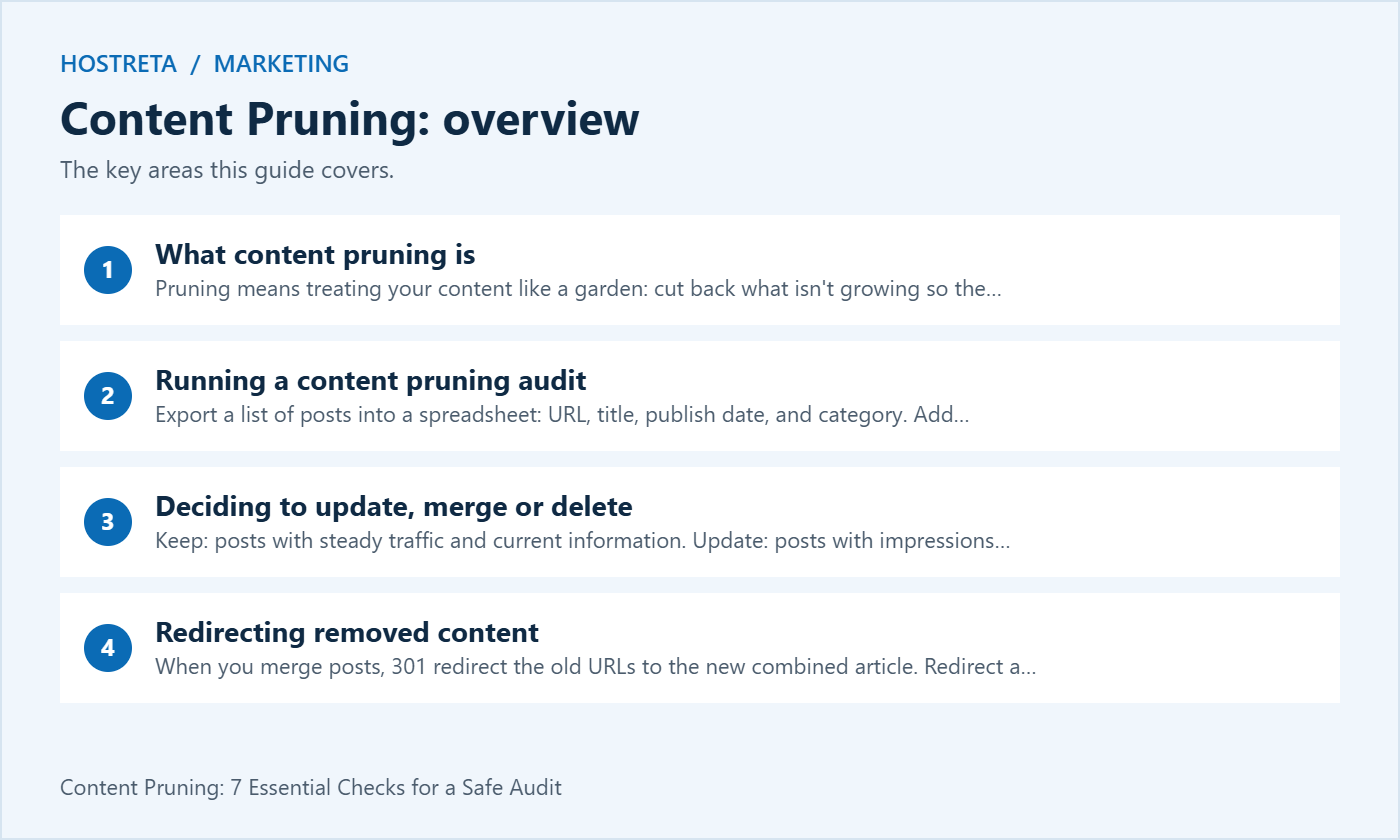
This guide explains what content pruning is, how to run an audit, how to decide what to update, merge, or delete, how to redirect removed content, and how to track the results.
Pruning means treating your content like a garden: cut back what isn’t growing so the healthy parts thrive. It typically includes:
The goal is a site where every page is useful, accurate, and worth ranking.
Need help with the data sources? See Google Search Console: A Beginner’s Walkthrough and How to Set Up Google Analytics 4 on WordPress.
Be cautious: low traffic alone isn’t a reason to delete. A post may support sales, answer customer questions, or be new.
Redirect methods are covered in How to Redirect Old URLs in WordPress After a Domain Change.
Good content needs a fast site and steady promotion. Marketgoo gives step-by-step SEO recommendations, and SocialBee schedules social posts across platforms. For hosting, Kawedma WordPress hosting and managed WordPress hosting powered by Rocket.net keep pages quick, and the AI SiteBuilder from Hosting.com helps launch simple sites fast.
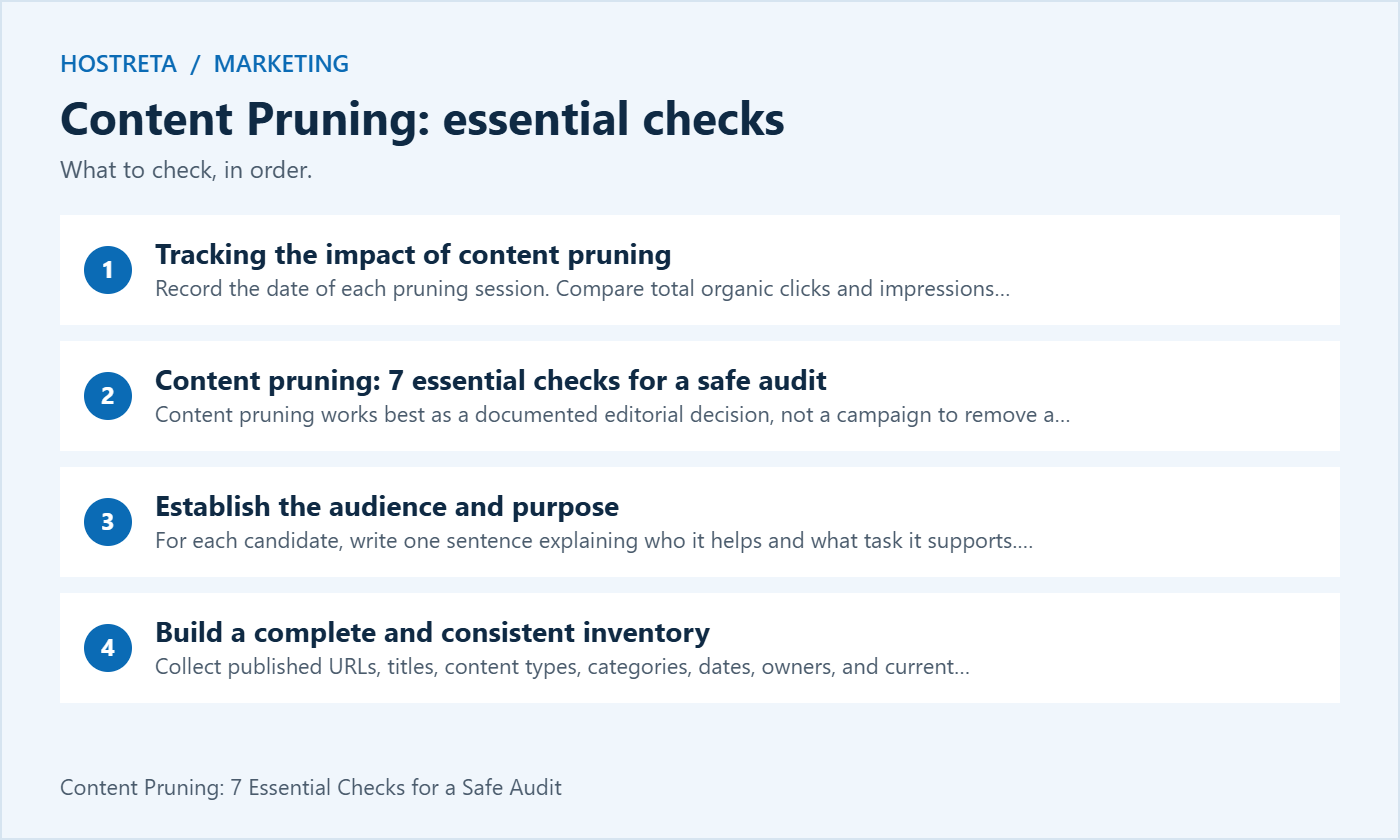
Content pruning works best as a documented editorial decision, not a campaign to remove a fixed percentage of your website. Start with a question: which pages still help the people you want to reach? An article with few search visits may answer a crucial support question, serve a seasonal audience, or provide context for a product that customers still use.
Use the following checks to create a repeatable process. The goal is a smaller maintenance burden where that makes sense, stronger explanations where readers need them, and predictable behavior for anyone following an old link. Search improvements are a possible outcome, not a guaranteed reward for deleting URLs.
For each candidate, write one sentence explaining who it helps and what task it supports. Content pruning becomes easier when you can distinguish an expired event announcement from a troubleshooting guide for a discontinued product that remains in use. Both may be old, but age does not tell you whether either page is still useful.
Ask the sales or support team which pages they send to customers. Check whether a page appears in onboarding emails, documentation, paid campaigns, or contractual materials. These uses may not appear as organic search traffic. Record them before deciding whether to change a URL or remove the explanation behind it.
Collect published URLs, titles, content types, categories, dates, owners, and current status codes. Include pages outside the main blog when they are within your review scope. Content pruning should account for public archives, support resources, and landing pages that may be missing from a simple export of WordPress posts.
Keep one row per canonical page and note alternate addresses separately. Record the data source and date range for each metric. A spreadsheet that mixes one month of analytics with a year of search clicks can make a useful page look weaker than a comparable page measured over a longer period.
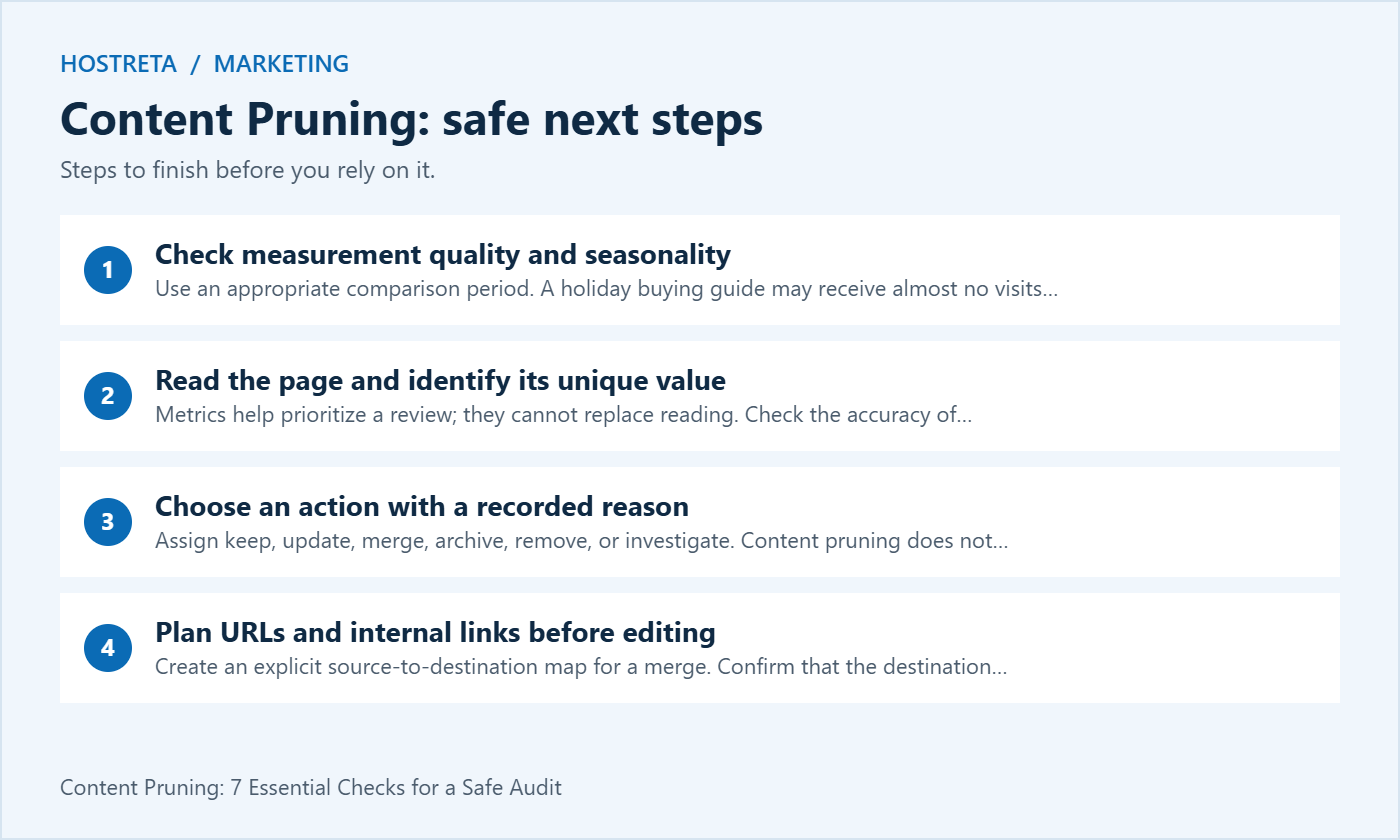
Use an appropriate comparison period. A holiday buying guide may receive almost no visits during spring and still matter in November. Content pruning decisions should consider the relevant business cycle, recent publication dates, and any tracking outages. A blank analytics field can mean missing data rather than zero readership.
Look at search impressions, queries, referrals, and meaningful outcomes alongside visits. Confirm whether tracking or consent changes affect comparisons. When evidence is incomplete, label the uncertainty and put the page in a review queue instead of treating an absent number as proof that the content should disappear.
Metrics help prioritize a review; they cannot replace reading. Check the accuracy of instructions, whether the page answers its stated question, and whether another article provides the same answer more clearly. Content pruning should preserve original examples, useful explanations, and necessary context when consolidating overlapping material.
Mark issues precisely: an obsolete interface screenshot, a broken source link, an unsupported recommendation, or an example that no longer works. These notes create an actionable brief. A vague label such as “thin” does not tell an editor what readers are missing or whether a short answer is already sufficient.
Assign keep, update, merge, archive, remove, or investigate. Content pruning does not require every candidate to be changed. A stable reference page can remain as it is, while an otherwise useful guide may only need a corrected procedure and a clearer introduction. Match the work to the actual defect.
Give each proposed change an owner and acceptance criteria. For example, an update might require testing the documented workflow on the supported version and checking every linked reference. A merge might require preserving three unique examples and confirming that the destination answers the questions previously handled by both source pages.
Create an explicit source-to-destination map for a merge. Confirm that the destination exists, is accessible, and genuinely covers the old page’s purpose. Content pruning can disappoint readers when an old technical tutorial sends them to a generic category or homepage that contains none of the answer they expected.
Google documents the distinction between a clear replacement and content with no replacement: use a permanent redirect for the former, and an appropriate 404 or 410 response for the latter. Neither existing traffic nor a backlink creates a relevant destination where one does not exist.
Start with a manageable group and retain a record of exactly what changed. Content pruning is easier to assess when you can connect a result to a known set of edits. Avoid changing navigation, analytics, templates, and hundreds of URLs simultaneously unless there is a separate business need for that combined project.
Check technical behavior immediately and assess audience outcomes over a suitable period. A redirect loop is an implementation defect to fix now; a short-term change in clicks requires more context. Set review dates and decide in advance what evidence would justify restoring a page or revising the chosen destination.
| Observed situation | Likely action | Evidence to check first |
|---|---|---|
| Useful guide with outdated steps | Update the existing page | Current product behavior and reader questions |
| Two pages answering the same question | Consider a merge | Distinct query intent, unique examples, and suitable destination |
| Historical announcement still needed as a record | Keep or clearly archive | Audience expectations and ongoing references |
| Obsolete content with a genuine replacement | Remove and redirect | Replacement coverage and working response chain |
| Obsolete content without a replacement | Remove with 404 or 410 | Business needs, retained records, and internal references |
| New or seasonal page with little traffic | Investigate before changing | Publication age, demand cycle, and tracking completeness |
Treat the matrix as a starting point rather than an automatic deletion rule. Content pruning needs an editorial judgment when signals conflict. A support article with no search impressions may still prevent repeated tickets, while a high-traffic page can require urgent correction if its advice has become misleading.
Begin with the reader’s task and verify the central answer. Replace obsolete instructions, explain important limitations, and improve examples where they remove confusion. Keep the existing URL when it still describes the topic accurately. Content pruning does not require a new address for every refreshed article or a rewritten introduction when the original already works.
Review the title and description so they match the revised scope. Keep dates honest: do not imply that a superficial wording edit represents a fully retested guide. If you report an updated process, record which version or environment was checked and who is responsible for maintaining that claim.
Preserve comments or reader questions when they add useful context and remain appropriate to display. They may reveal missing explanations or a recurring failure case. If the update changes a previous recommendation, explain the new position clearly enough that returning readers can understand what they should do differently.
Compare intent before combining pages that share a keyword. A beginner’s definition and an advanced troubleshooting guide may deserve separate pages even when both mention the same technology. Content pruning should reduce unnecessary duplication without collapsing distinct tasks into one long article that is harder to use.
Choose the destination based on relevance, quality, links, and a sustainable scope. Outline the merged page before moving paragraphs. Remove repeated introductions, retain unique examples, and add navigation where the result covers several subtopics. Check that the final title describes the combined answer without promising subjects it only briefly mentions.
After publication, redirect the retired source URLs directly to the final destination. Update important internal links to avoid an unnecessary redirect hop. Check canonical tags and sitemap membership, then verify both the destination and the old URLs. Keep the mapping with your content pruning records so future changes do not recreate chains.
Before removal, save the content and its important metadata in a recoverable backup. Identify links from navigation, related-post blocks, emails, product documentation, and other articles. Update references under your control. Where an external link still matters, consider whether the original information needs a maintained replacement rather than an unrelated redirect.
A helpful error page can explain that the resource is unavailable and offer useful navigation while still returning the correct not-found status. Content pruning should not leave an empty page that reports success. Test the actual HTTP response as well as the visible message, since a page’s wording alone does not establish its status.
Noindex is a different decision: it can keep a useful page accessible while requesting its exclusion from search indexing. It is not a privacy control or a substitute for authentication. If a page must remain confidential, protect access appropriately rather than relying on whether it appears in search results.
Use these columns: current URL, title, purpose, owner, publication age, data period, search clicks, impressions, meaningful outcomes, referring links, internal references, accuracy issues, unique material, proposed action, destination, approval note, implementation date, and review date. Leave a short explanation of the decision so another editor can assess it later.
For example, a fictional guide to an old hosting control panel might have modest traffic but frequent use by support staff. The right decision could be to label the supported version and link to the new interface guide. Content pruning in that case preserves a useful reference while preventing new customers from following the wrong procedure.
A different fictional example is two installation tutorials that now describe the same supported process. Merge their useful troubleshooting examples into one maintained guide, map the retired URL to that exact answer, and update internal references. The decision is based on overlapping tasks and maintainability, rather than a target number of pages to delete.
Record a baseline for the affected group and for comparable unchanged pages. Monitor errors, redirects, indexing observations, search queries, and outcomes that matter to the business. Content pruning can coincide with seasonal demand, algorithm changes, campaigns, or competitor activity, so a before-and-after chart alone cannot establish the cause of every movement.
Look at the combined performance of merged sources and their destination rather than comparing only the destination’s old traffic with its new traffic. Otherwise, transferring visits from one URL to another can look like new growth. Keep query intent and conversions in view so a traffic increase does not hide a loss of useful customer journeys.
When the technical implementation is correct but results remain uncertain, keep monitoring rather than making a second large set of changes immediately. If users cannot find information they still need, revise the editorial decision. A recoverable backup and a clear change log make that response much easier.
No. Confirm the measurement period, tracking quality, seasonal demand, and purpose first. Content pruning should also consider support use, referrals, and information that helps readers complete a task. A zero in one report is a reason to investigate, not a complete business case for removal.
No. A concise answer can be more useful than a long page that repeats itself. Google explicitly says it has no preferred word count in its people-first content guidance. Evaluate whether the explanation is accurate, complete for its purpose, and easy to use.
Choose a schedule based on how quickly the subject changes and how important the information is. Product procedures may need review after major releases; stable definitions may need less frequent attention. Content pruning should follow evidence and maintenance capacity instead of forcing every page through the same annual deletion quota.
An editor can prepare the decisions while a developer checks redirects, response codes, backups, and affected templates. KAWEDMA offers hosting and website development services if you need implementation support. Provide the URL map, acceptance checks, and recovery expectations so the work has a clear and reviewable scope.
We may earn a commission on purchases made through these links, at no extra cost to you.
Don’t miss the chance to participate in the biggest giveaway of this year.