Dev & Security

Domain Hijacking: 7 Essential Checks to Protect Your Domain
Domain hijacking is the unauthorised takeover of a domain registration. Your domain is the key to your website, your email, and every account that sends password resets to your inbox. If an attacker takes control of it, they may redirect your site, reroute incoming email, and interfere with account recovery. Domain hijacking can disrupt your business even when your website files remain intact.
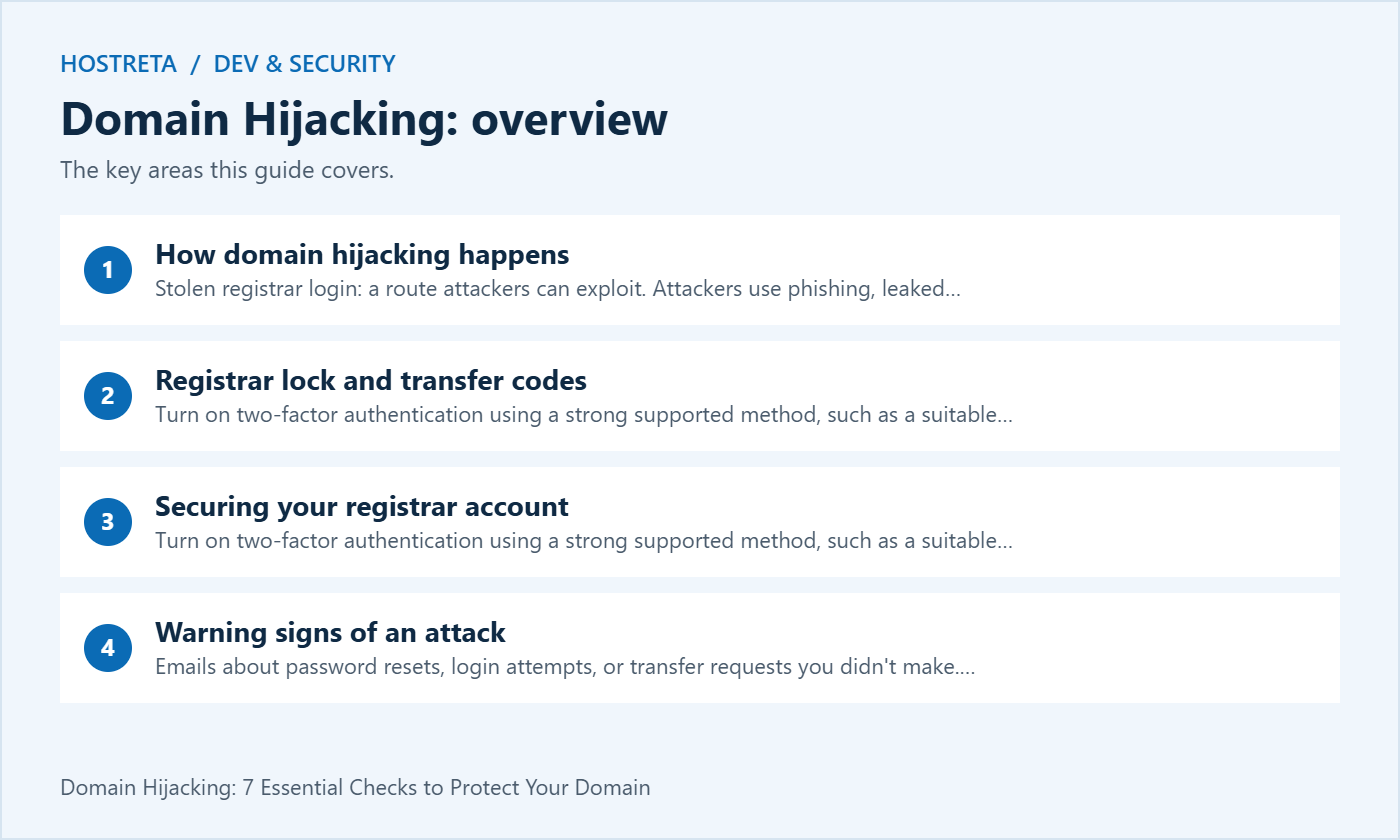
This guide explains how domains get hijacked, how registrar lock and transfer codes protect you, how to secure your registrar account, the warning signs of an attack, and what to do if it happens.
Registrar lock (also called transfer lock or clientTransferProhibited) stops your domain from being moved to another registrar. Keep it on at all times, and only turn it off when you’re transferring the domain yourself.
The transfer code (EPP or auth code) is like a password for moving your domain. Never share it by email or chat, and request a new one if you think it was exposed.
For high-value domains, some registrars offer a stronger registry lock, which adds registry-level restrictions and a verification process for covered changes. Availability, scope and unlocking procedures vary.
Choosing a registrar with these features? See Best Domain Registrars for Privacy and Security.
Phishing emails pretending to be your registrar are common, so learn to spot them: Phishing Emails: How to Spot Them in 5 Seconds.
Monitoring and logging work best alongside layered protection. SiteLock scans for malware, CodeGuard keeps off-site backups with version history, and 360 Monitoring alerts you to downtime. Secure hosting matters too: Kawedma WordPress hosting and managed WordPress hosting powered by Rocket.net include firewalls and automatic updates. Use NordVPN when managing sites over public Wi-Fi.
Use our nameservers vs DNS records guide to identify whether the unexpected change concerns delegation or data inside a zone. The DNSSEC guide explains validation’s role; it does not replace account ownership and recovery controls.
These incidents overlap but are not identical. Domain hijacking concerns control of the registration. A DNS takeover can change where visitors or email go without moving the registration to a new owner. A hacked WordPress site can display malicious content while the registrar and DNS remain unchanged. Identifying which layer changed helps you contact the right provider.
| Observation | Where to investigate |
|---|---|
| Unexpected registrar or registrant change | Registrar account and transfer history |
| Unexpected nameservers or mail records | Registrar and authoritative DNS provider |
| Changed website content with unchanged DNS | Hosting account, website files and application access |
| Missing password reset emails | Mailbox access, mail forwarding and domain mail records |
A transfer lock is a useful layer against domain hijacking, but it does not replace securing the account. An attacker with sufficient registrar access may be able to remove a lock or change settings it does not cover. Review ICANN’s registrant guidance on protecting domains and your provider’s own security documentation.
Do not put passwords, transfer codes or recovery codes into the inventory. Record who holds approved access and how the organisation can recover it. Review access when staff or suppliers leave. For an important domain, ask whether registry lock is available and which changes it restricts before deciding whether it fits your workflow.
Open the registrar’s known website directly and contact its official support channel. Report the domain, the first observed change and whether you still control the account. Request an urgent review of unauthorised changes and ask what containment actions the provider can take. Do not trust a phone number or recovery service included in a suspicious notification.
Preserve receipts, support case numbers, timestamps and relevant alerts before making extensive changes. Use a trusted device to secure the recovery email and account access. Check for unauthorised forwarding rules and sessions. Once control is restored, compare nameservers and DNS records with your known configuration and test both the website and mail.
ICANN’s domain transfer FAQ explains transfer mechanisms and complaint routes. A complaint is not a promise of immediate recovery. Work with the registrar on the evidence and available procedures, especially when a domain has moved between registrars.
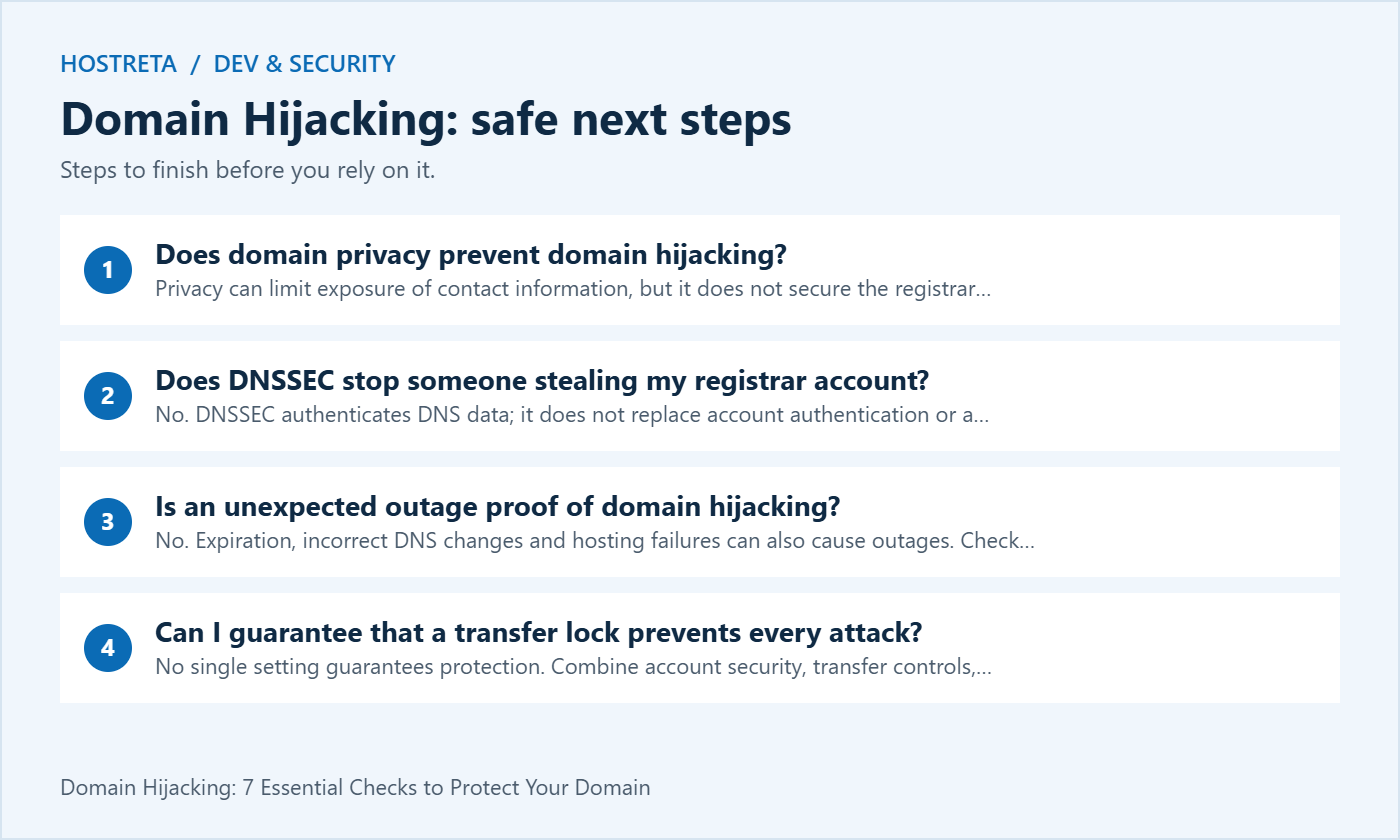
Privacy can limit exposure of contact information, but it does not secure the registrar password, recovery mailbox or DNS account. Treat privacy and account security as separate controls.
No. DNSSEC authenticates DNS data; it does not replace account authentication or a transfer lock. Protect each relevant management account and review who can alter DNS or registration settings.
No. Expiration, incorrect DNS changes and hosting failures can also cause outages. Check the registrar status, authoritative DNS and hosting service before deciding which recovery process applies.
No single setting guarantees protection. Combine account security, transfer controls, monitoring and a recovery plan. The goal is to reduce the chance of domain hijacking and detect unauthorised changes quickly.
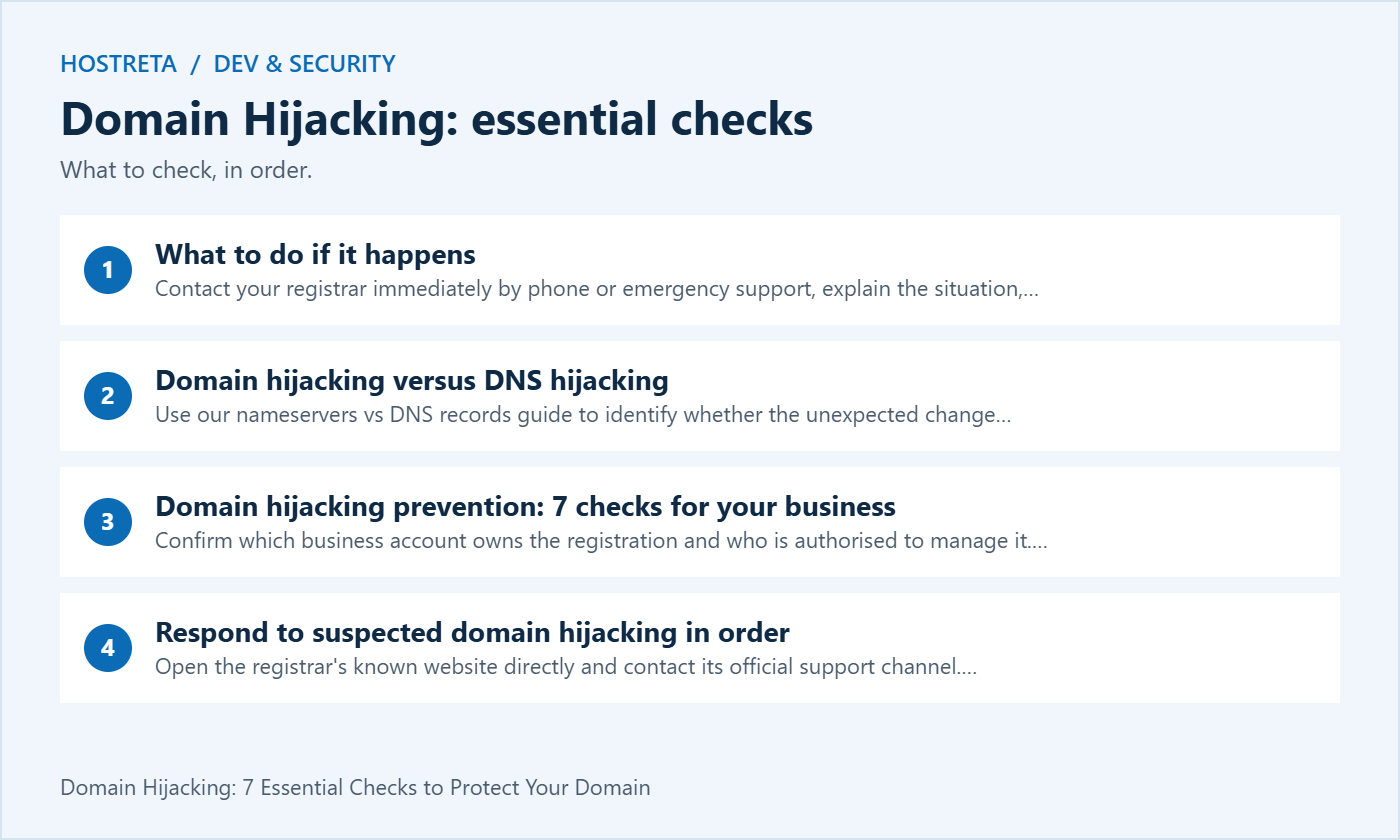
Keep an accurate map of the business accounts that control registration, DNS, hosting and recovery email. These roles can belong to different providers. Record the responsible person and the official support route for each role, so an incident does not begin with a search for the right company.
The business should understand who is authorized to approve a transfer or a significant configuration change. Domain hijacking prevention becomes harder when a critical name sits in an undocumented personal account belonging to a former supplier. Arrange a supported handover while everyone involved is available.
Keep the account map separate from secrets. A general operational note should explain ownership and recovery responsibility without exposing passwords, transfer codes or emergency recovery material.
Include domain renewal ownership and expiry checks in the recovery plan. Keep registration continuity and access protection as separate checks so an expired domain is not mistaken for a confirmed account takeover.
A strong registrar login is only one part of the access path. Review the mailbox and other supported methods used for account recovery. Make sure the organization can maintain them and that a staffing change does not silently remove access.
Check whether the recovery route depends entirely on the domain being protected. That dependency can complicate a domain hijacking incident if mail routing is affected. Choose a recovery design appropriate to the provider and business, and document how authorized people will use it.
Do not test recovery by exposing credentials or disrupting a working account. Follow the provider’s supported review process. Keep sensitive recovery information in the approved credential system with access limited to the appropriate people.
Record the reason for a planned transfer, nameserver change or contact update before it happens. Include the person approving it and the expected outcome. This gives administrators a reference when an alert arrives and helps distinguish legitimate maintenance from a possible domain hijacking attempt.
Confirm unusual requests through a known channel. An urgent message asking for a transfer code or a change to recovery details deserves verification independent of the supplied link. Do not let a convincing logo or familiar display name replace that check.
After an authorized change, inspect the result and record completion. A requested change and an applied change are different states. Keeping both visible reduces confusion during later domain hijacking investigations.
Notifications can help detect unexpected activity, but attackers can imitate them. Open the known registrar or provider site directly and review the account state. Use the official support route if a message claims something urgent that you cannot confirm.
Domain hijacking monitoring should cover the settings relevant to your services. Keep known nameservers and important DNS records documented, along with the registration owner and renewal arrangements. A change should be reviewed in context rather than judged solely by whether the website still loads.
Assign an owner to alerts and define what happens when that person is away. A warning is useful only if someone can evaluate it and take the appropriate next step.
Keep registration receipts and legitimate account references available through the organization’s normal records process. During a suspected incident, preserve the relevant messages, times and support case numbers. Do not publish the entire evidence pack in a public forum.
Describe what changed and what remains under your control. For domain hijacking, that distinction helps the registrar assess the case. A hosting compromise with unchanged registration may require another response team, even when visitors see a similar symptom.
Keep observations factual. Do not publicly accuse a person or provider based only on an outage or unfamiliar lookup. Gather evidence, contact the responsible service and document the available containment and recovery process.
Decide who communicates internally and who works with the provider. If customer-facing services are affected, use the organization’s established incident communication process. Confirm facts before making broad statements about what data or accounts were compromised.
A domain hijacking incident can affect website links, mail routing and account recovery. Review those dependencies with the relevant owners. Avoid assuming that restoring a home page confirms the mail service and every connected account are secure.
Keep a single timeline of provider instructions and actions taken. This helps prevent different team members from applying conflicting changes while the incident is being investigated.
After the provider confirms restored control, review authorized access, recovery settings and the intended public configuration. Use the approved account-management process and preserve evidence before making broad changes. Follow any additional provider instructions for the case.
For domain hijacking recovery, test both the website and mail. Check the important customer routes and any business accounts that depend on messages sent to the domain. Record unresolved issues separately from the administrative recovery confirmation.
Review the underlying cause with the responsible team. A restored registration does not automatically explain how the incident occurred. Document the corrective actions and ownership so the same access weakness is not left in place.
When evaluating a registrar, ask about supported authentication, delegated access, change alerts, transfer controls and recovery procedures. For a critical name, clarify the availability and scope of any additional locking service. Do not assume a product label describes every protected action.
Promotional recommendation: Consider KAWEDMA’s domain services if you are comparing domain services alongside hosting or business email. Ask which domain hijacking prevention controls and support procedures apply to the actual registration and extension. Confirm the service terms rather than assuming a complete protection guarantee.
Review ICANN’s domain security resources for further reading, and use the current instructions from the provider managing your account.
A new supplier, employee departure or mailbox migration can alter the account recovery chain. Review ownership and supported access at those moments rather than waiting for the next incident. Keep the inventory current and retire obsolete assumptions.
Practise a discussion-based incident walkthrough with the team: who receives the alert, how they verify it, which provider they contact and what evidence is available. Domain hijacking preparation does not require making risky live account changes merely to demonstrate a scenario.
At the end of the review, assign remaining work and record completion evidence. The useful outcome is an organization that can maintain its accounts and respond through known channels, with no claim that one setting prevents every possible attack.
Imagine that a business receives an unexpected nameserver-change notice. The person monitoring alerts does not use the link in the message. They open the known registrar site and compare the current settings with the documented configuration. They also ask the designated change owner whether an authorized project is in progress.
If the change is unexplained, the business contacts the provider through its official support channel and preserves the relevant timeline. One person coordinates the case while the website and mail owners collect their own observations. The team does not assume that every failed email or changed page has the same cause; it records what each service actually shows.
After the provider resolves the account issue, the business verifies the intended public configuration and the affected customer routes. It checks whether the recovery mailbox and authorized access still match the approved design. Remaining application problems are assigned separately, rather than hidden by a successful registrar login.
This domain hijacking example illustrates a process, not a promise that every case has the same outcome. Recovery depends on the evidence, provider procedures and incident circumstances. The preparation that helps is knowing who owns the accounts, where legitimate support is reached and which configuration the business expects to see.
Keep the final support reference and the review actions with the incident record so a future maintainer can understand the result.
Review authorized access again after completing any account recovery or supplier handover.
We may earn a commission on purchases made through these links, at no extra cost to you.
Don’t miss the chance to participate in the biggest giveaway of this year.