Marketing

Warm Up a New Email Domain: 7 Essential Checks

To warm up a new email domain, start with wanted messages to a small, engaged audience and increase sending only when authentication and delivery results are healthy. A sudden large campaign from a new domain can encounter spam filtering, but domain age alone does not explain every delivery problem.
This guide explains how to warm up a new email domain: why new domains land in spam, what to set up before the first send, a gradual warm-up schedule, the metrics to watch, and the mistakes that ruin sender reputation.
Gmail, Outlook, and Yahoo judge senders by reputation — a history of how recipients react to their emails. A brand-new domain has no history. Suddenly sending thousands of emails from it looks exactly like what spammers do: register a fresh domain and blast.
Warming up means building a positive history slowly: small volumes to people who want your emails, then gradually more.
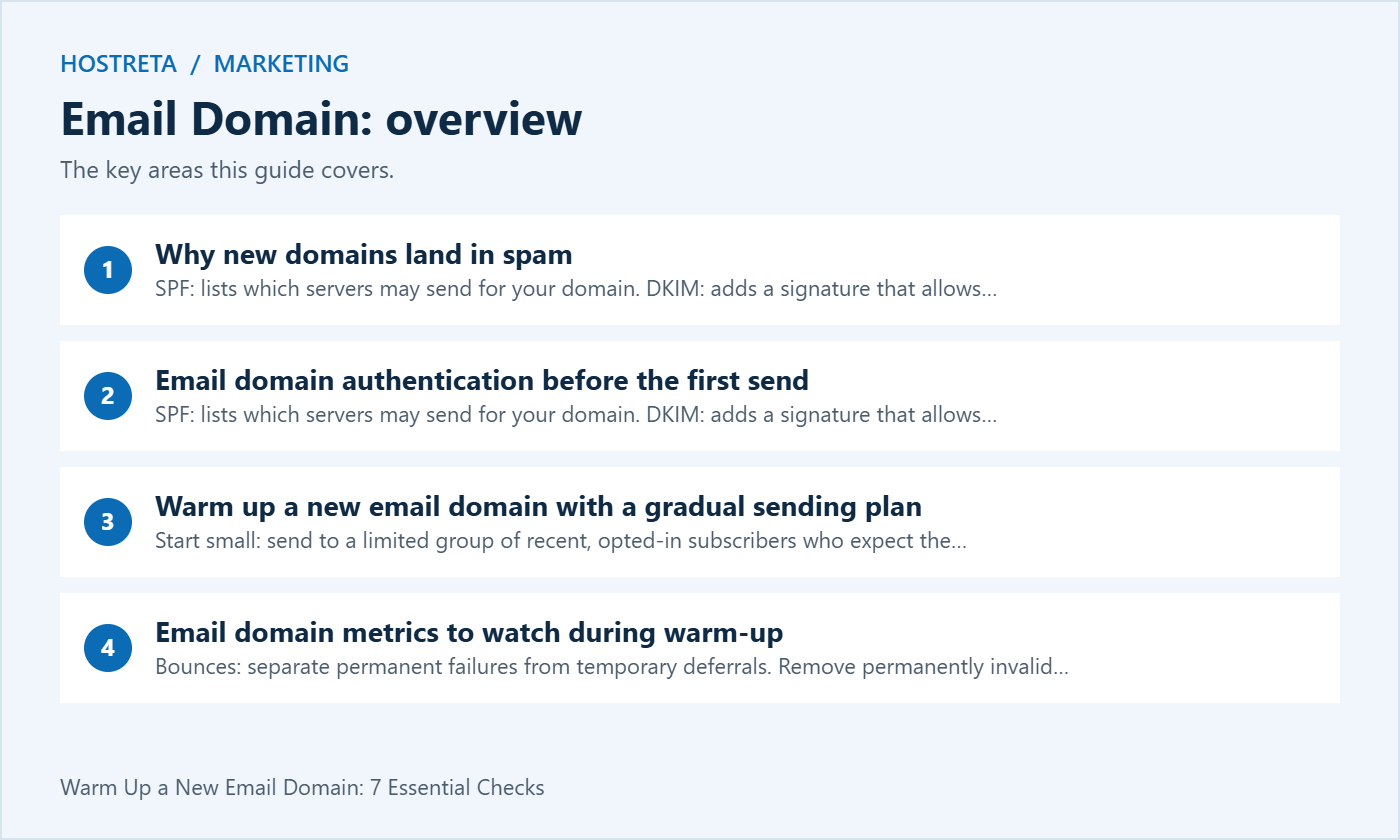
Before you send a single campaign, set up:
Major providers now require authentication for bulk senders. The details are in Email Deliverability: SPF, DKIM and DMARC in Plain English.
There is no universal safe daily volume or fixed four-week guarantee. Use your provider’s guidance and actual recipient feedback. The following stages are a planning framework, not targets you must reach on a calendar:
Send consistently rather than in sudden spikes, and send your best, most-wanted content during warm-up. A welcome series or a genuinely useful guide is perfect. Need content ideas? See How to Write a Newsletter People Actually Open.
If numbers go bad, pause, reduce volume, and fix the cause before continuing.
Before warming up, clean your list — see Email List Hygiene: Clean Your List and Protect Deliverability.
Good content needs a fast site and steady promotion. Marketgoo gives step-by-step SEO recommendations, and SocialBee schedules social posts across platforms. For hosting, Kawedma WordPress hosting and managed WordPress hosting powered by Rocket.net keep pages quick, and the AI SiteBuilder from Hosting.com helps launch simple sites fast.
Review the current Gmail email sender guidelines and Yahoo sender requirements for the destinations you serve. Providers distinguish general requirements from bulk-sender requirements, so do not assume a small test exempts your future campaigns from authentication or unsubscribe obligations.
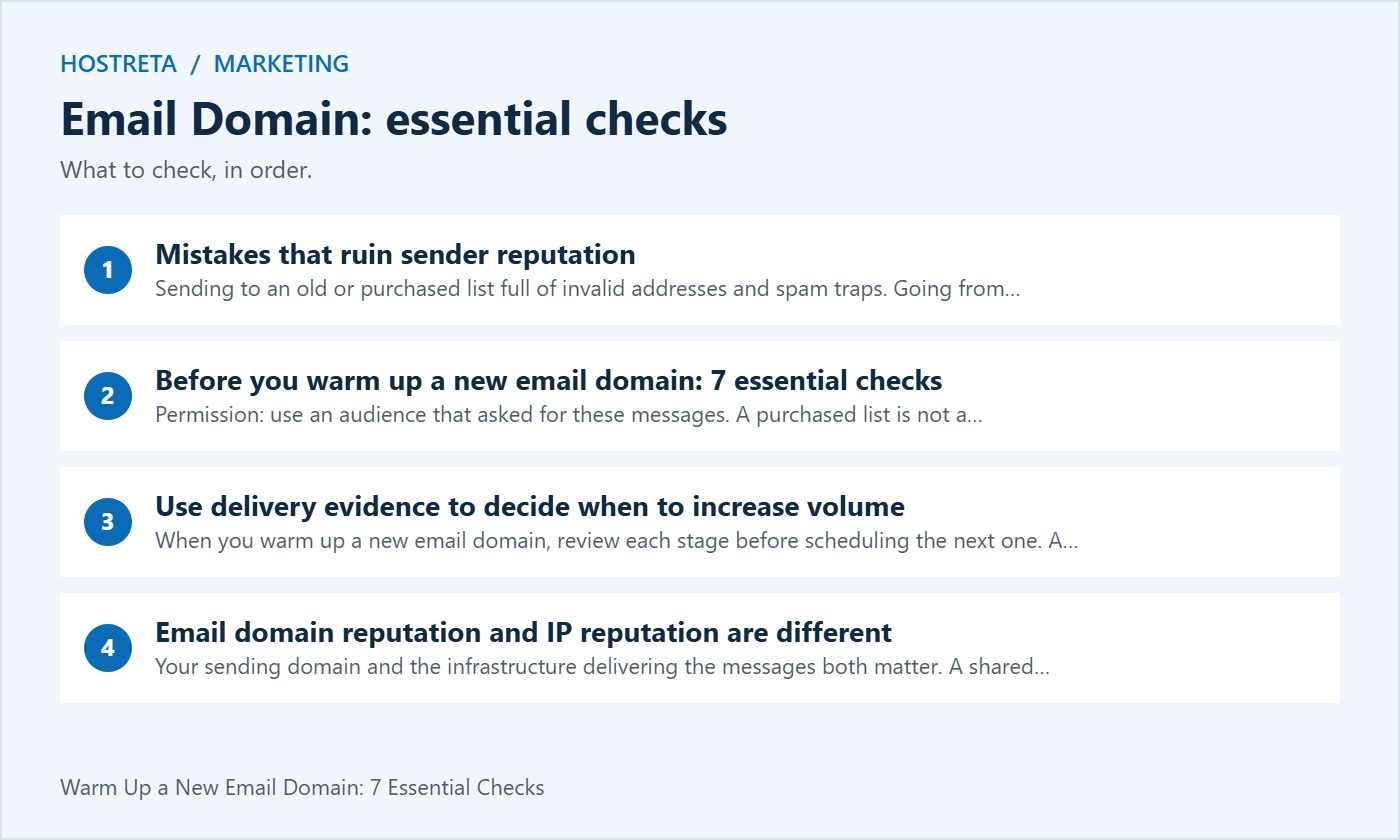
When you warm up a new email domain, review each stage before scheduling the next one. A low complaint count does not automatically mean a campaign is healthy if most mail is being rejected. Conversely, a temporary delivery delay needs a different response from a permanently invalid address.
| Signal | Interpretation to investigate | Next action |
|---|---|---|
| Authentication failure | DNS or sender alignment may be wrong | Fix the configuration and retest before increasing |
| Permanent invalid-address bounce | The address is not deliverable | Suppress it rather than retrying the campaign |
| Temporary deferrals | The receiving service is delaying acceptance | Follow provider retry guidance and inspect error codes |
| Complaints or unexpected unsubscribes | Audience expectations may not match the message | Pause expansion and review permission and relevance |
| Stable acceptance and useful engagement | The current segment is responding reasonably | Consider a cautious increase, without assuming guaranteed placement |
Keep a record of the date, audience segment, attempted sends, accepted messages, permanent bounces, deferrals and complaints. Compare the same definitions each time. A platform’s accepted-message count is not the same as a guarantee that the message reached the inbox.
Your sending domain and the infrastructure delivering the messages both matter. A shared sending service manages infrastructure differently from a dedicated IP. Buying a dedicated IP does not automatically solve delivery problems, and it may introduce a separate ramp-up process. Ask your provider what it manages and what your account is responsible for.
Do not rotate through new domains to escape complaints or sending restrictions. If recipients do not want the messages, changing the domain leaves the underlying problem unresolved. To warm up a new email domain responsibly, improve audience quality and message relevance before expanding the campaign.
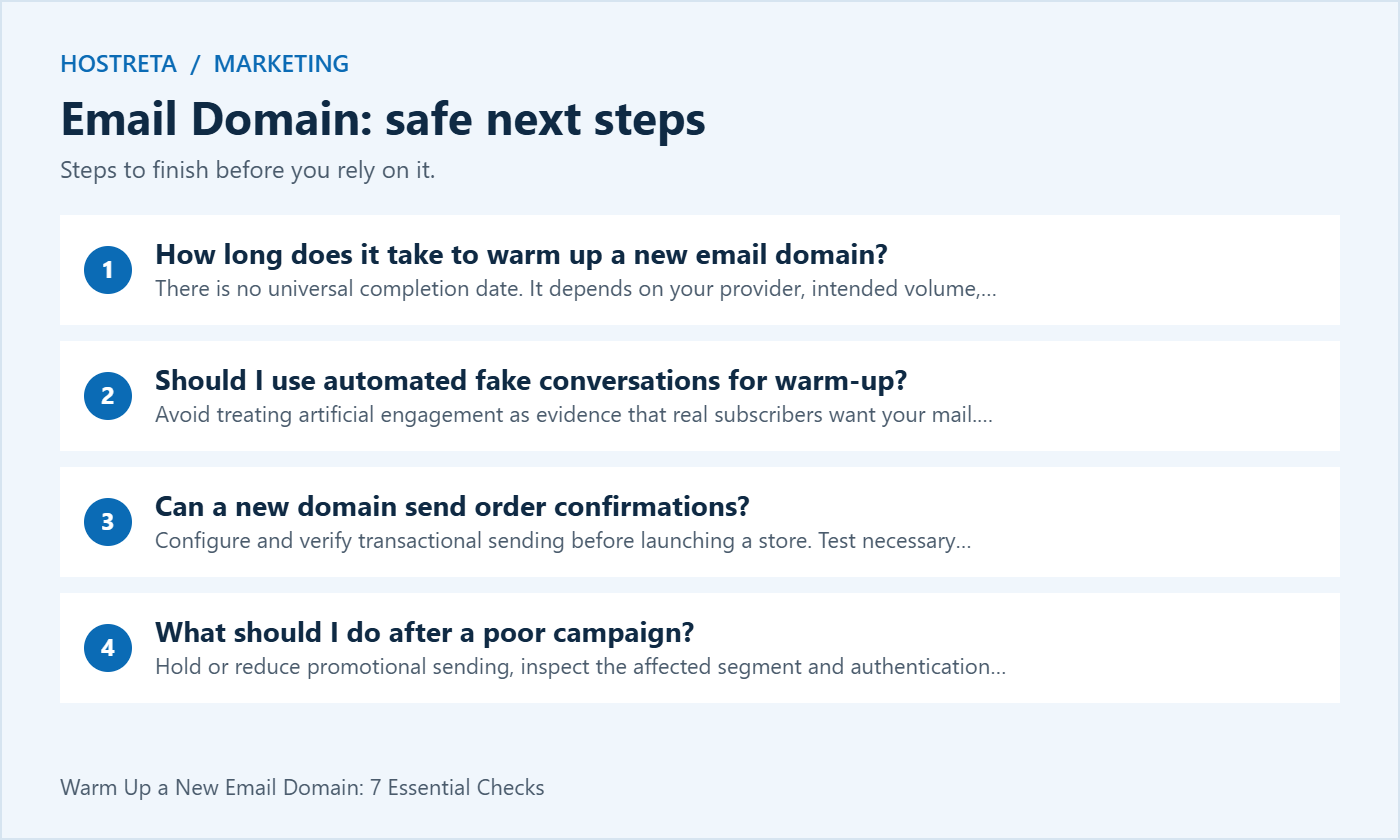
There is no universal completion date. It depends on your provider, intended volume, authentication, audience and results. Use healthy delivery evidence to decide when to expand instead of treating a fixed number of weeks as permission to send to everyone.
Avoid treating artificial engagement as evidence that real subscribers want your mail. Focus on legitimate, expected messages and follow your provider’s policies. A warm-up tool cannot guarantee reputation or inbox placement.
Configure and verify transactional sending before launching a store. Test necessary notifications through the intended provider and avoid mixing urgent customer messages into an untested promotional campaign. Marketing ramp-up should not become a reason to withhold required customer communications.
Hold or reduce promotional sending, inspect the affected segment and authentication results, and follow provider guidance. Suppress invalid or opted-out addresses. Resume cautiously only after addressing the cause; sending more mail to dilute a bad metric is not a repair.
Identify the services using the domain for staff correspondence, application notifications and marketing. They may use different delivery routes. Record the provider responsible for each route and the person who owns its configuration. This prevents a promotional test from being mistaken for proof that every business message works.
For each email domain, keep the intended sender identity and audience purpose documented. A recognizable name helps recipients understand who is writing, but the account and authentication still need verification. Do not assume that purchasing a mailbox also authorizes an unlimited campaign workload.
Ask the provider which sending pattern the service supports and what information is available when delivery fails. Use that answer to design the rollout, rather than choosing a target volume first and looking for a way around restrictions.
Begin with people who requested the relevant content and have a clear reason to expect it. Keep the subscription source and the content promise with the segment. An address being technically valid does not establish that its owner wants a campaign.
When expanding an email domain campaign, compare the next segment with the first. An older imported group can have a different history from recent subscribers. Do not treat one successful send as permission to include everyone in an unrelated file.
Keep opt-outs and permanent failures excluded throughout later imports and automations. A suppression rule should remain effective when the sending plan changes. Review that behavior before broadening the campaign.
Send controlled test messages through the actual provider and application path. Check the visible sender, reply behavior and authentication evidence. A provider accepting a request is not the same as a recipient finding the message in the inbox.
Review the content on the devices and applications your audience uses where practical. Check links, formatting and the preference route. The email domain setup is only one part of the recipient experience; a broken destination or confusing unsubscribe process still needs correction.
Record the test date and the sending route. If another integration is introduced later, repeat the relevant checks. Do not rely indefinitely on a test performed before the configuration changed.
Write down who reviews the results and what would pause expansion. Include provider warnings, unexpected rejection patterns and audience complaints. Use the provider’s current guidance for interpretation rather than inventing a universal threshold for every mailbox service.
For an email domain rollout, distinguish a temporary acceptance delay from a permanent invalid destination. Follow the supported retry process. Repeatedly resending to a failed address is not evidence-based reputation building.
Keep the next increase conditional on the review. A schedule is a planning aid, not a requirement to send more when the evidence is poor. Make the reason for each change visible in the campaign log.
Imagine a business launching a newsletter for recent subscribers. It verifies the sending setup and sends a useful first issue to a limited relevant segment. The team records acceptance information, failures, complaints and meaningful responses using consistent definitions.
Before the next send, the owner reviews those results and checks that the audience still matches the subscription promise. If the evidence is healthy, the business considers a cautious expansion. If a provider defers messages or subscribers complain, it investigates the cause before increasing the workload.
This email domain example does not prescribe a fixed daily count or completion date. The useful process is a controlled introduction with real recipients and recorded decisions. A calendar alone cannot establish that reputation or inbox placement is guaranteed.
A store still needs tested order and account notifications. Review transactional sending through its intended supported service rather than making essential messages depend on an untested promotional sequence. Keep the responsibilities of marketing and application owners clear.
An email domain can support several legitimate senders, but their authentication and service policies must be coordinated. Adding one provider should not silently break another authorized route. Record who manages the relevant DNS and sending configuration.
Test the actual application event after changes. A manually composed mailbox message does not prove that a form, password reset or checkout notification was generated correctly.
Open tracking can differ from actual reading because of privacy features and automated loading. Interpret the available data in context. Do not manufacture conversations or encourage artificial activity merely to produce a favorable dashboard.
For the email domain under review, compare consistent segments and message purposes. A change in reporting definitions or audience composition can alter a percentage without improving the customer experience. Keep that context in the report.
If a complaint or delivery problem appears, address permission, relevance and configuration. Sending additional unrelated messages to dilute a rate does not repair the reason people rejected the campaign.
Review business email and Google Workspace options at KAWEDMA when choosing services for your email domain. Explain the distinction between staff mail, application notifications and marketing campaigns. Confirm supported integrations, sending policies and the setup scope before selecting a plan.
A business mailbox is not automatically a bulk campaign platform. Ask which service fits the intended workload and what the provider manages. Do not assume any hosting or mailbox purchase guarantees delivery to every recipient’s inbox.
Keep the sending routes, account owner, active audience rules and review process in the operational notes. Store credentials separately through the approved system. A new team member should be able to understand the next planned action without relying on a remembered volume target.
Review the plan when providers, staff or message types change. Repeat the relevant technical and recipient-experience tests. The email domain rollout remains an ongoing quality process, not a one-time label that makes every future campaign safe.
Record unresolved work and assign a responsible owner. Close an investigation only when the evidence supports the conclusion, and explain any remaining uncertainty rather than describing a small test as universal inbox placement.
When the message purpose or subscription promise changes, reassess the audience before scheduling the next send. A person who requested a product update may not expect a different promotional series. Keep the reason for the segment and the preference route clear in the campaign plan.
Test the destination links and the reply handling with accounts you control. Check that an unsubscribe remains effective in scheduled work and that a failed address is not restored through a later import. These operational checks help prevent a careful rollout from being undone by another workflow.
For the email domain review, record what changed, why it changed and what evidence supports the next step. Include provider feedback and the response from the intended audience. A favorable percentage without context is not enough to approve an unrelated expansion.
Finally, give the next reviewer a short list of open issues and the owner of each one. If a technical question remains with the provider, keep the support reference and follow-up action. The campaign should move forward through explicit decisions rather than an automatic increase that nobody reviewed.
Retest changed sending integrations before the next campaign, and document which application and sender identity were checked.
We may earn a commission on purchases made through these links, at no extra cost to you.
Don’t miss the chance to participate in the biggest giveaway of this year.