Reviews

3 Best Email Signature Generators for Professionals
Email signature generators help professionals turn everyday messages into clear, consistent introductions. You send dozens of emails every week. Each one ends with a signature — a small space that can make you look polished and trustworthy, or cluttered and amateurish. Done well, an email signature is free marketing: it tells people who you are, how to reach you, and where to learn more.
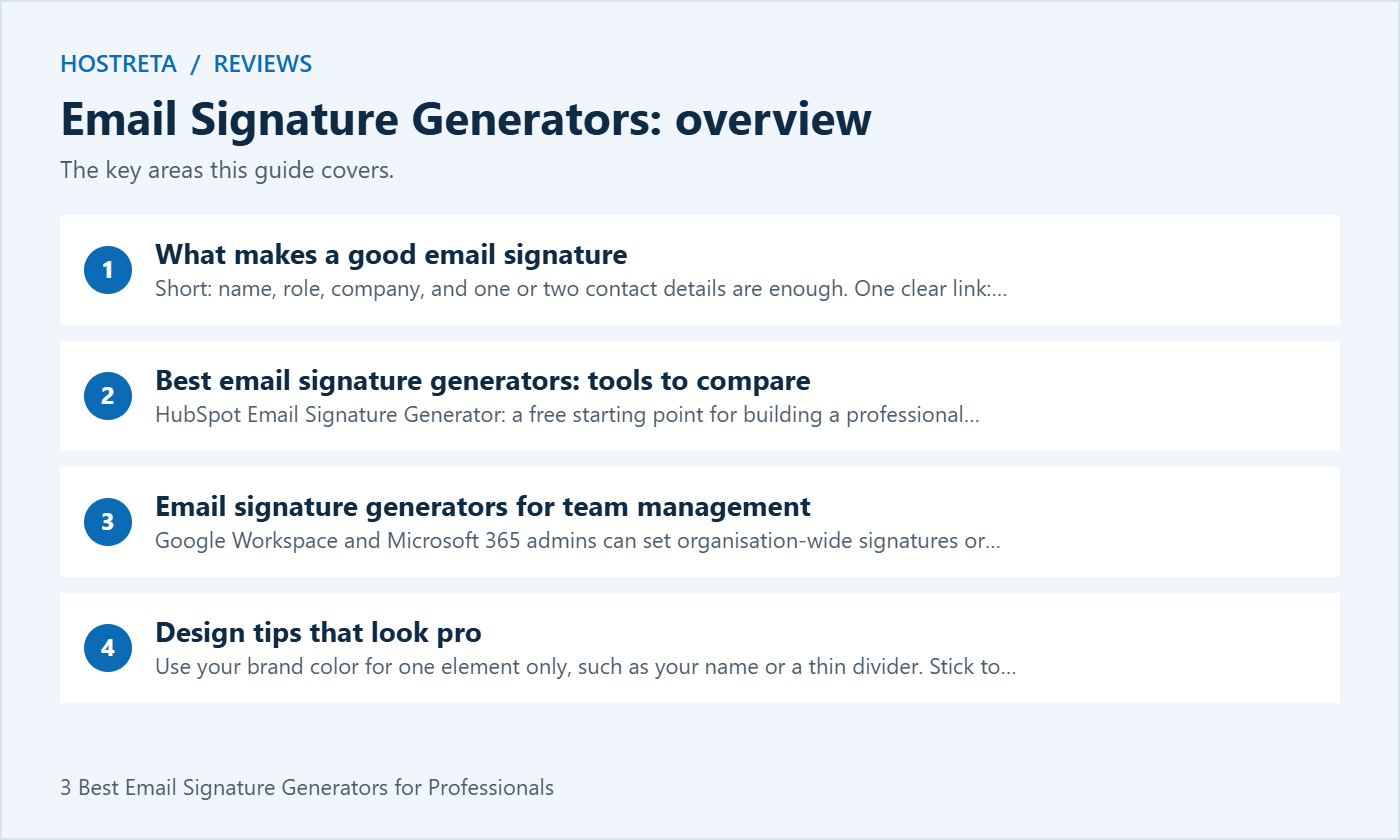
This guide compares email signature generators, explains what makes a good signature, and covers tools for managing team signatures, design tips, and how to add a signature to your email client.
Email signature generators produce HTML signatures that you paste into Gmail, Outlook, or Apple Mail. Check what’s free and what requires a subscription before you start, as plans change.
When comparing email signature generators for teams, consistency matters more than individual creativity. Centralised tools let you design one template and apply it to everyone:
Comparing email platforms for your team? See Best Email Hosting Providers for Small Businesses.
A fast, well-supported host makes every WordPress task smoother. Kawedma WordPress hosting and managed WordPress hosting powered by Rocket.net include staging sites for safe testing, while shared hosting from Hosting.com or Kawedma shared hosting suit smaller sites. Protect the site with an SSL certificate and automatic backups from CodeGuard.
Compare email signature generators against the result you need, rather than choosing the most decorative template. A freelancer usually needs a name, a service description and a link to a portfolio. A customer support team needs accurate contact information and a consistent layout. A sales team may want a booking link, but that should not compete with several other calls to action.
Use the following checklist when testing email signature generators. Create one sample with realistic information before you commit to a service or subscription. Do not enter private customer details into a design tool; sample contact information is enough to assess the layout.
Before testing email signature generators, build the text version first. For example: Alex Morgan, Website Consultant, Example Studio, followed by one business phone number and a portfolio link. Add a small logo only after the text works. This gives you a useful fallback for mobile devices, plain-text messages and recipients who block remote images.
Email signature generators can make a layout faster to build, but they cannot decide which details matter to your reader. Choose one next step: visit your website, book a call or contact support. If every element demands attention, the signature becomes harder to scan. Remove information already obvious from the message and keep optional social links below the main contact details.
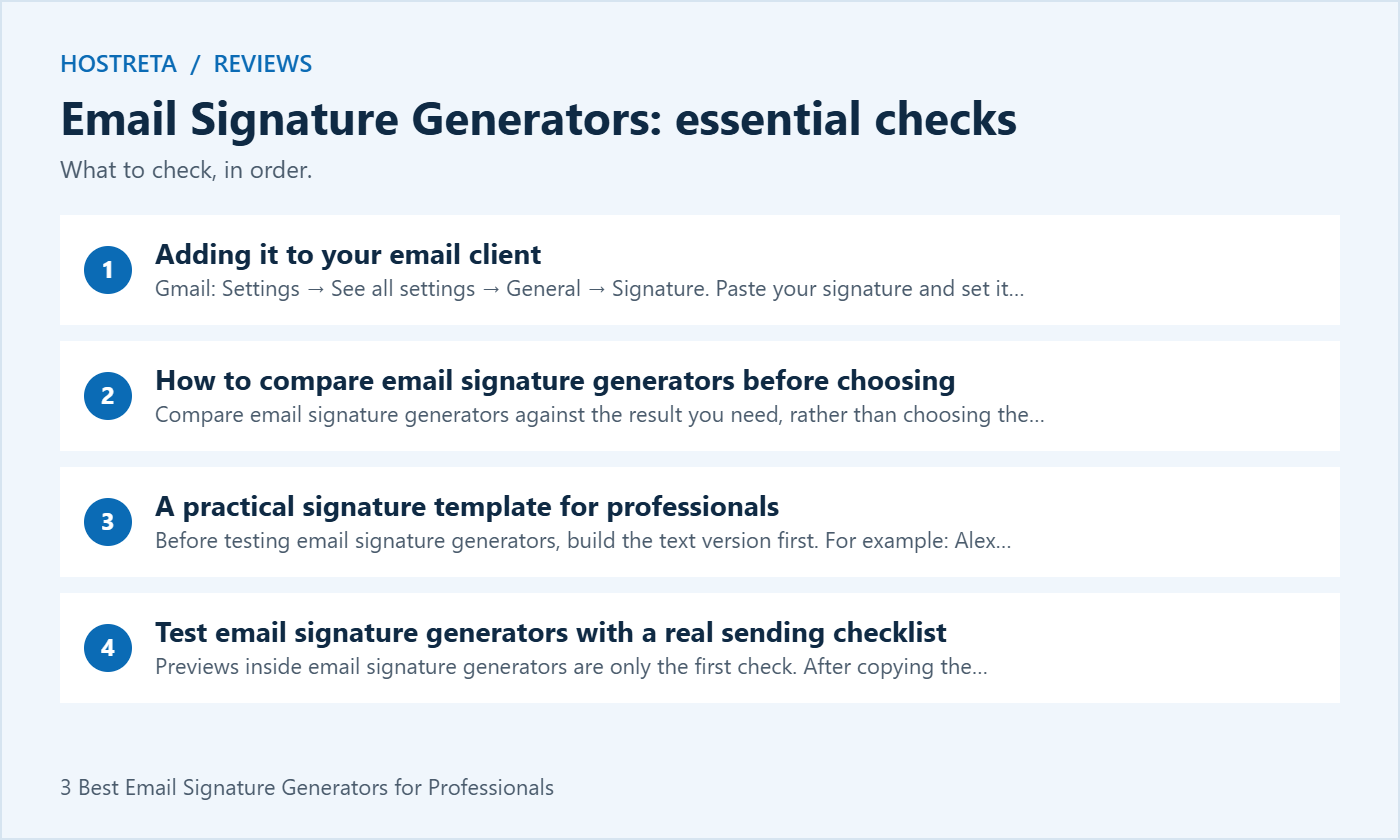
Previews inside email signature generators are only the first check. After copying the result into your email settings, send a new message and a reply to a test account you control. Inspect both versions on desktop and on a phone. Then forward the message once to see whether spacing or duplicate signatures make the conversation difficult to read.
If the signature breaks, simplify it before adding more formatting. Remove a large banner, reduce the number of columns and paste a fresh copy into the editor. Keep an approved master version so future edits do not depend on copying an old email.
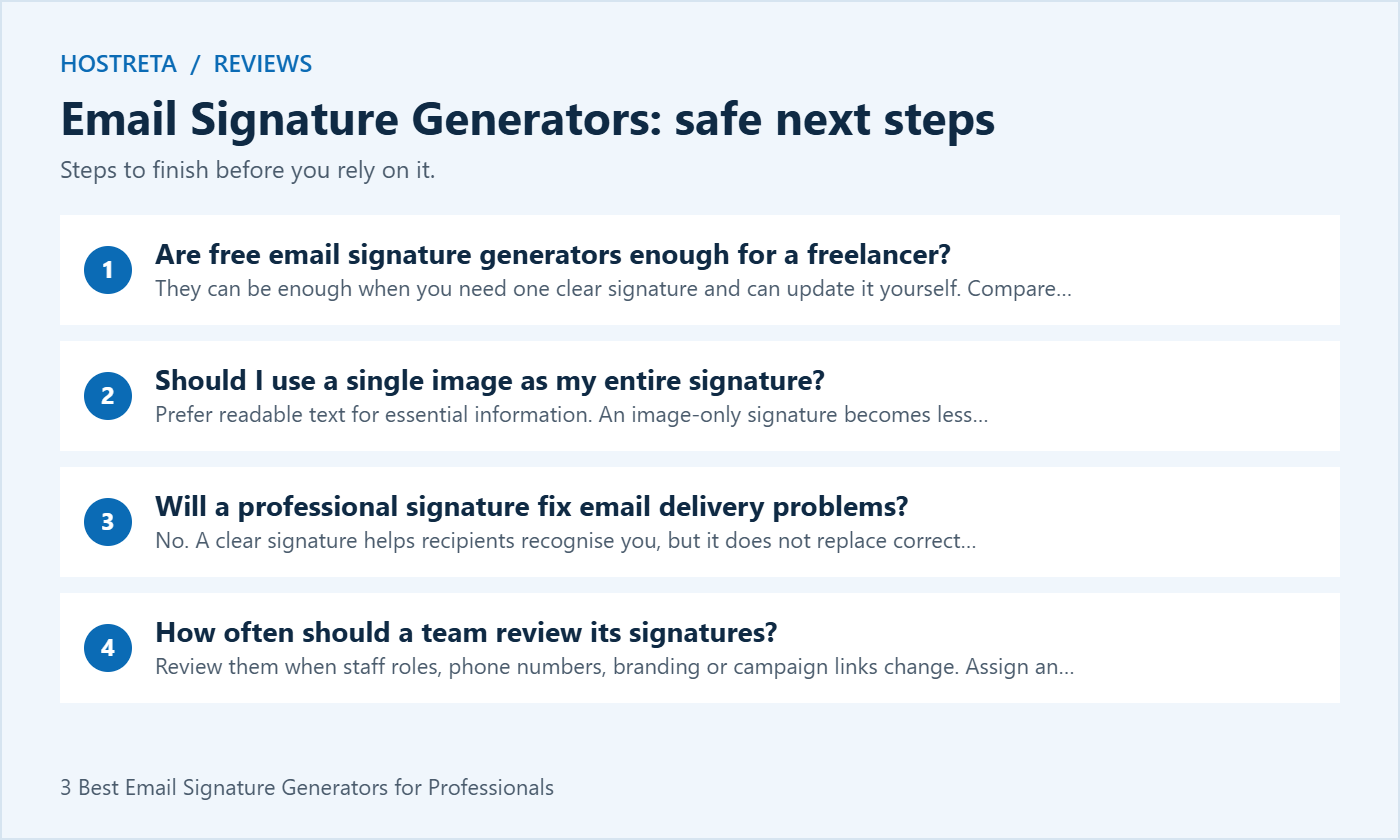
They can be enough when you need one clear signature and can update it yourself. Compare the exported result, any vendor branding and the current terms. A paid service becomes more relevant when you need shared administration, controlled templates or a repeatable process for many mailboxes.
Prefer readable text for essential information. An image-only signature becomes less useful when images are hidden, and readers cannot easily select individual contact details. Use a logo to support the text, and give meaningful images a descriptive alternative text where the editor allows it.
No. A clear signature helps recipients recognise you, but it does not replace correct email authentication or responsible sending practices. Avoid treating a design change as a solution for messages that bounce or go to spam; investigate the sending account and mail configuration separately.
Review them when staff roles, phone numbers, branding or campaign links change. Assign an owner to the shared template and include a signature check in onboarding and offboarding. A simple accurate signature is more useful than a polished design with outdated contact details.
Choose email signature generators by testing the exported signature in your own workflow. Keep the design short, verify every link and save a master copy that you can update when your business changes.
If you work alone, choose email signature generators that let you maintain a signature without help. Your name, service and preferred contact route matter more than a promotional banner. Keep a plain-text copy beside the formatted version. When your website or phone number changes, update both copies and send yourself another test email.
Before comparing subscriptions to email signature generators, write down the problem you are trying to solve. If the problem is simply inconsistent spacing, a basic template may be sufficient. If you regularly change campaign links or manage several business identities, evaluate how easily each tool lets you revise and reuse a design. Avoid paying for features you will not maintain.
For a small team, agree on one approved layout and a short list of fields employees may change. Names, roles and direct phone numbers can vary; the logo, company name and main website should remain consistent. Explain who to contact when a field needs updating, so staff do not create several competing versions.
Test email signature generators with the longest real job title in the team. A template that looks good with a short sample name may wrap badly with a longer department name. Also test colleagues who do not have a direct phone number. The layout should remain balanced when an optional field is absent.
Ask how a signature reaches each mailbox and which devices are covered. A shared document, an application setting and a central email management service are different workflows. Do not assume a template copied into a desktop application will automatically appear on a phone. Include those devices in your trial.
Decide who can edit the master design, who approves campaigns and how changes are checked. If you evaluate a service that connects to your organisation, have the appropriate administrator review the requested access and vendor documentation. Design convenience alone is not a reason to grant access that your business does not need.
Use the same sample details in shortlisted email signature generators. Otherwise, you may prefer one preview because it contains a better logo or shorter name, rather than because the tool fits your needs. Record the date of your comparison, since templates, plans and export options can change.
| Check | What to record | Why it matters |
|---|---|---|
| Export test | Whether the copied result works in your sending application | A polished preview is not enough |
| Image blocking | Whether contact details remain readable without images | Readers may block remote content |
| Update process | Steps needed to change a phone number | Simple maintenance reduces outdated details |
| Mobile check | Wrapping, spacing and link usability | Small screens reveal layout problems |
| Team rollout | How staff install and confirm the template | Consistency depends on deployment |
| Current costs | Billing basis, renewal terms and included features | Avoid comparing unlike plans |
Mark a tool unsuitable if it fails a requirement you actually need. Do not average away a serious compatibility problem with several attractive design options. The most useful email signature generators are the ones that produce a maintainable result in your working environment.
First check whether the recipient blocks remote images. Send a test message to an account you control and compare the result with images enabled and disabled. Your essential contact information should be text in either case. If the image does not load anywhere, check the image address and make sure it is publicly accessible over HTTPS.
Use a stable image location that your business controls where practical. Do not link to a file that requires a login or depends on an expiring sharing link. Keep the source logo and a note of its location so another staff member can maintain the signature later.
Start with a fresh copy of the approved design. Pasting through several applications can introduce extra formatting, so reduce unnecessary copying steps. If the problem continues, simplify the layout and choose a standard font. Compare a short text version against the formatted version to isolate whether the issue comes from the signature or the mail editor.
Do not try to correct every difference by adding more blank lines. A fix that works in one application may make another version worse. Record which application shows the issue, keep a screenshot for the person maintaining the template and test the revised version again.
Consider a shorter reply signature with only your name and one contact route. Check the settings for new messages and replies separately. If your organisation also adds a footer centrally, coordinate with the administrator so individuals do not unintentionally add the same disclaimer or banner twice.
A signature should help a conversation, not overwhelm it. Review an actual long email thread before adopting a large design. If the repeated footer takes more space than the replies, reduce the content and reserve detailed promotional material for an appropriate page on your website.
Use clear text with sufficient contrast against the background. Avoid making a phone number or link so small that the reader has to zoom in. Do not rely on color alone to explain which item is a link. Read the signature aloud and ask whether its information is understandable without the layout.
Where an image conveys meaningful information, provide useful alternative text if the editor supports it. Essential details should still appear as text. A decorative divider does not need to repeat your company name. Keep the reading order straightforward: person, role, business and contact route.
Check the signature with a narrow window and a longer name before approving it. If a two-column design becomes crowded, a single column may be easier to maintain. Email signature generators offer a starting layout; your own test messages are the final check of whether readers can use it.
Only include contact details that the employee and business intend to share with email recipients. A direct business phone number is different from a private personal number. Avoid adding sensitive information to a signature just because a template provides a field for it.
If you want to measure visits from a signature link, agree on the purpose and method with the person responsible for your website analytics. Use a clear destination that matches the link label. Do not promise that a click count proves a sale or that a signature banner will improve revenue by a particular amount.
For ordinary correspondence, one descriptive website link is often easier to understand than several shortened URLs. Review campaign links when a promotion ends. An expired offer in an otherwise professional signature can confuse customers and create unnecessary support questions.
This process keeps the choice practical. Select a tool because its output works, its maintenance process is clear and its current terms match your needs. Recheck those points when your team grows or changes email platforms.
We may earn a commission on purchases made through these links, at no extra cost to you.
Don’t miss the chance to participate in the biggest giveaway of this year.



