Reviews

WooCommerce Coupon Plugins: 7 Essential Checks for a Safe Promotion

WooCommerce includes coupons out of the box, and for a simple 10% discount that’s all you need. But run a real promotion — buy-one-get-one, auto-applied discounts, or a code that only works for first-time customers — and you’ll quickly hit the limits.
This guide compares WooCommerce coupon plugins: what’s built in, what plugins add, the popular options, how to prevent abuse, and which to choose.
WooCommerce coupons already support:
For most small stores, this covers the basics perfectly well.
Check current features and pricing before buying. If you plan to sell gift cards or store credit this season, check which of these plugins supports them before you commit.
Whatever you add, test every coupon on staging before the campaign goes live.
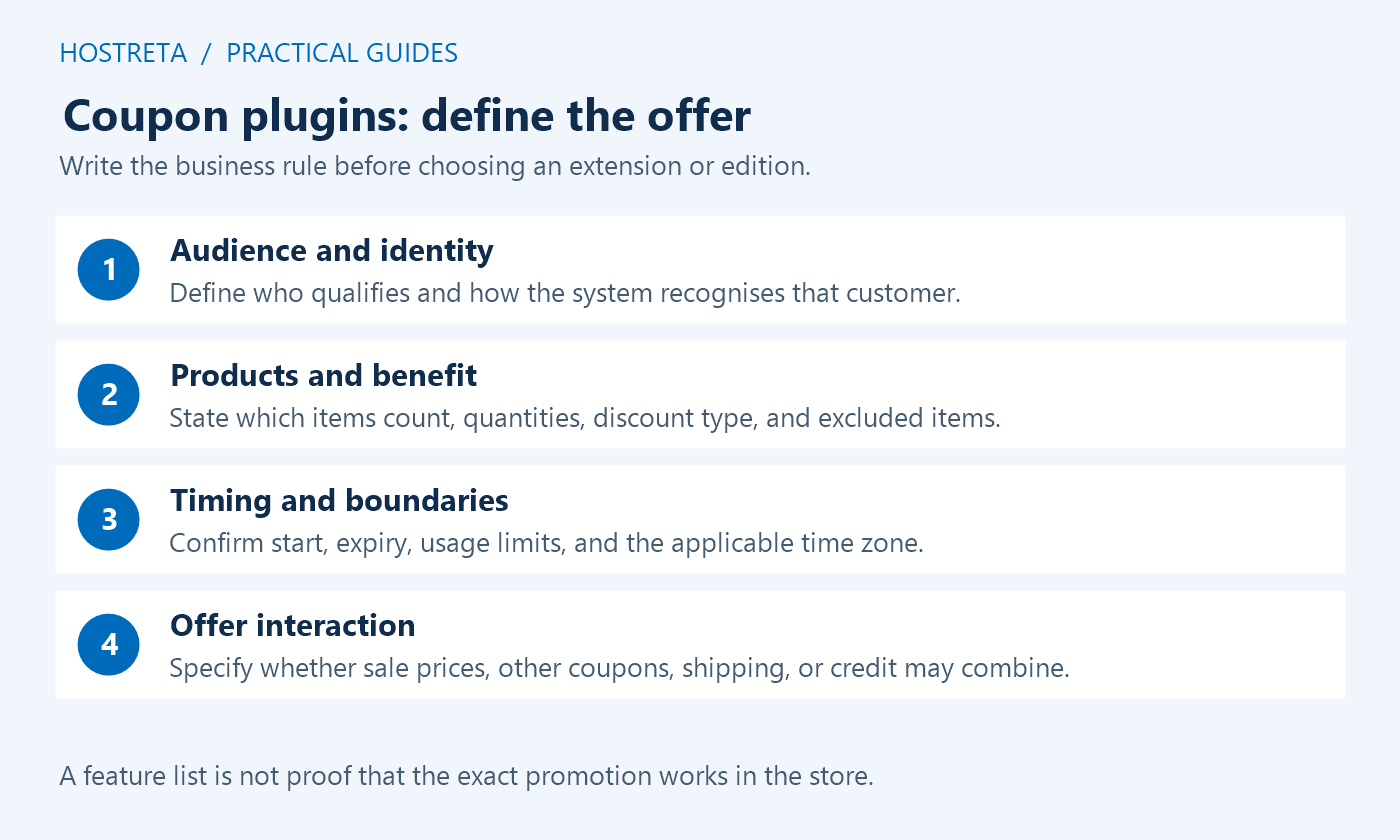
Coupon plugins should implement an approved offer with predictable eligibility and totals. Start by writing the promotion in plain language: who qualifies, which products count, what benefit applies, when it begins and ends, and which other offers may combine with it. A feature list cannot replace that definition.
Use staging, synthetic customers, and supported payment test modes for evaluation. This guide compares workflows and acceptance checks rather than independently benchmarking every product. Verify current editions and documentation before buying or changing a live campaign.
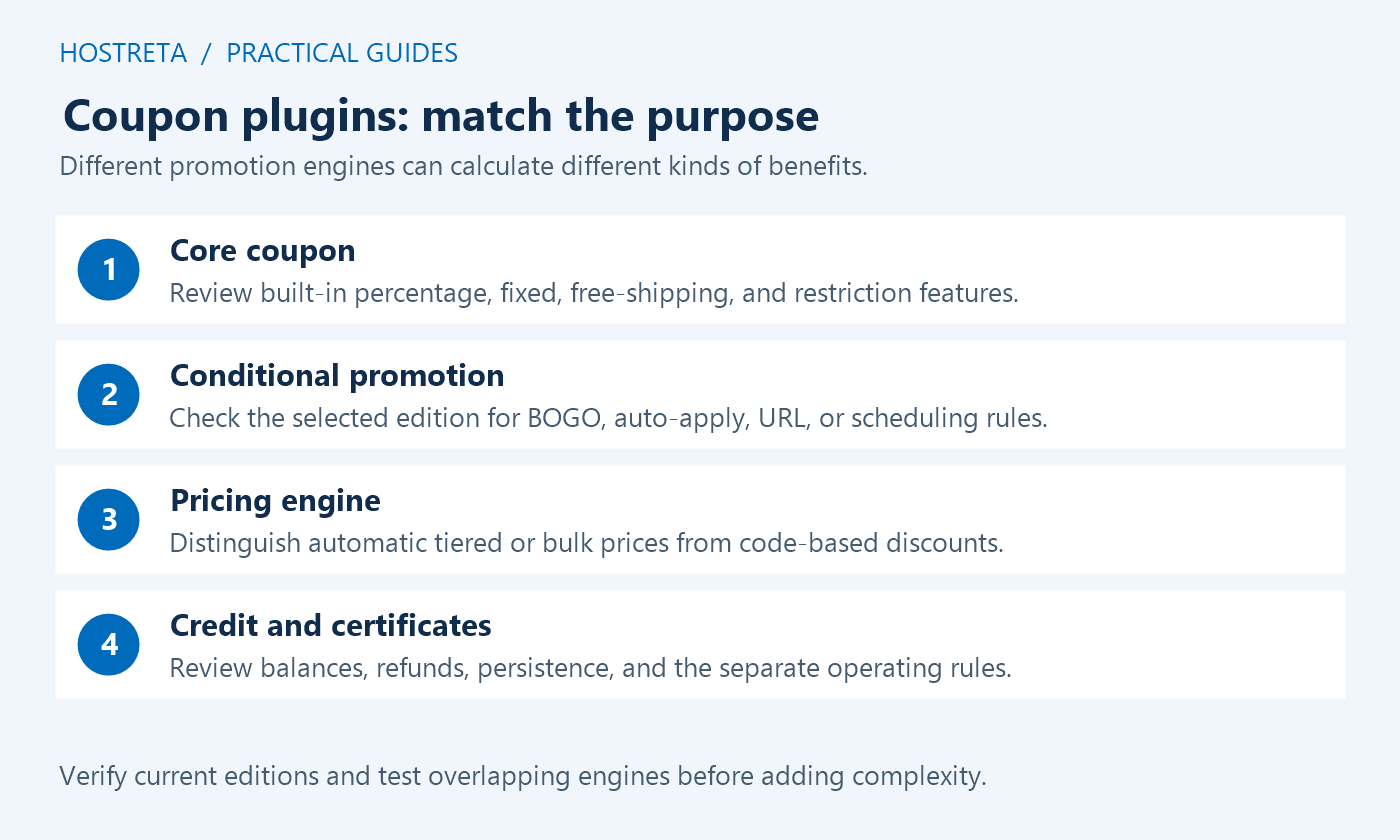
WooCommerce’s coupon management documentation describes built-in discount types, restrictions, and usage controls. Coupon plugins are useful when a required rule is missing, not simply because a promotion is important. A straightforward percentage offer may already fit the maintained core workflow.
List the exact gap before adding another engine. Distinguish automatic pricing rules from a code-based discount and store credit from a promotional percentage. Those models can calculate and account for value differently, so choose the one that matches the business requirement.
Check the current product matrix and the documentation for the required condition. Coupon plugins can divide features between free, premium, separate add-ons, or companion products. Do not assume every feature mentioned on the vendor’s homepage belongs to the free installation.
For example, Advanced Coupons publishes free and premium getting-started guidance. Match the specific BOGO behavior, cart condition, or automation to the chosen edition, then test it with representative products.
Record whether the offer is public, account-specific, email-restricted, first-order, or role-based. Coupon plugins use particular identity and order-history models to enforce those rules. A first-time customer condition may behave differently for a guest, a returning account, or a changed email address.
Use synthetic cases for eligible and ineligible customers. Keep personal details out of public coupon URLs and reports. A code sent privately can still be forwarded, so combine appropriate redemption rules with monitoring rather than treating secrecy as the only control.
Prepare expected examples for discounts, shipping, and the tax treatment supplied by the responsible business adviser. Coupon plugins can interact with sale prices, core coupons, bundles, subscriptions, or another pricing engine. Check the actual calculation rather than assuming every individual-use rule controls every external discount mechanism.
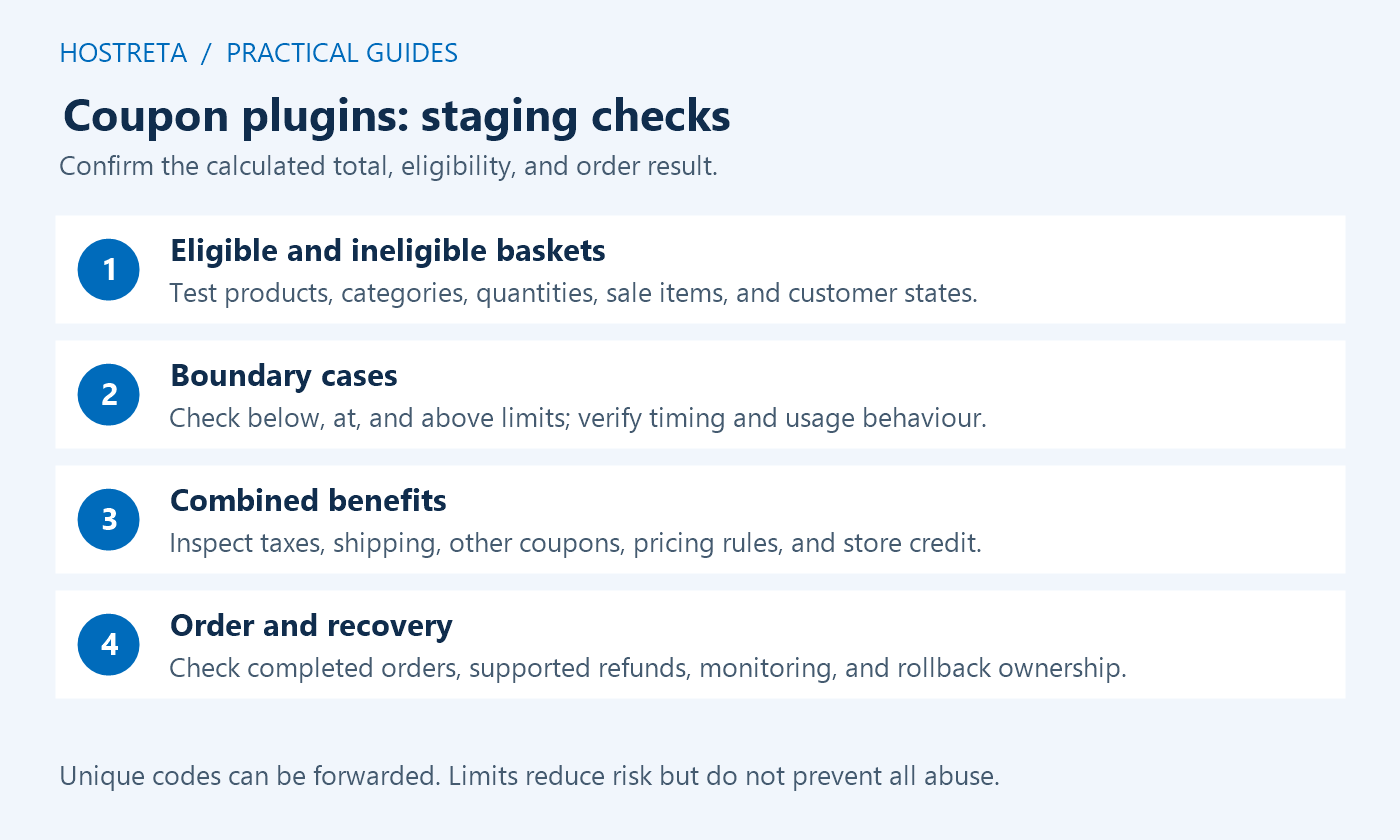
Test one offer alone, an intended combination, and a combination that should be rejected. Include relevant product exclusions and quantity limits. Record the order of operations where it matters and verify the cart, checkout, saved order, and customer-facing explanation.
Confirm the site time zone, start and end behavior, total redemptions, per-customer use, and any item-level limit. Coupon plugins should enforce the campaign as advertised. Test boundary values such as one below the qualifying quantity, exactly the threshold, and one above it.
Define what happens when a customer edits the cart after qualifying. An automatic gift or discount should be removed or recalculated according to the documented rule. Do not assume that a benefit remains correct simply because it appeared at the first qualifying state.
Gift cards and store credit need a separate lifecycle review from ordinary discount codes. Coupon plugins may track balances, recipients, redemption, and restoration after a refund. Confirm what the selected implementation does and who owns the associated business policy.
Test the supported synthetic purchase, partial redemption, and refund scenarios relevant to the store. Keep a recovery and reconciliation plan for interrupted operations. A discount that appears correctly in the cart does not establish that the balance and saved records remain correct afterward.
Record the offer, product and customer scope, selected tool, version, tests, schedule, and responsible person. Coupon plugins need operational ownership during the campaign. Staff should know how to pause a faulty offer and how to correct affected records without losing legitimate new orders.
After release, verify the intended public journey and relevant reporting. Watch unexpected redemption patterns and support questions. Keep the accepted configuration and a rollback reference rather than making broad emergency changes without a record.
| Approach | Potential fit | Important verification |
|---|---|---|
| WooCommerce core | Ordinary codes with supported restrictions | Eligibility, combinations, limits, and totals |
| Advanced Coupons | Selected BOGO and condition-based workflows | Exact edition, automatic behavior, and cart changes |
| Smart Coupons on WooCommerce.com | Store credit, gift certificates, and code management | Balance lifecycle and supported calculation model |
| A pricing-rule engine | Tiered or automatic price changes | Interaction with core coupons and other pricing tools |
| A focused extension | One missing condition or URL workflow | Current maintenance, scope, and compatibility |
Use the same acceptance cases when comparing coupon plugins. A product can be appropriate for one promotion without being the best choice for every store. Prefer a maintained workflow that meets the actual offer over several overlapping engines with uncertain interactions.
Write down the qualifying products, required quantity, discounted item, repetition rule, and limit. “Buy one, get one” can mean the same SKU, a selected category, the cheapest eligible item, or another defined set. Those are different rules even when the promotional headline is similar.
Coupon plugins should be tested with mixed carts, variations, sale items, and stock changes where relevant. Confirm whether a free item is automatically added or the shopper must choose it. Make the customer-facing explanation match the actual implementation.
Remove qualifying products and change quantities after the discount appears. Check that the benefit recalculates correctly and that an unavailable gift has a clear response. Keep the expected result for each example so the team can assess later updates consistently.
Verify when the rule is evaluated and whether the result persists across page changes or sessions. A URL coupon can be convenient, but a shared link is not proof that the person clicking it is the intended recipient. Coupon plugins need appropriate eligibility checks at redemption.
Keep private information out of campaign URLs. A code or query parameter can appear in browser history, logs, analytics, and forwarded messages. Use the supported token or code model and avoid embedding customer details merely to make reporting easier.
Test the complete link journey, including an empty cart, a qualifying cart, an ineligible item, and a later cart edit. Confirm that the full checkout reflects the same offer as the initial notice. A successful redirect alone does not establish a valid discount.
The Smart Coupons documentation describes its credit and gift-certificate workflows. Review the selected product carefully because similarly named plugins from different vendors are not interchangeable. Confirm the exact vendor and edition in the selection record.
Distinguish credit from an ordinary percentage or fixed discount. The supported calculation can involve a different basis, and the business needs clear redemption and refund rules. Coupon plugins should not be configured from a general assumption about tax or accounting treatment.
Test recipient mapping, partial use, remaining balances, expiry if applicable, and the relevant refund path. Use synthetic customers and protected records. Keep customer support instructions aligned with what the system actually stores and permits.
Use total and customer limits that match the campaign. Review how guest identity and order status affect counting in the chosen implementation. Coupon plugins cannot guarantee that a determined person never creates another identity or forwards a public offer.
Unique codes can make attribution and revocation more granular, but they still need eligibility and limit checks. Avoid treating them as authentication secrets unless the product explicitly uses that model and the business accepts the consequences of sharing.
Monitor unusual patterns and retain enough evidence to investigate without overcollecting personal information. Keep a clear support process for legitimate customers whose valid code fails. Stronger restrictions can reduce misuse while also creating friction, so test both sides of the rule.
Check the core individual-use and sale-item settings, then test every other active pricing component. Coupon plugins may operate alongside a sale price or an automatic rule that is not represented as another coupon. A restriction’s label does not prove it covers all discount sources.
For free shipping, confirm the required shipping-zone method and eligibility settings. A coupon flag alone may not create a valid delivery option for every address. Test supported and unsupported destinations with representative physical products.
Review thresholds before and after discounts according to the intended business rule and the implementation’s documented behavior. Keep expected examples approved by the responsible owner, and resolve mismatches before advertising the offer.
Apply the matrix to the coupon plugins under consideration, using the same synthetic data. Include a mobile journey and the active checkout implementation. A rule that works in one theme or checkout path needs verification before being assumed compatible with another.
Test representative carts and rule volume, not only a single empty cart. Complex conditions can add work to dynamic requests. Coupon plugins should preserve correct totals and acceptable response times under the actual expected campaign workload.
Keep overlapping rules to a manageable set and document their priority. Remove expired campaigns through a controlled process that respects reporting and credit obligations. Do not delete unfamiliar coupon records simply because their names look old.
Review after updates to WooCommerce, checkout, pricing tools, or the coupon extension. Keep the acceptance cases so a future maintainer can reproduce the intended offer. A campaign deserves a short operating note even when the configuration interface is easy to use.
Provide the implementer the plain-language offer, sample products, customer eligibility, expected totals, timing, limits, and refund behavior. Ask which component owns each calculation and how staff can pause the campaign safely. Coupon plugins should have a known recovery route.
If you need help implementing the workflow, KAWEDMA offers website development and hosting services. Request a staging demonstration with synthetic records and a handover that explains accepted cases, limitations, and ongoing ownership.
Check the current core coupon features first. If the required restrictions and limits are already supported, another extension may add unnecessary maintenance. Choose from the actual gap rather than the size of the promotion.
Test the entire pricing stack. The core rule concerns coupon combination behavior, while another engine may modify prices through a different mechanism. Verify sale prices, bundles, automatic rules, and credit according to the active components.
No. It can support granular limits and reporting, but a recipient can still share it. Apply the supported eligibility model and monitor redemption rather than assuming a unique string proves customer identity.
The intended coupon plugins implement approved eligibility, totals, timing, limits, cart changes, and saved-order behavior. Representative tests pass, unresolved cases have owners, and support staff understand how to pause or correct the campaign.
Before choosing coupon plugins, complete the broader WooCommerce settings review. Confirm that the selected shipping methods, inventory policy, payment test path, and notifications support the offer. A discount engine cannot repair an unavailable shipping zone or a gateway configured for the wrong environment.
Use the bulk editing guide when preparing product data, keeping stable identifiers and a before-state. Coupon plugins should be evaluated against correct source prices and categories; otherwise a technically correct rule can select the wrong products.
For a busy campaign, include relevant cart calculations in an authorized store load-test rehearsal. Keep external services isolated and confirm totals as well as timing. These checks connect coupon plugins to the maintained customer journey, making the final release easier for the store owner and support team to review.
We may earn a commission on purchases made through these links, at no extra cost to you.
Don’t miss the chance to participate in the biggest giveaway of this year.



